manuals.online logo
Brands
  1. Home
  2. •
  3. Brands
  4. •
  5. Hacker
  6. •
  7. Protection Device
  8. •
  9. Hacker DPSI OCP User manual

Hacker DPSI OCP User manual

Popular Protection Device manuals by other brands

Merlin Gerin Sepam series 20 Quick start quide

Merlin Gerin

Merlin Gerin Sepam series 20 Quick start quide

OUTSTEEL VENITIAN installation instructions

OUTSTEEL

OUTSTEEL VENITIAN installation instructions

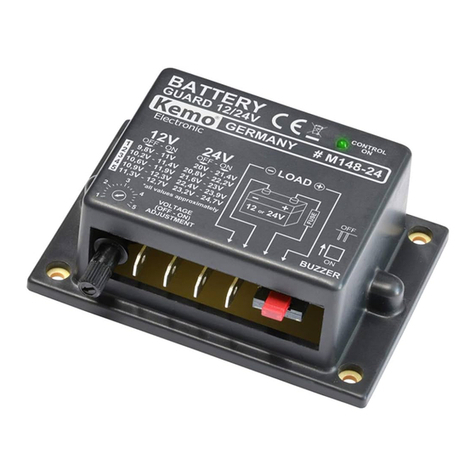
Kemo Electronic M148-24 instructions

Kemo Electronic

Kemo Electronic M148-24 instructions

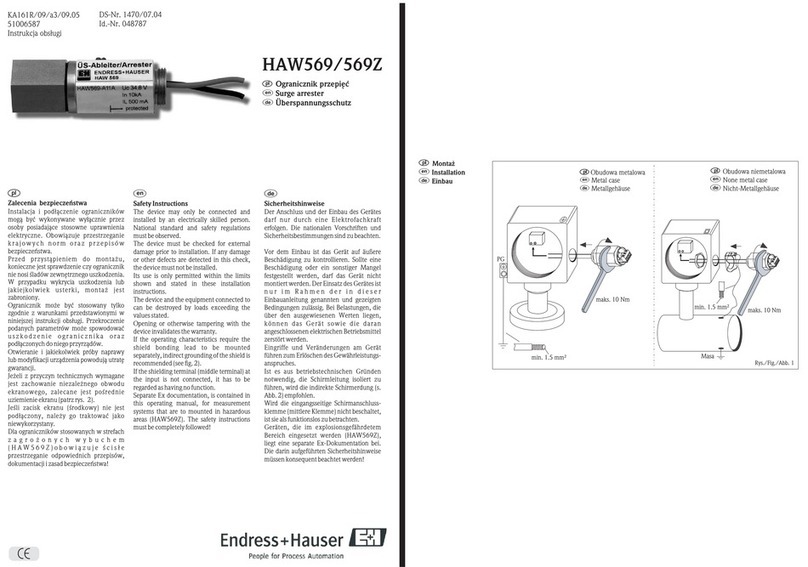
Endress+Hauser HAW569 quick start guide

Endress+Hauser

Endress+Hauser HAW569 quick start guide

SK ClickClick user manual

SK

SK ClickClick user manual

Ultrasonic SonicPRO installation manual

Ultrasonic

Ultrasonic SonicPRO installation manual

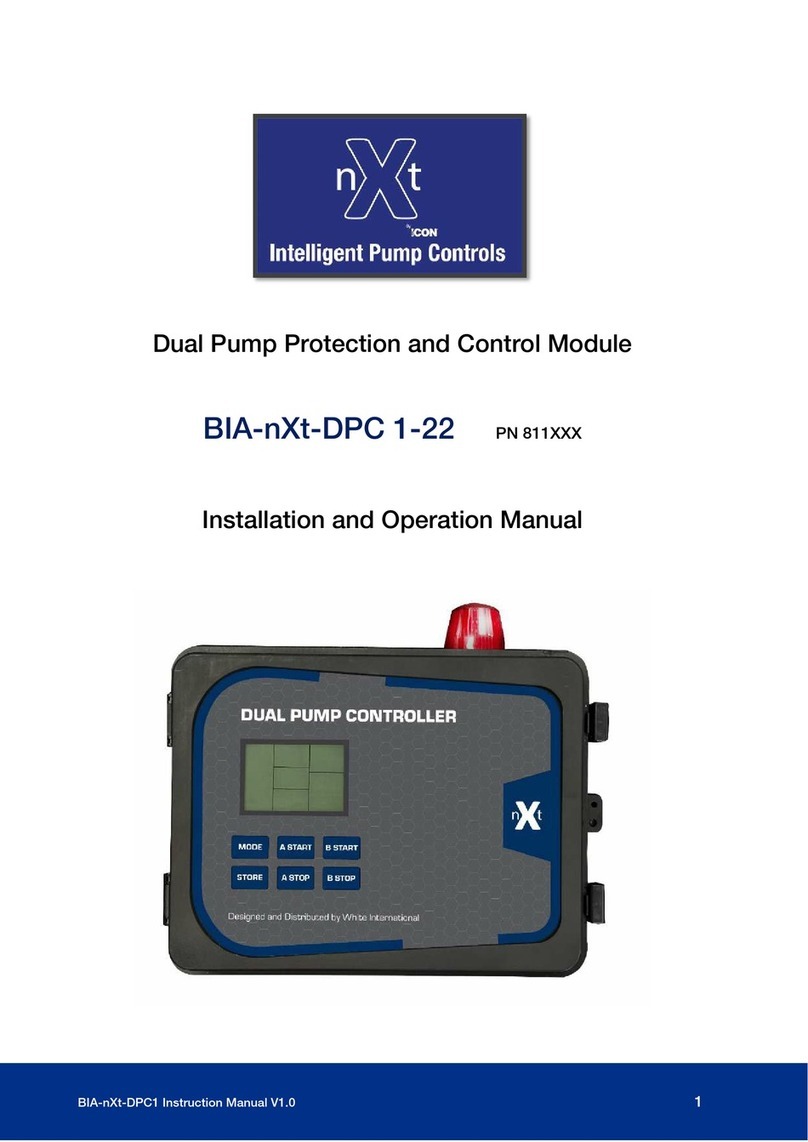
nxt BIA-nXt-DPC 1-22 Installation and operation manual

nxt

nxt BIA-nXt-DPC 1-22 Installation and operation manual

TFortis SG-Switch operating manual

TFortis

TFortis SG-Switch operating manual

BERNINI DESIGN Be172 instruction manual

BERNINI DESIGN

BERNINI DESIGN Be172 instruction manual

Rayleigh Instruments RI-ENERGYSET-3P-ESS-50-100 manual

Rayleigh Instruments

Rayleigh Instruments RI-ENERGYSET-3P-ESS-50-100 manual

E.K.T. ke-DP01 quick start guide

E.K.T.

E.K.T. ke-DP01 quick start guide

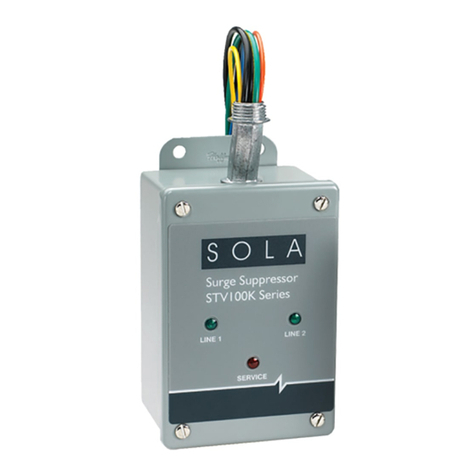
Sola HD STV100K Series instruction manual

Sola HD

Sola HD STV100K Series instruction manual

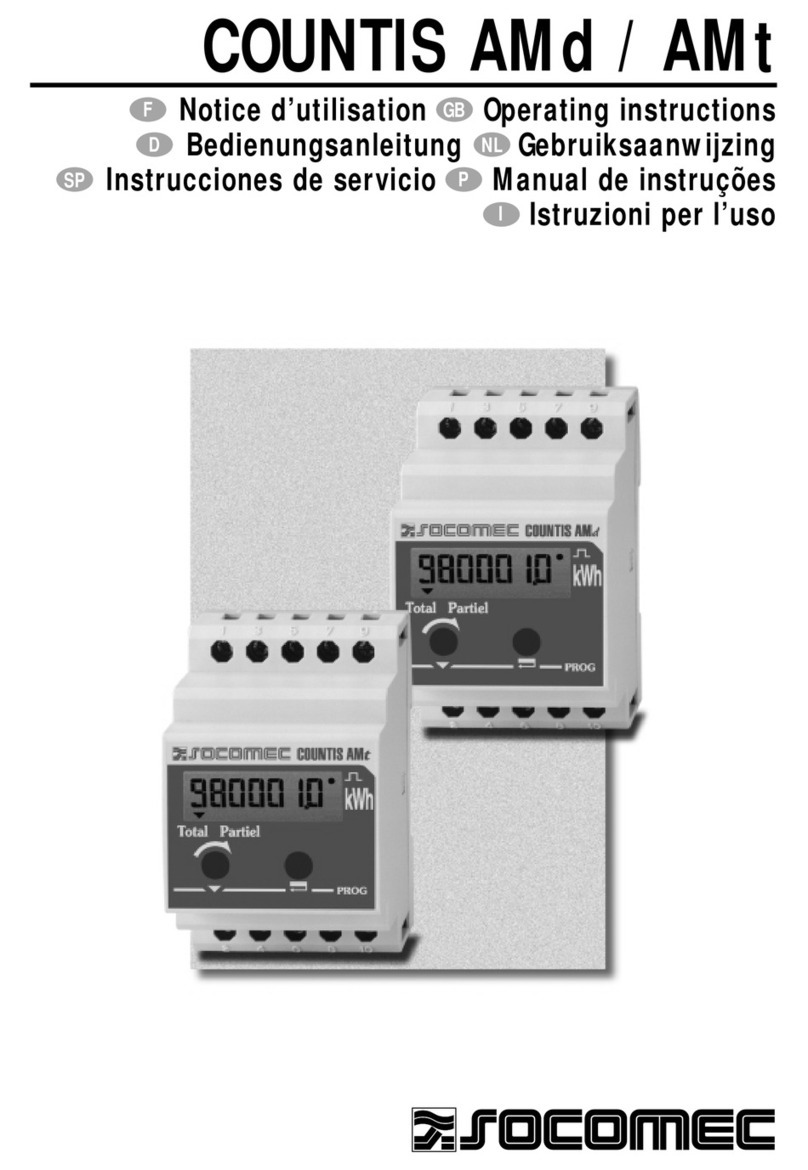
socomec COUNTIS AMd operating instructions

socomec

socomec COUNTIS AMd operating instructions

Siemens SIPROTEC 7SD80 manual

Siemens

Siemens SIPROTEC 7SD80 manual

cias MICRO-RAY installation manual

cias

cias MICRO-RAY installation manual

Sungrow PVS-16MH user manual

Sungrow

Sungrow PVS-16MH user manual

Reer 32010 instruction manual

Reer

Reer 32010 instruction manual

STI STI-7560AC Mounting instructions

STI

STI STI-7560AC Mounting instructions

manuals.online logo
manuals.online logoBrands
  • About & Mission
  • Contact us
  • Privacy Policy
  • Terms and Conditions

Copyright 2025 Manuals.Online. All Rights Reserved.

Anschluss, Bedienelemente, Anzeigen
Connections, controls, indications
1Servoanschluss
Servo connection
2Blaue I/A LED
Blue I/A LED
3Rote INFO LED
Red INFO LED
4
Programmiertaster
PGR/SET
Programming button
PGR/SET
5Empfängeranschluss
Receiver connection
Bedeutung der blauen I/A LED
Die blaue I/A LED dient im Normalmodus zur Anzeige
des Maximalstroms des angeschlossenen Servos.
Ein langes Blinken (1 Sekunde) steht hierbei für den
Strom in Ampere, ein kurzes Blinken steht für die
Nachkommastellen (Beispiel unten: 1,3 Ampere).
Meaning of the blue I/A LED
In normal mode the blue I/A LED is used to indicate
the maximum current of the connected servo. Here a
long ashing (1 second) means the current in Ampere,
a short ashing (0.1 seconds) indicates the decimal
place value (example below: 1.3 Ampere).
Überlastschutz DPSI OCP
Overload protection DPSI OCP
Kurzanleitung Quick reference guide
Ausführliche Anleitung
Die ausführliche Anleitung zum Produkt nden Sie auf
http://wiki.hacker-motor.com.
Detailed manual
Find detailed product manual on
http://wiki-en.hacker-motor.com. Art.Nr. 19871028
Hacker Motor GmbH
Schinderstrassl 32
D-84030 Ergolding
Vorbereitung
Das DPSI OCP muss am Empfänger oder der Akku-
weiche angeschlossen, das Servo angesteckt sein.
Programmierung
1. Einschalten der Empfangsanlage.
2. Durch Drücken von PRG/SET für ca. 5 Sekunden
DPSI OCP in den Programmiermodus bringen,
rote INFO LED blitzt in kurzen Abständen,
Strommessung beginnt.
3. Alle Ruder mehrmals schnell bewegen.
4. Strommessung unter Realbedingungen, am
besten einen kompletten Flug mit dem Modell
durchführen.
5. Durch Drücken von PRG/SET für ca. 5 Sekunden
den Programmiermodus beenden.
Programmierung der Reaktivierung
Nach dem Beenden des Programmiermodus inner-
halb der ca. 10-sekündigen Ein-Phase der roten INFO
LED PRG/SET erneut einmal kurz drücken. Das DPSI
OCP schaltet das angeschlossene Servo nach einem
Abschalten durch Überstrom dann nach 5 Sekunden
wieder ein.
Beschreibung der Blink-Codes
Die ausführliche Beschreibung der Blink-Codes und
deren Bedeutung nden Sie auf
http://wiki.hacker-motor.com.
Preparation
The DPSI OCP must be connected to the receiver or
battery backer, the servo must be plugged in.
Programming
1. Switching on the receiver system.
2. Set DPSI OCP into programming mode by pushing
PRG/SET for approx. 5 seconds, red INFO LED
ashes in short periods, current measurment
starts.
3. Fast moving of all rudders repeatedly.
4. Current measurement under real conditions.
Performing a complete ight with the model.
5. Terminate programming mode by pushing PRG/
SET for approx. 5 seconds.
Programming of reactivation
After terminating programming mode push
PRG/SET again shortly within the 10 second ON state
of the red INFO LED. Then the DPSI OCP switches
on the connected servo after 5 seconds again if it was
switched o󰀨 due to over current.
Description of the ashing codes
Find detailed description of the ashing codes and
their meaning on http://wiki-en.hacker-motor.com.