6
POWER YOUR LIFE |
HALO SMART CHARGE TECHNOLOGY
Our SMART CHARGE TECHNOLOGY achieves higher compatibility for
charging standard USB electronic devices. When using the USB-C port,
this technology allows the POWERSTATION 100 to communicate with
your electronic device to provide the fastest and safest charge possible.
CHARGING YOUR LAPTOP
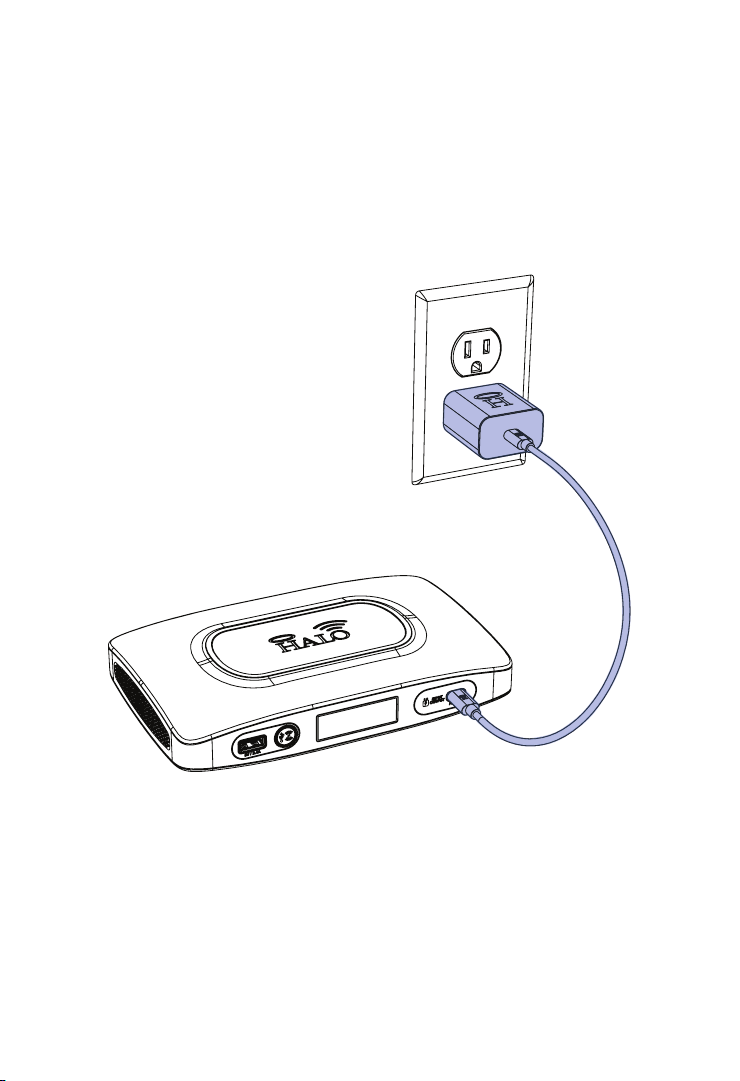
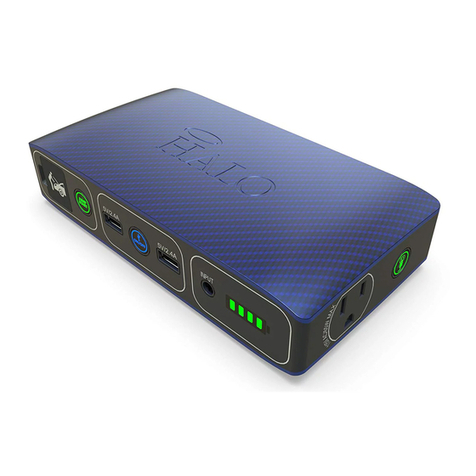
1. Connect the AC power plug from your laptop (or other electronic device*)
into the AC port, as shown below.
*Any electronic device can be powered by the AC port, as long as
it is rated at 100 watts or less. Be sure to check that your device is
rated at 100 Watts or less.
NOTE: Make sure the AC power plug is fully plugged into the AC
port before pressing the AC Power ON/OFF Button.
2. Press the AC Power Button to begin charging.