*#1 :.-Owner’s Manual
7
PLAYING THE XLK-3
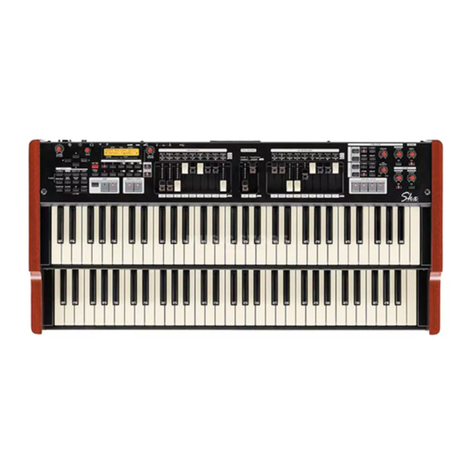
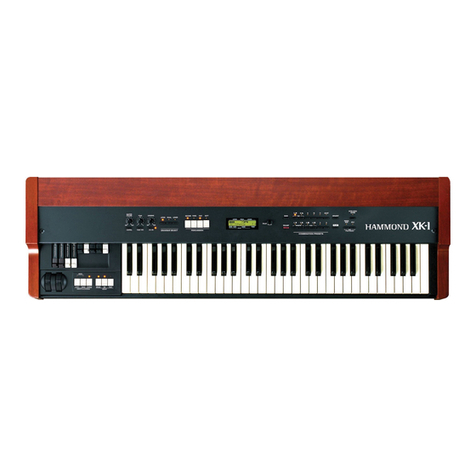
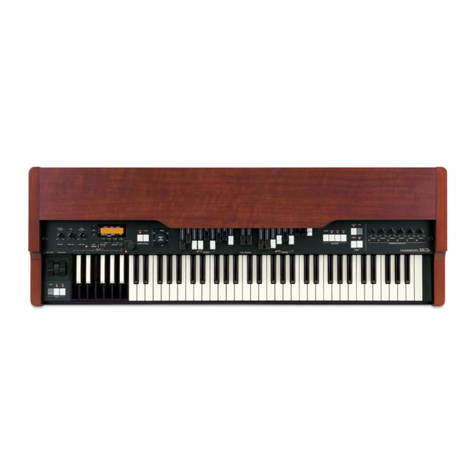
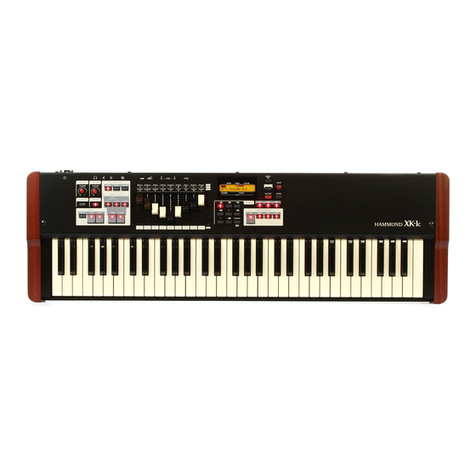
When you hook up the XLK-3 to the XK-3/3C
and set up as shown on Page 6, the manual on the
XK-3/3C operates as the UPPER part, and that of
the XLK-3 as the LOWER Part.
RECALL THE LOWER PRESET
To recall the LOWER/PEDAL Presets only from the XLK-3 and not from
the XK-3/3C, turn off the “PRESET - LINK L/P” function in the PRESET
FUNCTION screen.
For details, please read the “PRESET” section of “Setting the Parameters”
in the XK-3/3C Owner's Guide.
RECORD THE LOWER PRESET
You can memorize the setting for only the LOWER and the PEDAL Parts
for the XK-3/3C in the same BANK.
Ex: Record to the Preset Key [G]
Touch and hold the [REC/JUMP] button of the XK-3/3C, and then touch
the Preset Key [G] of the XLK-3.
The following message is displayed in the XK-3/3C for a certain length of
time:
Recording Preset...
When the recording is completed, the LED on the Preset Key [G] quickly
blinks for a while and then slows down (XK-3), on green (XK-3C). Now
the recorded Preset Key is automatically selected. And the screen returns to
the previous display.
Note: Preset Key [B] can not memorize in this way.
The XK-3/3C can recall the Combination Preset for
the LOWER Part (including the PEDAL), indepen-
dently of the UPPER Part in the same BANK.
The XK-3/3C recalls all Parts (UPPER, LOWER and PEDAL) combined,
when you touch the Preset Keys, as the factory default.
The Preset Keys on the XLK-3 are used to recall the LOWER (and the
PEDAL) Preset independently.
For example, when you touch the Preset Key [E] of XLK-3 during the
Combination Preset of the XK-3/3C is in “F-D”, it recalls the LOWER and
the PEDAL Parts “F-E”, while the UPPER remains in “F-D”.
In such a case, the Preset LED's on the XK-3/3C light on, indicating the
UPPER Parts, while those for indicating the LOWER and the PEDAL Parts
blink slowly (XK-3), on green (XK-3C).
UPPER:UPPER:
UPPER:UPPER:
UPPER:
LightLight
LightLight
Light
LL
LL
LOWER:OWER:
OWER:OWER:
OWER:
Blink SlowlyBlink Slowly
Blink SlowlyBlink Slowly
Blink Slowly
TT
TT
Touch and Holdouch and Hold
ouch and Holdouch and Hold
ouch and Hold
TT
TT
Touchouch
ouchouch
ouch
TT
TT
Touchouch
ouchouch
ouch
LL
LL
LOWER:OWER:
OWER:OWER:
OWER:
BlinkBlink
BlinkBlink
Blink FF
FF
Fastast
astast
ast
then Slowlythen Slowly
then Slowlythen Slowly
then Slowly