8
Cellphone Etiquette Mind your manners! ........................................................................... 1
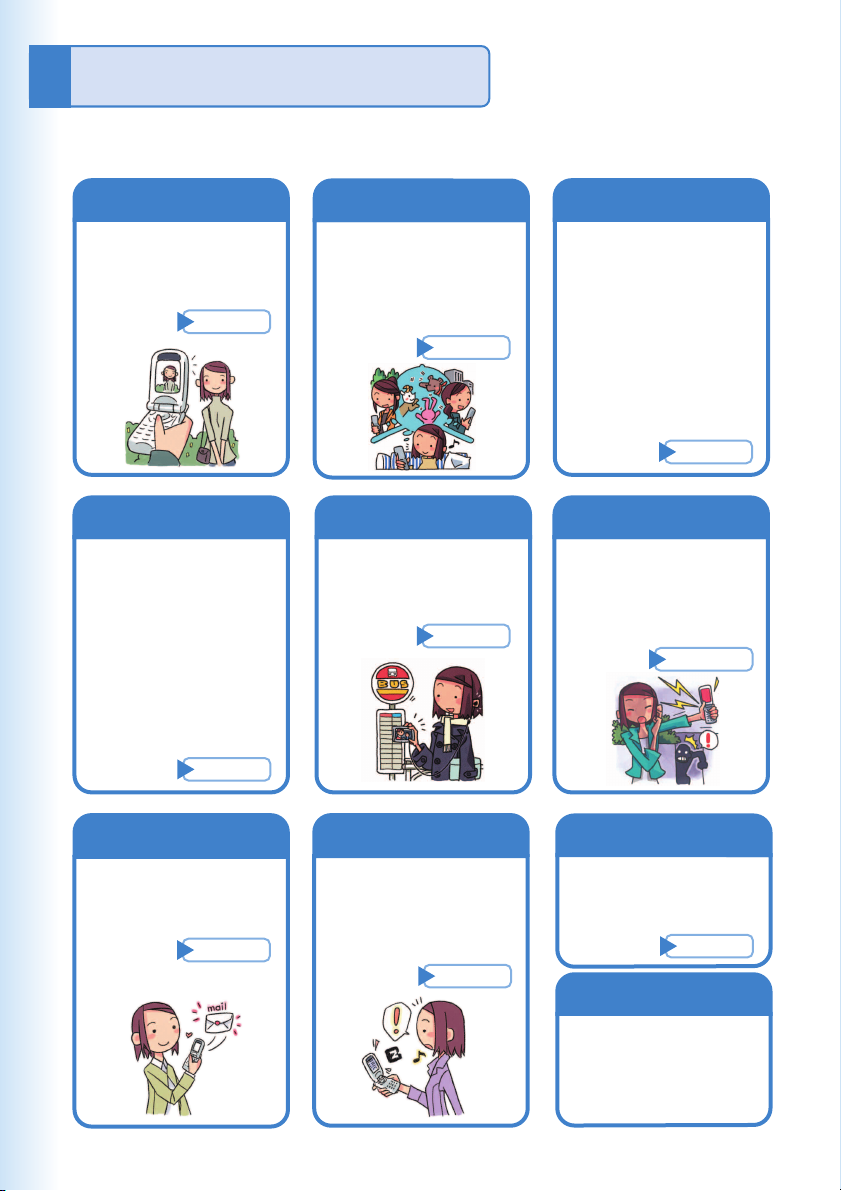
Cellphone Basics Features ............................................................................................ 2
Manner Mode and Easy Voice Memo ................................................ 3
Checking Power, Signal Strength, and Battery Level ........................ 3
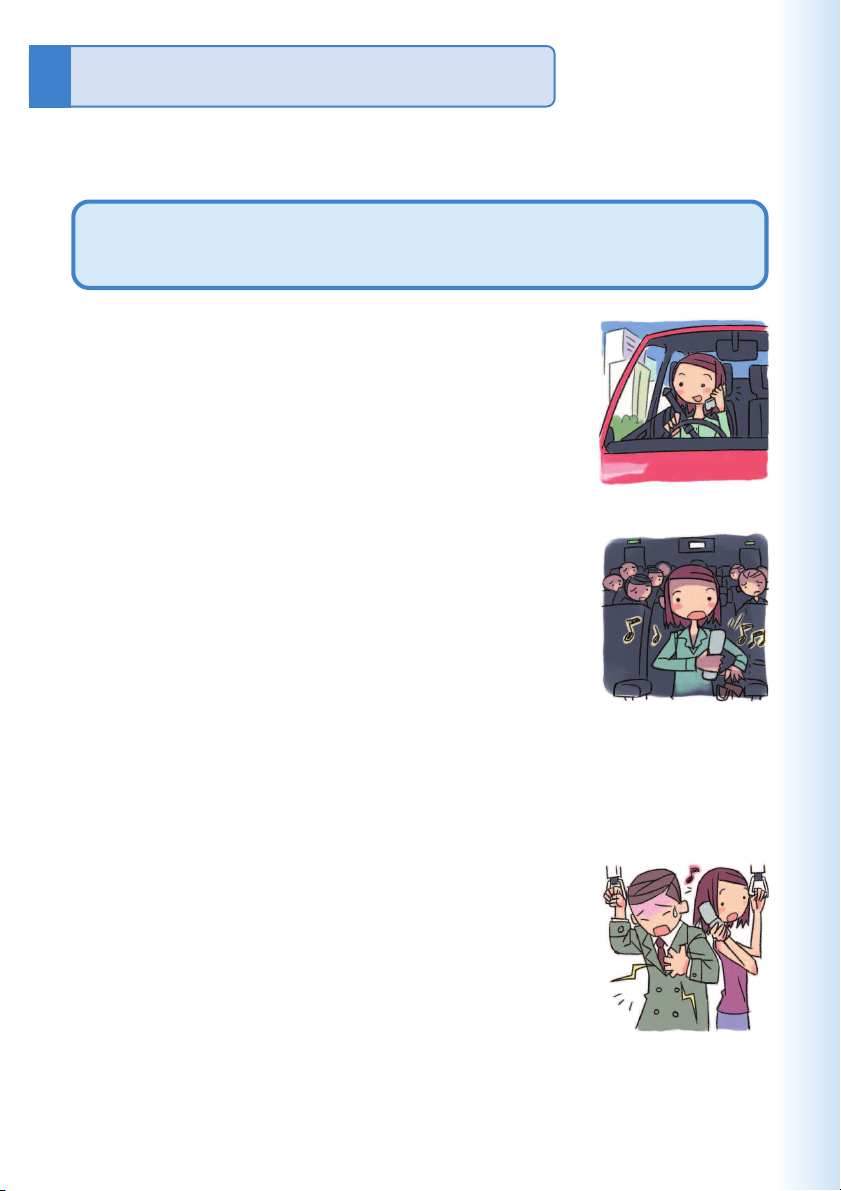
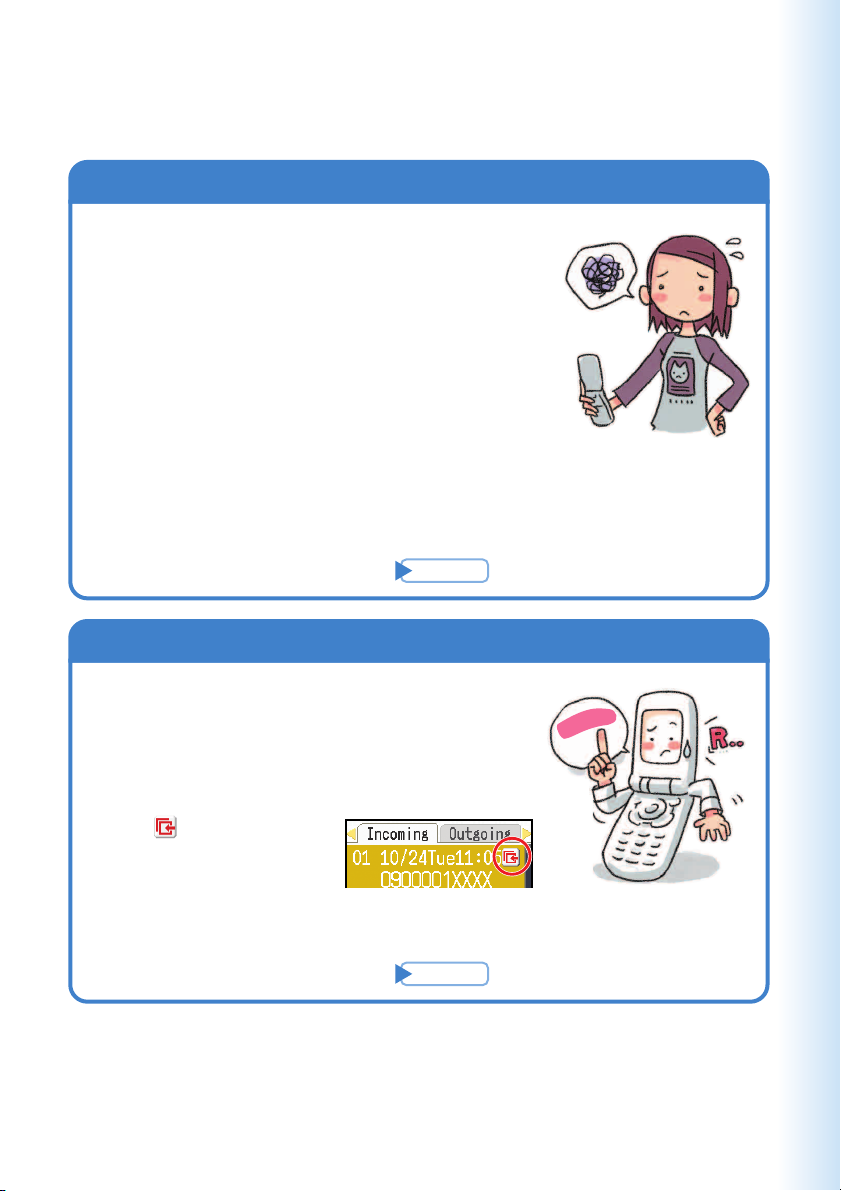
Never use your cellphone while driving! ............................................ 4
Beware of spam and one-ring calls! .................................................. 5
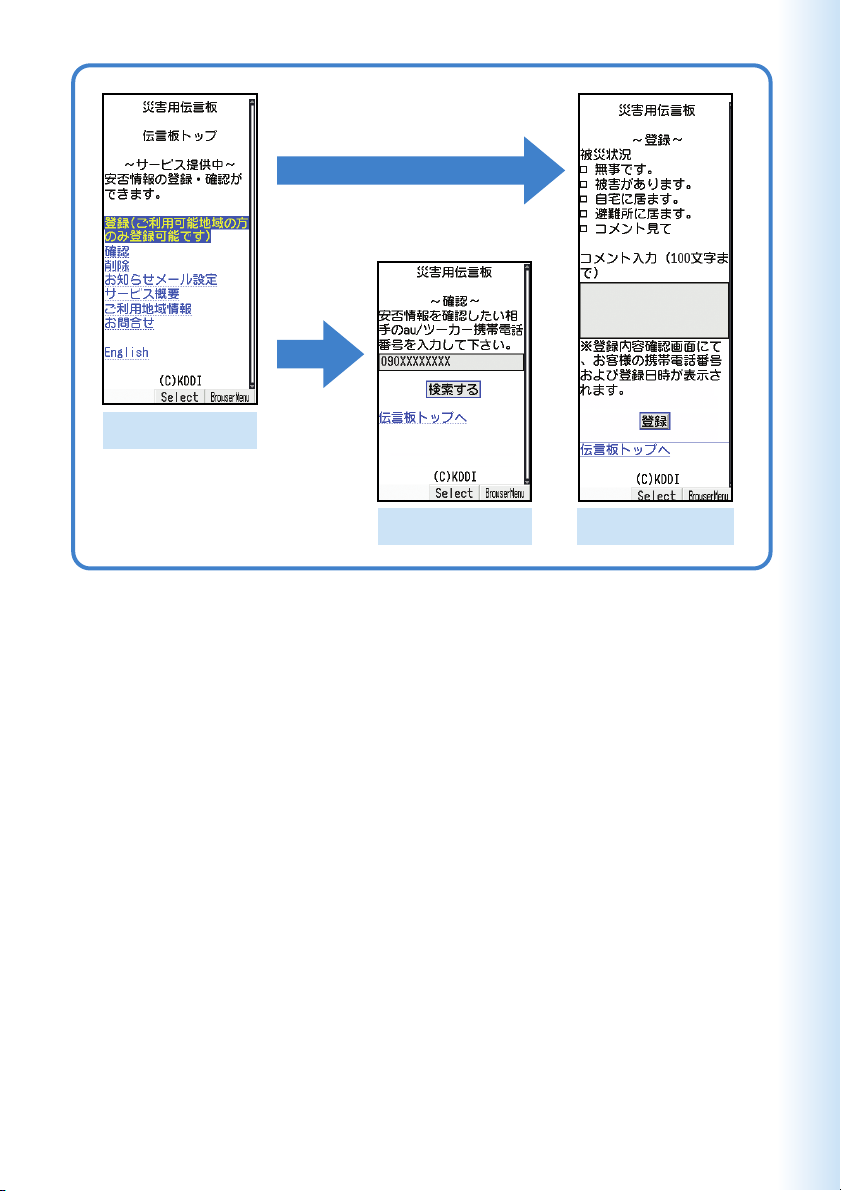
Disaster Message Board Service ...................................................... 6
Contents .................................................................................................................................................. 8
Ready Checking the Contents of the Package ........................................... 10
Names of Parts ................................................................................ 11
Charging the Battery Pack .............................................................. 12
Tu r ning On Power ............................................................................ 14
Initial Values .................................................................................... 14
Personal Security Code and Passwords ......................................... 15
Selecting English as the Display Language .................................... 16
Operation Basics ............................................................................. 18
Display Indicators ............................................................................ 19
Main Menu ....................................................................................... 20
Viewfinder Position and Self-portrait Position .................................. 22
Basic Operations in Viewfinder Position .......................................... 23
Initializing E-mail and EZweb .......................................................... 24
Looking Up Your Current Phone Number and E-mail Address ........ 25
Changing Your E-mail Address ........................................................ 26
Phone Call Making a Call ................................................................................... 28
Answering a Call ............................................................................. 28
Redialing(Outgoing Records/Incoming Records) ............................ 29
One-ring Calls ................................................................................. 29
Changing the Ring Tone .................................................................. 30
Adjusting the Ring Tone Volume ...................................................... 32
Adjusting the Earpiece Volume during a Call .................................. 33
Tu r ning On Manner Mode ................................................................ 33
Tu r ning On Easy Voice Memo ......................................................... 34
Playing an Easy Voice Memo .......................................................... 35
Inputting Characters ................................................................................................................... 36
Inputting an E-mail Address ............................................................ 37
Inputting Pictographs and Useful Sentences .................................. 38
Address Book Registering an Address Book .......................................................... 40
Editing an Address Book Record .................................................... 42
Adding Outgoing or Incoming Record Data to the Address Book ... 43
Dialing from the Address Book ........................................................ 44
Pair Function Registering a Pair Partner ............................................................... 45
Making a Phone Call, Sending Mail, Invite a Pair Partner
to a Hello Messenger Meeting ......................................................... 46
Mail Using E-mail .................................................................................... 47
Using C-mail .................................................................................... 48
Creating and Sending E-mail Messages ......................................... 49
Reading Received E-mail Messages ............................................... 51
Reading an E-mail Message with an Attached Photo or Movie ...... 52
Replying to a Received E-mail Message ......................................... 53
Avoiding Spam ................................................................................ 54
Creating and Sending C-mail Messages ......................................... 55
Reading Received C-mail Messages .............................................. 56
Contents