User Guide |FIM-S222
2
Table of Contents
1Document Reference .................................................................................... 3
1.1 Important Safety Instructions ............................................................................4
1.2 Safety symbols ................................................................................................5
2Introduction ................................................................................................. 6
3Installing the FIM-S222 ............................................................................... 7
3.1 Unpacking .......................................................................................................7
3.2 FIM-S222 System Configuration .........................................................................7
3.3 Selecting and Installing the Fiber-Optic Cable ......................................................7
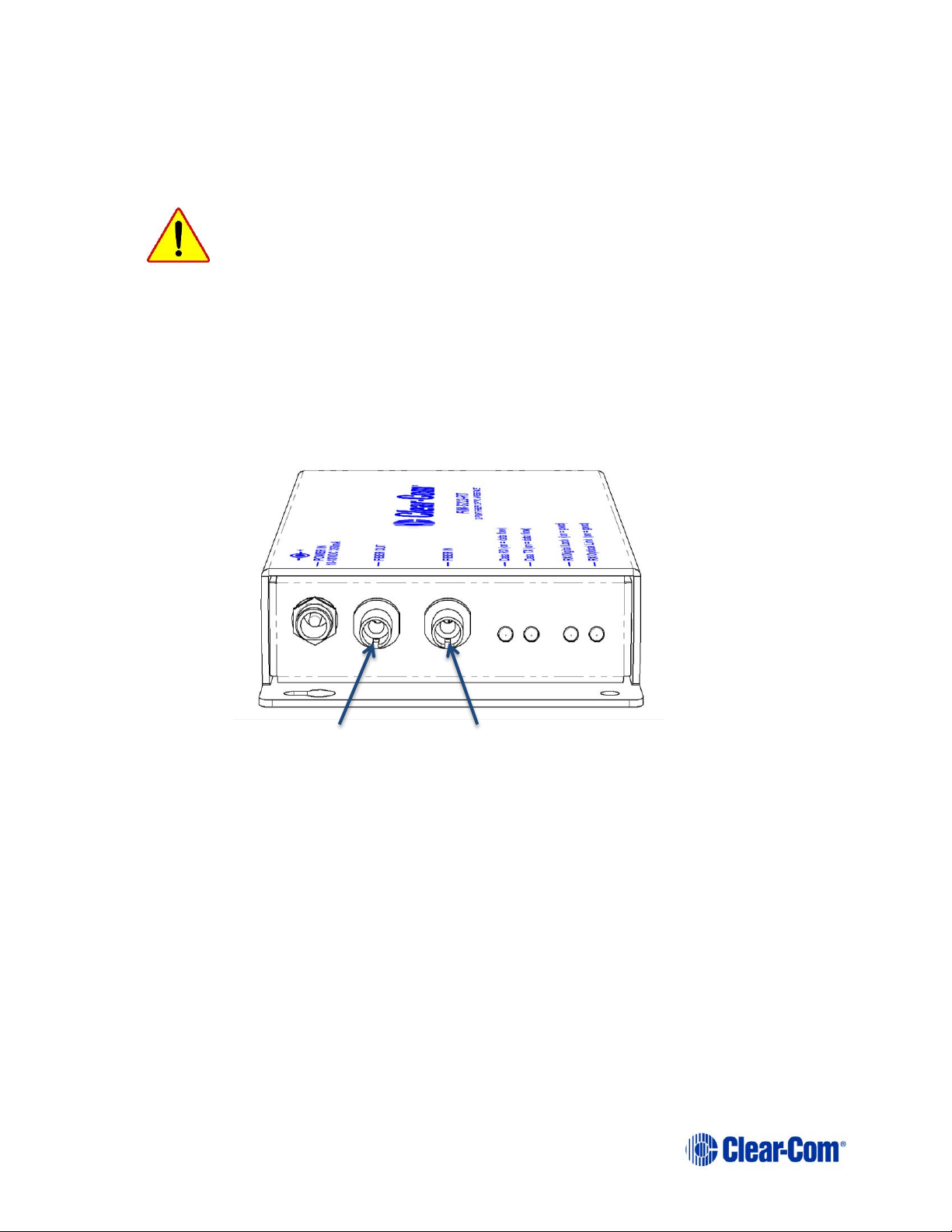
3.4 Connecting Fiber-Optic Cable to the FIM-S222 .....................................................8
3.5 Connecting Audio/Data Cables to the FIM-S222 ...................................................9
3.6 Powering the FIM-S222................................................................................... 10
3.7 Compatibility with FIM-102D interfaces ............................................................. 11
4Using the FIM-S222.................................................................................... 12
4.1 FIM-S222 Left Side Panel Connectors and Indicators .......................................... 12
4.2 FIM-S222 Right Side Panel Connectors.............................................................. 13
4.3 Applications...................................................................................................13
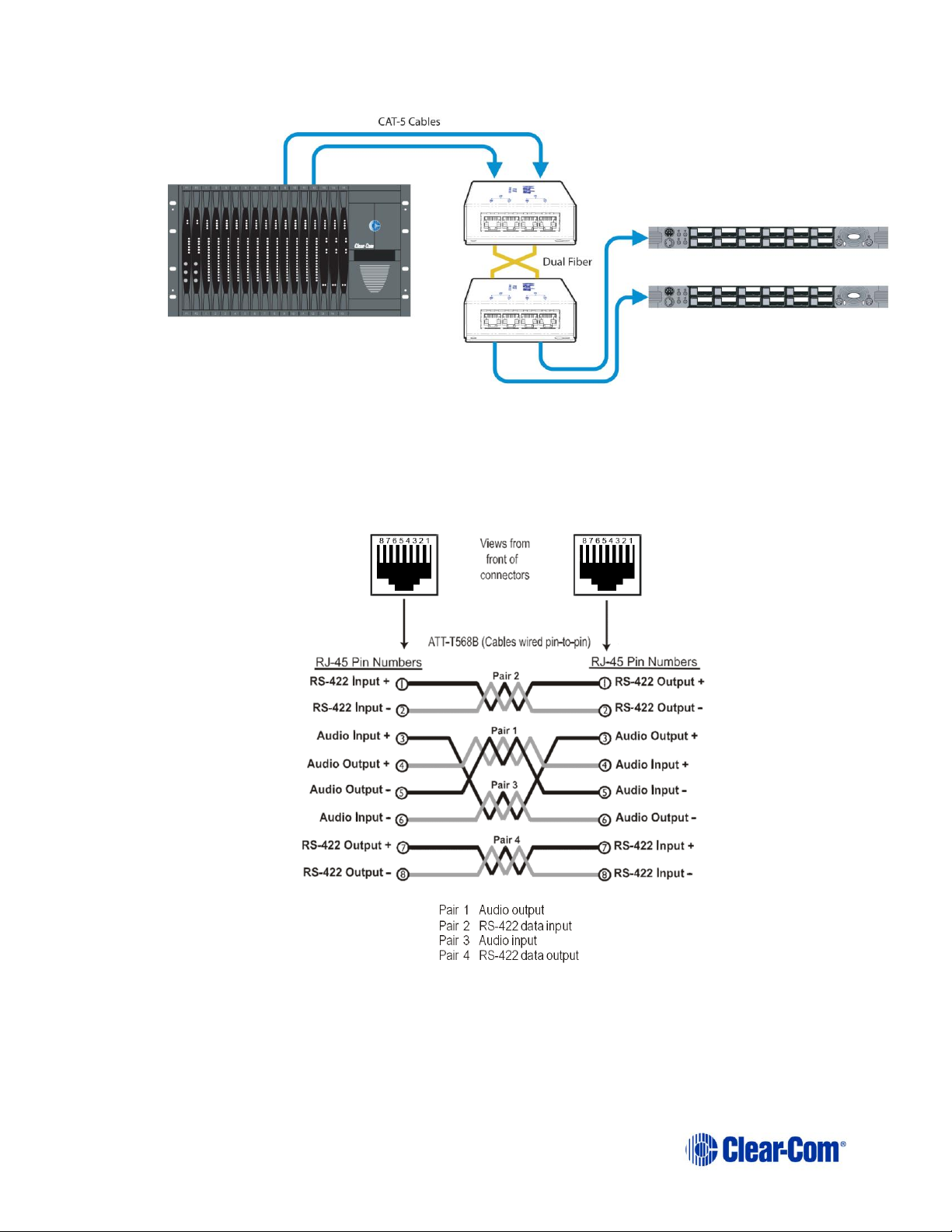
4.3.1 Connecting Intercom Panels to the Central Matrix ......................................13
4.3.2 Connecting Interface Modules to the Central Matrix....................................15
4.3.3 Using the FIM-S222 with the EF-701M as a Stand-Alone Party Line Extender.16
5Maintaining the FIM-S222 .......................................................................... 17
5.1 Troubleshooting Tips ...................................................................................... 17
5.2 Preventive Maintenance .................................................................................. 17
6FIM-1222 for Grass Valley Densité Frames ................................................ 18
6.1 Application Examples ...................................................................................... 18
6.2 Rear panels and connectors ............................................................................. 19
6.2.1 Connector Pinouts.................................................................................. 20
6.3 Local User Interface........................................................................................ 20
6.3.1 Front Card-edge Interface.......................................................................20
6.3.2 Local Control Panel Operation.................................................................. 21
6.3.3 Menu for local status monitoring .............................................................. 22
7Specifications ............................................................................................. 24
8Compliance................................................................................................. 26