manuals.online logo
Brands
  1. Home
  2. •
  3. Brands
  4. •
  5. HobbyZone
  6. •
  7. Toy
  8. •
  9. HobbyZone Apprentice S 2 1.2m Installation and operating instructions

HobbyZone Apprentice S 2 1.2m Installation and operating instructions

This manual suits for next models

2

Other HobbyZone Toy manuals

HobbyZone Sportsman S Plus User manual

HobbyZone

HobbyZone Sportsman S Plus User manual

HobbyZone Super Cub Z1 User manual

HobbyZone

HobbyZone Super Cub Z1 User manual

HobbyZone Firebird Outlaw User manual

HobbyZone

HobbyZone Firebird Outlaw User manual

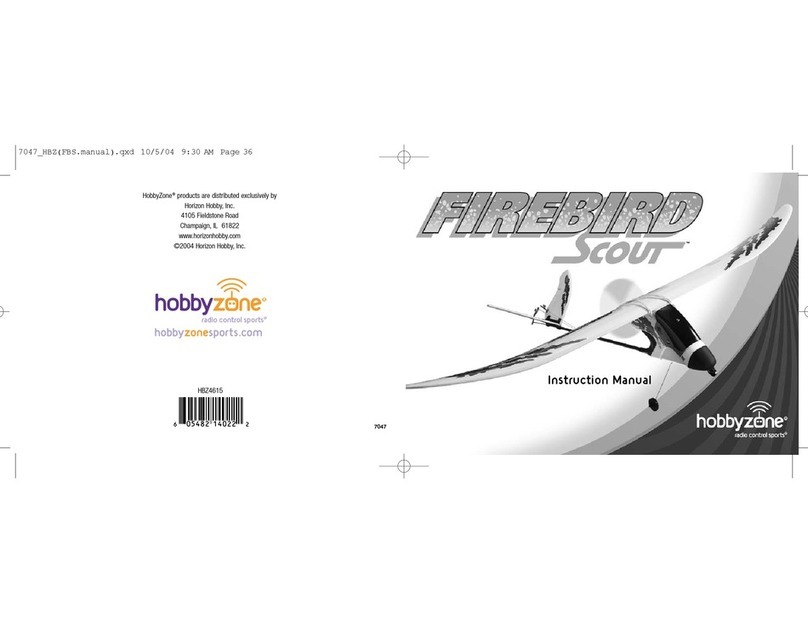
HobbyZone Firebird Scout User manual

HobbyZone

HobbyZone Firebird Scout User manual

HobbyZone FireBird User manual

HobbyZone

HobbyZone FireBird User manual

HobbyZone AeroScout S RTF User manual

HobbyZone

HobbyZone AeroScout S RTF User manual

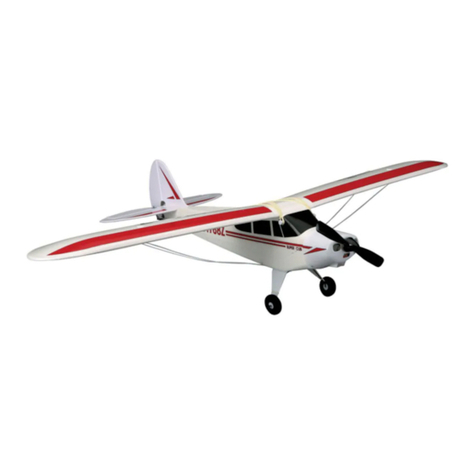
HobbyZone Super Cub S User manual

HobbyZone

HobbyZone Super Cub S User manual

HobbyZone Aerobird Xtreme User manual

HobbyZone

HobbyZone Aerobird Xtreme User manual

HobbyZone UM T-28 Trojan S User manual

HobbyZone

HobbyZone UM T-28 Trojan S User manual

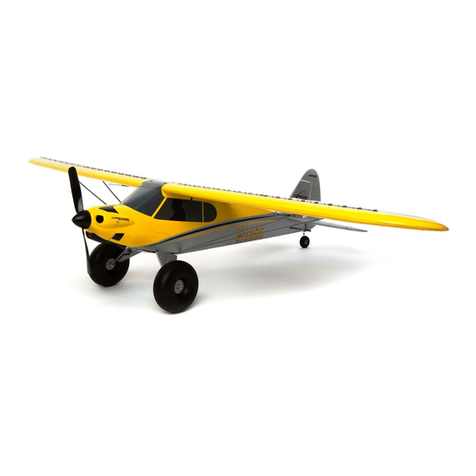
HobbyZone Carbon Cub S+ User manual

HobbyZone

HobbyZone Carbon Cub S+ User manual

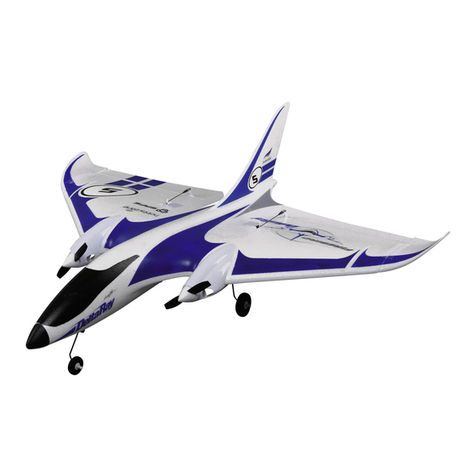
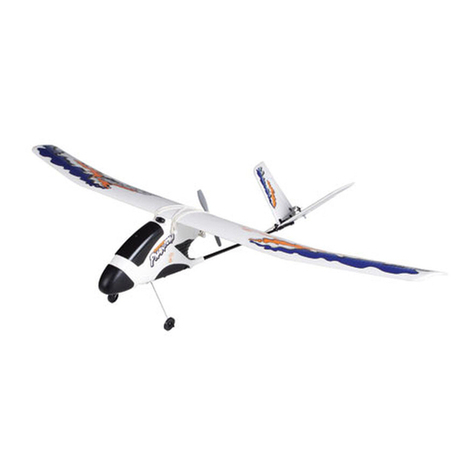
HobbyZone Firebird DeltaRay User manual

HobbyZone

HobbyZone Firebird DeltaRay User manual

HobbyZone HobbyZone User manual

HobbyZone

HobbyZone HobbyZone User manual

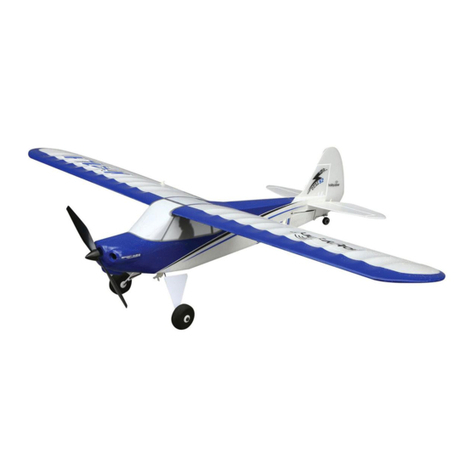
HobbyZone Sport Cub S User manual

HobbyZone

HobbyZone Sport Cub S User manual

HobbyZone Carbon Cub S+ 1.3M User manual

HobbyZone

HobbyZone Carbon Cub S+ 1.3M User manual

HobbyZone F4U Corsair S User manual

HobbyZone

HobbyZone F4U Corsair S User manual

HobbyZone Mini Apprentice S User manual

HobbyZone

HobbyZone Mini Apprentice S User manual

HobbyZone ZIG ZAG RACER 2 User manual

HobbyZone

HobbyZone ZIG ZAG RACER 2 User manual

HobbyZone Champ User manual

HobbyZone

HobbyZone Champ User manual

HobbyZone Firebird II User manual

HobbyZone

HobbyZone Firebird II User manual

HobbyZone FireBird Freedom User manual

HobbyZone

HobbyZone FireBird Freedom User manual

HobbyZone Firebird Commander 2 User manual

HobbyZone

HobbyZone Firebird Commander 2 User manual

HobbyZone Aerobird Challenger User manual

HobbyZone

HobbyZone Aerobird Challenger User manual

HobbyZone AeroScout S User manual

HobbyZone

HobbyZone AeroScout S User manual

HobbyZone AEROBIRD CHALLENGER HBZ3515 User manual

HobbyZone

HobbyZone AEROBIRD CHALLENGER HBZ3515 User manual

Popular Toy manuals by other brands

FUTABA GY470 instruction manual

FUTABA

FUTABA GY470 instruction manual

LEGO 41116 manual

LEGO

LEGO 41116 manual

Fisher-Price ColorMe Flowerz Bouquet Maker P9692 instruction sheet

Fisher-Price

Fisher-Price ColorMe Flowerz Bouquet Maker P9692 instruction sheet

Little Tikes LITTLE HANDIWORKER 0920 Assembly instructions

Little Tikes

Little Tikes LITTLE HANDIWORKER 0920 Assembly instructions

Eduard EF-2000 Two-seater exterior Assembly instructions

Eduard

Eduard EF-2000 Two-seater exterior Assembly instructions

USA Trains EXTENDED VISION CABOOSE instructions

USA Trains

USA Trains EXTENDED VISION CABOOSE instructions

Modellbau Laffont Z1601 Assembly instructions

Modellbau Laffont

Modellbau Laffont Z1601 Assembly instructions

NOCH 12905 instruction manual

NOCH

NOCH 12905 instruction manual

Eduard Ki-61-Id quick start guide

Eduard

Eduard Ki-61-Id quick start guide

Viessmann Vollmer 45616 Mounting instruction

Viessmann

Viessmann Vollmer 45616 Mounting instruction

Vollmer 42004 Mounting instruction

Vollmer

Vollmer 42004 Mounting instruction

Phoenix Model CLASSIC-EP instruction manual

Phoenix Model

Phoenix Model CLASSIC-EP instruction manual

H-KING Sopwith Camel British WW1 Fighter instruction manual

H-KING

H-KING Sopwith Camel British WW1 Fighter instruction manual

MODSTER Predator 4x4 Crawler user manual

MODSTER

MODSTER Predator 4x4 Crawler user manual

DHK Hobby 8136 User instruction manual

DHK Hobby

DHK Hobby 8136 User instruction manual

THUNDER TIGER Raptor 50 V2 kit manual

THUNDER TIGER

THUNDER TIGER Raptor 50 V2 kit manual

Timberkits Skateboarder instructions

Timberkits

Timberkits Skateboarder instructions

Hangar 9 Funtana 125 Assembly manual

Hangar 9

Hangar 9 Funtana 125 Assembly manual

manuals.online logo
manuals.online logoBrands
  • About & Mission
  • Contact us
  • Privacy Policy
  • Terms and Conditions

Copyright 2025 Manuals.Online. All Rights Reserved.

Binden
Für den ordnungsgemäßen Betrieb müssen Sie den von Ihnen gewählten Sender an
den Empfänger „binden“. Das Binden ist der Vorgang, bei dem der Empfänger den
speziellen Code des Senders lernt, sodass er sich nur mit diesem speziellen Sender
verbindet.
Der mitgelieferte RTF-Sender wird werkseitig an das Fluggerät gebunden. Wenn er
aus irgendeinem Grund neu gebunden werden muss, folgen Sie der abgebildeten
Bindungsprozedur.
Anhand der Verlängerung am Bindungsanschluss des Empfängers kann eine
Bindung über die Akkuklappe im Boden des Fluggeräts hergestellt werden, ohne
die Flügelbaugruppe abbauen zu müssen. Setzen Sie den Bindungsanschluss
einfach am offenen Ende der Verlängerung mit der Markierung „BIND“ ein, um den
Bindungsmodus zu starten.
1. Einen Bindungsstecker an der Verlängerung des Bindungsanschlusses des
anbringen.
2. Den Flug-Akku am Geschwindigkeitsregler anschließen. Die orangefarbene
empfänger LED kontinuierlich blinkt und anzeigt, dass sich der Empfänger im
Bindungsmodus befindet.
3. Schalten Sie den Sender ein und drücken Sie dabei den Bindungsschalter
oder -taster des Senders. Siehe Handbuch des Senders für spezifische
Bindungsanweisungen.
4. Wenn sich der Empfänger an den Sender bindet, leuchtet das orangefarbene
Licht auf dem Empfänger durchgehend.
5. Den Bindungsstecker vom der Verlängerung des Bindungsanschluss entfernen.
Binding
The receiver must be bound to your transmitter before it will operate. Binding is the
process of teaching the receiver the specific code of the transmitter so it will only
connect to that specific transmitter.
The included RTF transmitter is bound to the aircraft at the factory. If you need to
re-bind for any reason, follow the binding procedure as shown.
An extension is installed in the flight controller bind port so binding may be done
through the battery door in the bottom of the aircraft without having to remove the
wing assembly. Simply insert the bind plug in the open end of the extension marked
“BIND” to enter bind mode.
1. Install a bind plug in the bind port extension.
2. Connect the flight battery to the ESC. The orange receiver LED starts to flash
continuously, indicating the receiver is in bind mode.
3. Power on the transmitter while holding the transmitter bind button or switch.
Refer to your transmitter’s manual for specific binding instructions.
4. The bind process is complete when the orange LED on the receiver is solid.
5. Remove the bind plug from the bind port extension.
Apprentice S 2 1.2m Manual Addendum (HBZ31000, HBZ31500)
EN Correct Binding Procedure
DE Korrektes Bindungsverfahren
Binding (Connessione)
Il ricevitore deve essere associato alla trasmittente per consentirne il funzionamento
accoppiato. Il binding è il processo usato per configurare il ricevitore con il codice
individuale della trasmittente, in modo che il ricevitore possa collegarsi solo a quella
specifica trasmittente.
La trasmittente RTF inclusa viene fornita già connessa all’aereo. Qualora fosse
necessario effettuare nuovamente la connessione, seguire la procedura qui indicata.
La porta della ricevente è dotata di un’estensione che consente di effettuare la
connessione attraverso la porta della batteria sul fondo dell’aeromodello senza dover
rimuovere il gruppo ali. Inserire semplicemente il connettore di binding nell’estremità
aperta dell’estensione contrassegnata con la scritta “BIND” per attivare la modalità

di connessione.
1. Inserire un connettore di binding nell’estensione della porta di connessione.

2. Collegare la batteria di volo all’ESC (controllo elettronico della velocità). Il LED della
ricevente inizierà a lampeggiare velocemente.
3. Accendere la trasmittente tenendo premuto il pulsante o l’interruttore di
connessione della stessa. Consultare il manuale della trasmittente per
informazioni specifiche sulla procedura di connessione. 4. Quando ricevente e trasmittente sono connesse, la spia arancia sulla ricevente
diventerà fissa.
5. Rimuovere a connettore di binding dalla estensione della porta di connessione.
Affectation
Le récepteur doit être affecté à l’émetteur pour fonctionner. L’affectation est le
processus qui consiste à apprendre au récepteur le code spécifique de l’émetteur
afin qu’il se connecte uniquement à cet émetteur particulier.
L’émetteur prêt-à-voler inclus est affecté à l’appareil dans l’usine. Si vous devez
le réaffecter pour une quelconque raison, suivez la procédure d’affectation comme
indiqué.
Une rallonge est installée dans le port d’affectation du récepteur pour que
l’affectation soit faite à travers le couvercle de batterie au fond de l’appareil sans
avoir à enlever l’ensemble de l’aile. Insérez simplement la prise d’affectation dans
l’extrémité ouverte de la rallonge marquée « affectation » pour entrer en mode
d’affectation.
1. Installez une prise d’affectation dans la rallonge du port d’affectation.
2. Raccordez la batterie de vol au variateur ESC. La DEL du récepteur commencera
à clignoter rapidement.
3. Allumez l’émetteur en appuyant sur le bouton d’affectation ou le commutateur
de l’émetteur. Veuillez consulter le manuel de l’émetteur pour des instructions
d’affectation spécifiques. 4. Le processus d’affectation est terminé dès que la DEL orange du récepteur reste
allumée en continu.
5. Enlevez la prise d’affectation la rallonge du port d’affectation.
© 2021 Horizon Hobby, LLC
HobbyZone, the HobbyZone logo, Apprentice, SAFE, and the Horizon Hobby logo are trademarks or registered
trademarks of Horizon Hobby, LLC.www.horizonhobby.com
Created 03/21 HBZ31000, HBZ31500 214651
FR Procédure d’affectation correcte
IT Procedura di connessione corretta