ESP FIREbeam – Installation Manual Page 3 of 19
2011 Hochiki Europe (UK) Ltd 2-3-0-1340/ISS2/DEC11
Table of Contents
1Distance and Position Guidelines.....................................................................................................................4
1.1Distance......................................................................................................................................................4
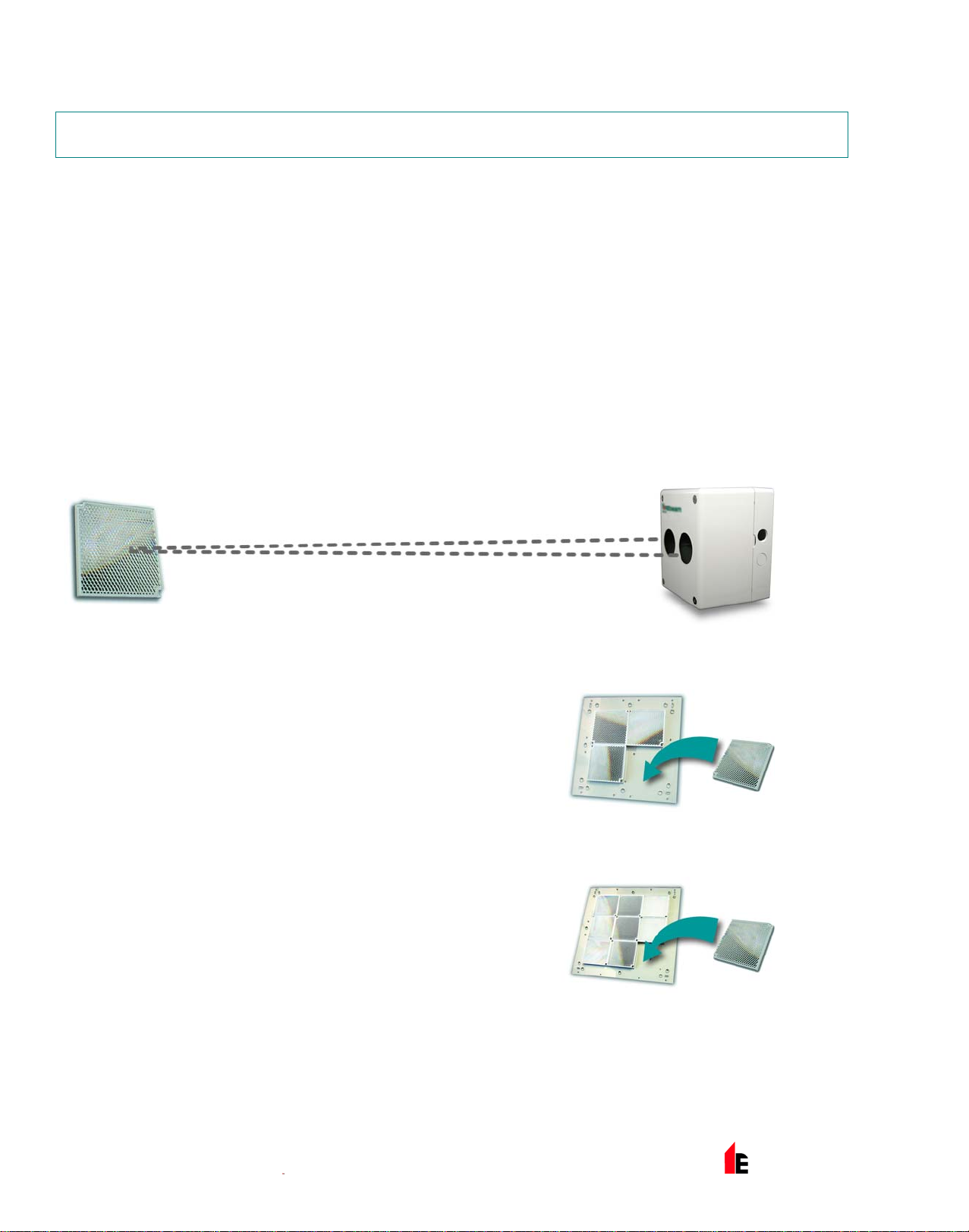
1.1.15 to 40 metres - The Standard ESP FIREbeam.....................................................................................4
1.1.240 to 80 metres - The Standard ESP FIREbeam + Mid Range 40 to 80m Kit.......................................4
1.1.380 to 100 metres - The Standard ESP FIREbeam + Long Range 80 to 100m Kit.................................4
1.2Position .......................................................................................................................................................5
2Installing, Commissioning and Testing............................................................................................................6
2.1Step 1 - Mounting the Head........................................................................................................................6
2.2Step 2 – Programming the Analogue Address ...........................................................................................6
2.3Step 3 - Mounting the Controller.................................................................................................................7
2.4Wiring Configuration ...................................................................................................................................7
2.5Step 4 - Commissioning..............................................................................................................................8
2.5.1Stage One - Language and Commissioning Speed...............................................................................8
2.5.2Stage Two - Pre-alignment.....................................................................................................................8
2.5.3Stage Three – Manual Alignment...........................................................................................................9
2.5.4Stage Four - Auto-Alignment................................................................................................................11
2.6Step 5 - Testing.........................................................................................................................................11
2.6.1Fault Test..............................................................................................................................................11
2.6.2Fire Test................................................................................................................................................11
3Screen and Menu Systems...............................................................................................................................12
3.1Home Screen............................................................................................................................................12
3.2How To Use the Menu System.................................................................................................................13
3.3Individual Menu Items...............................................................................................................................14
3.3.1Language..............................................................................................................................................14
3.3.2Commissioning.....................................................................................................................................14
3.3.3Mode Change.......................................................................................................................................15
3.3.4Beam Maintenance...............................................................................................................................17
3.3.5Diagnostics...........................................................................................................................................18
4Technical Specifications..................................................................................................................................19
www.acornfiresecurity.com
www.acornfiresecurity.com