manuals.online logo
Brands
  1. Home
  2. •
  3. Brands
  4. •
  5. HoMedics
  6. •
  7. Blood Pressure Monitor
  8. •
  9. HoMedics BPA-2000-EU User manual

HoMedics BPA-2000-EU User manual

Other manuals for BPA-2000-EU

2

Other HoMedics Blood Pressure Monitor manuals

HoMedics BPW-060-CA User manual

HoMedics

HoMedics BPW-060-CA User manual

HoMedics BPA-300 User manual

HoMedics

HoMedics BPA-300 User manual

HoMedics Walgreens WGNBPA-755BT User manual

HoMedics

HoMedics Walgreens WGNBPA-755BT User manual

HoMedics BPW-040 User manual

HoMedics

HoMedics BPW-040 User manual

HoMedics BPA-110 User manual

HoMedics

HoMedics BPA-110 User manual

HoMedics BPW-040 User manual

HoMedics

HoMedics BPW-040 User manual

HoMedics BPA-260 User manual

HoMedics

HoMedics BPA-260 User manual

HoMedics BPW-410WGN User manual

HoMedics

HoMedics BPW-410WGN User manual

HoMedics BPA-3000-EU User manual

HoMedics

HoMedics BPA-3000-EU User manual

HoMedics BPA-945 User manual

HoMedics

HoMedics BPA-945 User manual

HoMedics THERA-P BPA-200 User manual

HoMedics

HoMedics THERA-P BPA-200 User manual

HoMedics BPA-110 User manual

HoMedics

HoMedics BPA-110 User manual

HoMedics BPA-100 User manual

HoMedics

HoMedics BPA-100 User manual

HoMedics BPA-945 User manual

HoMedics

HoMedics BPA-945 User manual

HoMedics THERA P BPS-050 User manual

HoMedics

HoMedics THERA P BPS-050 User manual

HoMedics BPW-201 Ver. B User manual

HoMedics

HoMedics BPW-201 Ver. B User manual

HoMedics THERA-P BPW-200 User manual

HoMedics

HoMedics THERA-P BPW-200 User manual

HoMedics BPM-010 User manual

HoMedics

HoMedics BPM-010 User manual

HoMedics BPW-1000-EU User manual

HoMedics

HoMedics BPW-1000-EU User manual

HoMedics BPW-360BT User manual

HoMedics

HoMedics BPW-360BT User manual

HoMedics BPA-260-CBL User manual

HoMedics

HoMedics BPA-260-CBL User manual

HoMedics HL858DM User manual

HoMedics

HoMedics HL858DM User manual

HoMedics MiBody 360 User manual

HoMedics

HoMedics MiBody 360 User manual

HoMedics THERA P BPW-051DDM User manual

HoMedics

HoMedics THERA P BPW-051DDM User manual

Popular Blood Pressure Monitor manuals by other brands

Panasonic EW3036 null

Panasonic

Panasonic EW3036 null

Microlife BP 3AS1-2 null

Microlife

Microlife BP 3AS1-2 null

Little Doctor LD7 instruction manual

Little Doctor

Little Doctor LD7 instruction manual

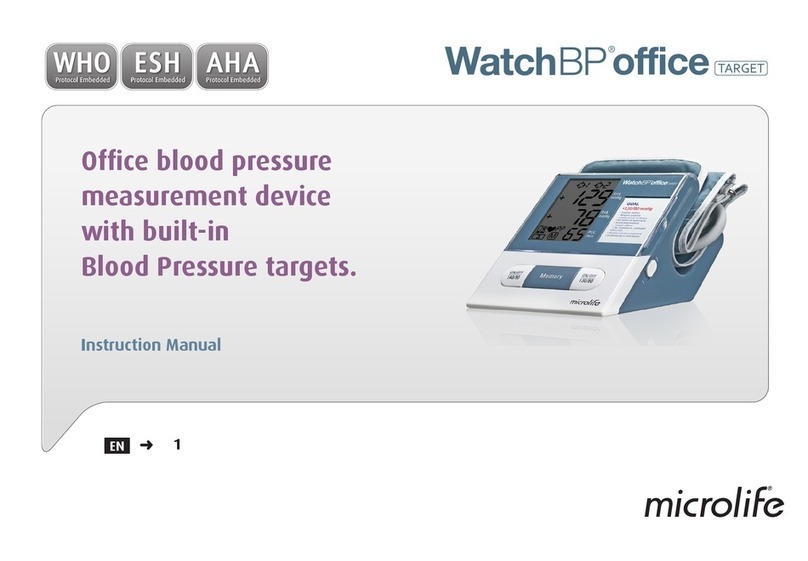
Microlife WatchBP Office Targe instruction manual

Microlife

Microlife WatchBP Office Targe instruction manual

Omron M6W Information sheet

Omron

Omron M6W Information sheet

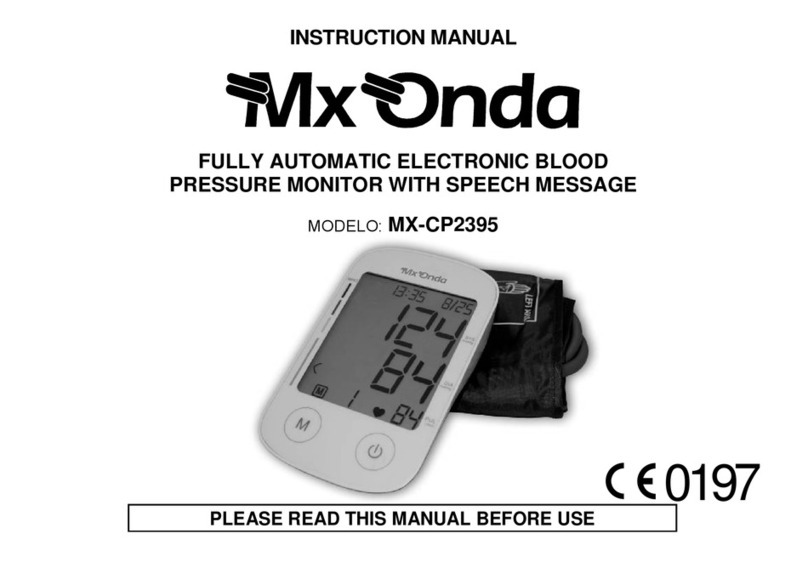
Mx Onda MX-CP2395 instruction manual

Mx Onda

Mx Onda MX-CP2395 instruction manual

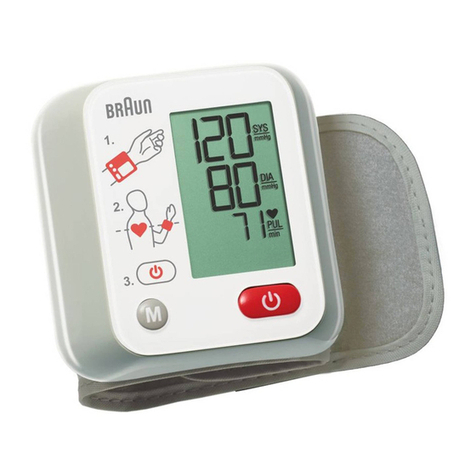
Braun VitalScan 1 manual

Braun

Braun VitalScan 1 manual

Little Doctor LD-91 instruction manual

Little Doctor

Little Doctor LD-91 instruction manual

Sanitas SBM 09 Instructions for use

Sanitas

Sanitas SBM 09 Instructions for use

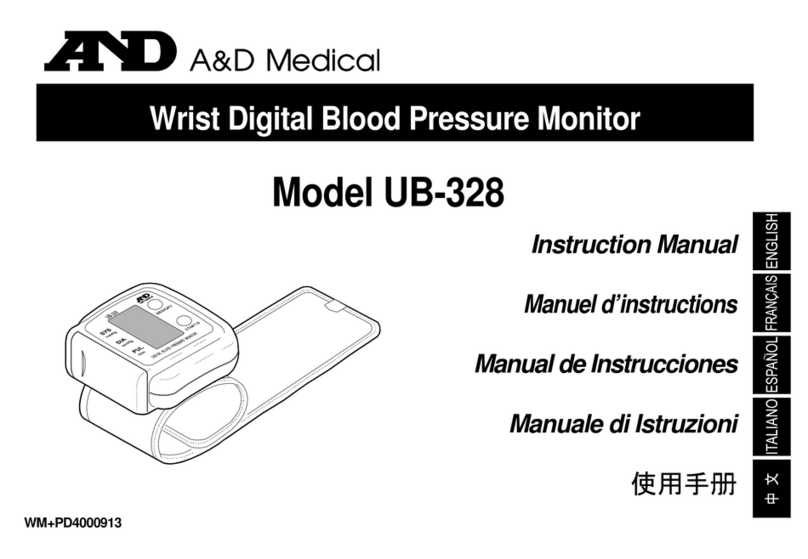
A&D LifeSource UB-328 instruction manual

A&D

A&D LifeSource UB-328 instruction manual

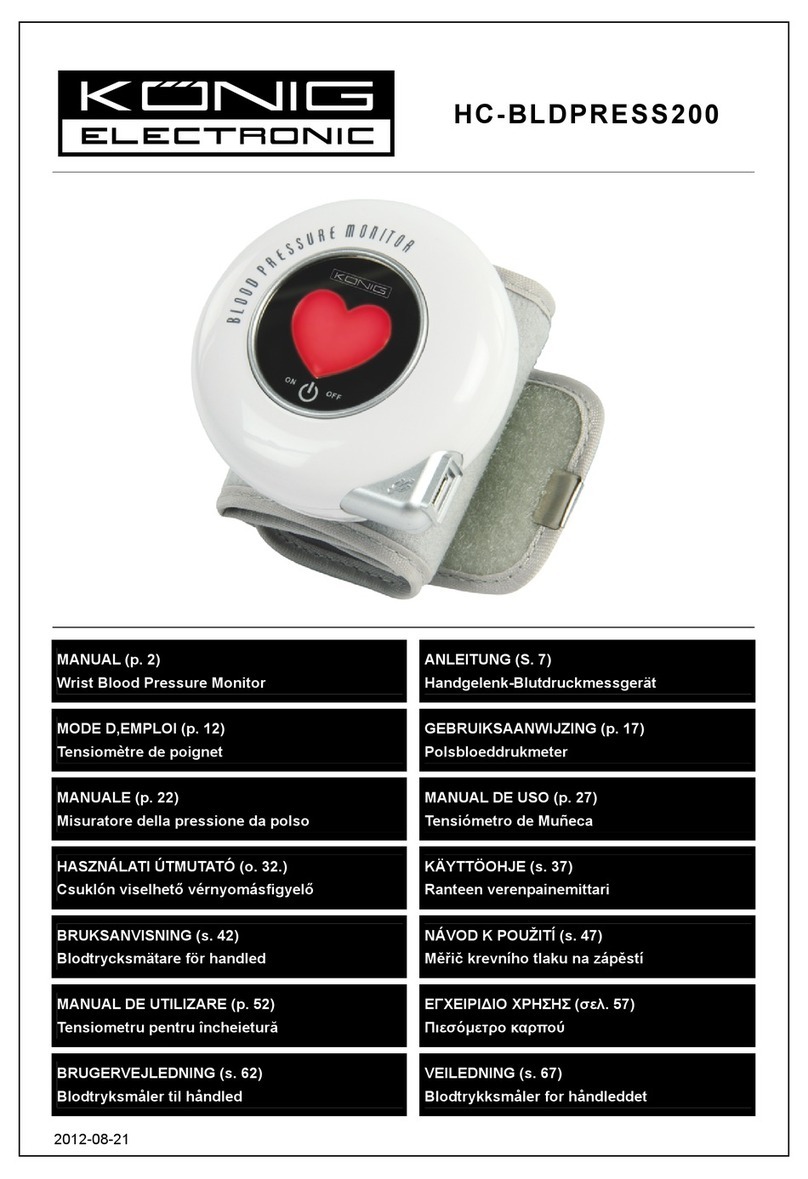
König Electronic HC-BLDPRESS200 User instruction manual

König Electronic

König Electronic HC-BLDPRESS200 User instruction manual

Leicke Sharon user manual

Leicke

Leicke Sharon user manual

Omron M6 Comfort instruction manual

Omron

Omron M6 Comfort instruction manual

3B SCIENTIFIC U11395 instruction sheet

3B SCIENTIFIC

3B SCIENTIFIC U11395 instruction sheet

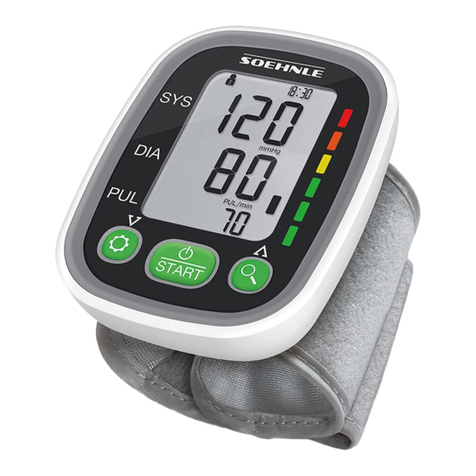
Soehnle SYSTO MONITOR 100 Instructions for use

Soehnle

Soehnle SYSTO MONITOR 100 Instructions for use

Nasco Healthcare Simulaids Life/form LF01095U USER HELP GUIDE

Nasco Healthcare

Nasco Healthcare Simulaids Life/form LF01095U USER HELP GUIDE

Microlife WatchBP office instruction manual

Microlife

Microlife WatchBP office instruction manual

ForaCare FORA P30 Plus owner's manual

ForaCare

ForaCare FORA P30 Plus owner's manual

manuals.online logo
manuals.online logoBrands
  • About & Mission
  • Contact us
  • Privacy Policy
  • Terms and Conditions

Copyright 2025 Manuals.Online. All Rights Reserved.

1
Instruction Manual
BPA-2000-EU
Automatic Arm
Blood Pressure Monitor
IB-BPA2000-0912-01:Layout 1 09/01/2013 17:50 Page 1
2
GB
HOMEDICS BLOOD PRESSURE MONITOR
Before use
Before the blood pressure monitor is taken into use, a number of basic steps should be observed. Please read
this manual thoroughly before the blood pressure monitor is used for the first time and keep the manual for
future use.
The blood pressure monitor is intended for home use only. Any measurement is solely for your information
and can under no circumstances replace a visit to the doctor. The blood pressure measurements should
always be assessed by a qualified person (a doctor, nurse or similar) who is familiar with the user’s general
medical condition. By regular use and by keeping a record of the results, this person can be kept well
informed about developments in the user’s blood pressure. Measurements must never be interpreted by the
user with the aim of changing levels in the use of medicine as prescribed by a doctor. The doctor’s
instructions must be followed AT ALL TIMES.
Use of appropriate cuff size is crucial to correct measurement. ollow the instructions presented in this
manual and printed on the cuff to ensure that the correct cuff size is used.
The blood pressure monitor is not suited for users who suffer from arrhythmia (heart rhythm disturbances)
and errors may occur in the measurement results if the user has suffered a stroke, suffers from cardiovascular
diseases, has a very low blood pressure, or suffers from other symptoms such as circulatory diseases (diabetes,
kidney diseases, arterial sclerosis (deposits in the arteries), or poor peripheral blood circulation (e.g. in hands
and feet).
Electromagnetic disturbances: The device contains sensitive electronic components. Keep it clear of strong
electric or electromagnetic fields in the immediate surroundings (e.g. mobile telephones, microwave ovens)
as these may temporarily reduce measurement accuracy.
Use the blood pressure monitor only for its original purpose.
The device is intended for measurement of blood pressure and pulse with adult persons. Do not apply the
monitor to infants nor to persons who cannot express their permission. The device must not be operated by
children.
The blood pressure monitor functions in accordance with the oscillometric measurement principle. These
blood pressure changes are measured in the cuff on the basis of the arm pulse and are converted into a
numerical value of the current blood pressure. Simultaneously, the number of pulse beats are registered and
calculated as number of pulse beats per minute.
There are two kinds of discernible blood pressures. Both are expressed in mmHg (millimetres on the mercury
column): The systolic and the diastolic. The systolic (‘the high blood pressure’) states the pressure when the
heart chambers contract to send blood through your body, and the diastolic (‘the low blood pressure’) states
the pressure when the heart is at ease and filling with blood before the next muscle contraction. The
connection between values (mmHg) is expressed as e.g. 130 over 85 which means that the systolic pressure is
130 and the diastolic pressure is 85.
Why is it important to keep an eye on your blood pressure?
Many of today’s most common diseases are connected to hypertension , also referred to as ‘high blood
pressure’. Hypertension is closely connected to cardiovascular diseases, and for people in the danger zone the
blood pressure provides an important tool to keep an eye on the development.

IB-BPA2000-0912-01:Layout 1 09/01/2013 17:50 Page 2
3
GB
Systolic Diastolic
artery
press relax
vein
blood discharging blood entering
SYS <120 120~129 130~139 140~159 160~179 >180
D A <80 80~84 85~89 90~99 100~109 >110
Level
Blood
Pressure
(mmHg)
ptimal Normal High-normal Mild Moderate Severe
CAUTI N
Only a physician/GP can tell you your normal blood pressure range and the point at which you are at risk.
Consult your physician to obtain these values. If the measurements taken with this product fall outside the
range, consult your physician/GP.
What are systolic pressure and diastolic
pressure?
When ventricles contract and pump blood out of the heart,
blood pressure reaches its maximum value, the highest
pressure in the cycle is known as systolic pressure. When
the heart relaxes between heartbeats, the lowest blood
pressure is diastolic pressure.
What is the standard blood pressure
classification?
Below illustrates the blood pressure classification mode by
World Health Organization (WHO) and International
Society of Hypertension(Isa) in 1999.
Optimal Norm. Norm. G1 G2 G3
IB-BPA2000-0912-01:Layout 1 09/01/2013 17:50 Page 3
4
GB
CAUTI N
• This device is intended for adult use only.
• This device is intended for non-invasive measuring and monitoring of arterial blood pressure. It is not
intended for use on extremities other than the arm.
• Do not confuse self-monitoring with self-diagnosis. This unit allows you to monitor your blood pressure. Do
not begin or end medical treatment based solely on the readings from this unit. Always consult your
physician first.
• If you are taking medication,consult your physician to determine the most appropriate time to measure
your blood pressure. Never change a prescribed medication without consulting your physician.
• This unit is not suitable for continuous monitoring during medical emergencies or operations.
• If the cuff pressure exceeds 40 kPa (300 mmHg), the unit will automatically deflate. Should the cuff not
deflate when pressures exceeds 40 kPa (300 mmHg), detach the cuff from the arm and press the button
to stop inflation.
• To avoid measurement errors, carefully read this manual before using the product.
• The equipment is not AP/APG equipment and not suitable for use in the presence of a flammable anesthetic
mixture with air of with oxygen or nitrous oxide.
• The operator shall not touch output of AC adapter and the patient simultaneously.
• To avoid measurement errors, please avoid the condition of strong electromagnetic field radiated
interference signal or electrical fast transient/burst signal when using the AC adaptor.
• The user must check that the equipment functions safely and see that it is in proper working condition
before being used.
• Please note that Luer lock connectors are not used on the product and please DO NOT change any provided
connectors.
SA ETY IN ORMATION
Caution: consult accompanying
documents Type B applied part
CE mark: conforms to essential
requirements of the Medical Device
Directive 93/42/EEC.
Disposal: do not dispose of this product
as unsorted municipal waste. Collection
of such waste separately for special
treatment is necessary.
Manufacturer
Direct current
Specifies serial number
IB-BPA2000-0912-01:Layout 1 09/01/2013 17:50 Page 4
5
GB
LCD display signal
Symbol Description Explanation
Systolic blood pressure High pressure result
Diastolic blood pressure Low pressure result
Pulse Pulse/minute
Deflating CU is deflating
Time (hour:minute) Current time
Memory The displayed measurement values is from the
memory.
kPa Measurement Unit of the blood pressure
mmHg Measurement Unit of the blood pressure
Low battery Batteries are low and need to be replaced
Arrhythmia Irregular heartbeat
Grade The grade of the blood pressure.
AM
kPa
mmHg
IB-BPA2000-0912-01:Layout 1 09/01/2013 17:50 Page 5
6
GB
List
MONITOR COMPONENTS
CU
AIR HOSE
AIR CONNECTOR PLUG
LCD DISPLAY
MEM/UP TOUCH KEY
START/STOP BUTTON
SET/DOWN BUTTON
BATTERY
COMPARTMENT
1. Blood Pressure Monitor 2. Cuff
Alternatively an AC adaptor powered mode
is available: 100-240V~, 50-60HZ, 400mA
(You can purchase the AC adaptor
PP-ADPR2K3K-EU from the HoMedics
website).
Replace the batteries whenever the below happen
• The shows
• The display dims
• The display does not light up
4. User manual3. 4*AA batteries
Inserting and Changing Batteries
1. Slide off the battery cover.
2. Install the batteries by matching the
correct polarity, as shown.
3. Replace the cover.
AC adaptor
CAUTI N
Remove batteries if the device is not likely to be used for
some time.
IB-BPA2000-0912-01:Layout 1 09/01/2013 17:50 Page 6
7
GB
SETTING DATE, TIME AND MEASUREMENT UNIT
It is important to set the clock before using your blood pressure monitor, so that a time stamp can be
assigned to each record that is stored in the memory. (year: 2000–2050, time: 24 H)
This product uses the Oscillometric Measuring method to detect blood pressure. Before every measurement,
the unit establishes a “zero pressure” equivalent to the air pressure. Then it starts inflating the arm cuff,
meanwhile, the unit detects pressure oscillations generated by beat-to-beat pulsatile, which is used to
determine the systolic and diastolic pressure, and also pulse rate.
The device also compares the longest and the shortest time intervals of detected pulse waves to mean time
interval then calculates standard deviation. The device will display a warning signal with the reading to
indicate the detection of irregular heartbeat when the difference of the time intervals is over 25%.
1. When the unit is off, hold pressing
“SET” for 3 seconds to enter the
mode for year setting.
2. Press the “MEM” to change the
[YEAR].
3. When you get the correct year,
press “SET” and it will turn to the
next step automatically.
4. Repeat step 2 and 3 to set
the [MONTH] and [DAY].
5. Repeat step 2 and 3 to set
the [HOUR] and [MINUTE].
6. Repeat step 2 and 3 to set the [UNIT].
7. After the unit is set , done will
show, then turn off automatically.
SET
Yr
SET
Yr
MEM
Yr
MEM
SET
MD
MEM
SET
MEM
SET
mmHg
MEM
SET
kPa
IB-BPA2000-0912-01:Layout 1 09/01/2013 17:50 Page 7
8
GB
Fitting the cuff
Correct cu size is critical to accurate measurement. This monitor comes with a standard size 22-32cm arm
cu. A large size cu 32-42cm is available from the HoMedics website www.homedics.co.uk
1. f the cu is not assembled at rst use, put the end of the cu which is furthest
away from the tube through the D-ring to form a noose.
2. Apply the tube to the left side of the device.
3. Remove tight-tting clothing from your left upper arm and position the cu at
approximately 2-3 cm above the elbow so that the tube is centred at the middle
of the arm. The tube must face downward towards the hand.
4. Pull gently at the end of the cu so that it tightens easily and smoothly around
the arm. The cu is secured by pulling the Velcro fastener towards the cu.
5. You should be able to t two ngers between the cu and your arm. The cu
should not be tted any tighter than this.
6. Relax your body and rest your arm on a table with your palm up so that the cu is
positioned at the same height as the heart. Make sure that the tube does not
bend.
f it is not possible to t the cu on the left arm, it can be placed on the
right arm instead. However, it is important that all measurements are
carried out on the same arm. f the measurement is to be taken on the
right arm, the artery symbol on the cu should be positioned above the
main artery. Press the arm’s arteries with two ngers at approximately 2
cm above the elbow on the inside of the arm to nd out where the
pulse is strongest. This is the main artery.
HOW TO USE THE BLOOD PRESSURE DEVICE
2~3cm
(0.8”~1.2”)
.–. –
.
.
.
.
IB-BPA2000-0912-01:Layout 1 09/01/2013 17:50 Page 8
9
GB
Worth knowing about blood pressure measurement
• Blood pressure measurements should be performed in quiet and comfortable surroundings as
measurements can be aected by high or low temperatures. The blood pressure should be measured at
normal body temperatures.
• Do not move or speak during measurement. Keep your feet at on the oor.
• Do not touch the cu or the blood pressure device during measurement.
• To obtain the best possible measurement, the blood pressure should be measured at approximately the
same time every day, and on the same arm.
• f you are to perform several successive measurements, please wait 5 minutes between each measurement.
• The measurements are for guidance only. f you have doubts about your blood pressure, consult your
doctor.
• The blood pressure device automatically deates when the pressure exceeds 300 mmHg.
• The product is not suited for persons suering from arrhythmia (heart rhythm disturbances).
• Measurement errors may occur if the user suers from diabetes, poor blood circulation, kidney problems, or
has suered a stroke.
• The blood pressure changes with every heartbeat and is consequently changing constantly 24 hours a day.
• The measurement of blood pressure can be inuenced by the user’s position, condition, or other factors. To
obtain the highest degree of accuracy it is recommended that the measurement is taken 1 hour after
workout, bathing, nishing a meal, consuming alcoholic or caeine beverages, or after smoking.
• Before measurement it is recommended that you sit still and relax for 15 minutes. The user should not be
physically tired or exhausted when the measurement is taken.
• The user must not talk or move arm or hand during measurement.
How to measure blood pressure
1. Press the to turn on the monitor, and it will start and finish the whole measurement automatically.
2. When the measurement is completed, the cu automatically deates and the display will show the systolic
pressure, the diastolic pressure, and the pulse. The measurement is simultaneously stored in the monitor’s
memory.
3. The device automatically switches o approximately 1 minute after use but can also be switched o
manually by pressing the button.
N TE
f necessary, a measurement can be interrupted by pressing the button. The cu will subsequently deate
immediately.
The cu will automatically re-inate if the device determines that the body requires higher pressure to
complete the measurement.
IB-BPA2000-0912-01:Layout 1 09/01/2013 17:50 Page 9
10
GB
Recalling records
1. Please press the “MEM” to show the recent record.
The number of the record,
date and time will be shown
accordingly.
2. Press the “MEM” or “SET” to get the
record you want.
CAUTI N
The most recent record (1) is shown first. Each new measurement is assigned to the first (1) record. All other
records are pushed back one digit (e.g., 2 becomes 3, and so on), and the last record (60) is dropped from the
list.
DOWN
UP
MEM
MEM
SET
f you did not get the correct measurement,
you can delete all results using the
following steps.
1. When the device is off, hold “MEM” for 3
seconds. The flash display will show dEL
ALL.
2. Press “SET” to confirm deleting and the
monitor will turn off automatically.
3. If you do not want to delete the record,
press to cancel.
4. If there is no record the right display will
show.
MEM
SET
Deleting your records
The current record is
shown
The month and day The corresponding time
will show and alternate
with date.
IB-BPA2000-0912-01:Layout 1 09/01/2013 17:50 Page 10