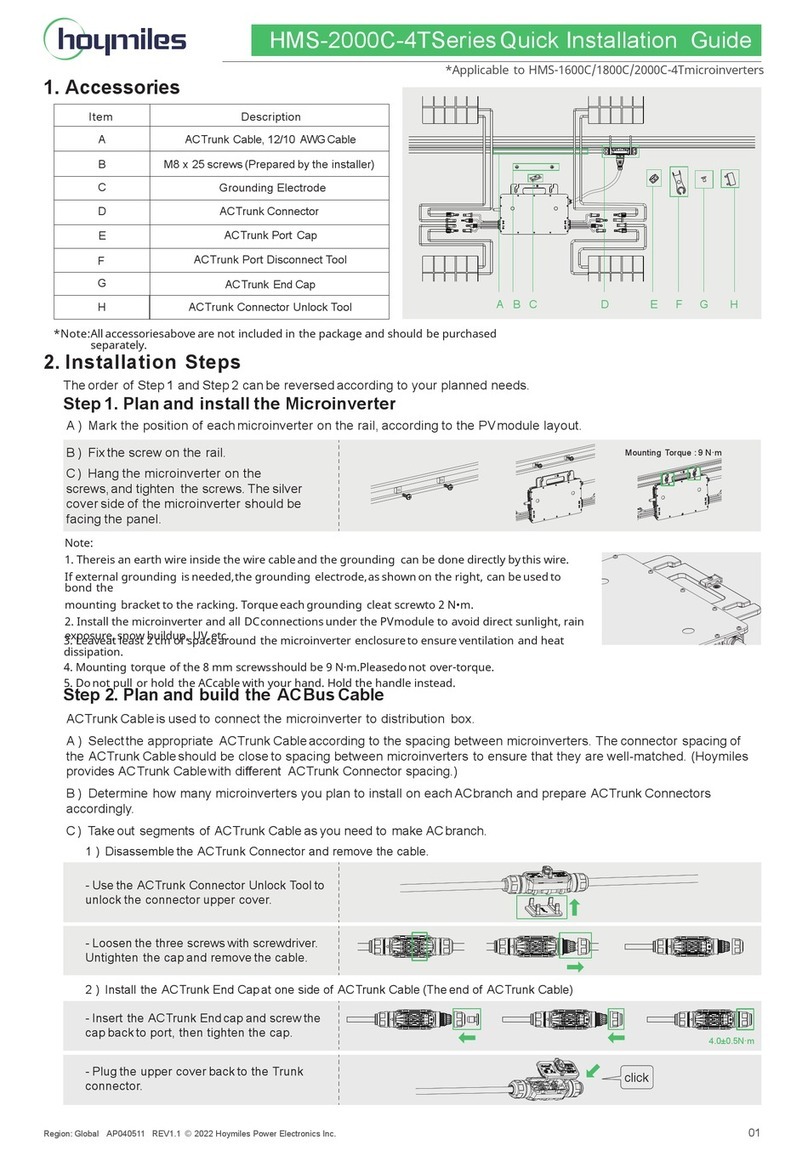
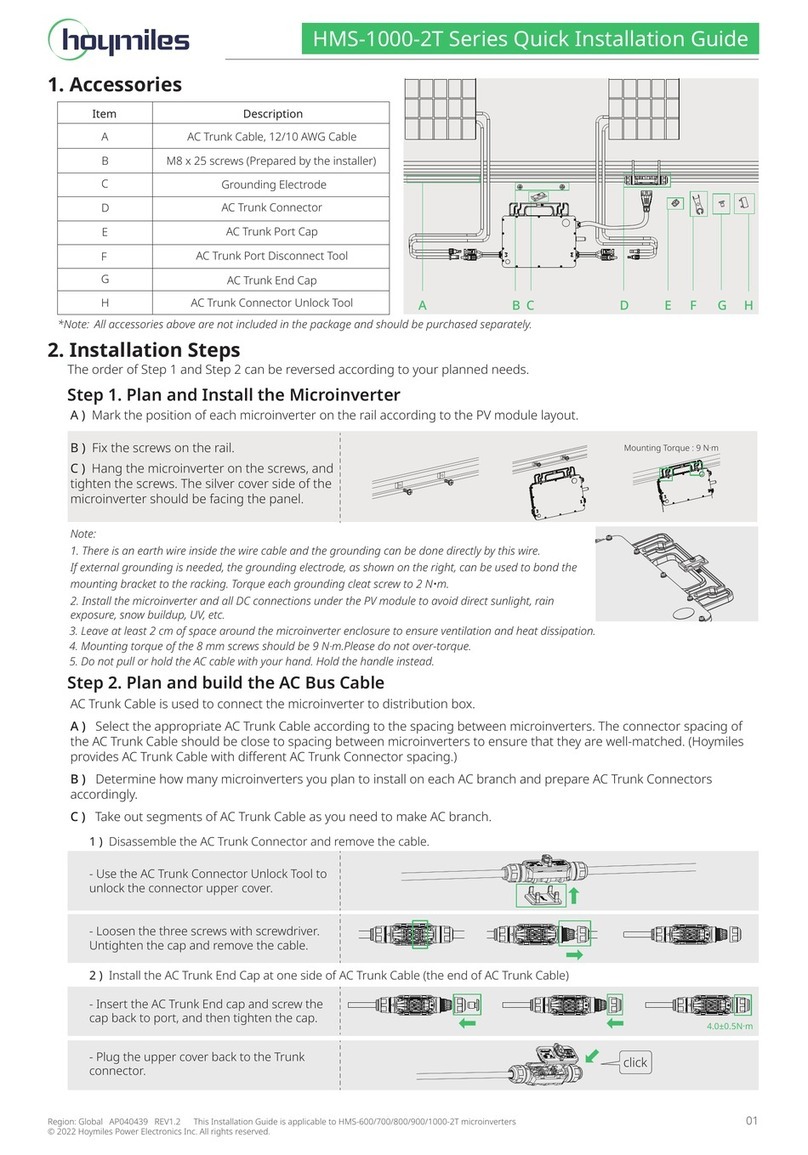
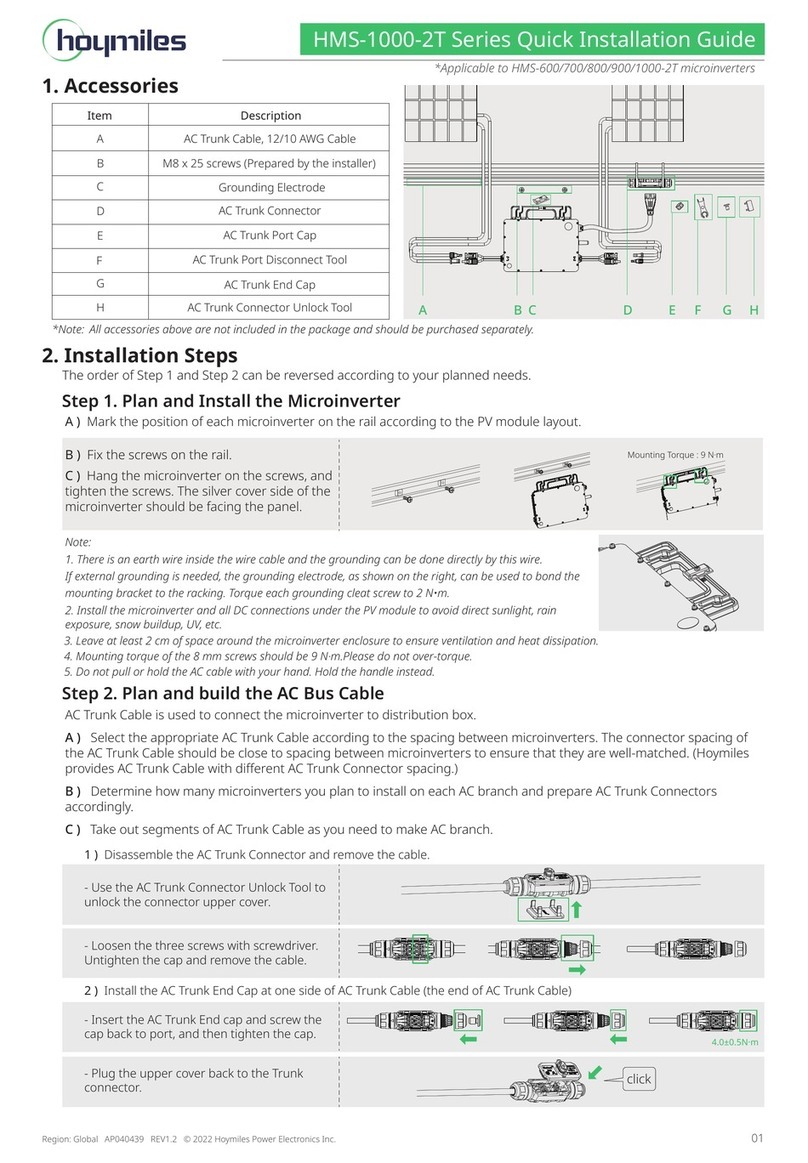
02
Step 5. Connect PV Modules
Step 6. Energize the System
A) Turn on the AC breaker of the branch circuit.
B) Turn on the main AC breaker of the house.
Your system will start to generate power
after about two minutes of waiting time.
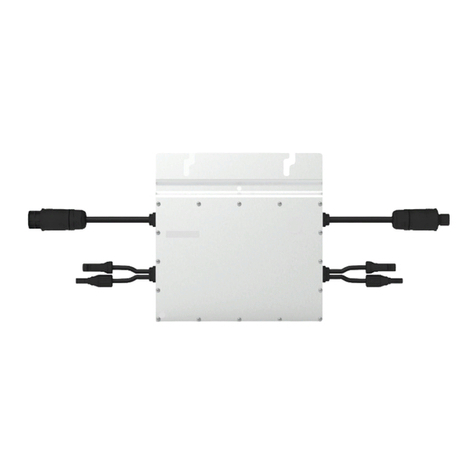
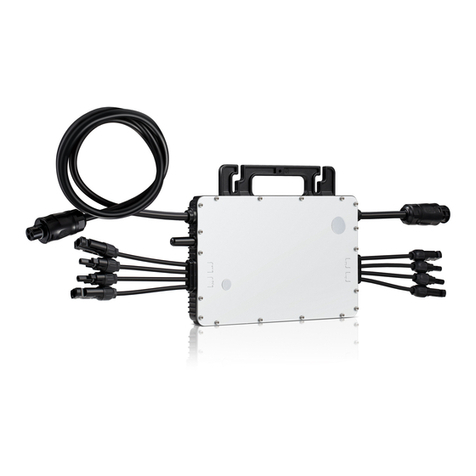
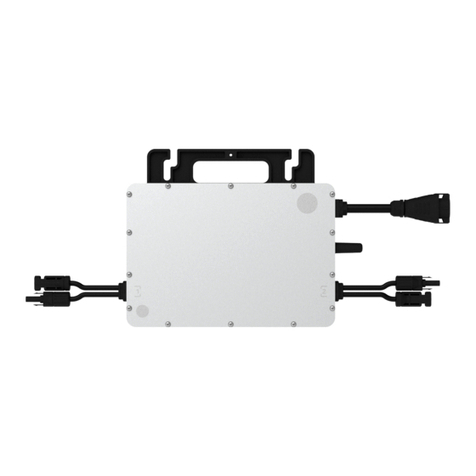
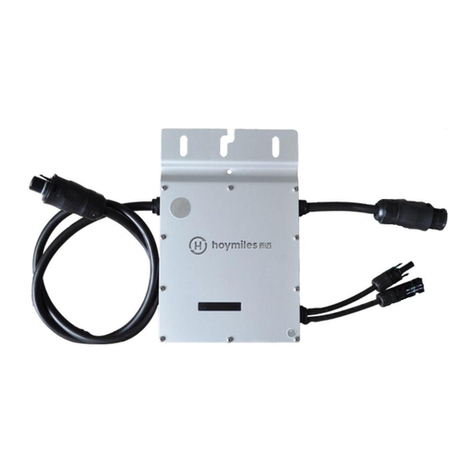
A) Mount the PV modules above the
microinverter.
B) Connect the PV modules’ DC cables to the
DC input side of the microinverter.
Step 4. Create an Installation Map
A) Peel the removable serial number label
from each microinverter (the position of
the label is shown as below).
B) Affix the serial number label to the
respective location on the installation map.
Product information is subject to change without notice. (Please download reference manuals at www.hoymiles.com.)
Step 3. Install AC End Cable
Region: Global AP040089 REV2.0 © 2020 Hoymiles Power Electronics Inc. All rights reserved.
B) Connect the other side of the AC end cable to the distribution box, and wire it to the local grid network.
Step 7. Set Up the Monitoring System
Refer to the DTU User Manual, DTU Quick Installation Guide, and
Quick Installation Guide for S-Miles Cloud (Hoymiles Monitoring
Platform) Online Registration to install the DTU and set up your
monitoring system.
A) Prepare an AC end cable with proper
length and insert one side of the cable into
the cap. Match the L, N and Ground lines
into the appropriate slots. Tighten the
screws, and then reinsert the cap tightly in
the port. Plug the upper cover back to the
bus connector.
C) If there is any vacant bus port, please insert
the AC sub cap in the vacant plug to ensure
waterproofing and dustproofing.
*Note: Under circumstances that require
removing the inverter AC cable from bus port,
please use the AC connector unlocking tool
and insert the tool into the side of the AC port.
Coated with solder
Step 2. Complete AC Connection
A) Attach the AC bus cable to the mounting
rail, and secure the cable with ties.
B) Push the AC connector of the microinverter
into the trunk cable connector until you
hear a clicking sound.