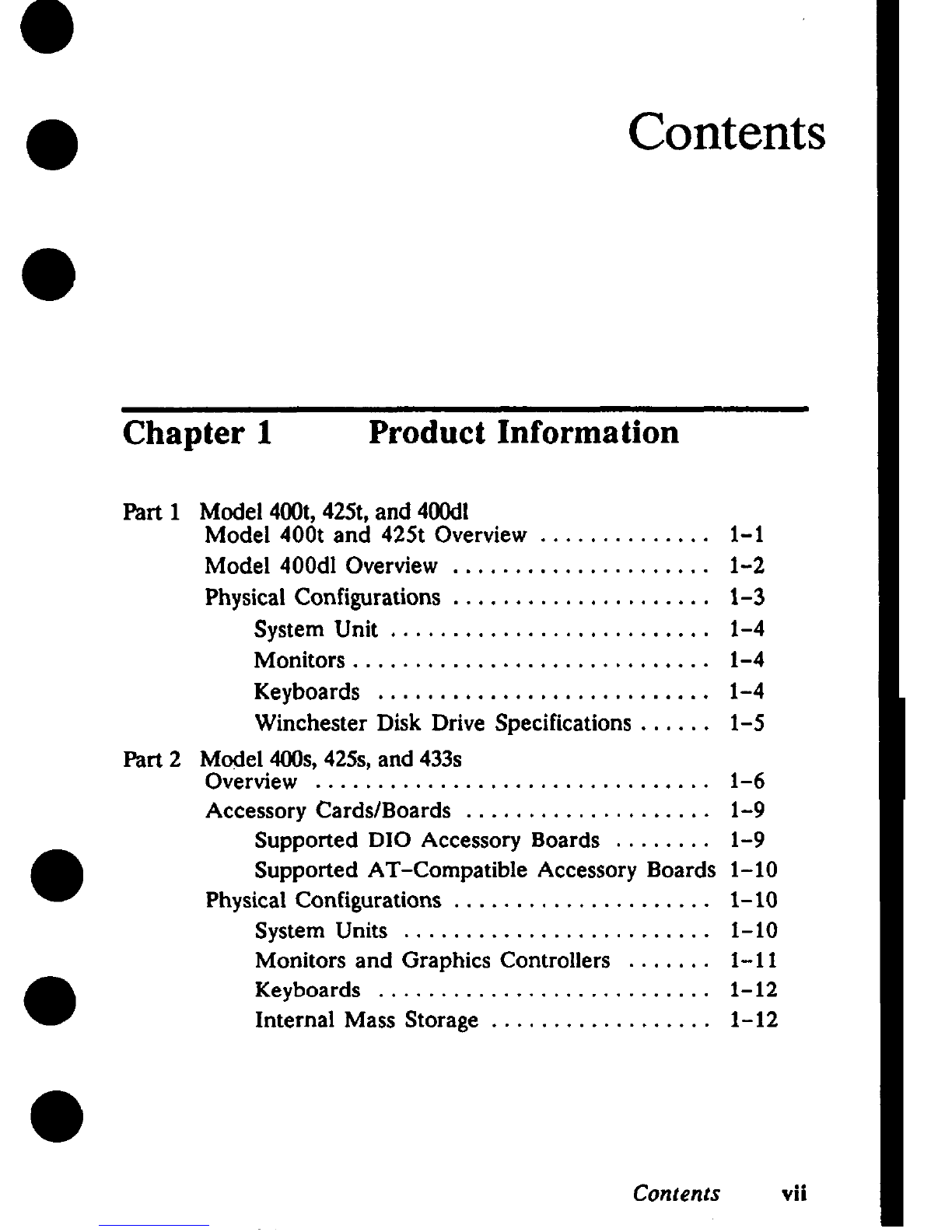
Configuring the EEPROM on HP-UX
●Compatible Mode Systems . . . . . . . . . . . . . . . . . .
Boot Mode Selection ...................
Auto System Select Mode for HP-UX
Compatible
Mode Systems ........................
●Internal 1/0 Configuration Mode for
HP-UX Compatible Mode Systems . . . . . . .
Configuring the EEPROM on Domain
Compatible Mode Systems . . . . . . . . . . . . . . . . . .
Selecting Domain Compatible Mode . . . . . .
●Selecting the Primary Network ...........
Selecting the System Clock Speed . . . . . . . .
Connecting Terminals to Domain Compatible
Mode Systems ............................
Using aField Terminal . . . . . . . . . . . . . . . . .
Using aWorkstation as aTerminal .......
3-28
3-28
3-29
3-30
3-32
3-32
3-35
3-36
3-38
3-38
3-38
Chapter 4Troubleshooting
Troubleshooting in Domain Compatible Mode .,
Troubleshooting in HP-UX Compatible Mode . .
Troubleshooting Flowcharts for Domain Mode . .
HP-UX Troubleshooting Flow Charts .........
Checkout Procedures for Model 400t, 425t, and
400dl Systems ............................
Power Supply Verification for the Model
400t, 425t, and 400dl Systems ...........
Winchester Disk Power Checkout for the
Model 400t and 425t System Units . . . . . . .
●Calendar Battery Checkout for Model 400t,
425t, and 400dl Systems That Use Domain
Compatible Mode .....................
Checkout Procedures for the Model 400s,
425s, and433s System Units.... . . . . . . . . . . . .
●Power Supply Verification for 400s, 425s,
and 433s System Units .................
Main Power Distribution Cable Connectors .
Calendar Battery Checkout for Model 400s,
●425s, and 433s Systems That Use Domain
Compatible Mode .....................
4-1
4-1
4-2
4-12
4-15
4-16
4-21
4-22
4-23
4-23
4-26
4-29
Contents ix