HP Wireless Eco-Comfort Mobile Mouse Datasheet
The HP Wireless Eco-Comfort Mobile Mouse
combines style and comfort for being on the move
in an environmentally friendly design. Built and
packaged with Save, Reuse, Recycle in mind, the
HP Wireless Eco-Comfort Mobile Mouse provides
you uncompromising performance and advanced
features at an affordable price.
Features and Benefits: Not just a “green” mouse
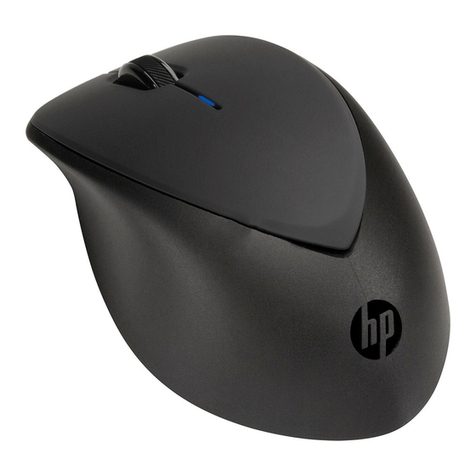
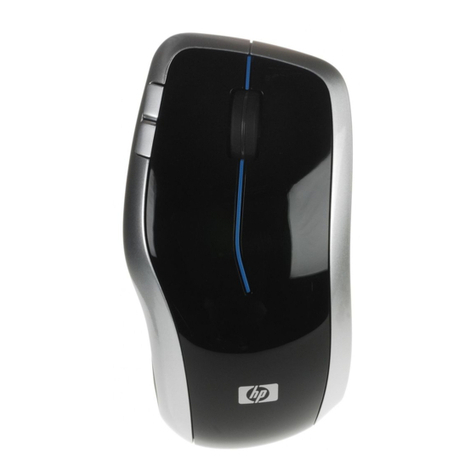
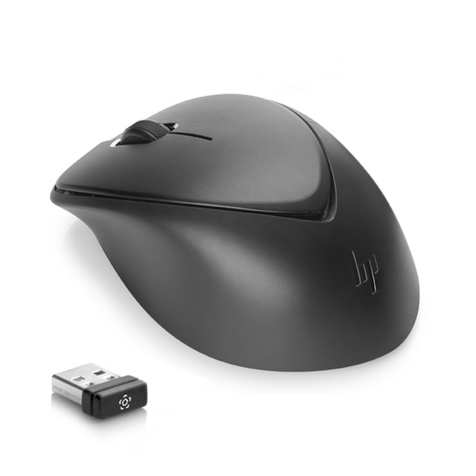
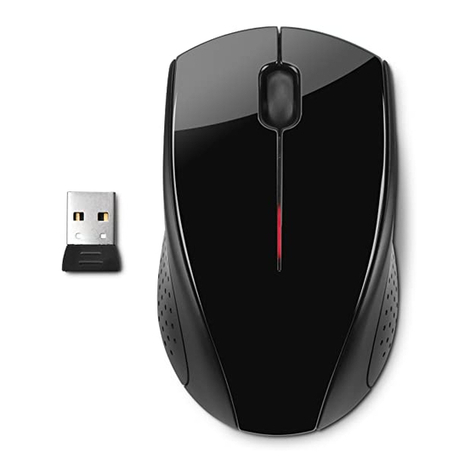
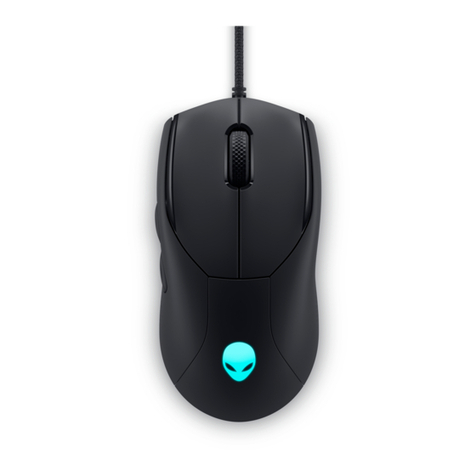
•High-Tech travel design: Piano black finish, blue LED and contoured
edges give this mouse a distinctive style. Compact size makes it easy
to take with your laptop - around the house or on the road.
•Ultra-Comfortable: Symmetric sculpted design for right or left handed
comfort. The rubber material on both sides gives you enhanced
control, soft touch and feel.
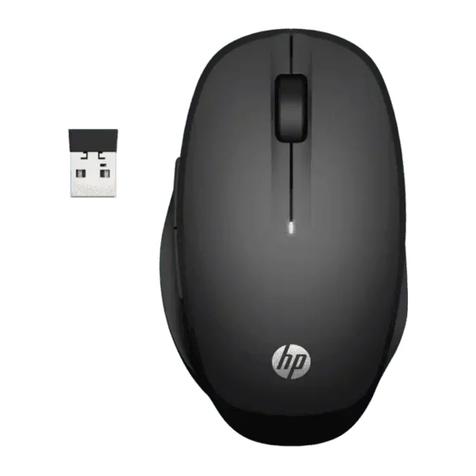
•Wireless freedom: Advanced 2.4GHz wireless technology for less
interference and longer range of operation means no wires to tangle
or limit movement. The micro-receiver is so small you can leave it
plugged into your notebook - no more broken or lost receivers.
•Laser Performance: high-precision laser sensor provides precise,
smooth and responsive tracking. Travel with confidence to leave your
mouse pad behind, the laser tracking works on more surfaces that
standard optical mouse. No ball and no cleaning.
•Programmable buttons: 2 additional programmable buttons easily
accessible on the top left side allow you launch applications, control
sound volume, navigate backward and forward, zoom in and out or
launch your favorite websites*.
•Advanced scroll wheel: 4-way tilt scroll wheel allows you to navigate
right and left. The textured wheel and ratcheted scrolling design has
been optimized to provide both control and speed.
•Speed and control: Teflon feet gives your mouse accuracy and
progressive speed
Eco-Highlights
• Energy efficient components – single AA battery lasts up to 7 months**
• Automatic power saving features with smart standby modes
• Contains over 30% recycled plastic
• Packaging consists of 76% recycled materials and is fully recyclable
• PVC free
HP makes it easy to recycle computer hardware responsibly. HP's goal is
to recover 2 billion pounds (900,000 tons) of electronic products and
supplies by the end of 2010.
Visit www.hp.com/go/ecohighlights
Specifications:
•1200 dpi laser sensor
• 5 buttons: two primary buttons, clickable scroll wheel and 2 additional
programmable buttons
• USB wireless (2.4GHz) micro-receiver
System Requirements:
•Available USB port
• CD-Rom Drive
• Compatible with Microsoft Windows XP/Vista
• Compatible with HP PCs and non-HP PCs
What’s in the Box:
• HP Wireless Eco-Comfort Mouse
• USB Wireless Receiver
• One AA Batteries
• Documentation, Software and Warranty
Warranty and Support:
• One-year, worldwide parts-and-labor limited warranty
• 24x7 HP technical phone support during warranty period
Additional Information:
Questions about the HP Wireless Eco-Comfort Mobile Mouse?
Look us up online at www.hp.com
• HP Part Number: FX287AA#ABA
10 14 08 r1 rk ©2008 Hewlett-Packard CompanyAll hardware and software specifications are subject to
change without notice. HP and the invent signature are trademarks of the Hewlett-Packard Company. All
other products names mentioned herein may be trademarks of their respective companies.©2008
Hewlett-Packard Company. All rights reserved. * Internet service required and sold separately ** Battery
life depends on usage