manuals.online logo
Brands
  1. Home
  2. •
  3. Brands
  4. •
  5. Huawei
  6. •
  7. Heart Rate Monitor
  8. •
  9. Huawei TalkBand B2 User manual

Huawei TalkBand B2 User manual

Other manuals for TalkBand B2

2

Other Huawei Heart Rate Monitor manuals

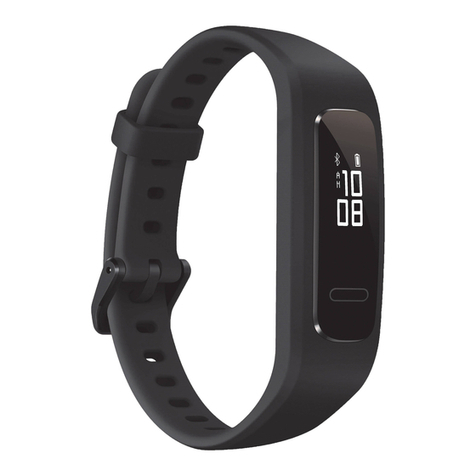
Huawei COLORBAND User manual

Huawei

Huawei COLORBAND User manual

Huawei Color Band A2 User manual

Huawei

Huawei Color Band A2 User manual

Huawei TalkBand B1 User manual

Huawei

Huawei TalkBand B1 User manual

Huawei HONOR Band 5i User manual

Huawei

Huawei HONOR Band 5i User manual

Huawei Band 3e User manual

Huawei

Huawei Band 3e User manual

Huawei TalkBand B1 Technical specifications

Huawei

Huawei TalkBand B1 Technical specifications

Huawei TalkBand B1 User manual

Huawei

Huawei TalkBand B1 User manual

Popular Heart Rate Monitor manuals by other brands

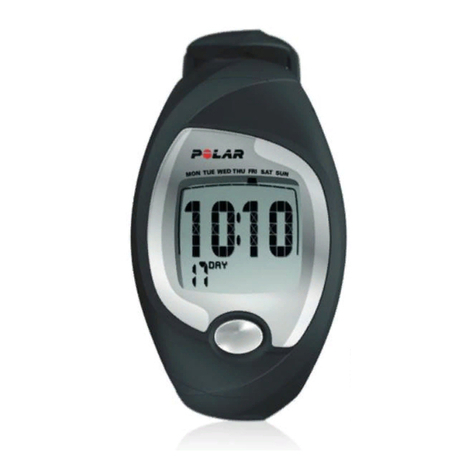
Polar Electro Polar FS3c Manuale d'uso

Polar Electro

Polar Electro Polar FS3c Manuale d'uso

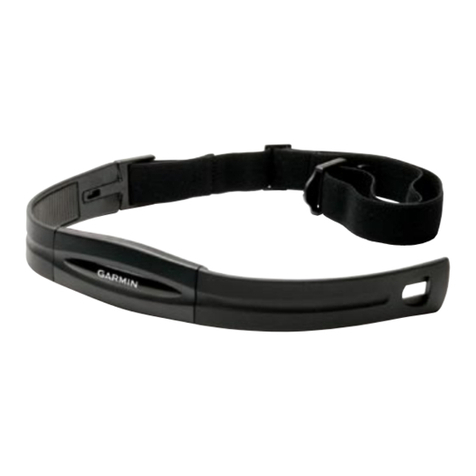
Garmin Colorado 300 - Hiking GPS Receiver instructions

Garmin

Garmin Colorado 300 - Hiking GPS Receiver instructions

Sportline SOLO 915 user guide

Sportline

Sportline SOLO 915 user guide

Sportline Solo 920 instruction manual

Sportline

Sportline Solo 920 instruction manual

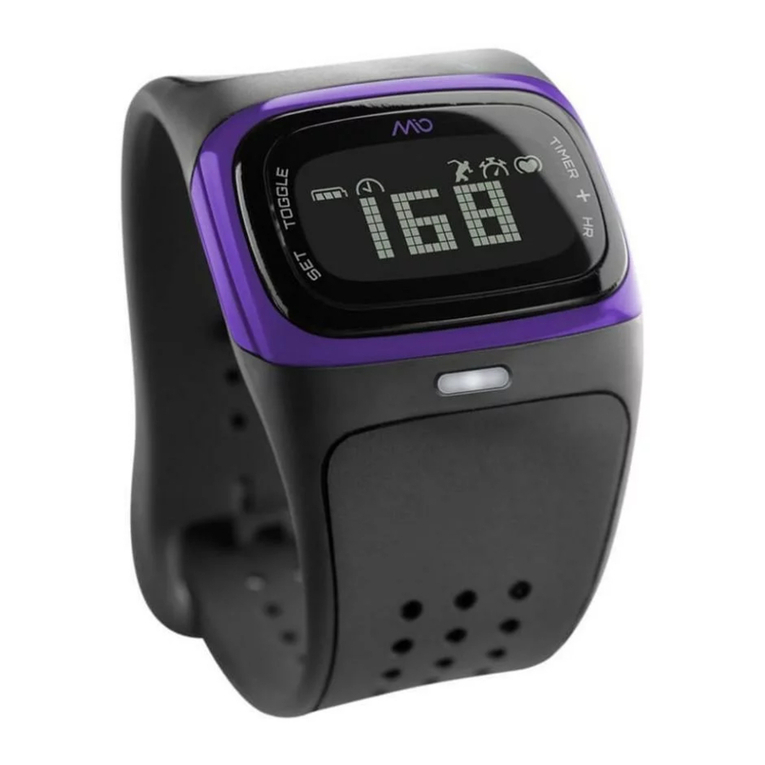
Mio ALPHA quick start guide

Mio

Mio ALPHA quick start guide

O-Synce MIXfree quick start guide

O-Synce

O-Synce MIXfree quick start guide

New Balance NX 710 CardioTRNR user manual

New Balance

New Balance NX 710 CardioTRNR user manual

Sportline 905 instruction manual

Sportline

Sportline 905 instruction manual

Oregon Scientific SE188 manual

Oregon Scientific

Oregon Scientific SE188 manual

Tanita AM-160 instruction manual

Tanita

Tanita AM-160 instruction manual

Mocacare MOCAheart user manual

Mocacare

Mocacare MOCAheart user manual

Datel Go-tcha Evolve for Pokémon Go user guide

Datel

Datel Go-tcha Evolve for Pokémon Go user guide

ItsImagical PRO SPORT SMART BAND quick guide

ItsImagical

ItsImagical PRO SPORT SMART BAND quick guide

Crane D02J56 operating manual

Crane

Crane D02J56 operating manual

Acumen BASIX instruction manual

Acumen

Acumen BASIX instruction manual

NAV Master II owner's manual

NAV

NAV Master II owner's manual

Oregon Scientific SH201 manual

Oregon Scientific

Oregon Scientific SH201 manual

JUNSD JS-702 instruction manual

JUNSD

JUNSD JS-702 instruction manual

manuals.online logo
manuals.online logoBrands
  • About & Mission
  • Contact us
  • Privacy Policy
  • Terms and Conditions

Copyright 2025 Manuals.Online. All Rights Reserved.

My TalkBand
1. Getting started 2. Pairing with your phone
Press and hold the power button to turn on
your TalkBand.
Swipe down to sync your fitness statistics.
Touch the screen to move between different
displays.
Download and install the app.
The TalkBand can be paired with two phones
at the same time.
3. Fitness monitoring – intelligent
activity recognition
Set your exercise target using the app.
Walking Running Cycling Hiking
Deep sleep
Light sleep Awake
You can set a smart alarm using the app.
4. Tracking your sleep patterns
Swipe on the screen
to turn off the alarm.
You can share your fitness statistics using the app.
When you are in
light sleep, the
alarm will go off
ahead of time.
HUAWEI
TalkBand B2 2HUAWEI B2-XXX HUAWEI B2-XXX
HUAWEI B2-XXX
Protective featuresMy headset
2. Convenient calling
Wear the headset and adjust it to the angle
shown in the following figure.
If the headset cover does not fit comfortably,
replace it with a suitable headset cover
included with the TalkBand.
Press the side button once to answer or end
incoming calls.
Simply speak into the headset and your message
will be sent to your phone's voice assistant
software.
1. Waterproof design perfect for
all-day use.
Can be used in the rain, when washing your
hands and having a cold shower. However,
please wipe your TalkBand dry after it comes
into contact with water.
Press the buttons on both sides of the wristband
at the same time to remove the headset.
Charge the headset through the charging port
on the back of the headset.
1. Trendy removable headset
Press and hold the side button to reject an
incoming call.
When wearing the headset
on your wrist, remove it to
answer an incoming call
automatically.
3. Voice assistant support for ultimate
convenience
Press the side button twice to activate the voice
assistant and open the voice assistant software
on your phone.
4. Listening to music
Swipe on the screen to adjust the volume.
2. The TalkBand is not suitable for use
during the following activities:
Car washing, swimming, diving, scuba diving,
hot showers.
The TalkBand is made from special
hypoallergenic materials and has passed
stringent dermatological tests. If you experience
skin discomfort when wearing the TalkBand,
discontinue use and consult a doctor.
9 6 7 2 3 7 2 9 _ 0 1