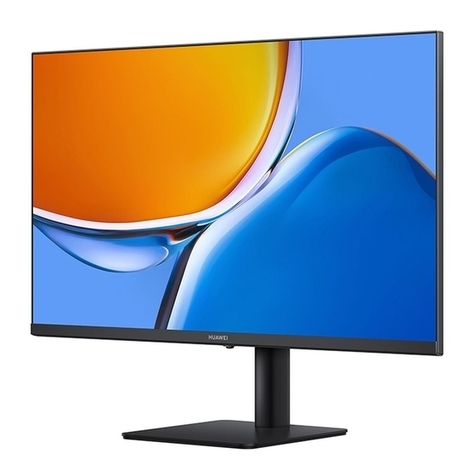
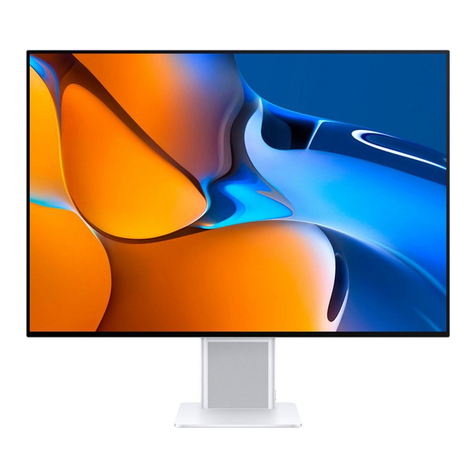
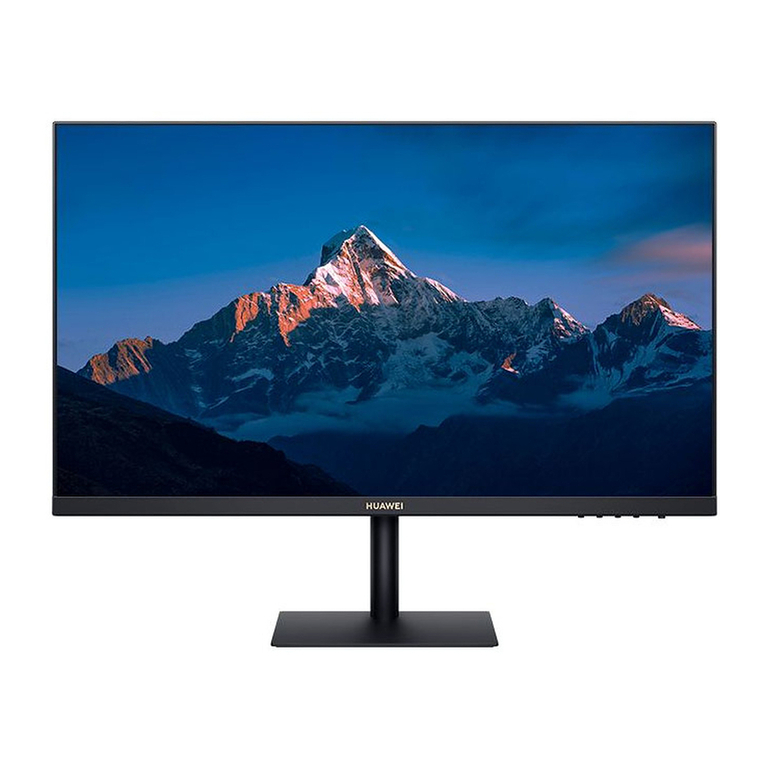
2Remove the base from the foam.
3Lift the display post slightly, and attach the base to the bottom of the post. When you
hear a click, it means that the base has been correctly attached.
4Hold the assembled monitor with both hands, and place it on a at desk. Feel free to
adjust the tilt angle to suit your needs.
5To disassemble the monitor, place it on the desk, push the quick-release tab on the base
inwards with one hand, and hold the post with the other hand to push the base outwards.
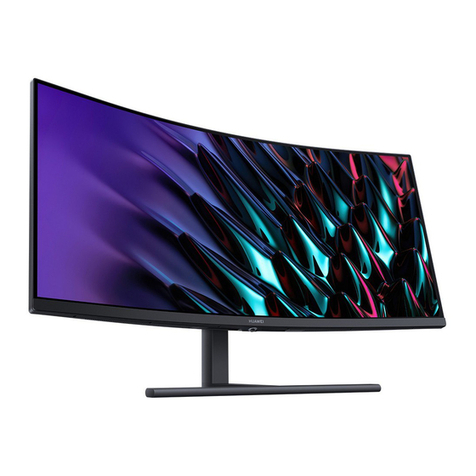
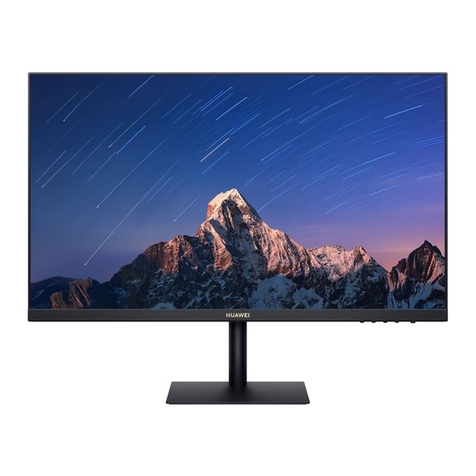
Conguring SSN-CBABZ:
1Place the carton horizontally with the foam arrow facing upwards, open the carton, and
take out the device and foam.
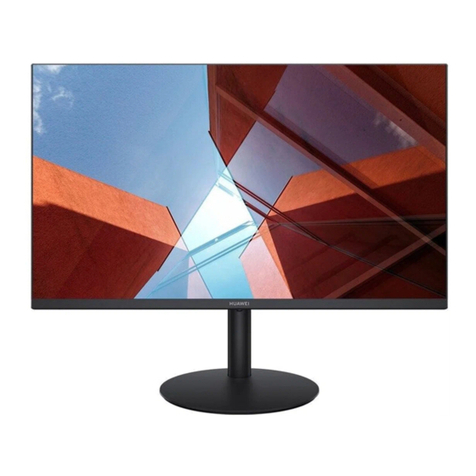
2Remove the base support from the foam, and use screws to connect the base to the
support.
3Tilt the upper end of the base support so that it ts into the slot on the back of the
monitor, and press the base support downwards until you hear a clicking sound, which
indicates that the base support has been correctly attached.
4Hold the assembled monitor with both hands, and place it on a at desk. Feel free to
adjust the tilt angle, swivel angle, and height to suit your needs.
5To disassemble the monitor, place it on the desk, push the quick release button on the
back of the monitor upwards, and lift the bottom of the support.
Assembling and Disassembling the Monitor
6