2Table of Contents
Table of Contents
Welcome............................................... 1
Table of Contents ................................... 2
1. How to use this guide .......................... 4
2. Let's play a tune .................................. 5
3. Setting Up.......................................... 6
LCD TOUCH SCREEN PRECAUTIONS ....................................6
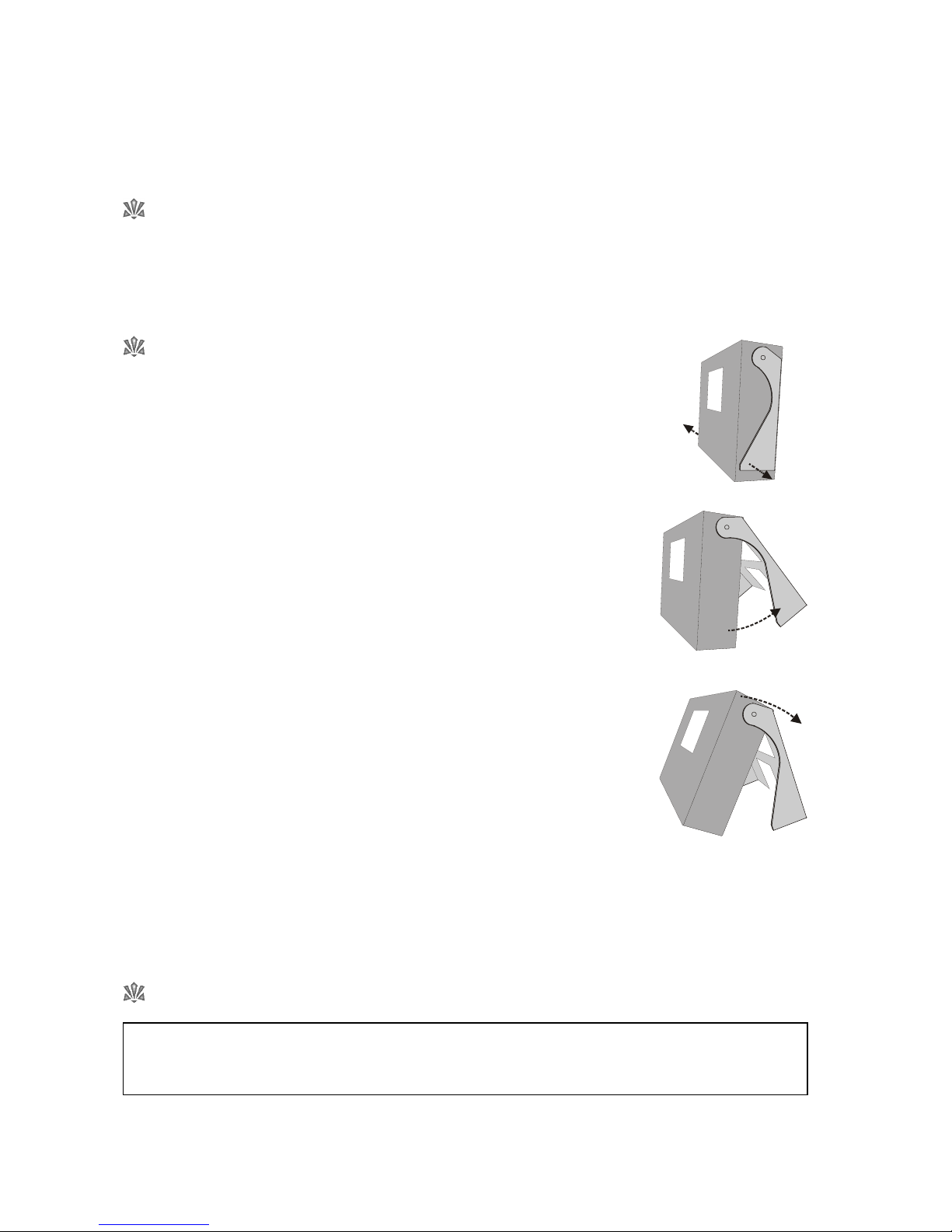
OPENING THE STAND...........................................................6
CONNECTING THE AC POWER ADAPTOR ............................6
INSERTING THE COMPACT FLASH MEMORY CARD ...............7
REMOVING THE COMPACT FLASH MEMORY CARD ..............7
INSTALLING THE OPTIONAL BATTERY PACK ..........................7
CHARGING THE OPTIONAL BATTERY PACK ..........................8
ATTACHING THE OPTIONAL QWERTY TYPING KEYBOARD....8
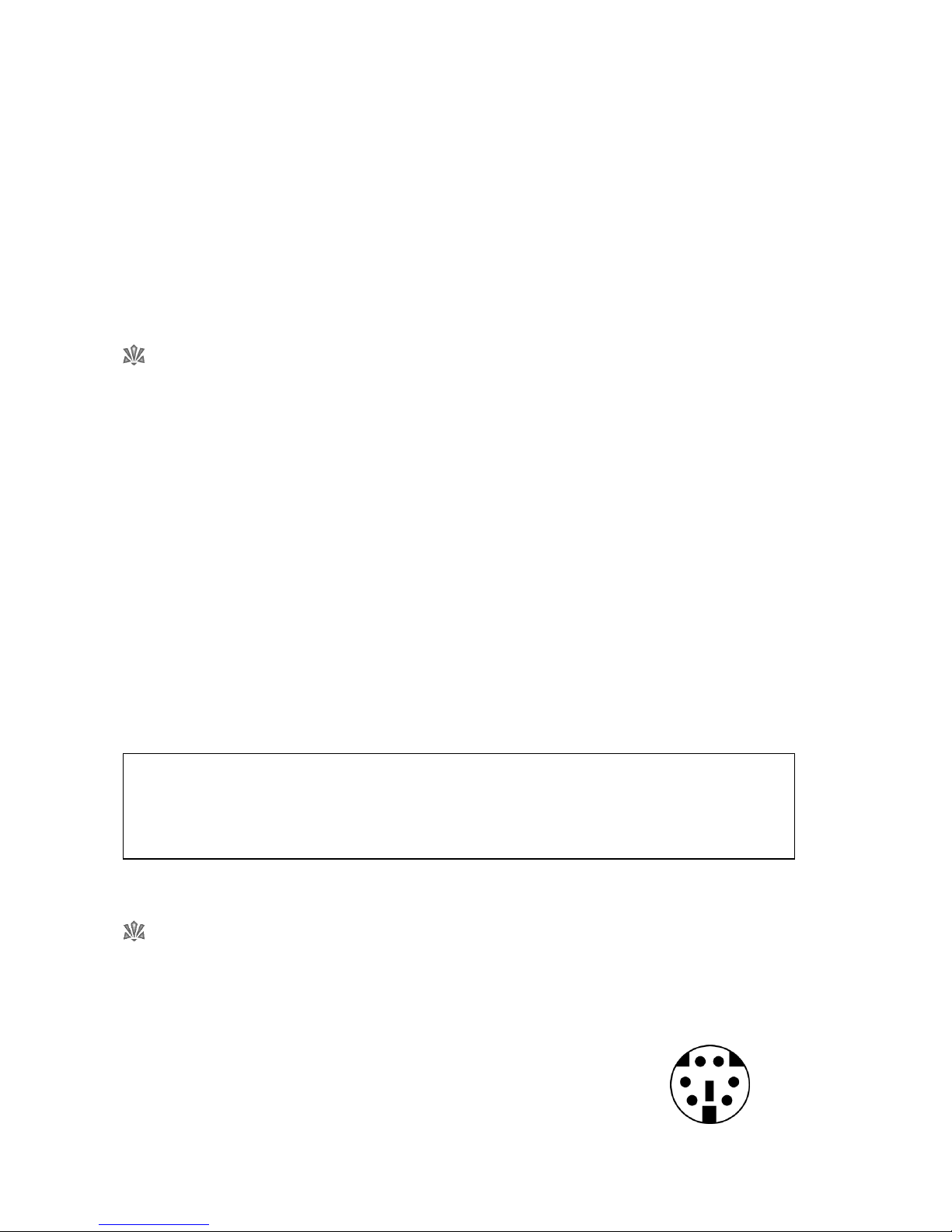
CONNECTING HEADPHONES ..............................................9
CONNECTING A MICROPHONE...........................................9
CONNECTING EXTERNAL AMPLIFICATION............................9
DISCONNECTING EXTERNAL AMPLIFICATION.....................10
CONNECTING A PROJECTOR OR TV MONITOR.................10
CONNECTING THE OPTIONAL PSALM PLAYER TRIGGER .....10
4. Getting Started ................................. 11
USE OF THE TOUCH SCREEN .............................................11
TURN THE UNIT ON............................................................11
SELECT A HYMN FROM THE LIBRARY ...................................12
Select a hymn book............................................................12
Select a hymn ....................................................................12
PLAY A HYMN .....................................................................13
Introduction .......................................................................13
Ritardando ........................................................................13
Amen ................................................................................13
Start playback....................................................................13
Alter the volume.................................................................13
Pause playback..................................................................14
Fade out playback .............................................................14
PLAY THE DEMO .................................................................14
THROUGH-RECORDED TUNES............................................14
5. The Remote Control Handset.............. 15
WHAT’S IT FOR?.................................................................15
WHAT CAN I DO WITH IT?..................................................15
Add an Introduction ...........................................................15
Start/Pause playback..........................................................15
Adjust the Volume ..............................................................15
Select a hymn number........................................................15
Select a Style .....................................................................15
Select a Play List.................................................................15
Select an item in the currently selected Play List ....................15
Cancel ..............................................................................16
Alter the Number of Verses .................................................16
Add a Ritardando to the End of a Tune................................16
Fade Music In or Out .........................................................16
Raise or Lower the Pitch......................................................16
Alter the Tempo .................................................................16
Turn Video Output On/Off.................................................16
Add a Metronome Click..................................................... 16
Add an Amen.................................................................... 16
Modify the Soprano, Alto, Tenor and Bass parts................... 16
THE ORCHESTRATOR ......................................................... 17
6. The Tune Library ............................... 18
Traditional Hymns ............................................................. 18
Modern Worship Music...................................................... 18
Incidental Music ................................................................ 19
Different versions of the same tune ..................................... 19
7. Book Indexes.................................... 20
WHAT IS A BOOK INDEX?.................................................. 20
SELECTING A BOOK INDEX ................................................ 20
Do I have to use a Book Index?.......................................... 20
SEARCHING FOR HYMNS................................................... 21
How do I find a hymn if I don’t know its number?................ 21
Search Results ................................................................... 21
8. Styles .............................................. 22
WHAT IS A STYLE?.............................................................. 22
SELECTING A STYLE............................................................ 22
Applying a Style................................................................. 22
Preset Organ Styles ........................................................... 23
Preset Orchestral Styles...................................................... 23
Preset Combination Styles .................................................. 23
USER STYLES....................................................................... 24
Selecting Sounds ............................................................... 25
Changing the Volume, Chorus and Pan of a Sound............. 25
Selecting parts................................................................... 26
Adding a Drum Rhythm...................................................... 26
Saving User Styles.............................................................. 27
Renaming User Styles......................................................... 27
Deleting User Styles ........................................................... 28
THE CUSTOM STYLE........................................................... 29
SETTING THE DEFAULT STYLE ............................................. 29
9. Play Lists .......................................... 30
WHAT IS A PLAY LIST?......................................................... 30
WHY USE THE PLAY LIST FEATURE?..................................... 30
CREATE A NEW PLAY LIST.................................................... 30
ADD ITEMS TO A NEW PLAY LIST ........................................ 31
PERFORM A PLAY LIST......................................................... 31
EDIT A PLAY LIST ................................................................. 32
Add items to the end of a Play List............................. 32
Insert additional items anywhere in a Play List ............ 32
Delete items from a Play List ..................................... 32
Change the play order of items in a Play List.............. 32
Edit items in a Play List ............................................. 33
DELETE A PLAY LIST............................................................. 33
EXIT FROM A PLAY LIST ....................................................... 33
CONTINUOUS PLAY........................................................... 33
NAME OR RENAME A PLAY LIST .......................................... 33
10. Playing Standard Midi Files............... 34
WHAT ARE MIDI FILES?....................................................... 34
ARE MIDI FILES ANY GOOD?.............................................. 34