To see operational and troubleshooting information and videos, 5
go to www.hzsupport.com
210284-01
10. When testing is complete, use the app to set the
controls for the light xture.
LED Indicator
• RED + Solid: Light is warming up – Stays in this mode
until the light is ready.
• RED + ashing (1 second ON / 1 second OFF): Light
is in wi- connection mode.
• BLUE + ashing: Light is connecting to the internet.
• BLUE + (2 Minutes ON): Light is connected to the
internet.
• BLUE: When motion is detected,the LED will be ON
until all motion has stopped for 30 seconds.
ForadditionalinformationconcerningthislightortheHZ-
connect app, visit www.heath-zenith.com/HZconnect.
IMPORTANT CONSIDERATIONS
AVOID AIMING THE SENSOR AT:
• Below are examples of objects that might produce heat
and may cause the motion sensor to trigger:
• Pools of Water • Air Conditioners
• Dryer Vents • Animals
• Heating Vents • Automobile Trac
If you suspect that a heat source of this type is triggering
the motion sensor, reduce the sensitivity.
• Areaswherepetsortracmaytriggerthemotionsensor.
• Nearby large,light-colored objects reecting light may
trigger the shut-o feature. Do not point other lights
at the motion sensor.
SEASONAL CHANGES:
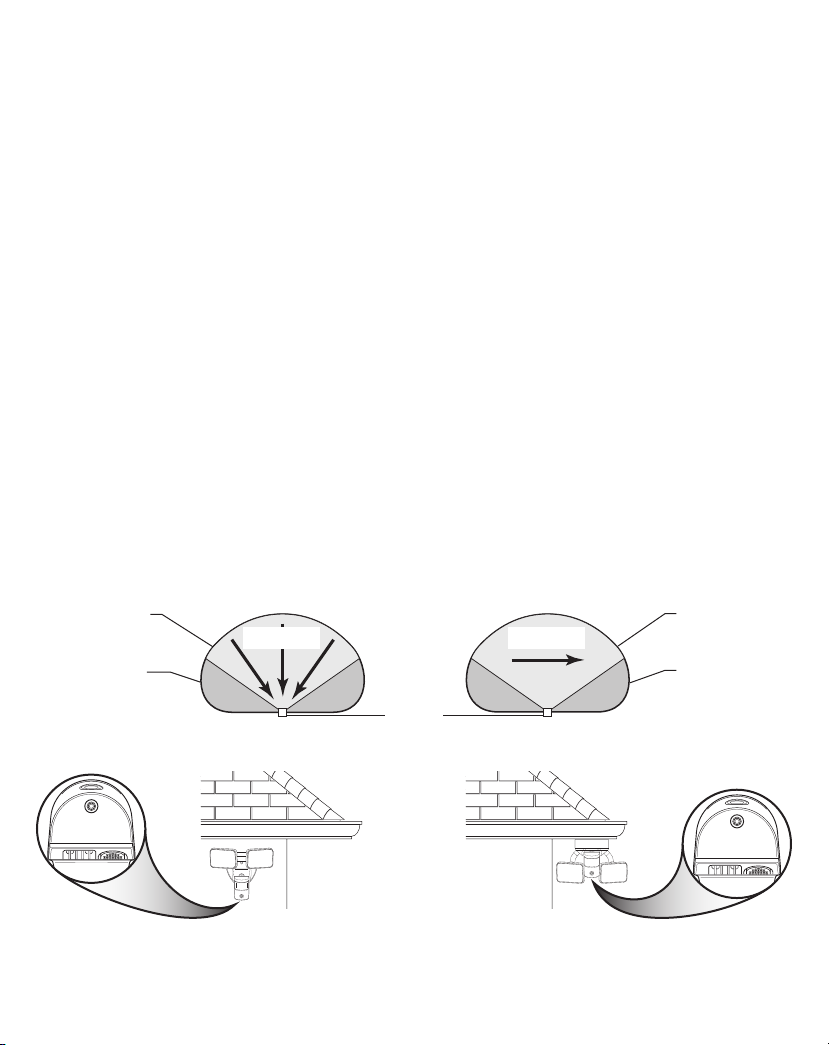
e motion sensor works by sensing temperature changes
across its eld of view. e closer the surrounding tem-
perature is to a person’s body heat, the less sensitive the
sensor will appear.e greater the temperature dierence,
the more sensitive the sensor will appear.Use the sensitiv-
ity control in the app to adjust the setting as the outside
temperature changes for the dierent seasons. is is a
normal part of the light sensor’s operation.
Figure 8
R
E
S
E
T
DUALBRITE DURATION
“DualBrite” mode is a selectable feature within the app
that turns the light on at a reduced (accent) level at dusk.
When motion is detected, the light will increase to full
bright for the amount of the “Full Brite Setting” (1, 5, or
20 minutes) then returns to “DualBrite” mode.e light
will stay on at the reduced light level for the amount of
timeselected(O,3hr.,6hr.,dusk-to-dawn)andthenturn
o completely. Once the “DualBrite” timer runs out, the
lightwillturn ONonlywhenmotionis detected.Selecting
OFFdisables the“DualBrite”feature,howeverthe motion
sensing features will continue to work.
RESET BUTTON
islight can beresetto theoriginalfactory settingseither
by using the reset button on the bottom of the sensor or
throughtheHZconnectapp.Note: Afterresettingthelight,
it may take up to 5 minutes for the light to be removed
from the HZconnect app.
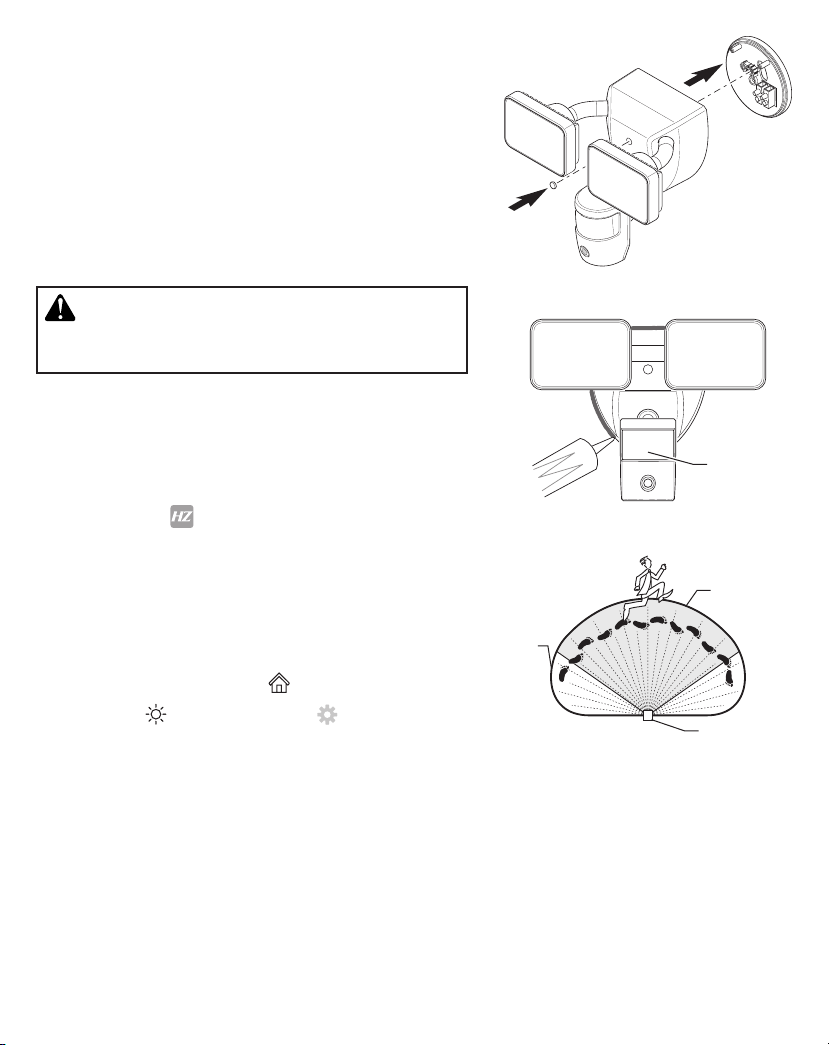
• Reset Button (see Figure 8) – Use a paper clip to press
the RESET button for 15 seconds to reset the light.
ForadditionalinformationconcerningthislightortheHZ-
connect app ,visit www.heath-zenith.com/HZconnect.