manuals.online logo
Brands
  1. Home
  2. •
  3. Brands
  4. •
  5. I.SOUND
  6. •
  7. Docking Station
  8. •
  9. I.SOUND POWER VIEW PRO - DATASHEET FOR IPAD User manual

I.SOUND POWER VIEW PRO - DATASHEET FOR IPAD User manual

This manual suits for next models

1

Other I.SOUND Docking Station manuals

I.SOUND POCKET DOCK Operation manual

I.SOUND

I.SOUND POCKET DOCK Operation manual

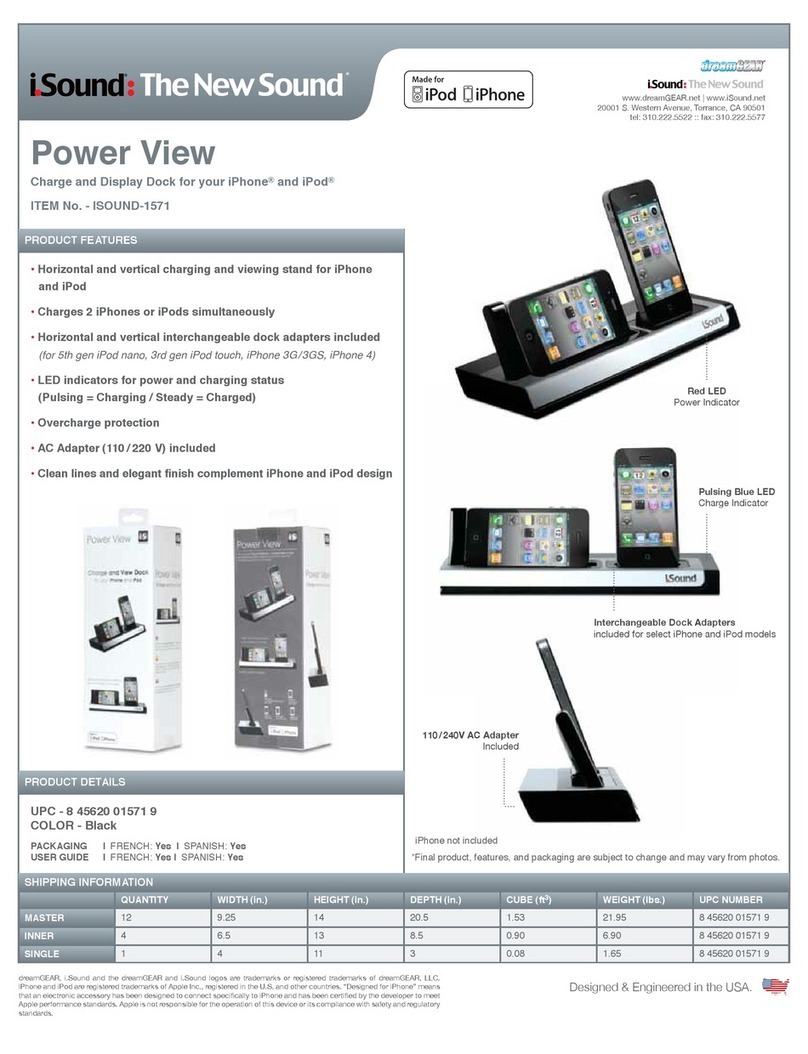
I.SOUND POWER VIEW - DATASHEET FOR IPHONE AND IPOD User manual

I.SOUND

I.SOUND POWER VIEW - DATASHEET FOR IPHONE AND IPOD User manual

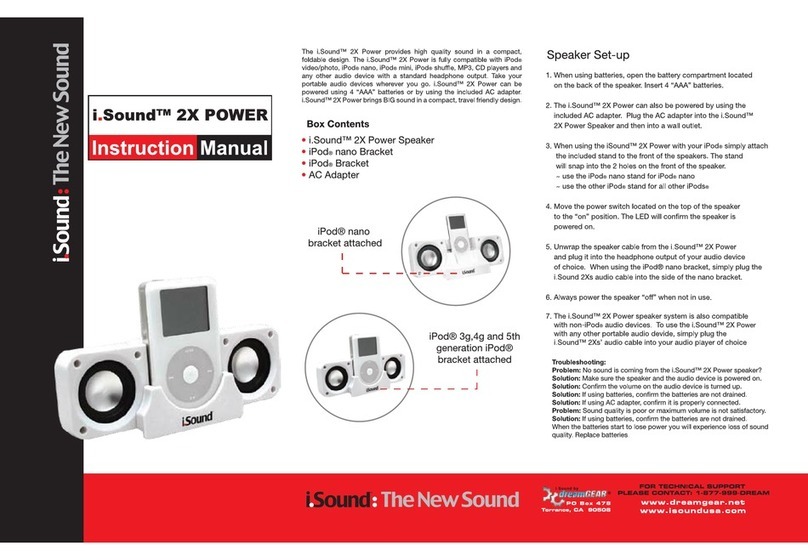
I.SOUND 2X POWER User manual

I.SOUND

I.SOUND 2X POWER User manual

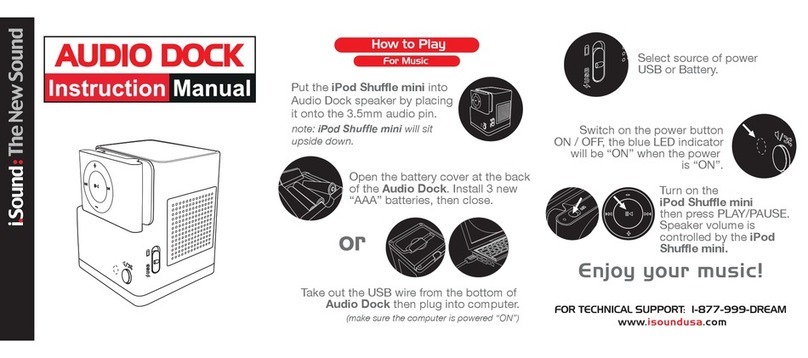
I.SOUND AUDIO DOCK User manual

I.SOUND

I.SOUND AUDIO DOCK User manual

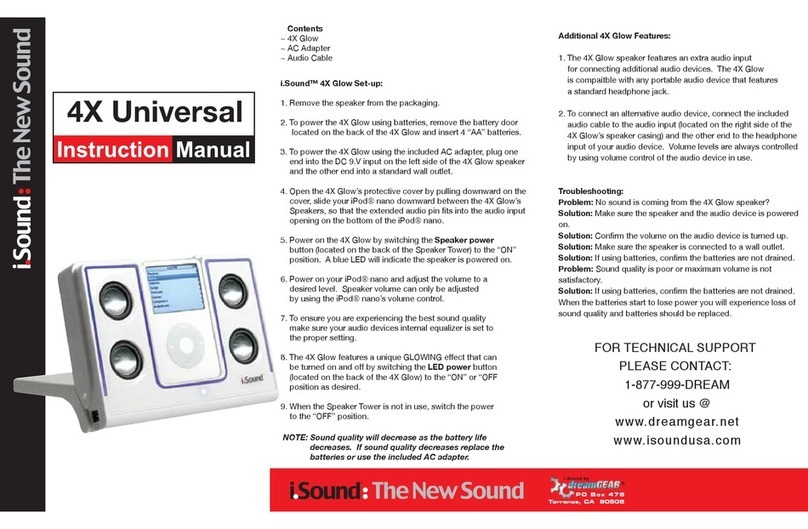
I.SOUND 4X UNIVERSAL User manual

I.SOUND

I.SOUND 4X UNIVERSAL User manual

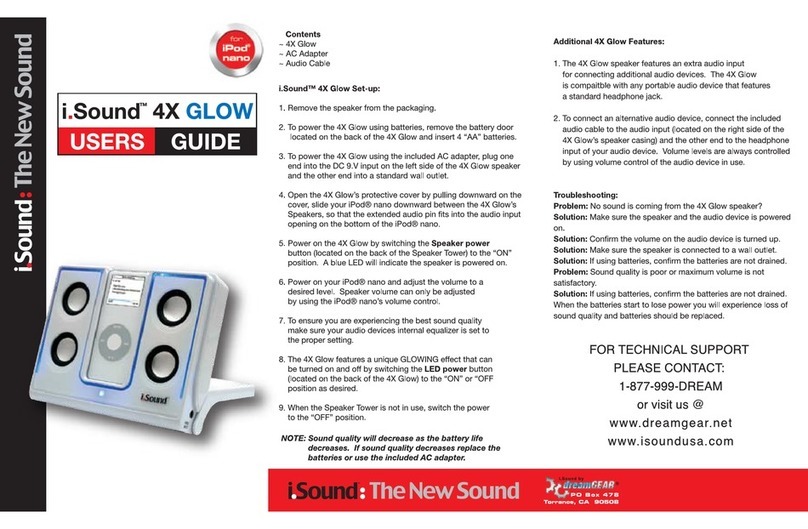
I.SOUND 4X GLOW User manual

I.SOUND

I.SOUND 4X GLOW User manual

I.SOUND CONCERT TO GO User manual

I.SOUND

I.SOUND CONCERT TO GO User manual

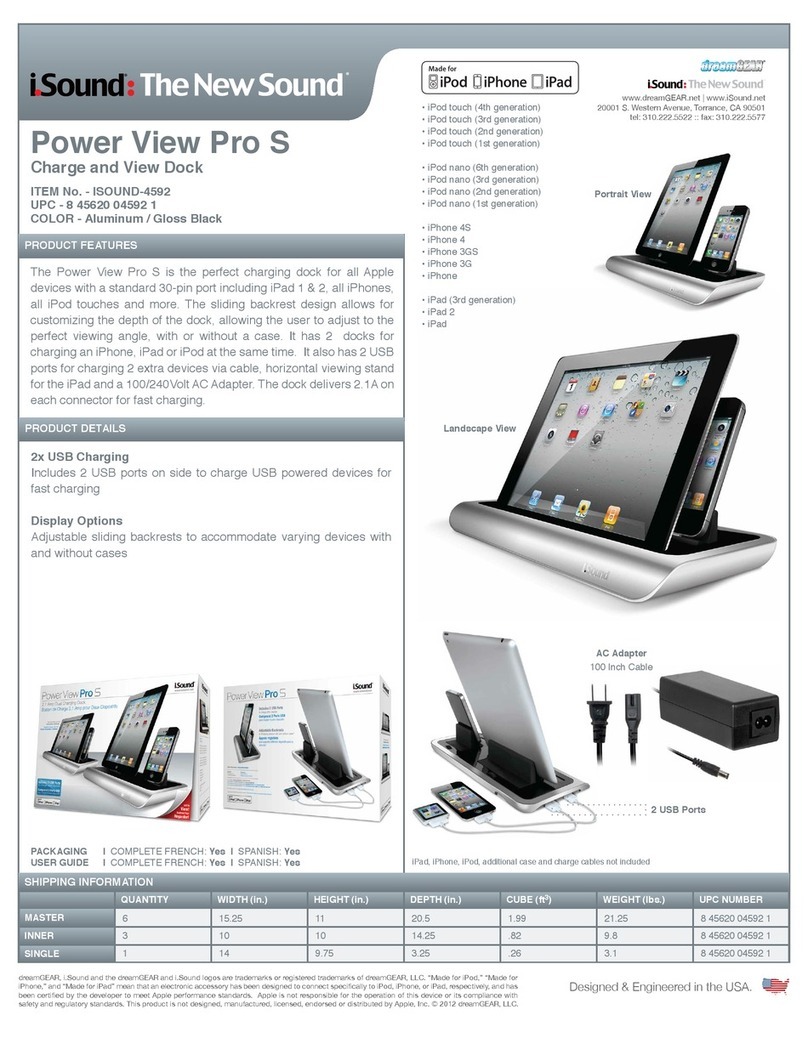
I.SOUND Power View Pro S User manual

I.SOUND

I.SOUND Power View Pro S User manual

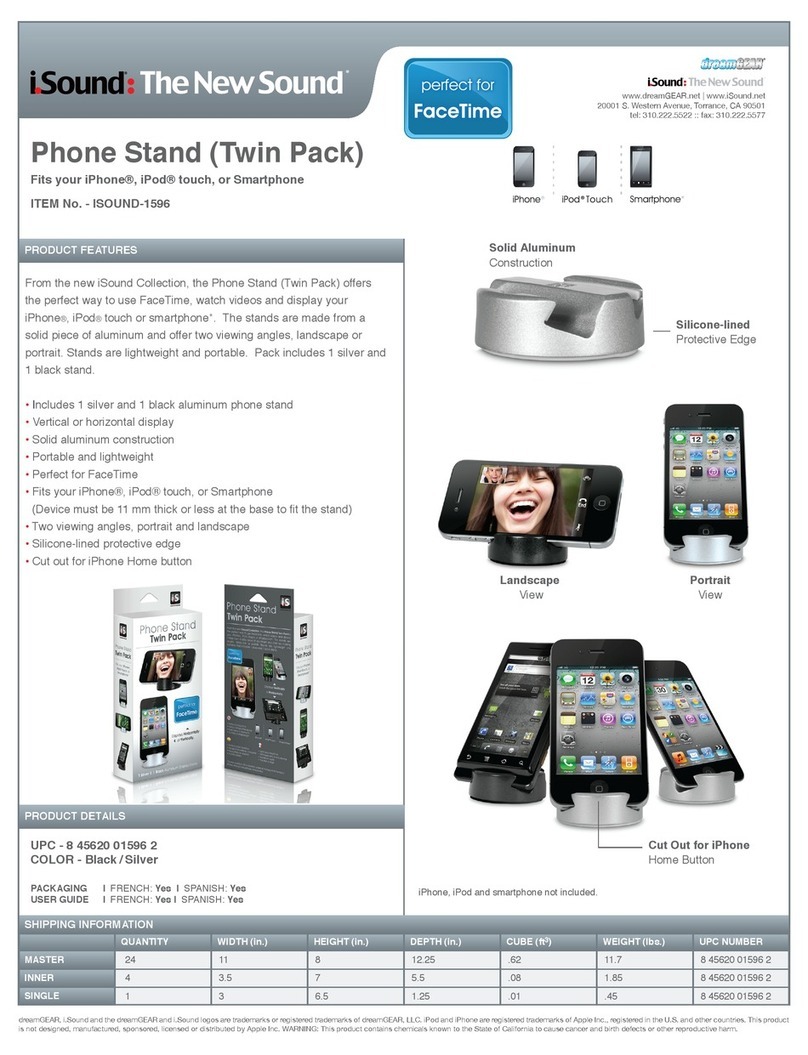
I.SOUND PHONE STAND TWIN PACK User manual

I.SOUND

I.SOUND PHONE STAND TWIN PACK User manual

Popular Docking Station manuals by other brands

Durr Dental VISTACAM2 Installation and operating instructions

Durr Dental

Durr Dental VISTACAM2 Installation and operating instructions

DLO TransDock Direct user manual

DLO

DLO TransDock Direct user manual

Lenovo USB-C Mini Dock user manual

Lenovo

Lenovo USB-C Mini Dock user manual

Sony Dream Machine XDR-DS12iP user manual

Sony

Sony Dream Machine XDR-DS12iP user manual

ATEN UC-2000 user manual

ATEN

ATEN UC-2000 user manual

Xcellon HDD-202 user manual

Xcellon

Xcellon HDD-202 user manual

Dok CR09 user guide

Dok

Dok CR09 user guide

Philips BTM630/12 quick start guide

Philips

Philips BTM630/12 quick start guide

IOGear Travel Pro GUD3C09 quick start guide

IOGear

IOGear Travel Pro GUD3C09 quick start guide

iHome iP15 instruction manual

iHome

iHome iP15 instruction manual

VITURE ONE MOBILE DOCK quick start guide

VITURE ONE

VITURE ONE MOBILE DOCK quick start guide

CipherLab 8001 quick guide

CipherLab

CipherLab 8001 quick guide

Pyle PIPDSP2 owner's manual

Pyle

Pyle PIPDSP2 owner's manual

Targus DOCK315EUZ user guide

Targus

Targus DOCK315EUZ user guide

Philips DC190/79 user manual

Philips

Philips DC190/79 user manual

Akasa DuoDockX3 AK-DK08U3-BK user manual

Akasa

Akasa DuoDockX3 AK-DK08U3-BK user manual

Sirius Satellite Radio SUBX2082808a Installation and user guide

Sirius Satellite Radio

Sirius Satellite Radio SUBX2082808a Installation and user guide

OWC Thunderbolt Dock user guide

OWC

OWC Thunderbolt Dock user guide

manuals.online logo
manuals.online logoBrands
  • About & Mission
  • Contact us
  • Privacy Policy
  • Terms and Conditions

Copyright 2025 Manuals.Online. All Rights Reserved.

QUANTITY
SHIPPING INFORMATION
MASTER
INNER
SINGLE
WIDTH (in.) HEIGHT (in.) DEPTH (in.) CUBE (ft3) WEIGHT (lbs.) UPC NUMBER
PRODUCT FEATURES
PRODUCT DETAILS
www.dreamGEAR.net | www.iSound.net
20001 S. Western Avenue, Torrance, CA 90501
tel: 310.222.5522 :: fax: 310.222.5577
UPC - 8 45620 04531 0
COLOR - Black
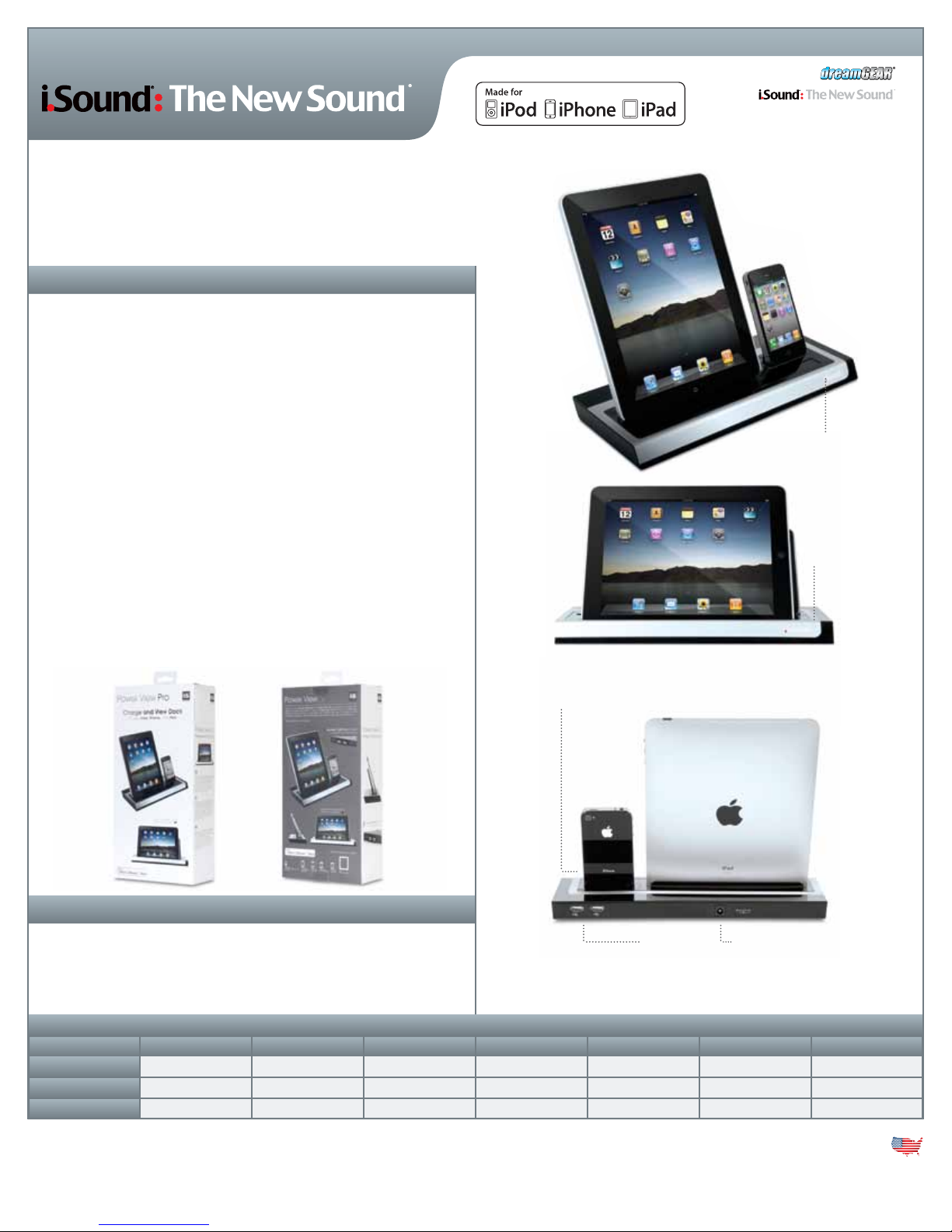
Power View Pro
Charge and View Dock for iPad™, iPhone®, iPod®
ITEM No. - ISOUND-4531
PACKAGING
USER GUIDE
| FRENCH: Yes | SPANISH: Yes
| FRENCH: Yes | SPANISH: Yes
•Horizontal and vertical charging and viewing stand for iPad
•Viewing and charging stand for iPhone and iPod
•Also charges all USB powered devices
•Charges 4 devices simultaneously (an iPad, an iPhone or iPod, and
two other USB powered devices)
•Interchangeable dock adapters included (for 5th gen iPod nano, 3rd
gen iPod touch, iPhone 3G/3GS, iPhone 4)
•Will charge three iPads simultaneously
•LED indicators for power and charging status
(Pulsing = Charging / Steady = Charged)
•Overcharge protection
•AC Adapter (110 / 220 V) included
•Clean lines and elegant finish complement iPad and iPhone design
dreamGEAR, i.Sound and the dreamGEAR and i.Sound logos are trademarks or registered trademarks of dreamGEAR, LLC.
iPhone and iPod are registered trademarks of Apple Inc., registered in the U.S. and other countries. iPad is a trademark of Apple
Inc. “Designed for iPhone” means that an electronic accessory has been designed to connect specifically to iPhone and has been
certified by the developer to meet Apple performance standards. Apple is not responsible for the operation of this device or its
compliance with safety and regulatory standards. This product is not designed, manufactured, licensed, endorsed or distributed
by Apple, Inc. Apple is not responsible for the operation of this device or its compliance with safety and regulatory standards.
Packaging design copyrighted by dreamGEAR, LLC.
Designed & Engineered in the USA.
iPad and iPhone not included
*Final product, features, and packaging are subject to change and may vary from photos.
Red LED
Power Indicator
Pulsing Blue LED
Charge Indicator
Interchangeable Dock Adapters
included for select iPhone and iPod models
110/240V AC Adapter
Included
2x USB
Ports
12
4
13.25
6.5
1 6
16
15
13
20.5
12.5
2.49
0.70
3 0.14
40.0
12.75
3.05
8 45620 04531 0
8 45620 04531 0
8 45620 04531 0