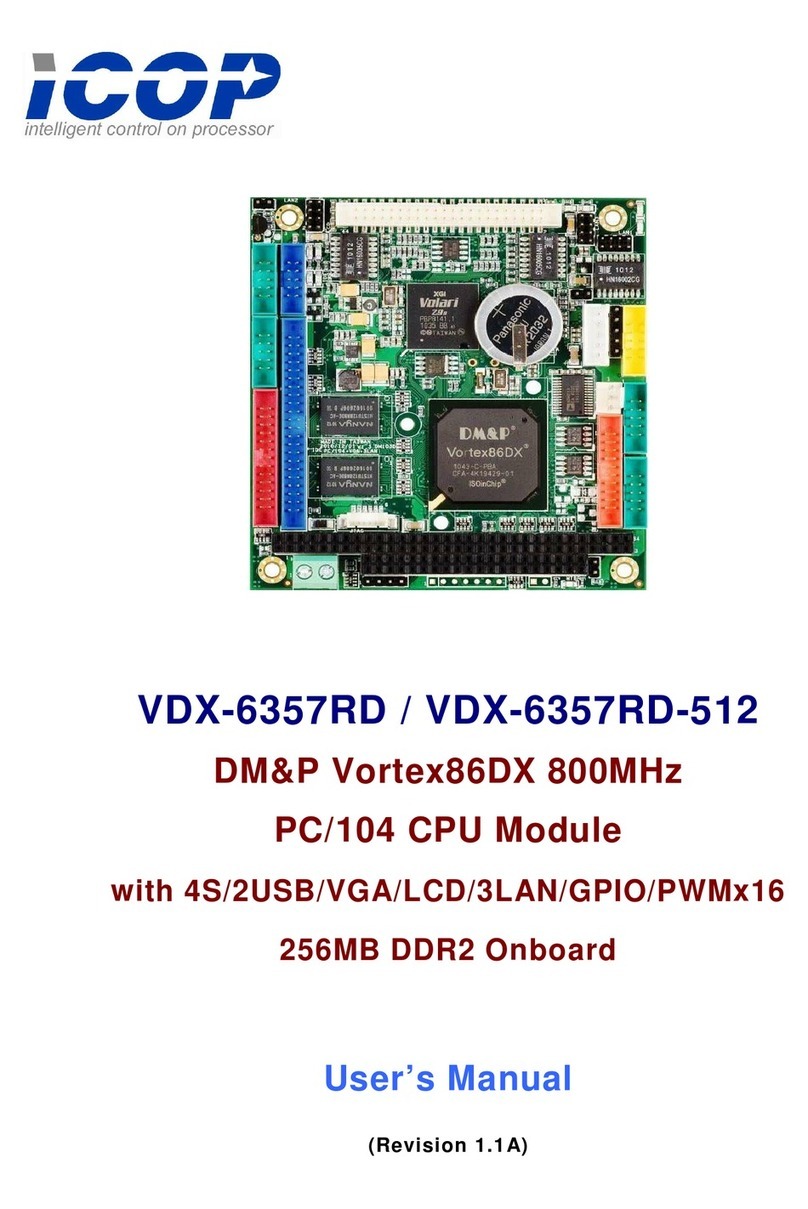
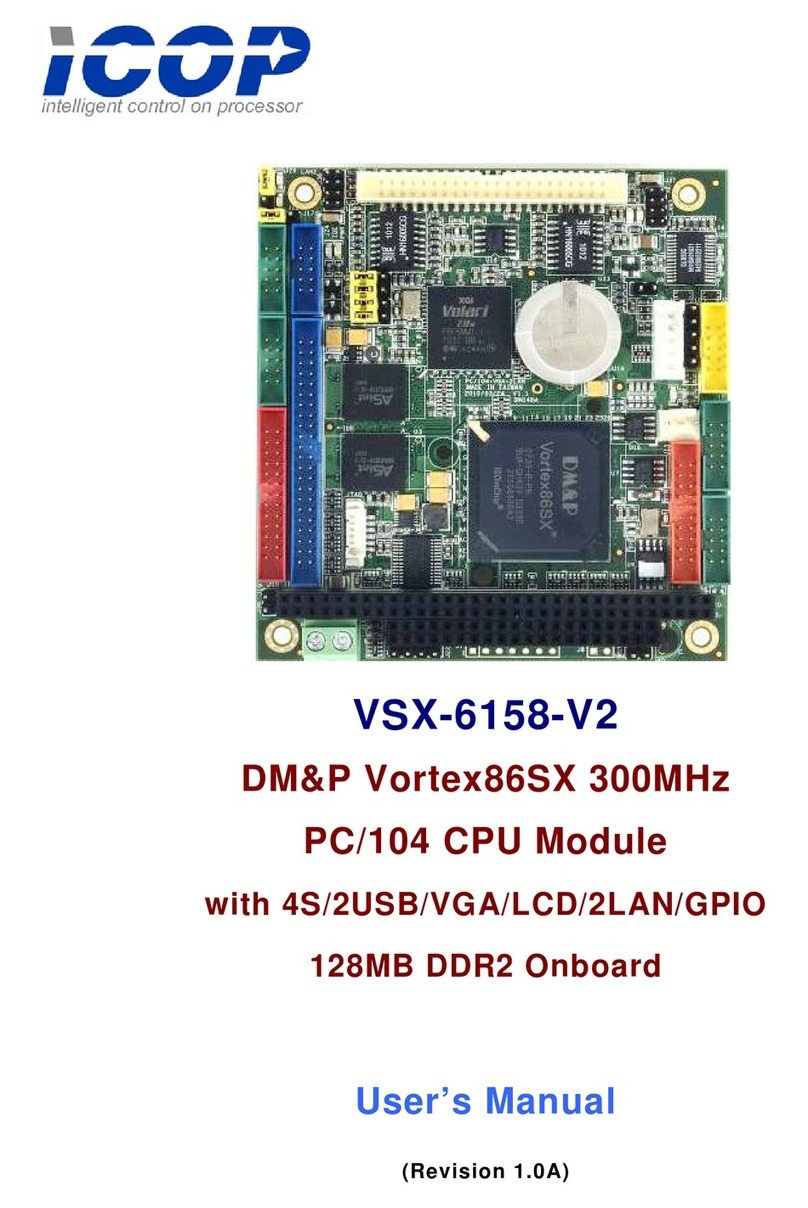
VDX3-6724-V2 User Manual
ICOP Technology Inc. 4
J24A: PC/104 Connector – 64 pin ................................................................................................. 20
J24B: PC/104 Connector – 40 pin .................................................................................................. 20
J28: Line-out .................................................................................................................................. 21
J29: MIC-in .................................................................................................................................... 21
J30: Touch screen (Optional) ......................................................................................................... 21
J31: Parallel .................................................................................................................................... 22
System Mapping ............................................................................................................................. 23
3 Software Resources ........................................................................................... 26
3.1 ICOP Technical Resource Website............................................................................................ 26
3.2 Vortex86 Processor Programming Guide .................................................................................. 26
4 Technical support .............................................................................................. 27
4.1 LCD........................................................................................................................................ 27
4.1.1 Introduction ..................................................................................................................... 27
4.1.2 Pin Assignment of LVDS and TFT-LCD ......................................................................... 27
4.2 BIOS Introduction .................................................................................................................... 30
4.2.1 Introduction .............................................................................................................................. 30
4.2.2 CPU Clock Adjusting ................................................................................................................ 30
4.2.3 Console Direction ..................................................................................................................... 30
4.2.4 Serial Ports Switching ................................................................................................................ 31
4.2.5 IDE Configuration .................................................................................................................... 32
4.2.6 Advanced PCI/PnP Setting ....................................................................................................... 34
4.2.7 ACPI Enable ............................................................................................................................. 35
4.2.8 LCD Panel Setting .................................................................................................................... 36
Appendix ..................................................................................................................... 38
Stacking Solution for Daughter Board ................................................................................................ 38
Warranty ...................................................................................................................... 40