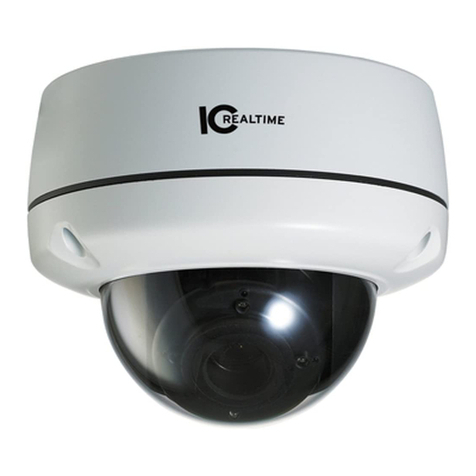
ICRealtime ICR200W User manual

DESCRIPTION
PRECAUTIONS
FEATURES
ICR200W
IR Waterproof Camera
Operating Instruction
1.
is DC12V.
2.
3.
4.
6.
Use theAppropriate Power Supply
The input powerfor ICR200W Be sure toconnect
it to theappropriate power. Wrong connectionmay cause
malfunction and/or damageto the videocamera.
Do not attempt to disassemble the camera.
To prevent electric shock, do not remove screws or covers.
There are no user serviceable parts inside. Ask a qualified
service person for servicing.
Handle the camera with care.
Do not abuse the camera. Avoid striking, shaking, etc.
The camera could be damaged by improper handling or
storage.
Do note usestrong or abrasivedetergents when cleaning the
camera body.
Use a drycloth to cleanthe camera whendirty. In case thedirt is
hard to remove.Use a milddetergent and wipe gently.
5. Do notattempt to aimthe camera atthe sun
Do not attemptto aim thecamera at thesun or otherextremely
bright objects thatcause smear toappear irrespective ofwhether
the camera isoperating or not.This can damage the CCD(Charge
Coupled Device).
Do not putthe camera ina place withinterference.
When this camera is installednear the equipmentlike wireless
communication device whichemits strong electromagneticfield,
some irregularity suchas noise onmonitor screen mayhappen.
700TVL horizontal resolution
High Resolution
High-performance IR LED,whose brightness is several times
higher and service life longer than an ordinary LED's.
Long-term IR LED Design
Auto D/N Swithover Operating Mode
COLOR mode in daytime when there is enough light; at night when there is
little light, sensitivity and image quality need to be higher, it will switch to
B/W mode automatically and start IR.IR range is up to 20m.
IP 55 Waterproof
Waterproof, Dustproof Design.
ICR200W employs advanced digital signalimage processing technology
and realizeshigh horizontalresolution up to700TVL. various functi ons on th e
came ra. Wh en li ght ch an gi ng re ac hes a certainvalue, IR LEDs wil l start
themselves automatically.It h elp s to ha ve an e asy 2 4-h our d ay& nig ht
monitoring and operation.
420 TVLine
Advanced Image Processing Technology; 700TVL High Resolution; Clear Bright Pictures
700 TV Line
SPECIFICATIONS
ICR200W
3.6mm
490g
70(H) * 94( )
PARTS INSTRUCTION AND INSTALLATION
Screw Hole
Video Cable
Power Cable
1. Take out the fixing screws on the lock base by the allen wrench in the
accessory bag. (Another way: hold the base plate and turn it in
anti-clockwise direction)
2. Separate the base plate and lock base.
3. Use screws to fix the base plate to the needed place.
4. Then put the sphere and lock base to where they belong and screw up the
fixing screws.
Base Plate
Lock Base
Wrench
Sphere
DIMENSIONS
94.0mm
70.0mm
5.0mm
Model Number
Sensor
Video Format
Sync Mode
Resolution
S/N Ratio
Mini. Illumination
AGC
White Bal
BLC
Iris Control
Electronic Shutter Speed
Voltage
Current
Operating Temp
Storage Temp
Dimension
Weight
Mode
Range
1/3 960H High Sensitivity CCD
PAL/NTSC
INTERNAL
700TVL
0Lux (IR ON)
AUTO
AUTO
AUTO
Electronic Iris
1/60(1/50)-1/100000 SECOND
DC12V
<250mA
>50dB (AGC OFF)
(AUTOMATICAL) 2200~10000 K
-10 ~50
-20 ~50
Day/Night
AUTO
AUTO
AUTO
3-DNR
WDR
Lens
EN-U3-512P-120229
Other ICRealtime IP Camera manuals
ICRealtime
ICRealtime ICIP D720-IRT12 User manual
ICRealtime
ICRealtime IC720 User manual
ICRealtime
ICRealtime ICIP-D2360 User manual
ICRealtime
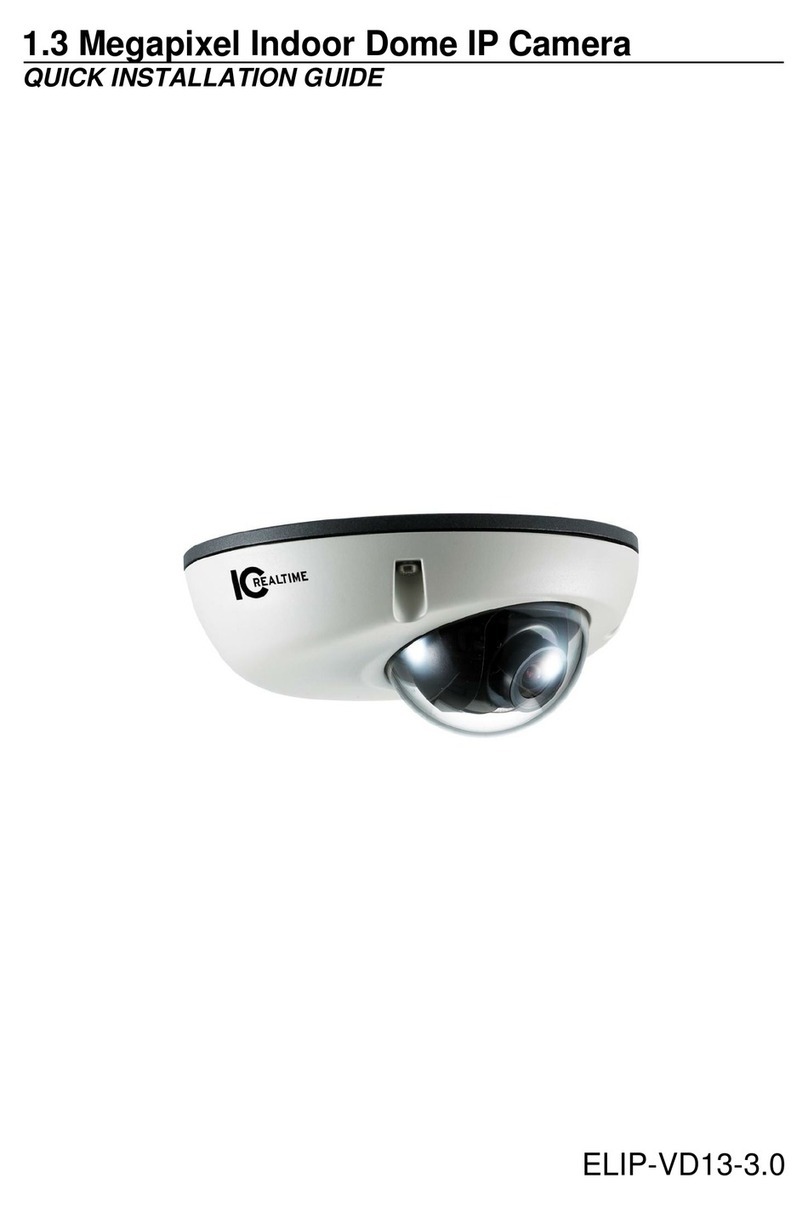
ICRealtime ELIP-VD13-3.0 User manual
ICRealtime
ICRealtime ICIPD1300VIR User manual
ICRealtime
ICRealtime ICIP D3000VIR-I User manual
ICRealtime
ICRealtime ICIP-D1300 User manual

ICRealtime
ICRealtime ICIPS1300WDR User manual
ICRealtime
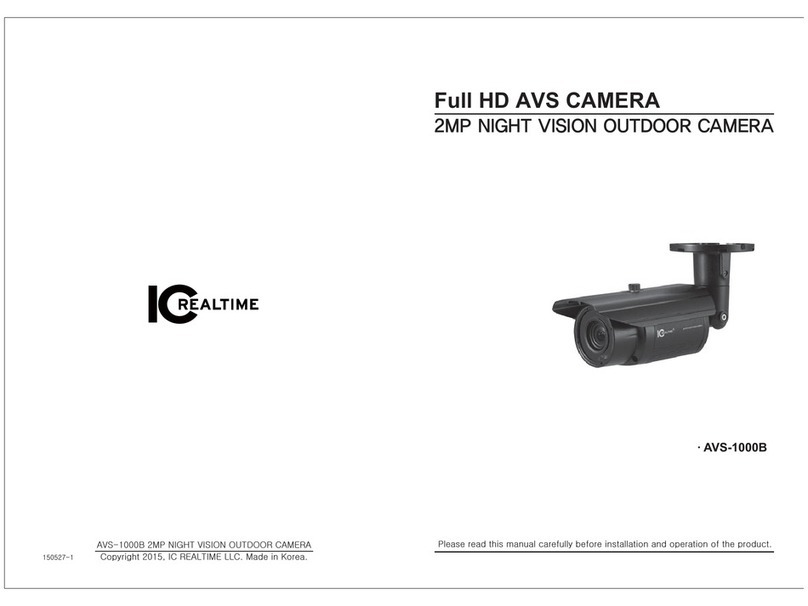
ICRealtime AVS-1000B User manual
ICRealtime
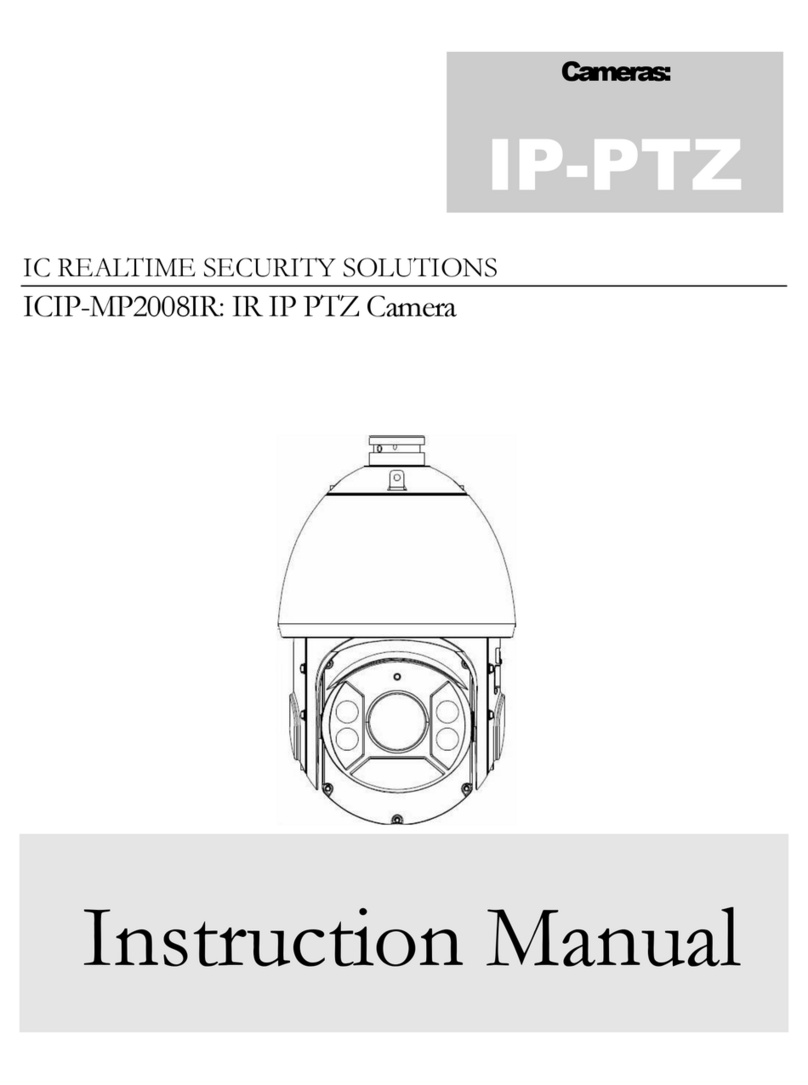
ICRealtime ICIP-MP2008IR User manual