Introduction
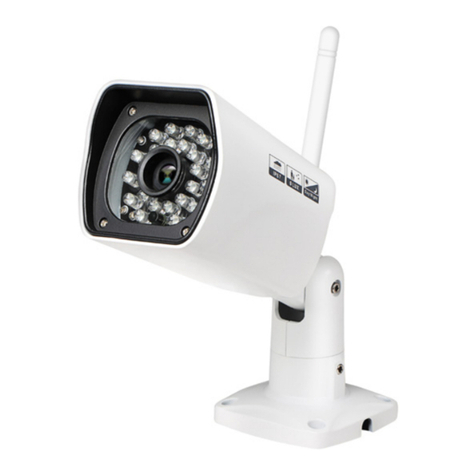
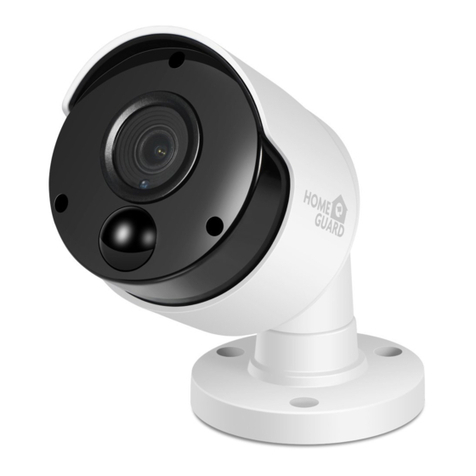
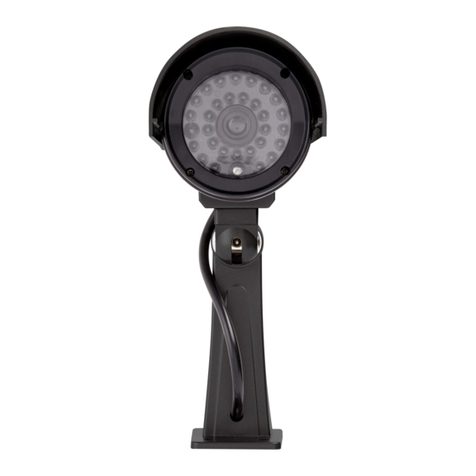
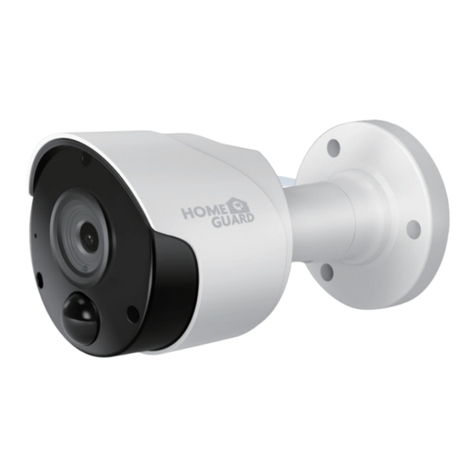
Each Homeguard PoE Bullet camera is supplied with a mounting kit for attaching it to a wall or ceiling. Before you affix the camera in
position, please ensure the cable is of adequate length to reach the NVR. We also recommend you try the camera with the NVR before
mounting it, to ensure it is in good working order, and help diagnose any problems created when installing it.
•NVR’s PoE ports make setup quick & easy, with one cable installation per camera that provides both power and HD video.
•Latest infrared cut filter & powerful LEDs producing night vision up to 100ft / 30m, weatherproof IP66.
•State-of-the-art PIR motion sensor designed for security applications & optimized to reliably detect people but also cars, large pets
and other large heat-generating objects.
•With more accurate motion detection you have more reliable notifications & activity-triggered recording, eliminating false triggers
due to the wind, leaves falling, bugs, rain & more, saving you hard drive space & playback time (when combined with a NVR).
Be Protected & High-accuracy Motion Alert:
5 6
Connecting the Camera
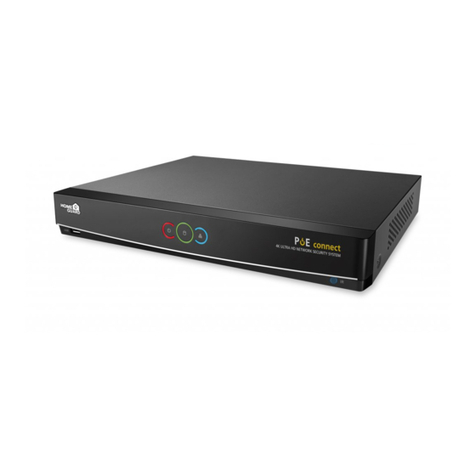
To connect the camera to your NVR, simply connect the supplied Ethernet cable to the LAN connection on the camera then plug the
other end of the cable into one of the camera inputs on the back of your NVR.
Note: The power connector is provided as an alternative power option if required. Your NVR will provide power over the Ethernet cable when connected and a separate
power adapter is not required.
HDMI WAN LAN8 LAN6 LAN4 LAN2
LAN7 LAN5 LAN3 LAN3
VGA
48V
CAUTION
RISKOF ELECTRIC SHOCK
DONOT OPEN
CAUTION: TO REDUCE THE RISK OF ELECTRICAL SHOCK
DONOT OPEN COVERS. NO USER SERVICEABLE
PARTSINSIDE. REFER SERVICING TO QUALIFIED
SERVICEPERSONNEL.
WARNING: TO PREVENT FIRE OR SHOCK HAZARD. DO NOT
EXPOSEUNITS NOT SPECIFICALLY DESIGNED
FOROUTDOOR USE TO RAIN OR MOISTURE.
AUDIO OUT
60ft/18.3m Ethernet Cable
PoE NVR