EnglishDeutsch
 logo
Brands
  1. Home
  2. •
  3. Brands
  4. •
  5. iHealth
  6. •
  7. Blood Glucose Meter
  8. •
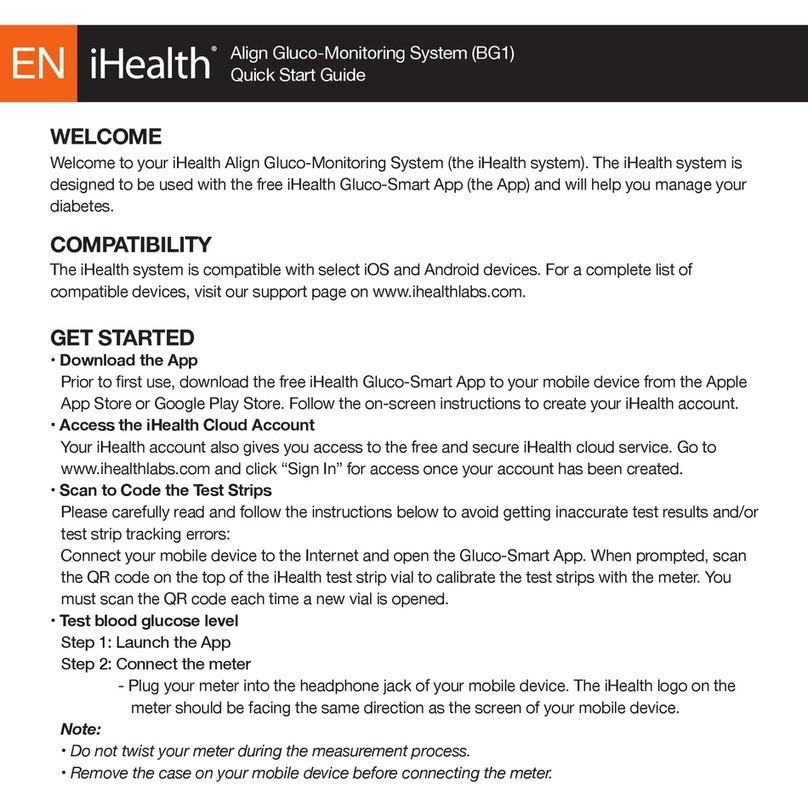
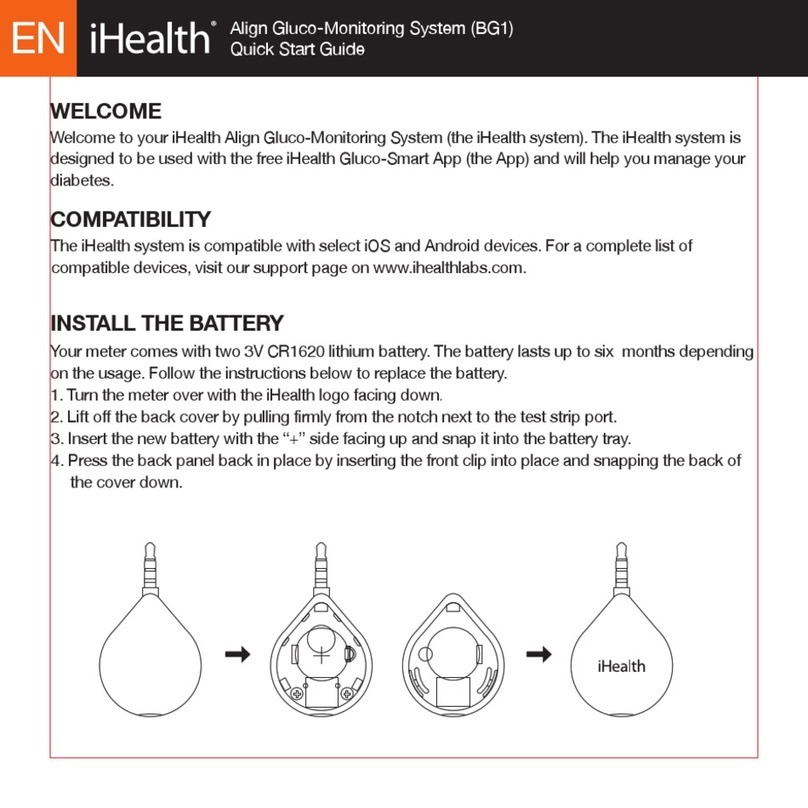
  9. iHealth BG1 User manual

iHealth BG1 User manual

Other manuals for BG1

5

Other iHealth Blood Glucose Meter manuals

iHealth Gluco+ User manual

iHealth

iHealth Gluco+ User manual

iHealth Gluco-Monitoring System User manual

iHealth

iHealth Gluco-Monitoring System User manual

iHealth Gluco+ User manual

iHealth

iHealth Gluco+ User manual

iHealth BG1 User manual

iHealth

iHealth BG1 User manual
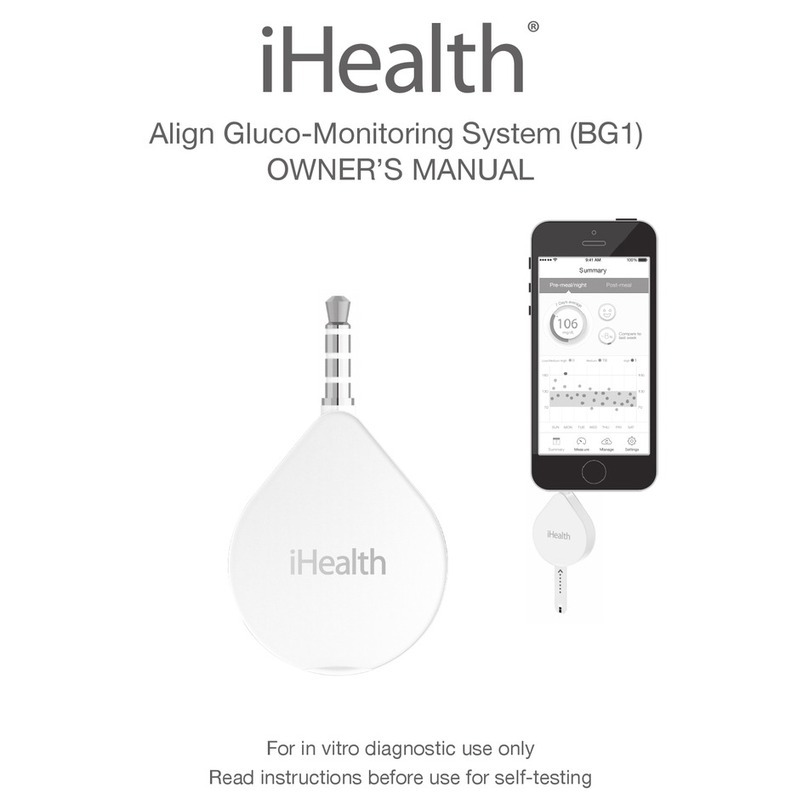
iHealth BG1 User manual

iHealth

iHealth BG1 User manual
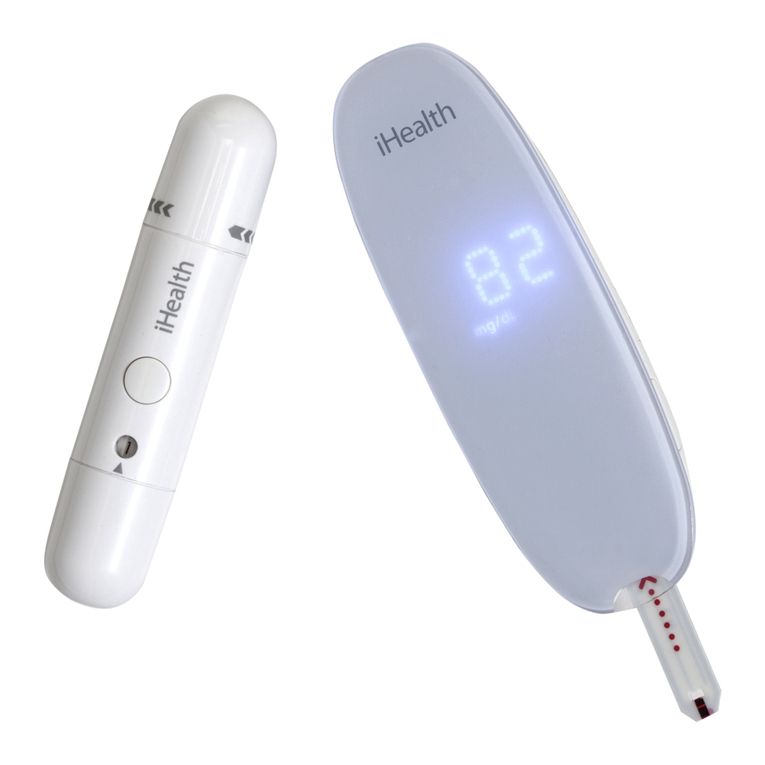
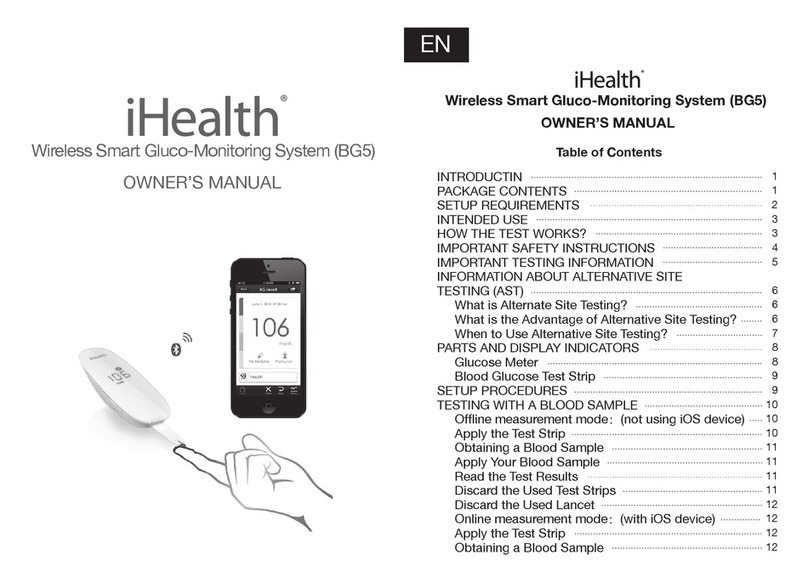
iHealth BG5 User manual

iHealth

iHealth BG5 User manual
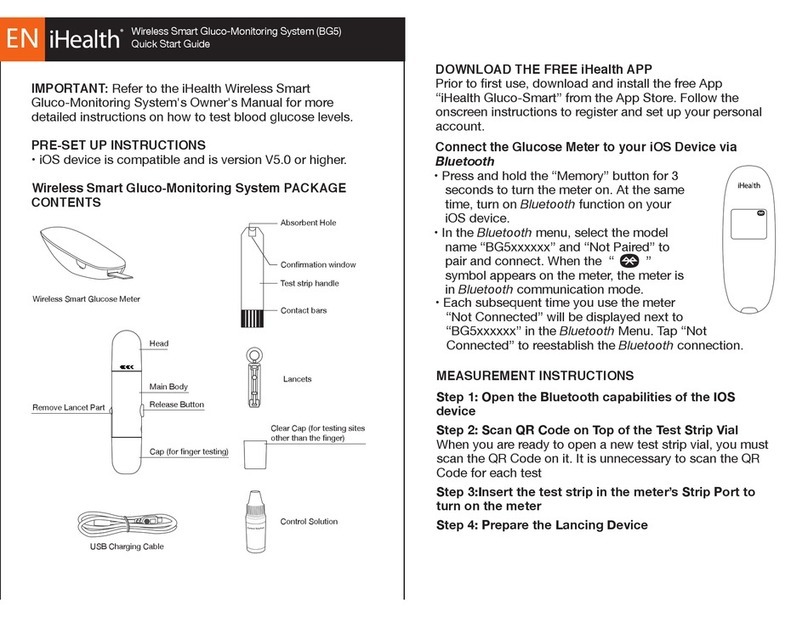
iHealth BG5 User manual

iHealth

iHealth BG5 User manual
iHealth BG1 User manual

iHealth

iHealth BG1 User manual
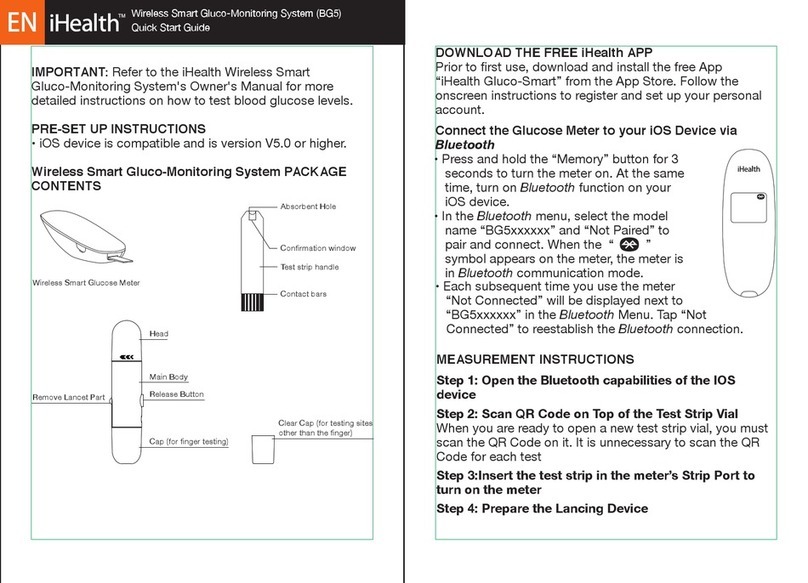
iHealth BG5 User manual

iHealth

iHealth BG5 User manual

iHealth BG5 User manual

iHealth

iHealth BG5 User manual

iHealth BG5 User manual

iHealth

iHealth BG5 User manual
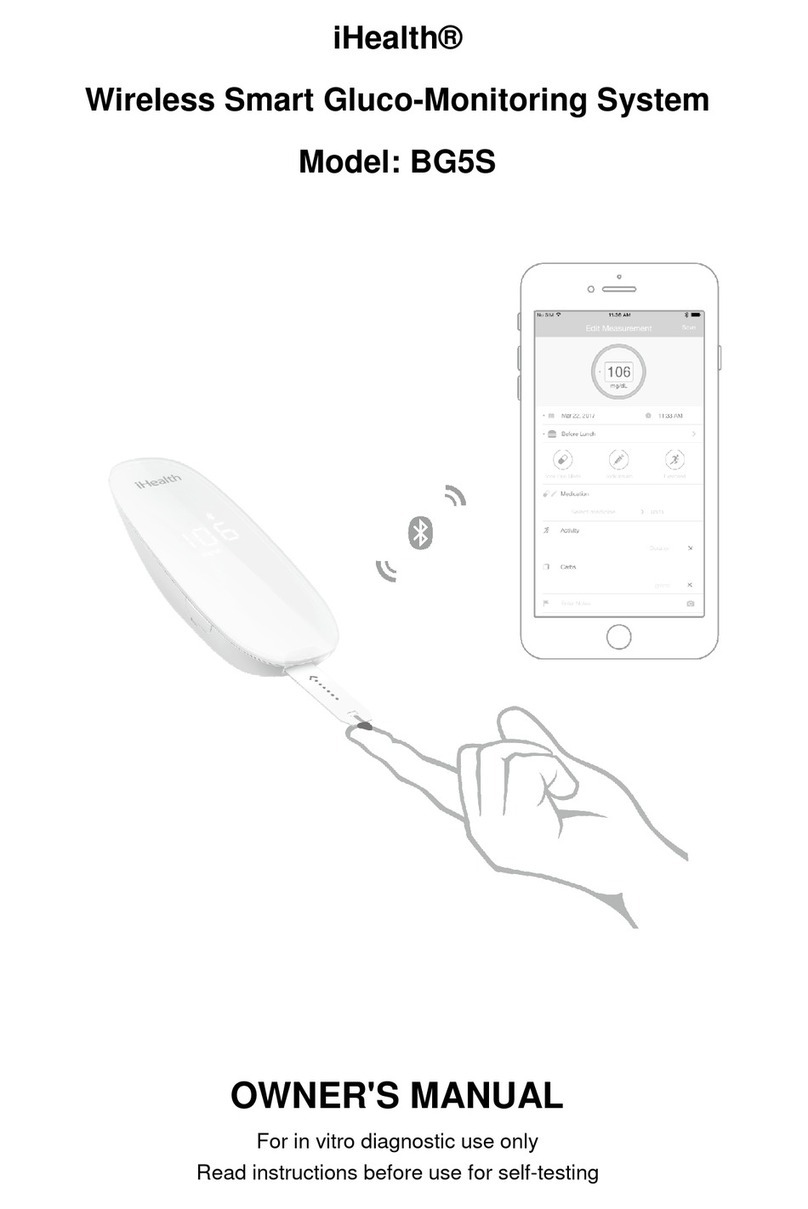
iHealth BG5S User manual

iHealth

iHealth BG5S User manual

iHealth BG5 User manual

iHealth

iHealth BG5 User manual
iHealth BG1 User manual

iHealth

iHealth BG1 User manual

iHealth BG1 User manual

iHealth

iHealth BG1 User manual

Popular Blood Glucose Meter manuals by other brands

ReliOn Prime User instruction manual

ReliOn

ReliOn Prime User instruction manual

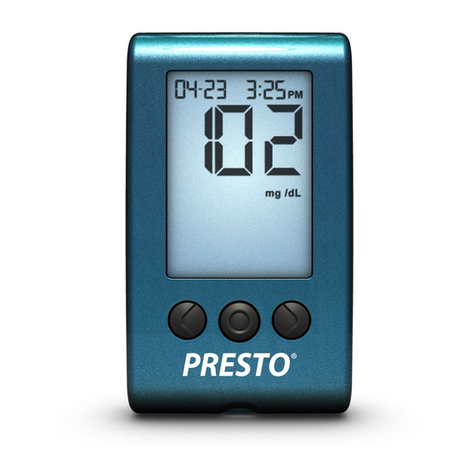
AgaMatrix Presto owner's guide

AgaMatrix

AgaMatrix Presto owner's guide

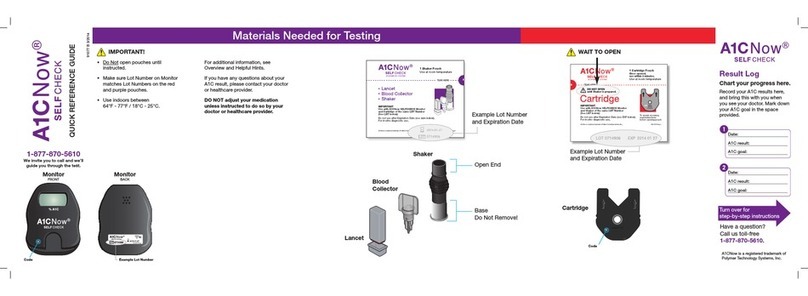
Polymer Technology Systems A1C Now Self Check user manual

Polymer Technology Systems

Polymer Technology Systems A1C Now Self Check user manual

Medisana GlucoDock instruction manual

Medisana

Medisana GlucoDock instruction manual

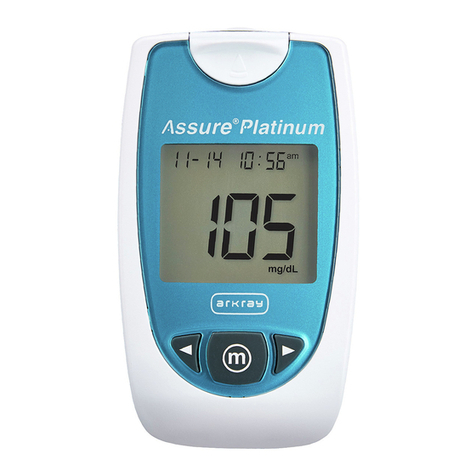
Arkray ASSURE PLATINUM quick start guide

Arkray

Arkray ASSURE PLATINUM quick start guide

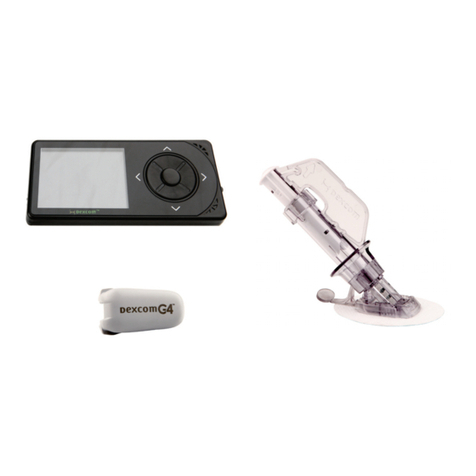
Dexcom G4 Professional user guide

Dexcom

Dexcom G4 Professional user guide

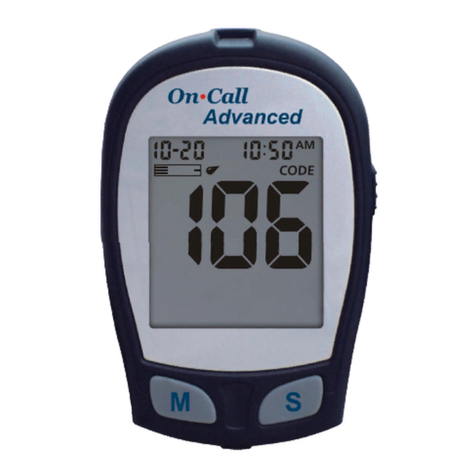
Acon On Call user manual

Acon

Acon On Call user manual

veri-Q BALANCE PRO user manual

veri-Q

veri-Q BALANCE PRO user manual

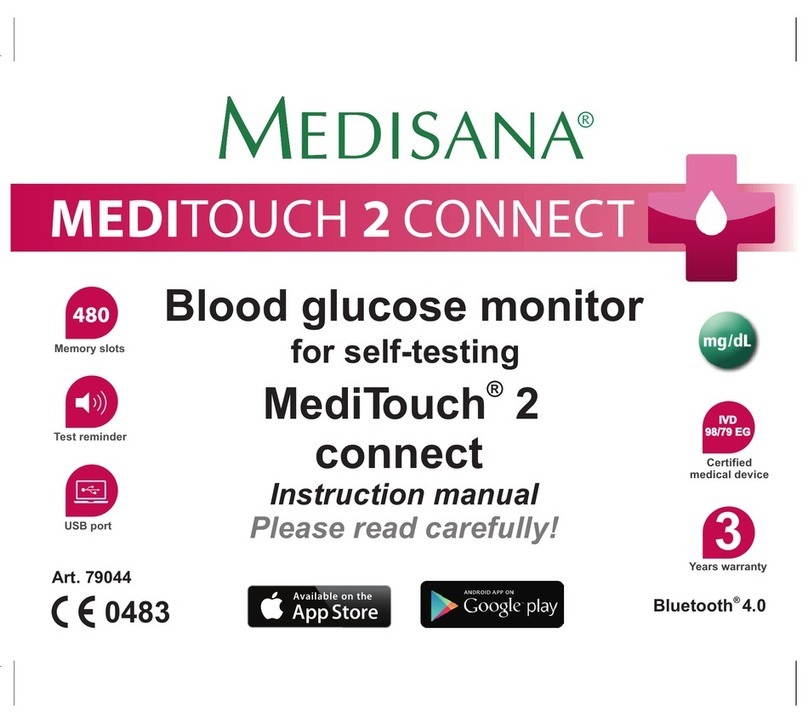
Medisana MediTouch 2 instruction manual

Medisana

Medisana MediTouch 2 instruction manual

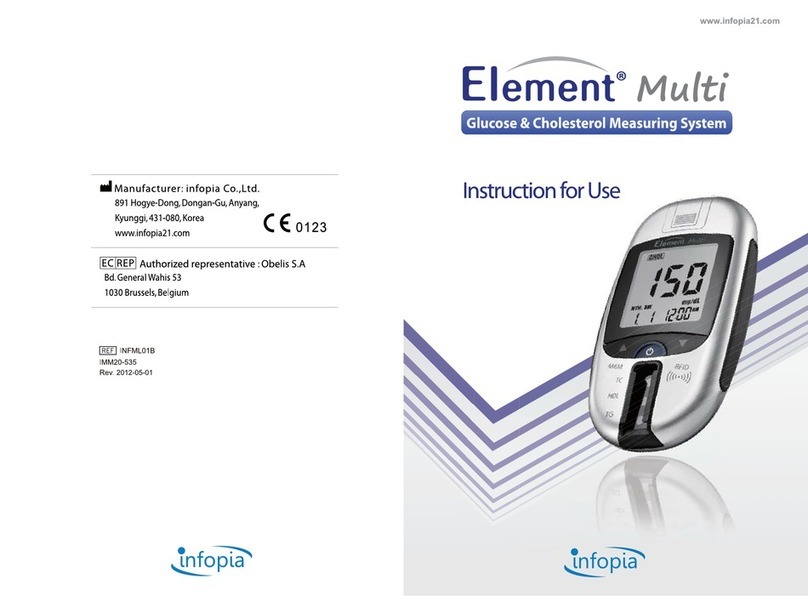
Infopia Element Instructions for use

Infopia

Infopia Element Instructions for use

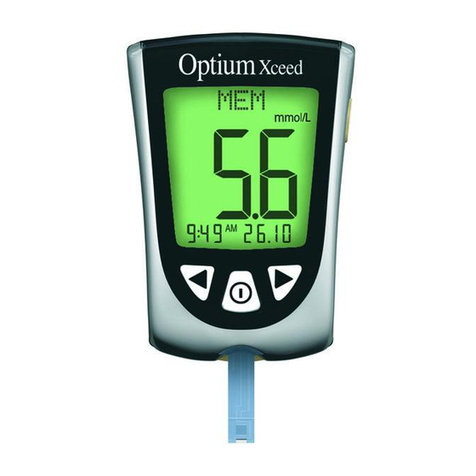
Abbott Optimum Xceed user guide

Abbott

Abbott Optimum Xceed user guide

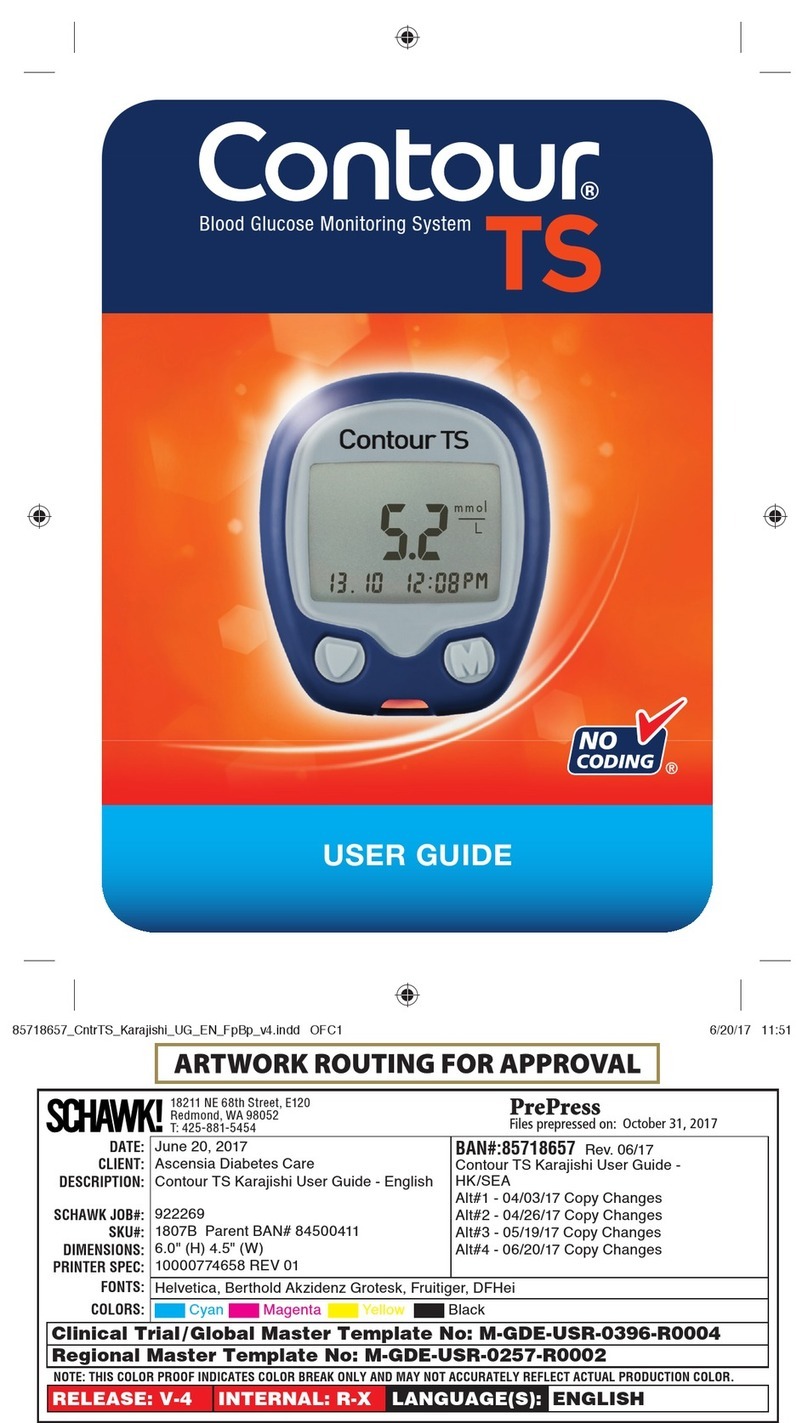
Contour TS user guide

Contour

Contour TS user guide

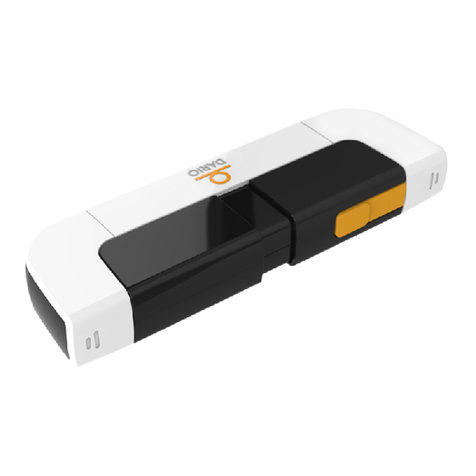
LabStyle Dario user guide

LabStyle

LabStyle Dario user guide

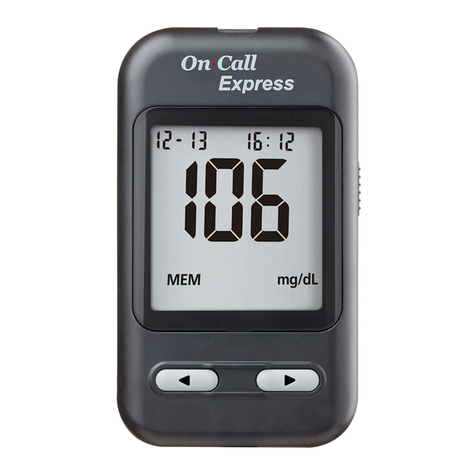
ACONLABS ON CALL EXPRESS user manual

ACONLABS

ACONLABS ON CALL EXPRESS user manual

Higi Technology iGlucose quick start guide

Higi Technology

Higi Technology iGlucose quick start guide

Bayer HealthCare CONTOUR NEXT user guide

Bayer HealthCare

Bayer HealthCare CONTOUR NEXT user guide

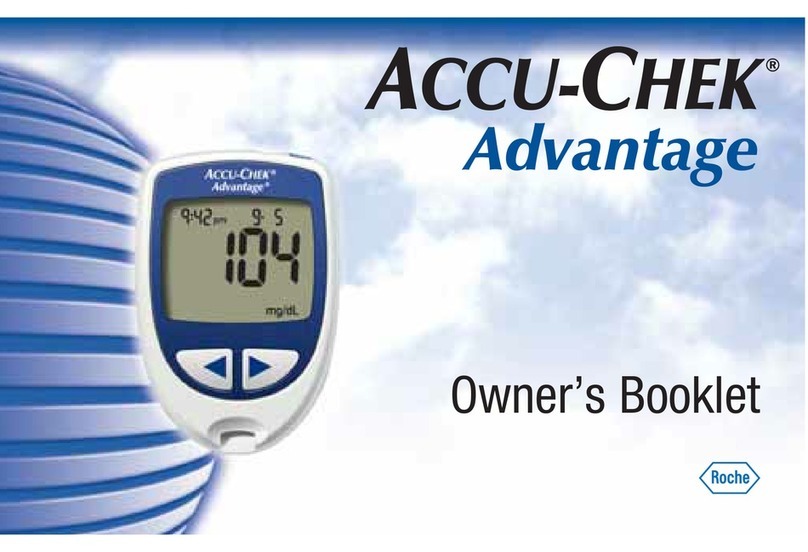
Accu-Chek ADVANTAGE owner's booklet

Accu-Chek

Accu-Chek ADVANTAGE owner's booklet

Sanofi-aventis BG STAR Brief operating instructions

Sanofi-aventis

Sanofi-aventis BG STAR Brief operating instructions

https://manuals.online logo
https://manuals.online logoBrands
  • About & Mission
  • Contact us
  • Privacy Policy
  • Terms and Conditions

Copyright 2026 Manuals.Online. All Rights Reserved.

Blood Sugar Testing
Quick Start Guide
4 1
iHealth Align Lancing Device Lancet Test Strip
Loading the lancet Puncture Depth: 1=Shallowest, 5=Deepest
1 2 3
456
click
2
1 Equipment list
(866) 899-3998Unified Care Technical Support
Your personal care team connecting
your home and doctor’s office
Unified Care
Test Strip Storage:
Discard 5 months after opening. Do not store in direct sunlight or in
refrigerator. Do not combine test strips from different bottles. Do not
put lancets in test strip bottle. Make sure test strip box is stored at
room temperature (60° to 80°F) for at least 2 hours before opening.
Replace
attery
Waste Disposal:
Lancets must be inserted back into the cover before disposal to
prevent injury. Used test strips and lancets must be disposed into a
sharp container.
Publication Date: 06/17/2021
2 3
Wait for the result It takes about 5 seconds to analyze sample.
Wash hands and massage finger for blood flow.
Blood sample
Provide Details
Connect the meter and insert test strip
4
Prep your finger
3
5
6
7
Touch blood to the tip of the test strip.
iHealth
The Unified Care mobile app must be open at this point. Press
the START button on the home page to begin measuring.
iHealth
iHealth
8View Results
The result will be submitted automatically.
Select time period and medication.
Tap on "Contact us" if you have any
question about your reading.
You can also leave a note for your
own record.
After choosing time
period and selecting
which actions you have
done, tap “Next” button
on the bottom.
Next