manuals.online logo
Brands
  1. Home
  2. •
  3. Brands
  4. •
  5. Insignia
  6. •
  7. Water Filtration System
  8. •
  9. Insignia NS-WFPTCC1 User manual

Insignia NS-WFPTCC1 User manual

Other Insignia Water Filtration System manuals

Insignia NS-A700PF6 User manual

Insignia

Insignia NS-A700PF6 User manual

Insignia NS-LT600P-2 User manual

Insignia

Insignia NS-LT600P-2 User manual

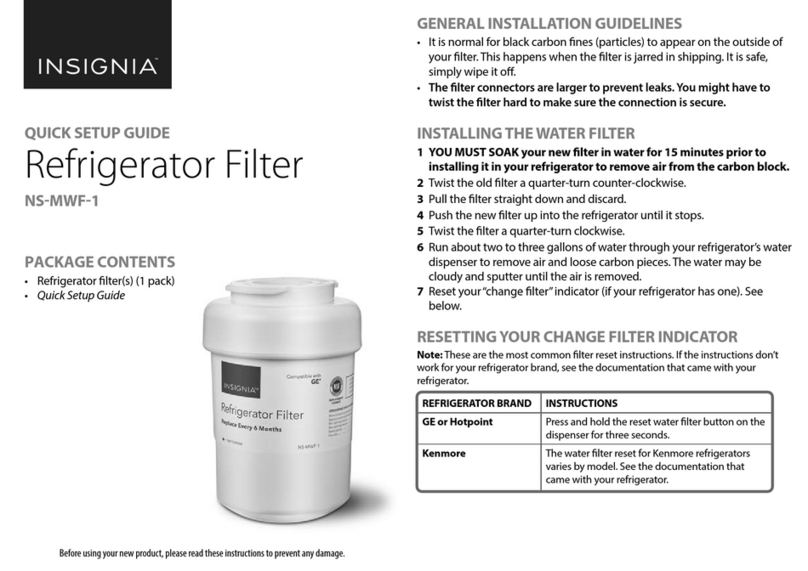
Insignia NS-MWF-1 User manual

Insignia

Insignia NS-MWF-1 User manual

Insignia NS-APFL2 User manual

Insignia

Insignia NS-APFL2 User manual

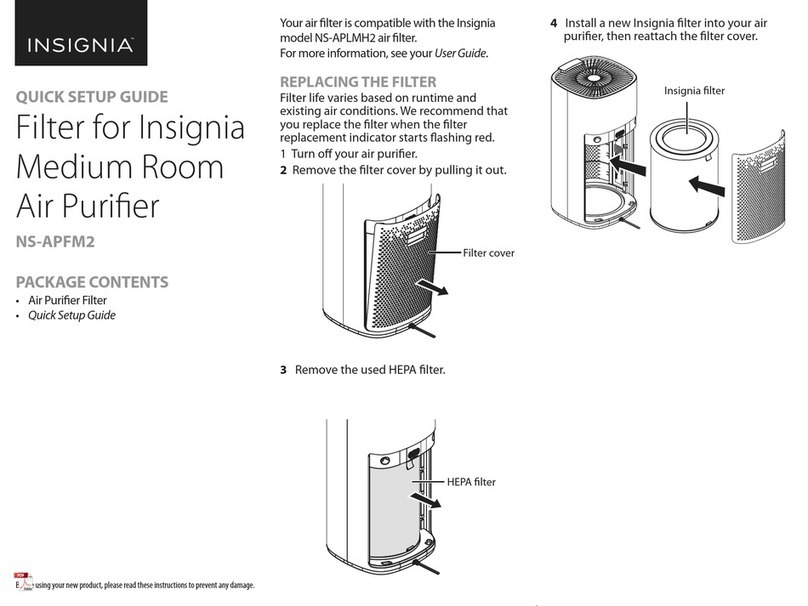
Insignia NS-APFM2 User manual

Insignia

Insignia NS-APFM2 User manual

Insignia NS-HAF-CIN-1 User manual

Insignia

Insignia NS-HAF-CIN-1 User manual

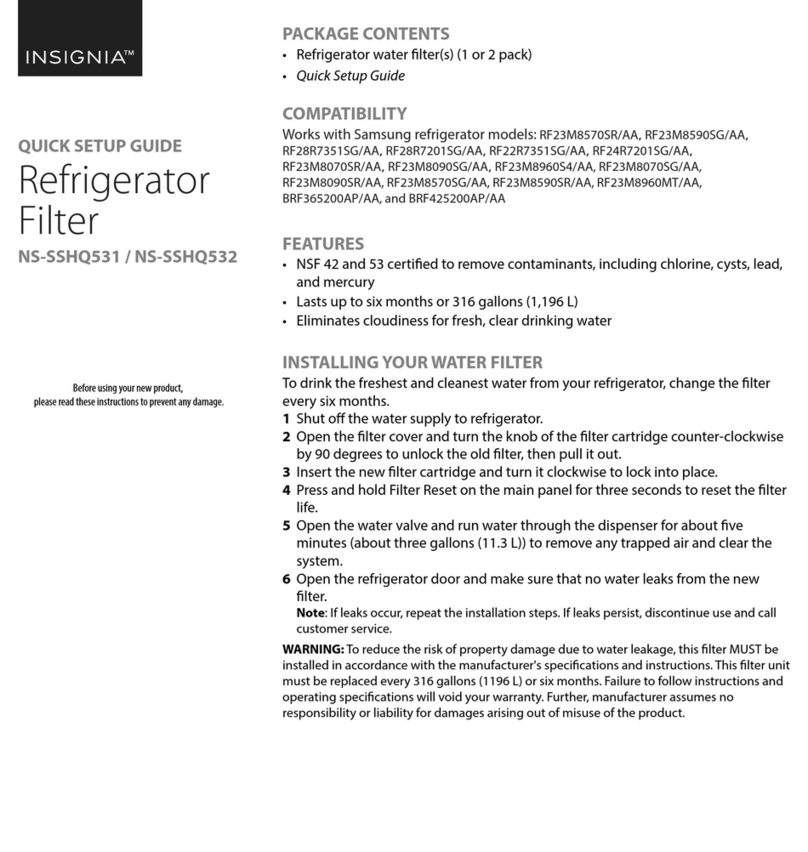
Insignia NS-SSHQ531 User manual

Insignia

Insignia NS-SSHQ531 User manual

Insignia NS-LGLT5531 User manual

Insignia

Insignia NS-LGLT5531 User manual

Insignia NS-4396508-2 User manual

Insignia

Insignia NS-4396508-2 User manual

Popular Water Filtration System manuals by other brands

Atlantic Ultraviolet Mighty Pure MP16A owner's manual

Atlantic Ultraviolet

Atlantic Ultraviolet Mighty Pure MP16A owner's manual

SunSun CBG-500 Operation manual

SunSun

SunSun CBG-500 Operation manual

Hayward XStream Filtration Series owner's manual

Hayward

Hayward XStream Filtration Series owner's manual

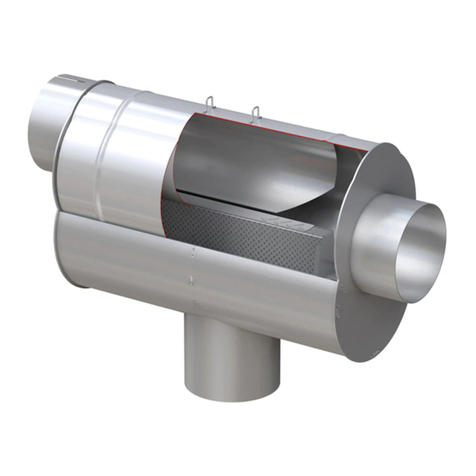
Contech DownSpout StormFilter Operation and maintenance

Contech

Contech DownSpout StormFilter Operation and maintenance

Teka Airfilter MINI operating instructions

Teka

Teka Airfilter MINI operating instructions

Wisy LineAir 100 Installation and operating instructions

Wisy

Wisy LineAir 100 Installation and operating instructions

Schaffner Ecosine FN3446 Series User and installation manual

Schaffner

Schaffner Ecosine FN3446 Series User and installation manual

Pentair FLECK 4600 SXT Installer manual

Pentair

Pentair FLECK 4600 SXT Installer manual

H2O International H20-500 product manual

H2O International

H2O International H20-500 product manual

Renkforce 2306241 operating instructions

Renkforce

Renkforce 2306241 operating instructions

Neo-Pure TL3-A502 manual

Neo-Pure

Neo-Pure TL3-A502 manual

STA-RITE VERTICAL GRID DE FILTERS S7D75 owner's manual

STA-RITE

STA-RITE VERTICAL GRID DE FILTERS S7D75 owner's manual

Applied Membranes W-G844EM Operation and maintenance manual

Applied Membranes

Applied Membranes W-G844EM Operation and maintenance manual

BEGA 116 Instructions for use

BEGA

BEGA 116 Instructions for use

WATA Standard operating instructions

WATA

WATA Standard operating instructions

Price FFU series Installation and service manual

Price

Price FFU series Installation and service manual

Gaggenau BRITA INTENZA 467873 manual

Gaggenau

Gaggenau BRITA INTENZA 467873 manual

Brita SAFF-100 user guide

Brita

Brita SAFF-100 user guide

manuals.online logo
manuals.online logoBrands
  • About & Mission
  • Contact us
  • Privacy Policy
  • Terms and Conditions

Copyright 2025 Manuals.Online. All Rights Reserved.

PACKAGE CONTENTS
• Water ltration pitcher
• Water lter
• Quick Setup Guide
FEATURES
• Filters chlorine and odors while improving the taste of your drinking water
• BPA-free and NSF42-certied for your safety and peace of mind
• Spout opens automatically to prevent accidental spills
• Ergonomic handle is easy to grip for your comfort
• Filter (included) lasts 90 days or about 200 gallons (757 L) and is easily
replaced (works with NS-WPRF3PK Insignia Replacement Filters)
INSERTING THE WATER FILTER
1 Soak the lter in cold tap water for 10 minutes to remove bubbles. This will
activate the lter and ensure the best ltration performance before use.
2Hand-wash the pitcher, lid, and reservoir with a mild detergent.
Note: Do not put it in the dishwasher. Do not use abrasive cleaners. Rinse thoroughly
with water.
3Insert the lter into the reservoir. Press rmly to make sure that the seal is tight.
USING THE WATER PITCHER
1Fill the reservoir with cold tap water. Discard the rst two reservoirs of water.
2Press and hold the button on the lid for three seconds until the blue light
ashes to activate the indicator.
Note: Repeat this step after each new lter replacement.
LED INDICATOR STATUS
Press the button on the lid to see the lter indicator status.
After ltering 200 gal. (757 L) of water or when the red smart indicator light is on,
you should change the lter.
REPLACING THE SMART INDICATOR
1Remove the smart indicator by squeezing the clamping jaw and lifting the
indicator away from the lid.
2 During the re-installation, make sure that the clamping jaw is completely
inserted into the groove.
Notes:
•If the indicator dies, dispose of it according to all applicable provisions and regulations.
•For replacement smart indicators, contact Insignia customer care.
Before using your new product, please read these instructions to prevent any damage.
QUICK SETUP GUIDE
10-Cup Water
Filtration Pitcher
NS-WFPTCC1
LED
Blue stays on for ve seconds
Red ashes six times
Red stays on for ve seconds
STATUS
Good
Replace soon
Replace now
REMAINING DAYS
90 days
10 days
0 days
Groove Indicator
Clamping jaw
SUBSTANCE REDUCTION
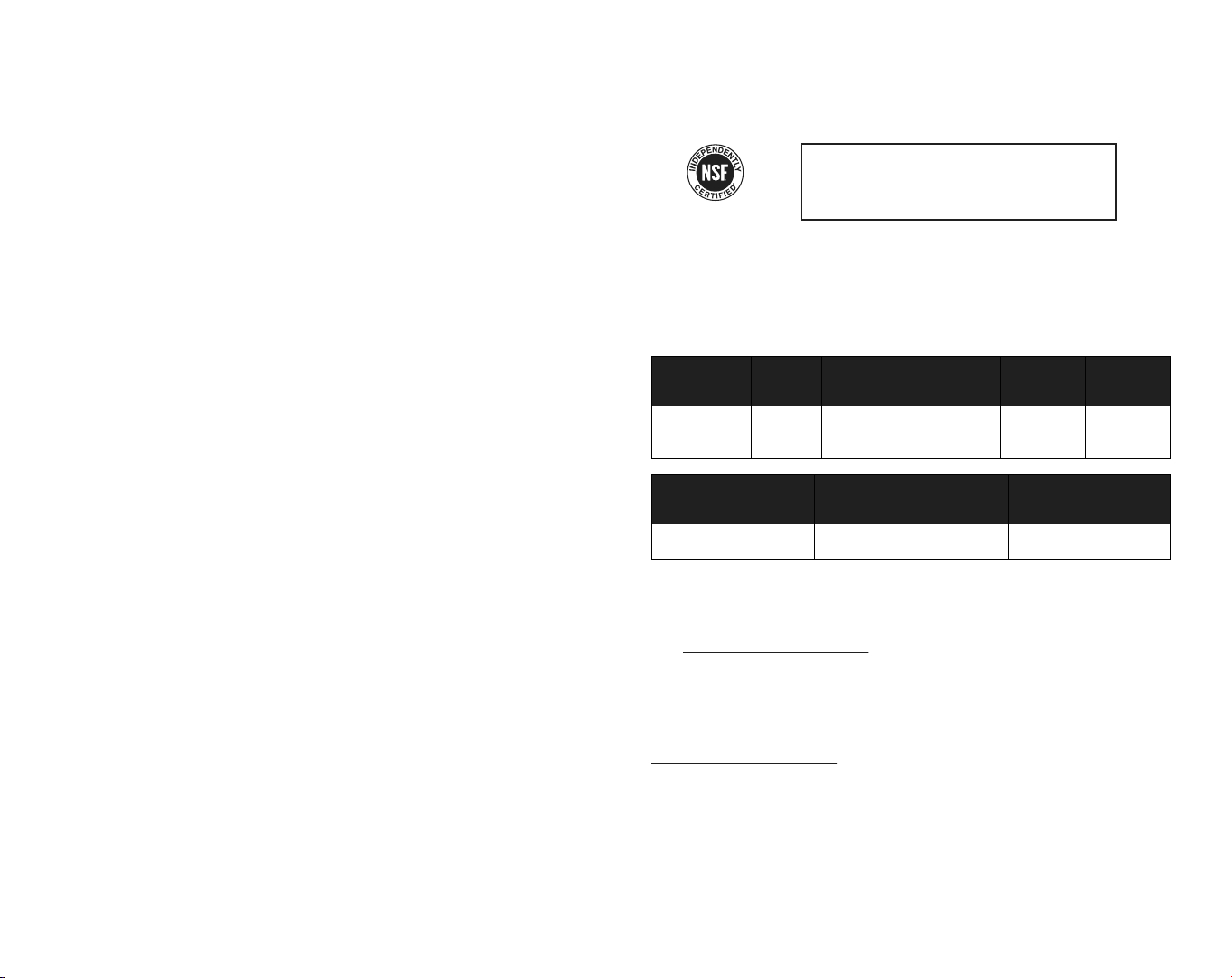
The system has been tested and certied by the NSF international according to NSF/ANSI standard 42. The
certication of the indicated substances in water entering the system was reduced to a concentration less
than or equal to the permissible limit for the water leaving the system, as specied by NSF/ANSI standard
42. While testing was performed under standard laboratory conditions, actual performance may vary.
Replacement Cartridge NO: NS-WPRF3PK
NSF System NO: NS-WFPTCC1
PERFORMANCE DATA SHEET
ONEYEAR LIMITED WARRANTY
Visit www.insigniaproducts.com for details.
CONTACT INSIGNIA:
1-877-467-4289 (U.S. and Canada)
1-800-926-3000 (Mexico)
www.insigniaproducts.com
INSIGNIA is a trademark of Best Buy and its aliated companies
Distributed by Best Buy Purchasing, LLC
7601 Penn Ave South, Richeld, MN 55423 U.S.A.
©2020 Best Buy. All rights reserved.
TROUBLESHOOTING
Water ow is abnormally slow
• The water lter may be clogged. Check the indicator to see if it’s time to change
the lter cartridge.
• Take out the lter and shake it intensely in order to shift the granules inside,
which may improve the speed of water ow.
Water tastes bad
• Clean the pitcher.
• Make sure that the lter is installed correctly.
• Replace the lter.
Cannot see the color of the indicator
• Replace the lter indicator. If the pitcher is still in the warranty period, we can
replace it for free.
SPECIFICATIONS
Dimensions (H × W × D): 10.4 × 5.3 × 10 in. (26.4 × 13.5 × 25.4 cm)
Filter capacity: 200 gallons(757 liters)or three months
Temperature: 41~100° F/5~38° C
SAFETY INFORMATION
• Use cold water only. The operating temperature of this pitcher ltration system is 41~100° F/ 5~38° C.
• Do not use with water that is microbiologically unsafe, or of unknown quality. This lter cannot lter other
liquids other than tap water.
• We recommend that you store your pitcher in the refrigerator or in a cool area that is not in direct sunlight to
get refreshing, great-tasting water.
• If the lter dries out, soak it in cold tap water for 10 minutes to remove bubbles before use, to activate the
lter and ensure the best ltration performance.
• If there is a lot of turbidity in tap water (such as cleaning the water tank or not using tap water for a long
time), ush it for a few minutes until the water turns clean before using.
• If the pitcher is not going to be used for a long period of time, put it in a clean container with a lid. Place the
container in the refrigerator to prolong the cartridge life.
• The lter must be protected from freezing. A frozen lter may crack or leak.
Tested and Certied by NSF International against NSF/ANSI
Standards 42 in Model NS-WFPCCT1 for the reduction of the
claims specied on the Performance Data Sheet.
INF.
AVERAGE
2.0 mg/L
SUBSTANCE
Chlorine taste
and odor
NSF SPECIFIED CHALLENGE
CONCENTRATION
2.0 mg/L ± 10%
AVE. %
REDUCTION
96.70%
AVERAGE PRODUCT
WATER CONCENTRATION
0.05 mg/L
MAX PERMISSIBLE PRODUCT
WATER CONCENTRATION
N/A
NSF REDUCTION
REQUIREMENTS
≥50%
NSF TEST
REPORT
J-00355920
V1 ENGLISH 20-0413