Customer Support Options
For all o your service and support needs visit us at http://www.iomega.com.
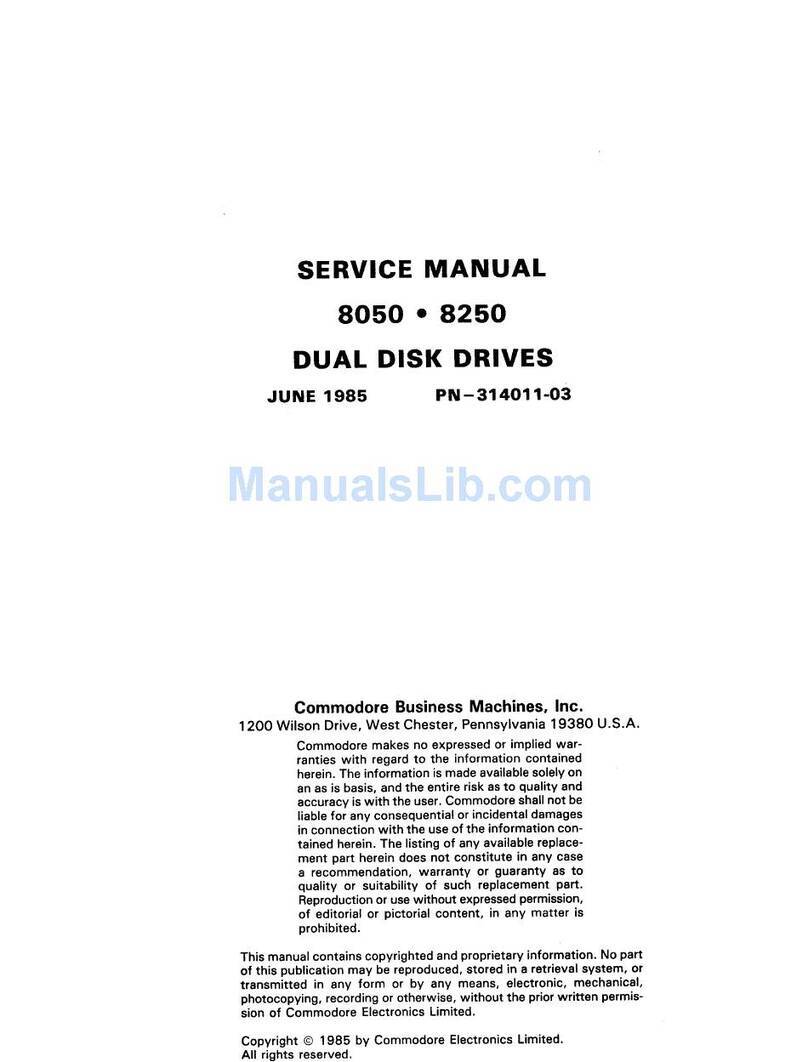
2
5
6
7
English
NOTE: For important in ormation on USB/FireWire guidelines, detailed installation instructions, and
troubleshooting, see the User’s Manual on the Start Here First CD. You must have Microso t®Internet
Explorer®5.0 or higher or Netscape Navigator®6.1 or higher installed on your system.
USB Users—I your computer does not have native support or USB 2.0, you must install a USB 2.0
controller or the Zip®drive to run at USB 2.0 speed.
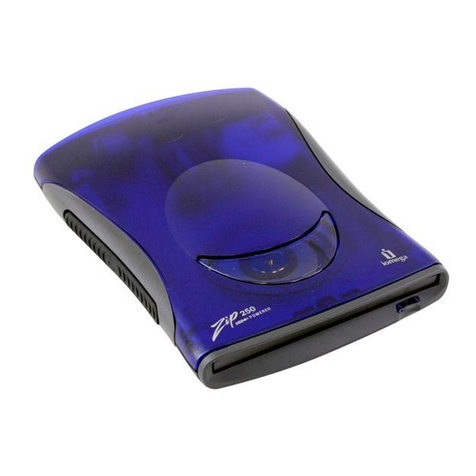
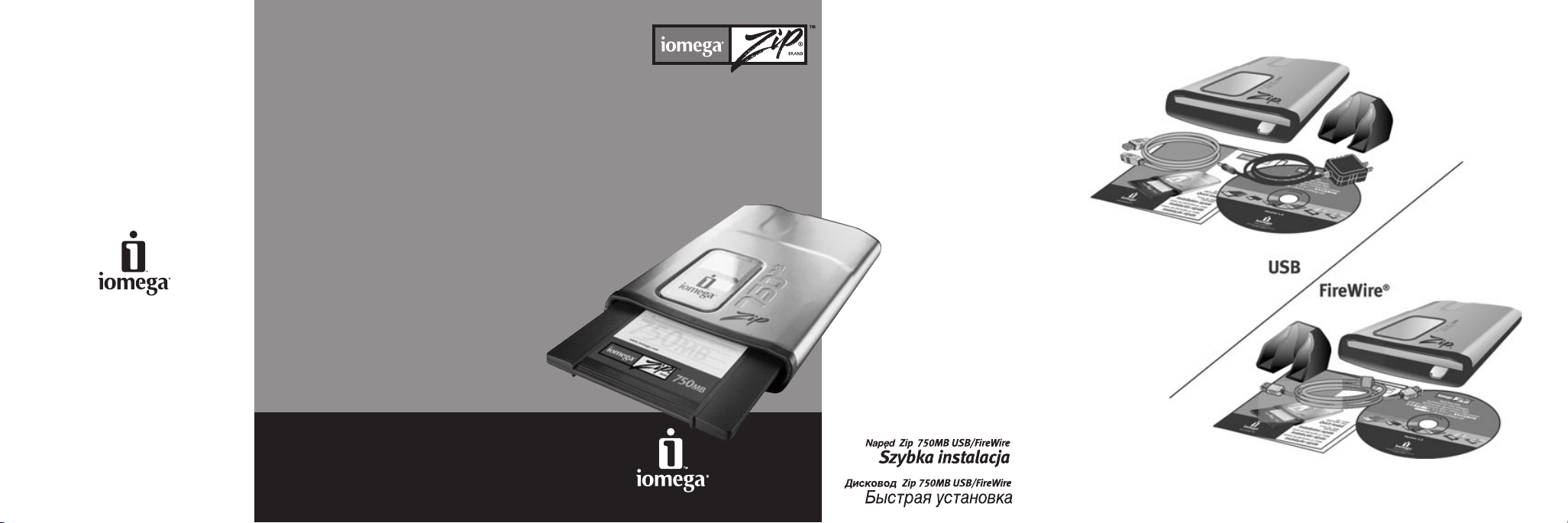
1. FireWire Users—I you will be connecting to a 6-pin FireWire connection, use the FireWire cable that
shipped with the Zip drive. I you will be connecting to a 4-pin FireWire connection, you will need to
purchase a 4-pin to 6-pin FireWire cable rom your local computer retailer and a power supply rom
http://www.iomega.com be ore connecting the Zip drive.
2. Start your computer, wait or the operating system to load, then insert the Start Here First CD.
3. Select your language, then select the IomegaWare™icon rom the menu. Select “Click to Install” to start
the so tware installation.
4. Connect the USB/FireWire adapter cable to the back o the Zip drive.
5. Connect the other end o the cable to the appropriate USB/FireWire connection on your computer.
CAU ION! Do not use USB/FireWire extension cables with the Zip drive. Data loss may result.
6. USB Users—Connect the power supply to the Zip drive, then plug into an electrical outlet.
CAU ION! Use the power supply that shipped with the Zip drive. Other power supplies may damage
the drive.
FireWire Users—A power supply may be required with some FireWire con igurations. Re er to the
User’s Manual.
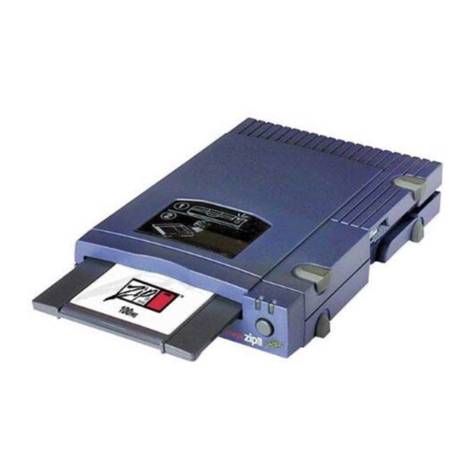
7. Restart your computer. Insert a Zip disk and your Zip drive is now ready to use.
NO E: You will need to purchase a Zip disk (this package did not include a Zip disk).
32
CE (European Community)
This Iomega product con orms to the ollowing European Directive(s) and Standard(s):
Application o Council Directives: 73/23/EEC, 89/336/EEC. Standards to which
Con ormity is declared: EN60950, EN55022, EN55024, EN61000-3-2 and EN61000-3-3.
Importer’s Name: Iomega Netherlands branch o Iomega International, S.A. Type o
Equipment: In ormation Technology Equipment.
Manufacturer/Responsible Party
Iomega Corporation
1821 West 4000 South
Roy, UT 84067 USA
www.iomega.com
3
4
1
6-Pin 4-Pin