
Iqua Spin User manual

User Guide
Spin
Iqua

2Spin
Iqua
Table of contents
1. Welcome to Iqua Spin
2. What’s in the box
3. Iqua Spin overview
4. Getting started
4.1. Charging
4.2. Pairing, and switching on and off
4.3. Wearing
5. Functionalities
5.1. Music control
5.2. Volume control
5.3. Call control
6. Tips and support
7. Technical specifications
8. Disclaimers
9. Intellectual property rights

3Spin
Iqua
Welcome to Iqua Spin
Thank you for purchasing the Iqua Spin wireless Bluetooth headset.
You can use the full-featured headset to listen to music and handle calls.
It is compatible with all phones that support Bluetooth.
• Before use, please read all of the documentation, including all online documentation at www.iqua.com.
• To use the headset, first charge the battery and then pair with a compatible device. For the latest compatibility
information, please visit www.iqua.com.
1.
4Spin
Iqua
What’s in the box
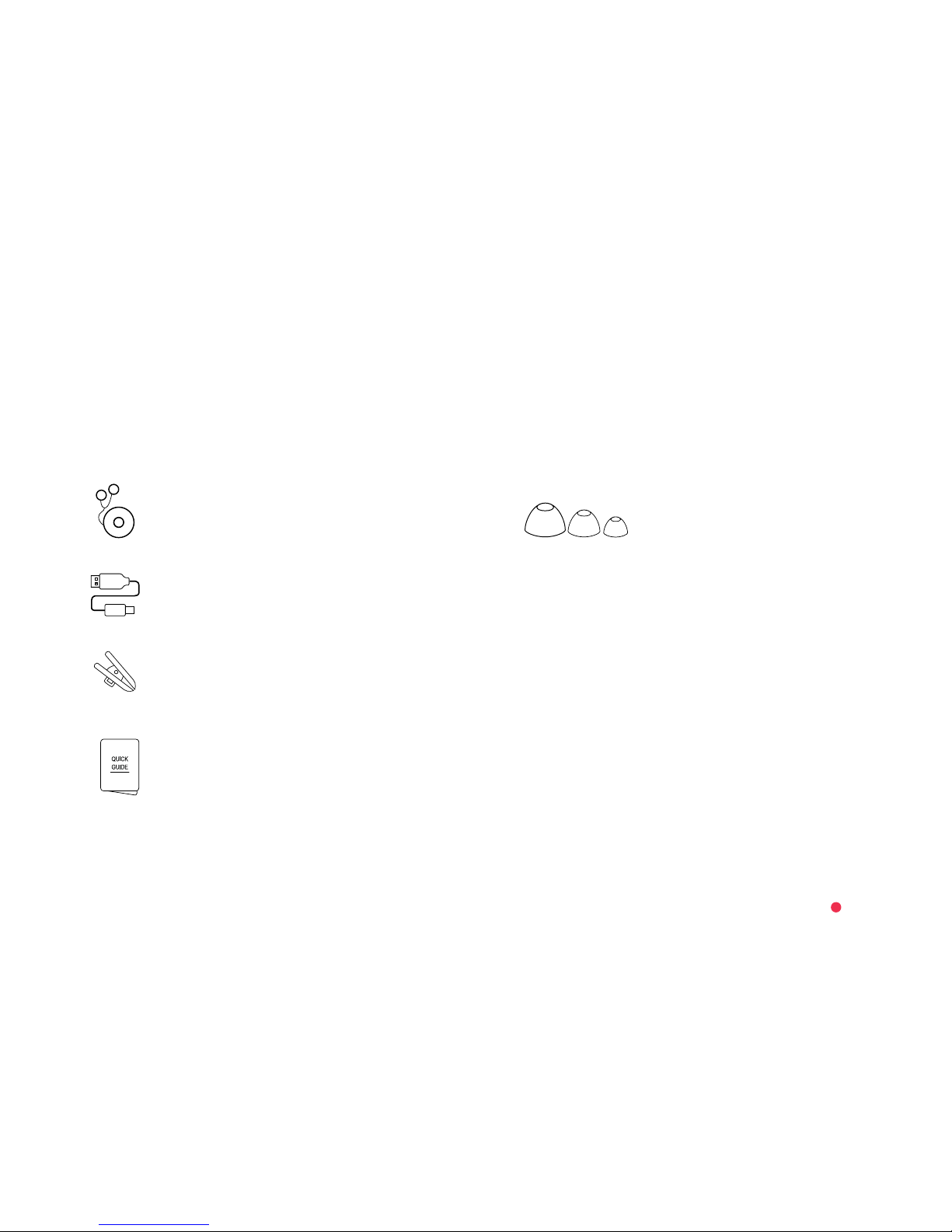
The Iqua Spin headset sales package contains the
following:
2.
Iqua Spin headset
USB charging cable
Iqua Spin Quick Guide
Clothing clip
3 pairs of earbuds in different sizes

5Spin
Iqua
Iqua Spin overview
a. Touch ring
b. Multifunction button
c. Indicator light
d. Power button
e. USB port
f. Clip
g. Clothing clip
h. Microphone
i. Earpieces
3.
a. b. c. d. e. f.
g.
h.
i.
R
L
6Spin
Iqua
Getting started
Charging
Before you start using the Iqua Spin headset, charge it
fully for 3 hours.
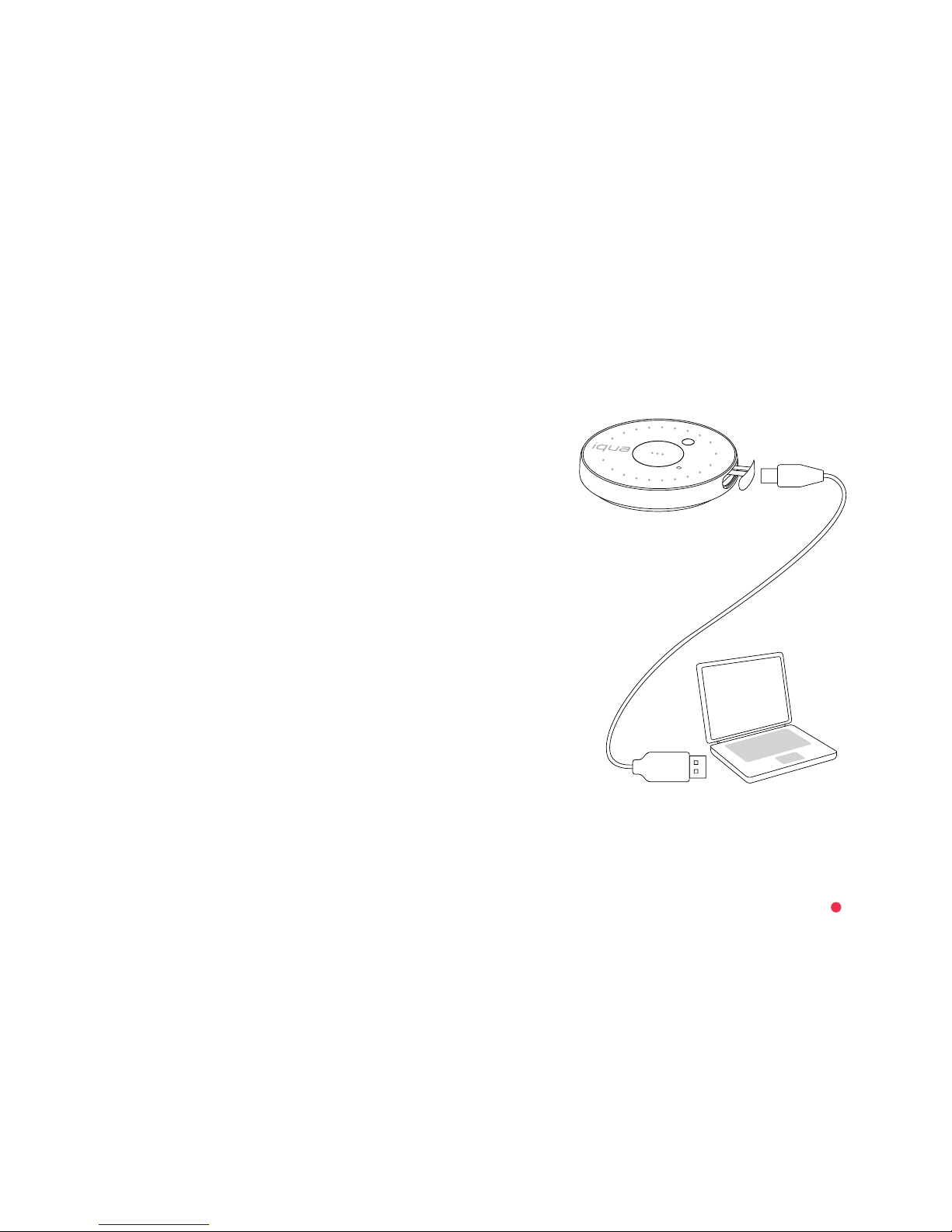
Connect the headset to a computer or a USB charging
device using the USB charging cable. The yellow
indicator light will pulse slowly to indicate the battery is
charging.
When charging is complete, the yellow indicator light
will flash.
To hear the current battery status while your Iqua Spin
headset is on, press the Power button.
4.
4.1.

7Spin
Iqua
Pairing, and switching on and off
Pairing the Iqua Spin headset with your phone:
Before you start, make sure your phone has Bluetooth
turned on.
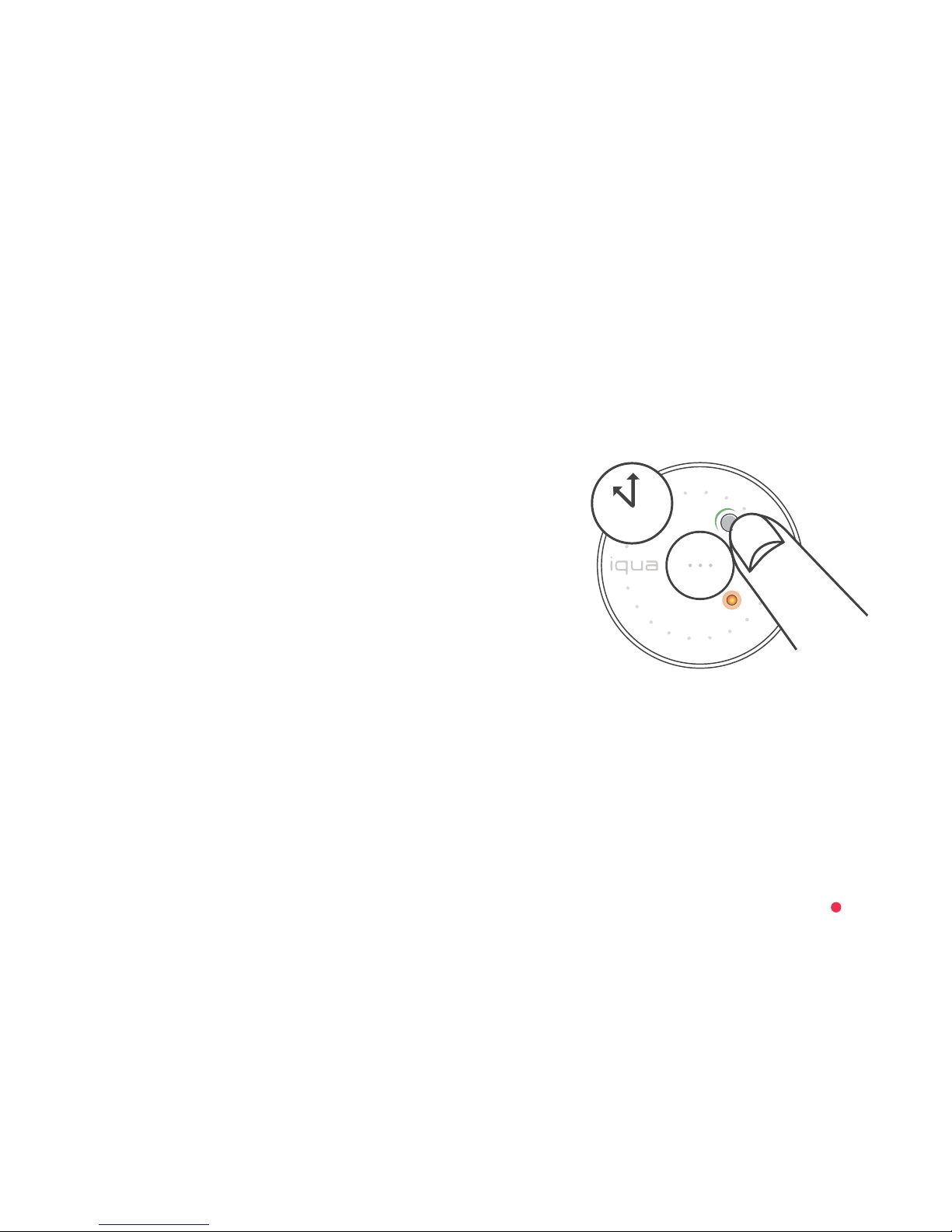
1. With your Iqua Spin headset, go straight to the
pairing mode by pressing the Power button for over
4 seconds. An audio notification and repeated
double flashing of the blue indicator light will show
that the pairing mode has been activated.
2. In your phone, search for Bluetooth devices and
select “Iqua Spin”.
3. Once connected, you will hear an audio notification
through your earpieces and the blue indicator light
on your Iqua Spin headset will flash slowly twice.
For more detailed instructions on how to pair the
Iqua Spin headset with your phone, see the instructions
provided with your phone.
If your phone requires a pairing code, it is 0000.
4s
4.2
8Spin
Iqua
Switching the Iqua Spin headset on and off after
pairing:
Switch the Iqua Spin headset on or off by pressing the
Power button for 2 seconds. Connection with your
phone is activated automatically when the phone’s
Bluetooth function is turned on.
When you switch the Iqua Spin headset on, you will hear
an audio notification welcoming you to Iqua Spin and
telling you the current battery status. The yellow
indicator will light up for 2 seconds. Connection with
your phone will be indicated with an audio notification
and two slow flashes of the blue indicator light.
When you switch the Iqua Spin headset off, you will hear
an audio notification and the yellow indicator will light
up and then fade out.
2s

9Spin
Iqua
Wearing
You can adjust the earpieces for a comfortable fit using
the different sized ear buds.
To wear the Iqua Spin headset, clip the headset and
cable to your clothes.
4.3.
L

10 Spin
Iqua
Functionalities
Music control
You can use the Iqua Spin headset to listen to music
stored in your phone.
To play or pause music, swipe from left to right across
the touch ring at any angle.
To skip to the next track, run your finger 90–180 degrees
clockwise around the touch ring.
To skip to the previous track, run your finger 90–180
degrees counter-clockwise around the touch ring.
5.
5.1.
Table of contents

















