Table of contents.
1. QUICK REFERENCE HOW DO I USE THE ILIAD?................. 3
1.1. HOW DO ITURN THE ILIAD ON?....................................................... 3
1.2. HOW DO ICHARGE THE BATTERY OF THE ILIAD?........................... 4
1.3. HOW DO IREAD A BOOK?............................................................... 5
1.4. HOW DO IREAD A NEWSPAPER?.................................................... 6
1.5. HOW DO IVIEW DOCUMENTS?........................................................ 7
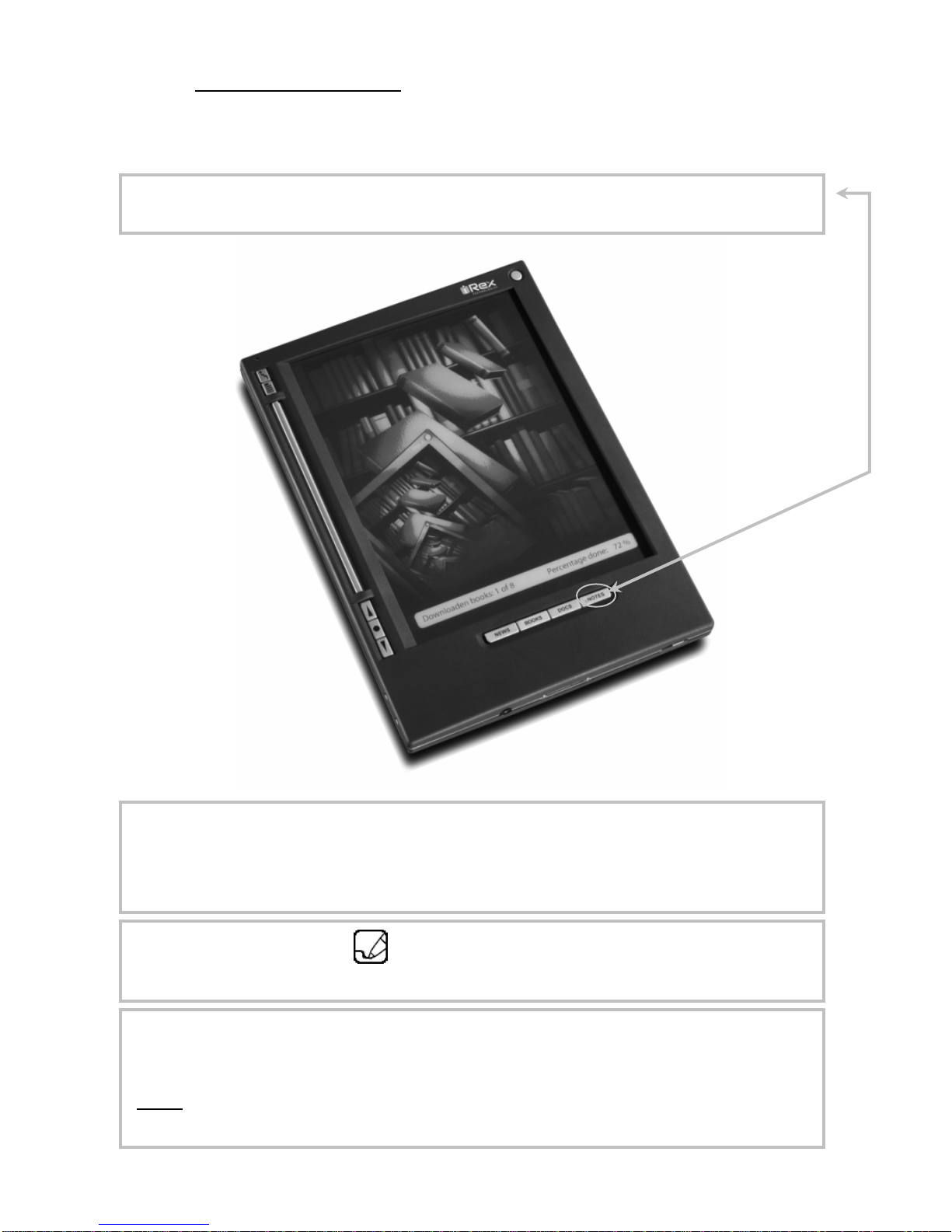
1.6. HOW DO IMAKE NOTES?................................................................. 8
1.7. HOW DO ICONNECT THE ILIAD TO MY COMPUTER?. ...................... 9
1.8. HOW DO ICREATE AN ACCOUNT................................................... 10
1.9. HOW DO ICONNECT TO THE IREX DELIVERY SERVICE (IDS)?.... 11
1.10.HOW DO ICHANGE MY PASSWORD?............................................. 14
1.11.HOW DO ICONSULT THE USER MANUAL?.................................... 15
1.12.HOW DO ISWITCH THE ILIAD OFF?............................................... 16
Disclaimer
•While every effort has been made to ensure that the information contained in this guide is
accurate and complete, no liability can be accepted for any errors or omissions. iRex
Technologies reserves the right to change the specifications of the hardware and
software described herein at any time without prior notice.
•No part of this guide may be reproduced, transmitted, transcribed, stored in a retrieval
system, or translated into any language in any form, by any means, without the prior
written permission of iRex technologies.
2
•iRex technologies makes no warranties for damages resulting from corrupted or lost data
due to a mistaken operation or malfunction of the e-reader, the software, the Compact
Flash™ cards (CF cards), personal computers, peripheral devices, SD cards or USB
cards.
Copyright © 2006 iRex Technologies. All rights reserved.