page 6
4. INITIAL POWER-UP, ADDING MASTER KEYS BY RESET BUTTON
Initial power-up sequence (No keys in lock's memory)
- Connect the reader module to the lock module by a supplied cable.
- Insert four AA batteries.
- Swipe the reader by any EM-Marine key.
- The controller issues audible and visual signals.
- Device is ready for operation.
Note: For consistent reader operation, keys with label diameter 15…35 mm are recommended.
To add a Master key, perform the following steps:
- Disconnect the power (take out one of the batteries or use the external power supply switch, per
Fig. 10);
- Push and hold the RESET button with a sharp tool (hairpin, toothpick, straightened paper clip etc.)
- Connect the power (re-insert the battery, or use the external power supply switch again, per
Fig.10), and only after that release the RESET button;
- Within 5 s after this, push and hold RESET button again;
- Swipe up to 4 keys to promote to Master one by one still holding RESET down;
- Release RESET button. In 6 s, both audible and visual signals will confirm exit from the Add Master Key
mode.
5. SELECTING AND SETTING OPERATIONAL MODE BY RESET BUTTON
Note: Cannot select operational mode without a Master key.
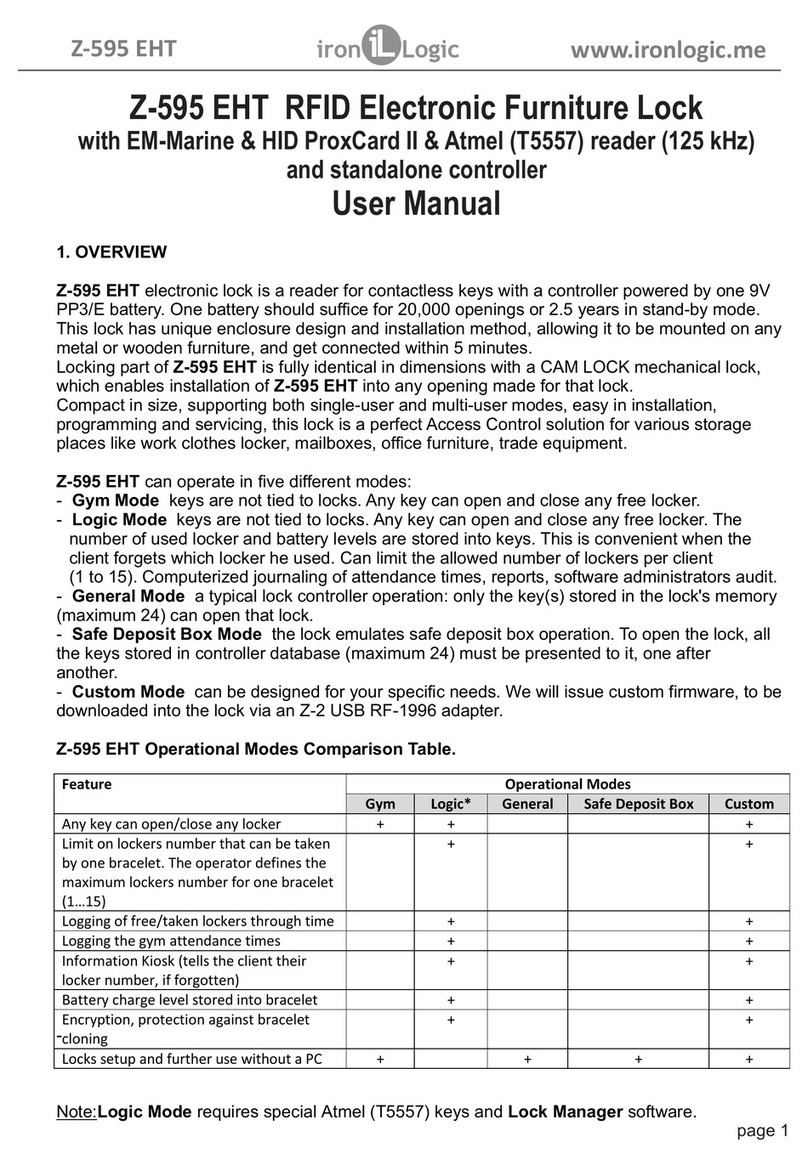
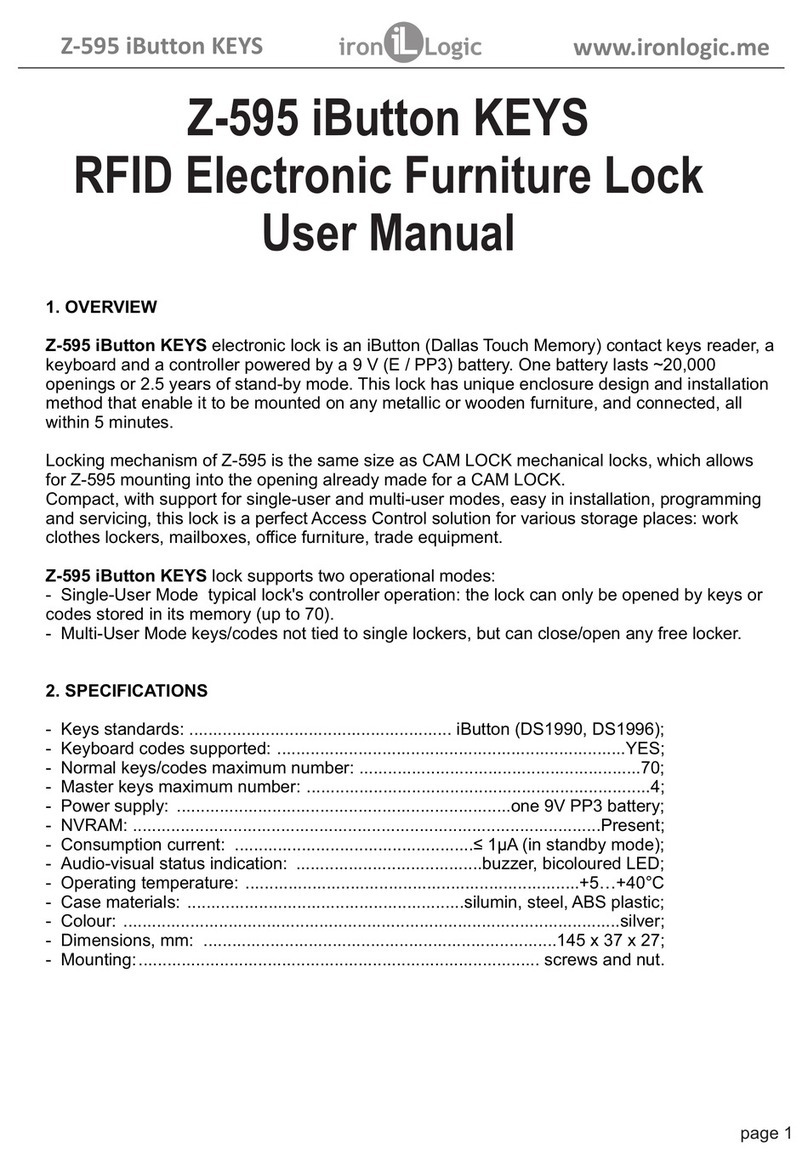
The lock supports four pre-customised operational modes:
- Gym mode: allows not to tie up the key to the lock. The user chooses which of the available
lockers to use.
- Logic mode: allows recording the used locker number and battery level into the key (bracelet). Very
convenient when the user forgets which locker he used. Allows not to tie up the key to the lock. The user will
decide which of the free lockers to use. Works only with Lock Manager software.
- General mode: traditional lock controller operation: only the keys recorded in lock's database can
open the locker;
- Safe Deposit Box mode: safe deposit box mode emulation. To open the lock, all the keys in lock's
database need to be presented to the lock, one after another.
In addition to the above modes you can order your own Custom mode, which will be designed according to
your needs.
At factory settings, Gym mode is pre-selected by default. It is activated straight after the Master key(s) have
been added. To select a different operational mode, follow these steps:
- Disconnect the power (take out one of the batteries or use the external power supply switch, as per Fig.
10);
- Press and hold the RESET button with a sharp tool.
- Connect the power (reinsert the battery, or use the external power supply switch, as per Fig. 10), and only
after that release the RESET button;
- Press the RESET button shortly (once). The lock issues audible and visual signals twice. The lock is now
in Logic Mode;
- Press the RESET button shortly (once). The lock issues audible and visual signals three times. The lock
is now in General Mode;
- Press the RESET button shortly (once). The lock issues audible and visual signals four times. The lock is
now in Safe Deposit Box Mode.
- Press the RESET button shortly (once). The lock issues audible and visual signals once. The lock is now
in Gym Mode again.
- To confirm the selected mode, do nothing for 6 s. After 6 s, audible and visual signals acknowledge the
exit from the Operational Mode selection.
Z-396 EHT www.ironlogic.me