www.itec-audio.com 9
MICROPHONES
ITEC 5300 RADIO MICROPHONE SYSTEMS
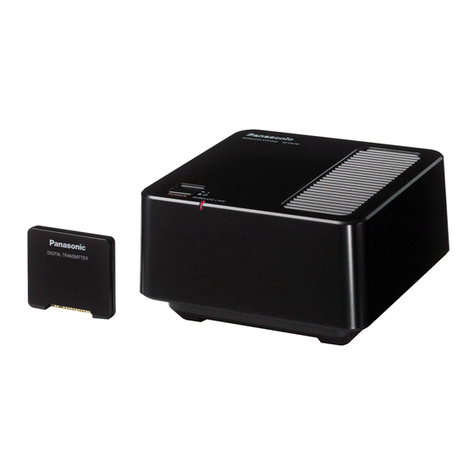
4.2. ITEC WT-5320
HEADSET CONECTOR, LAVALIER MICROPHONE ETC.
MUTE BUTTON DISPLAY:
GROUP, CHANNEL AND BATTERY
BATTERY COMPARTMENT
TRANSMISSION
ANTENNA
SET BUTTON
MODE BUTTON
IR DIODE
ON/OFF BUTTON
4.2.1 Settings
The current settings are displayed by pressing the MODE button. To change a value, the SET button must
be pressed for 10 seconds. When the display flashes, the value can be changed by pressing the SET button
again.
Display/selection option Note
GRP CH XX XX Display only - Change by IR signal from the receiver
FREQ XXX.XXX MHz Display only - Change by IR signal from the receiver
AF-GAIN -18 -12 -6 0 +6 +12 Amplification -18dB (line) to +12dB (microphone level)
RF-Power LOW HI Setting the transmission power
MUTE
MODE Disable Manual Activated (manual) or deactivated (disable) the MUTE
button on the device
SET LOCK Unlock Lock Locking of the button function including the On/Off
button (power lock)
4.2.2 Charging and replacing the lithium ion battery
When charging, only use the original ITEC-HC 80 charger. The external
charging contacts enable charging by simply placing the pocket transmitter
into the charging station without having to remove the battery. However, chan-
ging the battery and charging the removed battery are also possible (keep a
spare battery for long periods of use). The operating time with a fully charged
battery is approx. 10 – 12 hours.
Open the cover on the pocket transmitter to replace the battery. For this pur-
pose, simultaneously press the catches on the left and right-hand side. Insert
the replacement battery. Note the poles (plus pole, marked by a groove, is on
the right)! The type of battery is 18500.