manuals.online logo
Brands
  1. Home
  2. •
  3. Brands
  4. •
  5. Jabra
  6. •
  7. Headset
  8. •
  9. Jabra GN1200 User manual

Jabra GN1200 User manual

Other Jabra Headset manuals

Jabra WAVE Reference guide

Jabra

Jabra WAVE Reference guide

Jabra BT5010 Multiuse User manual

Jabra

Jabra BT5010 Multiuse User manual

Jabra Engage 75Mono User manual

Jabra

Jabra Engage 75Mono User manual

Jabra GN9120 Flex User manual

Jabra

Jabra GN9120 Flex User manual

Jabra Pro 9460 Mono Operator's manual

Jabra

Jabra Pro 9460 Mono Operator's manual

Jabra SUPREME UC User manual

Jabra

Jabra SUPREME UC User manual

Jabra PRO 930 User manual

Jabra

Jabra PRO 930 User manual

Jabra Engage 50 Stereo User manual

Jabra

Jabra Engage 50 Stereo User manual

Jabra BT500V - User manual

Jabra

Jabra BT500V - User manual

Jabra BT8030 - Headset - Convertible User manual

Jabra

Jabra BT8030 - Headset - Convertible User manual

Jabra ACTIVE User manual

Jabra

Jabra ACTIVE User manual

Jabra STONE User manual

Jabra

Jabra STONE User manual

Jabra GO 6430 User manual

Jabra

Jabra GO 6430 User manual

Jabra GN9330e - USB - Headset Installation guide

Jabra

Jabra GN9330e - USB - Headset Installation guide

Jabra Pro 920 Duo User manual

Jabra

Jabra Pro 920 Duo User manual

Jabra PRO 9465 DUO Operator's manual

Jabra

Jabra PRO 9465 DUO Operator's manual

Jabra SPORT - CORDED User manual

Jabra

Jabra SPORT - CORDED User manual

Jabra MOTION UC User manual

Jabra

Jabra MOTION UC User manual

Jabra Engage 75 User manual

Jabra

Jabra Engage 75 User manual

Jabra 100-94100000-02 - BT4010 - Headset User manual

Jabra

Jabra 100-94100000-02 - BT4010 - Headset User manual

Jabra PRO 930 User manual

Jabra

Jabra PRO 930 User manual

Jabra GO 660 Instruction manual

Jabra

Jabra GO 660 Instruction manual

Jabra GN9350e Installation guide

Jabra

Jabra GN9350e Installation guide

Jabra BT150 - Headset - Over-the-ear User manual

Jabra

Jabra BT150 - Headset - Over-the-ear User manual

Popular Headset manuals by other brands

Sena SMH10 quick start guide

Sena

Sena SMH10 quick start guide

IASUS Stealth  IA-NT4-BASIC-BT manual

IASUS

IASUS Stealth IA-NT4-BASIC-BT manual

Sennheiser EPOS ADAPT 230 user guide

Sennheiser

Sennheiser EPOS ADAPT 230 user guide

GE 98971 datasheet

GE

GE 98971 datasheet

Hama 00184070 quick start guide

Hama

Hama 00184070 quick start guide

Plantronics Blackwire 3200 Series user guide

Plantronics

Plantronics Blackwire 3200 Series user guide

Blue Tiger Advantage PLUS user manual

Blue Tiger

Blue Tiger Advantage PLUS user manual

Jawbone Icon user manual

Jawbone

Jawbone Icon user manual

Roxcore Flow A+ manual

Roxcore

Roxcore Flow A+ manual

Turtle Beach XP 510 user guide

Turtle Beach

Turtle Beach XP 510 user guide

Philips SHB6101 Specification sheet

Philips

Philips SHB6101 Specification sheet

HyperX HyperX Cloud Flight manual

HyperX

HyperX HyperX Cloud Flight manual

Bose MIE2 Mobile owner's guide

Bose

Bose MIE2 Mobile owner's guide

HyperX cloud ii quick start guide

HyperX

HyperX cloud ii quick start guide

Southwing SA505 Specifications

Southwing

Southwing SA505 Specifications

Blueant X5i user manual

Blueant

Blueant X5i user manual

Amytel ABH 204 user manual

Amytel

Amytel ABH 204 user manual

Plantronics Savi W730 Quick setup guide

Plantronics

Plantronics Savi W730 Quick setup guide

manuals.online logo
manuals.online logoBrands
  • About & Mission
  • Contact us
  • Privacy Policy
  • Terms and Conditions

Copyright 2025 Manuals.Online. All Rights Reserved.

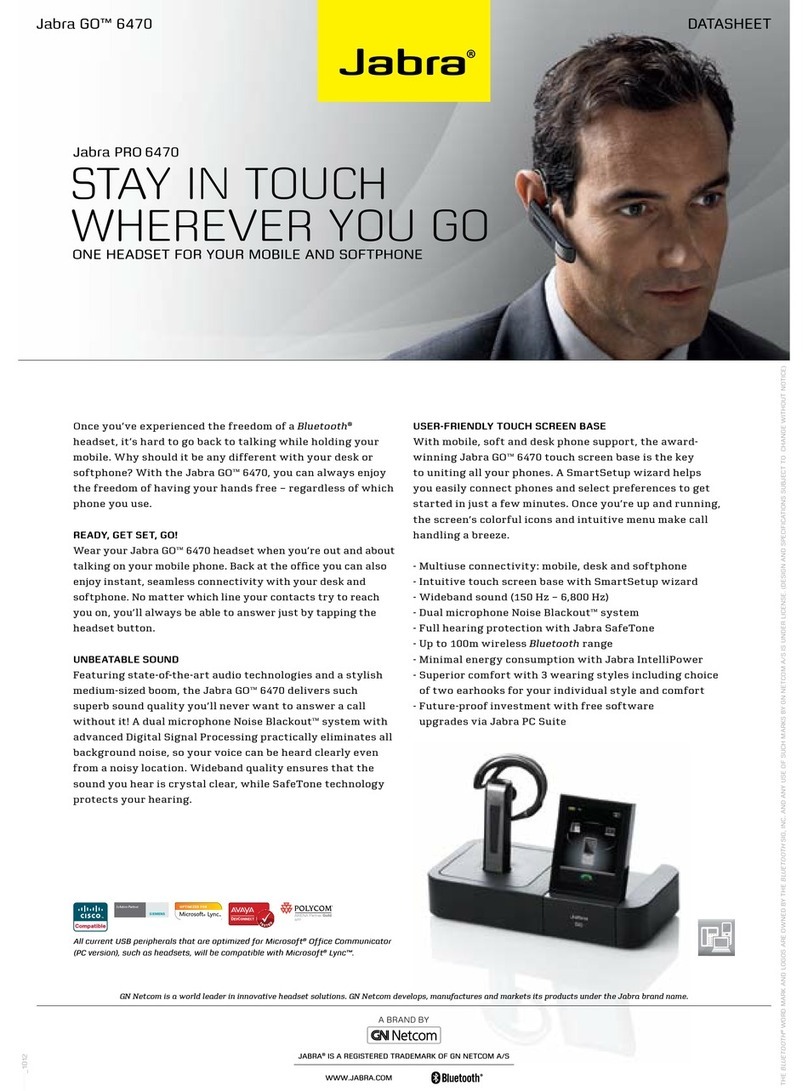
Jabra GN1200
Simple connectivity. Greater convenience.
The Jabra GN1200 cord is the solution to a common problem of not being able to connect headset and telephone.
Even though most things have been standardized, the cord connecting the phone with the handset or headset is
anything but standard as each telephone manufacturer has its own wiring code. Now, with the universal “smart”
cord, Jabra GN1200, the cord will work with virtually any phone providing greater convenience.
•Works with most desk phones including IP hard phones
•Microphone amplication to boost transmit levels when connecting to low transmit volume phone systems
•Simple slide adjustment for easy setup
When hooking up a new headset there is not always a dial tone. The problem could be the headset or the tele-
phone? But chances are it is the cord. Even though the headset and telephone may be plug-compatible, the wiring
is determined by the individual telephone manufacturer.
Jabra GN1200 features eight separate wire schemes – including three with built-in microphone amplication. Just
connect the Jabra GN1200 and headset through the Quick Disconnect plug and ick the slider from one position to
the next until a dial tone is heard. It’s as simple as that!
Available in both straight and coiled versions, the Jabra GN1200 ts virtually all telephones featuring a standard RJ9
modular connector.
Jabra GN1200
© 2007 GN A/S. All rights reserved. Jabra® is a registered trademark of GN A/S. All other trademarks included herein are the property of their respective owners.
(Design and specications subject to change without notice)

Features Benets
Simple 8-position slide adjustment No need for a user manual; simply slide until a dial tone is heard.
Standard RJ9 connector Connects to virtually all telephones using a standard modular plug.
Standard GN Quick Disconnect plug to headset Works with any GN headset equipped with Quick Disconnect.
Straight 80 cm / 31.5 inch cord or
lightweight coiled cord
Longer than many standard cords, yet at a competitive price.
Built-in low-current microphone amplier Enables perfect operation with telephones that require extra signal gain such as Cisco, Panasonic, Nortel, and Avaya,
plus many IP telephones.
Jabra GN1200
Switch position
Matching Telephone system Mod plug wiring Amplied
microphone
Equivalent
GN cable
1 Standard (most common) M-, R, R, M+ No 8800-00-01
2 Cisco IP phones 79xx series R, M-, M+, R No 8800-00-37
3 Ascom oce and Philips phones R, M+, M-, R No 8800-00-03
4 Japanese phones, NEC, Nitsuko M+, R, R, M- No 8800-00-25
5 Plantronics Vista Base R, R, M+, M- No 8800-00-20
6 Panasonic phones with modular plug M+, R, R, M- Yes 8800-00-25A
7 Nortel digital phones and Avaya IP phones M-, R, R, M+ Yes 8800-00-01A
8 Avaya Callmaster V and VI, Cisco IP phones 79xx series R, M-, M+, R Yes 8800-00-37A
The eight switch positions and corresponding telephone systems
DC Voltage
Maximum Voltage 10v DC
Minimum Voltage 1.6v DC
Nominal Voltage 5v DC
Maximum Current 2.5 mA
Minimum Current 280 uA
Electrical specications
Characteristics
AC Output Voltage 30mV
(preamp on i.e. positions 6-8)
Insertion Gain 11.5dB Nom Min 10.5dB : Max 12.5dB
Bias Voltage : 1.58v DC Nom , Min 1.53v DC : Max 1.76v DC
(preamp output i.e. positions 6-8)
Bias Voltage 1.49v DC Nom, Min 1.38v DC : Max 1.71v DC
(microphone input)