EnglishDeutsch
 logo
Brands
  1. Home
  2. •
  3. Brands
  4. •
  5. jcb
  6. •
  7. Excavator
  8. •
  9. jcb JC160 User manual

jcb JC160 User manual

This manual suits for next models

1

Other jcb Excavator manuals

jcb 15c-1 User manual

jcb

jcb 15c-1 User manual

jcb JCB305 User manual

jcb

jcb JCB305 User manual

jcb JS210 User manual

jcb

jcb JS210 User manual

jcb Hydradig 110W User manual

jcb

jcb Hydradig 110W User manual

jcb 67C-1 User manual

jcb

jcb 67C-1 User manual

jcb JS130 User manual

jcb

jcb JS130 User manual

jcb 270 User manual

jcb

jcb 270 User manual

jcb JS70 User manual

jcb

jcb JS70 User manual

jcb 18z-1 User manual

jcb

jcb 18z-1 User manual

jcb JZ140 User manual

jcb

jcb JZ140 User manual

jcb 85Z-1 User manual

jcb

jcb 85Z-1 User manual

jcb 55Z-1 User manual

jcb

jcb 55Z-1 User manual

jcb 210 Series User manual

jcb

jcb 210 Series User manual

jcb JS210 User manual

jcb

jcb JS210 User manual

jcb 65R-1 User manual

jcb

jcb 65R-1 User manual

jcb 210X User manual

jcb

jcb 210X User manual

jcb TM320 User manual

jcb

jcb TM320 User manual

jcb 8080 User manual

jcb

jcb 8080 User manual

jcb JZ140 T4i User manual

jcb

jcb JZ140 T4i User manual

jcb 8025 ZTS User manual

jcb

jcb 8025 ZTS User manual

jcb 45Z-1 User manual

jcb

jcb 45Z-1 User manual

jcb JS300 User manual

jcb

jcb JS300 User manual

jcb 2DXL User manual

jcb

jcb 2DXL User manual

jcb TM180 User manual

jcb

jcb TM180 User manual

Popular Excavator manuals by other brands

Hyundai Robex 210LC-9 Service manual

Hyundai

Hyundai Robex 210LC-9 Service manual

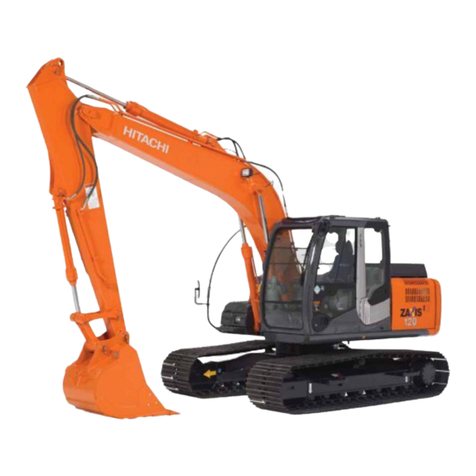
Hitachi Zaxis 110 Zaxis 125US Workshop manual

Hitachi

Hitachi Zaxis 110 Zaxis 125US Workshop manual

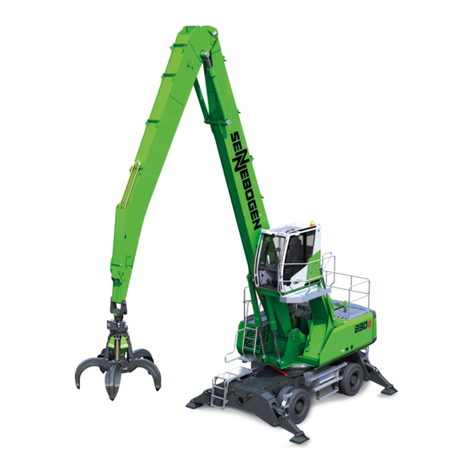
sennebogen 830 E operating instructions

sennebogen

sennebogen 830 E operating instructions

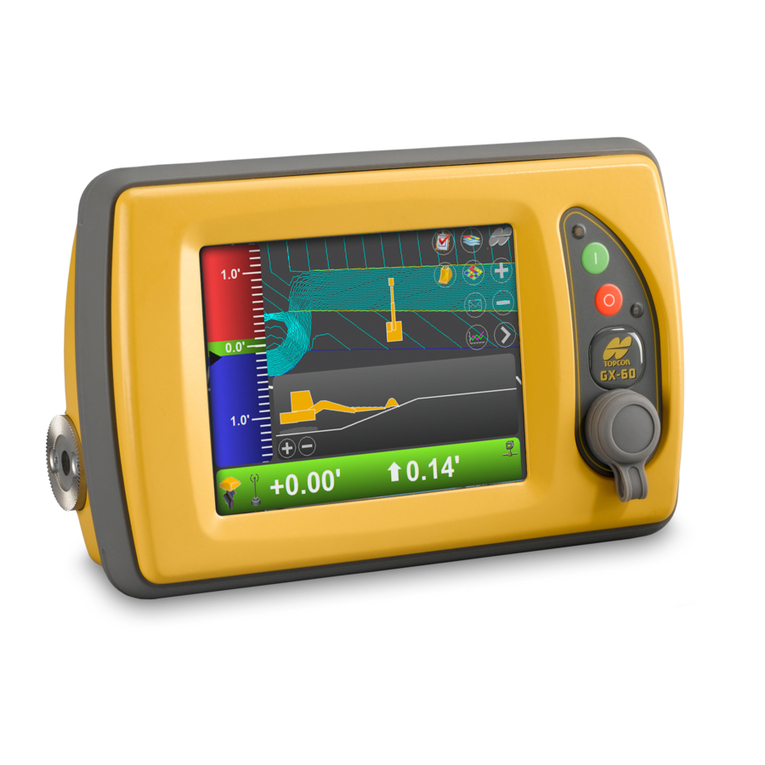
Topcon X-63 Installation and Calibration Manual

Topcon

Topcon X-63 Installation and Calibration Manual

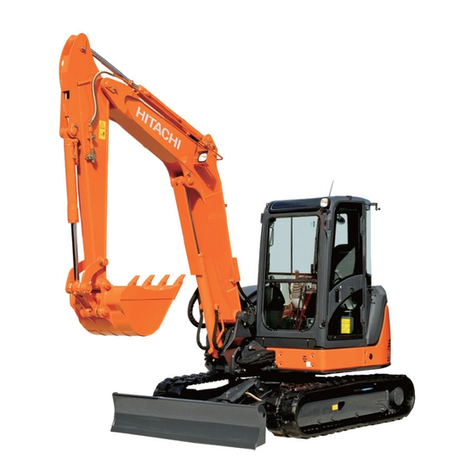
Hitachi ZX27U-2 Operator's manual

Hitachi

Hitachi ZX27U-2 Operator's manual

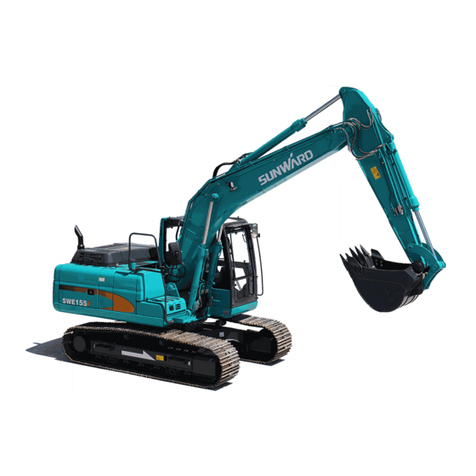
SUNWARD SWE155F Operation & maintenance manual

SUNWARD

SUNWARD SWE155F Operation & maintenance manual

CNH CX16B Service manual

CNH

CNH CX16B Service manual

Super Products MUD DOG 700 Operator's manual

Super Products

Super Products MUD DOG 700 Operator's manual

Komatsu ecot3 WA200-6 Shop Manual

Komatsu

Komatsu ecot3 WA200-6 Shop Manual

New Holland E57C Service manual

New Holland

New Holland E57C Service manual

Hyundai Robex 160LC-9 Operator's manual

Hyundai

Hyundai Robex 160LC-9 Operator's manual

Case CX290B Service manual

Case

Case CX290B Service manual

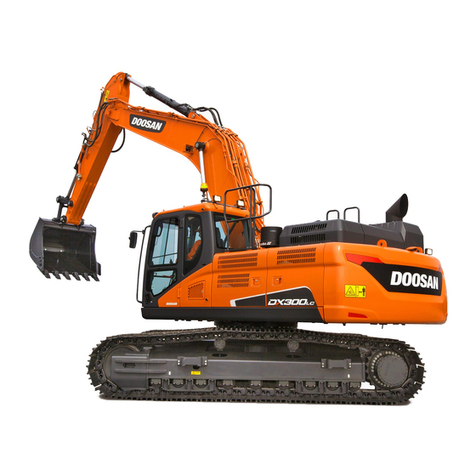
Doosan DX180LC Shop Manual

Doosan

Doosan DX180LC Shop Manual

Hyundai HW65AH Service manual

Hyundai

Hyundai HW65AH Service manual

mecalac 14 MBX Handbook of Repair

mecalac

mecalac 14 MBX Handbook of Repair

CASE CONSTRUCTION CX350C Service manual

CASE CONSTRUCTION

CASE CONSTRUCTION CX350C Service manual

Hyundai Robex 140LC-9 Service manual

Hyundai

Hyundai Robex 140LC-9 Service manual

Case CX50B Operator's manual

Case

Case CX50B Operator's manual

https://manuals.online logo
https://manuals.online logoBrands
  • About & Mission
  • Contact us
  • Privacy Policy
  • Terms and Conditions

Copyright 2026 Manuals.Online. All Rights Reserved.
JS160, JS190
QUICK REFERENCE GUIDE
This Quick Reference Guide DOES NOT replace the Operators
Manual. You MUST read ALL the disclaimers and safety and other
instructions in the Operators Manual before initially operating this
product. Accordingly, no legal claims can be entertained based on
the data, illustrations or descriptions in this Quick Reference Guide.
Access additional information
www.servicepro.jcb.com
Instrument Panel
Start Up Sequence
Static Dimensions
Tie Down Points
Cab and Switch Panel
Monoboom
A. Undercarriage
securing method
B. Dipper securing
method
A. Left hand track control
B. DECU
C. Right hand track control
D. Optional circuit pedal
E. Right joystick
F. Machine power band controller
G. Ignition switch
H. Dozer lever
J. Right switch console
K. 12V auxiliary power socket
L. Door lever
M. Left switch console
N. Controls isolation lever
P. Seat
Q. Left joystick
A. Back button
B. Minus button
C. Home button
D. Plus button
E. Enter button
F. Rotary control and select button
G. Fault indicator
A. Travel speed
B. Auto idle/Controls isolation
C. Clock
D. Inside/outside temperature,
Fan speed, A/C
E. Engine speed
F. Power band
Operating Screen
Revision 1.0
1/11/2021
Service Points
Access Covers
Excavator End Controls
Left Joystick (ISO)
1. Slew to the left
2. Slew to the right
3. Move dipper outwards
4. Move dipper inwards
A. Auxiliary hold (proportional control only)
B. Boom/slew priority (if fitted)
C. Horn
D. Proportional auxiliary control high flow (option)
Right Joystick (ISO)
1. Raise the boom
2. Lower the boom
3. Fill the bucket
4. Empty the bucket
A. Power boost
B. Quickhitch
C. One touch idle
D. Proportional auxiliary control low flow (option)
E. Travel speed selector (if fitted)
TAB (option)
A. Pedal
B. Ram
1. Extend the ram
2. Retract the ram
Dozer Blade Controls
A. Control lever
B. Lower the dozer blade
C. Lift the dozer blade
Auxiliary Circuit Controls
A. Auxiliary control pedal
A. Change-over valve
(Bucket to grab option)
Upper Structure
A. Engine oil dipstick
B. Radiator cap & expansion bottle
C. Engine oil filler cap
D. Diesel level indicator
E. Diesel fuel filler cap
F. Hydraulic tank breather
G. Hydraulic oil filler cap
H. DEF filler cap
J. DEF breather filter
Battery Compartment
A. Air intake
B. Radiator(s)
C. Batteries
D. Window washer fluid bottle
E. Battery isolator
A. Main fuel filter
B. Hydraulic oil level indicator
C. Engine fuel filter
D. Fuel tap
E. Engine oil filter
F. Hydraulic oil pilot filter
Hydraulic Compartment
Undercarriage
A. Track rollers
B. Track tensioner
Access Covers
Battery Cover
A. Lock
B. Handle
C. Cover
Engine Compartment Cover
A. Lock
B. Handle
C. Cover
Hydraulic Compartment Cover
A. Lock
B. Handle
C. Cover
Radiator Cover
A. Lock
B. Handle
C. Cover
D. Cap Cover
A. Spacer bars
B. Lifting platform
C. Lifting-hook height
D. Angle = 75°
Lifting the Machine
Hydraulic Hitch Unlock Sequence
Crowd Attachment
1
To start Quickhitch unlock
process, ensure the attachment
is crowded
Activate Quickhitch
2
Move Quickhitch switch to
position 3. Switch will
illuminate red and buzzer will
sound constantly
Confirm Quickhitch
3
Press Quickhitch button on the
right joystick to confirm
Quickhitch mode. The buzzer
will sound intermittently, and
the boom LED will flash
Position Boom and Dipper
4
Position the boom and dipper
appropriately so the color
display indicates the green
boom and dipper symbols
Grabbing Attachment
5
Use front jaws to hook the pin.
Crowd the Quickhitch around
with the bucket ram until
attachment fully crowded and
pin is resting on Quickhitch
body
Lock Quickhitch
6
Move Quickhitch switch to
position 1. The symbol shall
flash until it has locked. Check
pin before use.