manuals.online logo
Brands
  1. Home
  2. •
  3. Brands
  4. •
  5. JLG
  6. •
  7. Lifting System
  8. •
  9. JLG 260MRT User manual

JLG 260MRT User manual

Other manuals for 260MRT

4

This manual suits for next models

4

Other JLG Lifting System manuals

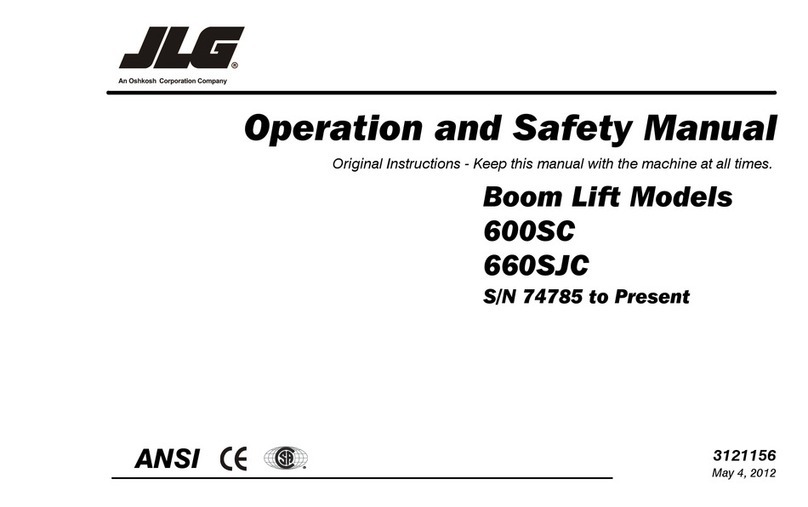
JLG 600SJC Installation and user guide
JLG

JLG 600SJC Installation and user guide

JLG 600SC Use and care manual

JLG

JLG 600SC Use and care manual

JLG sky trak mmv User manual

JLG

JLG sky trak mmv User manual
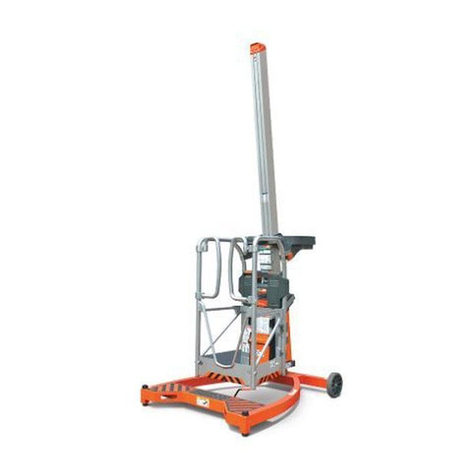
JLG LiftPod FS80 Installation and user guide

JLG

JLG LiftPod FS80 Installation and user guide

JLG Toucan 12E Use and care manual

JLG

JLG Toucan 12E Use and care manual
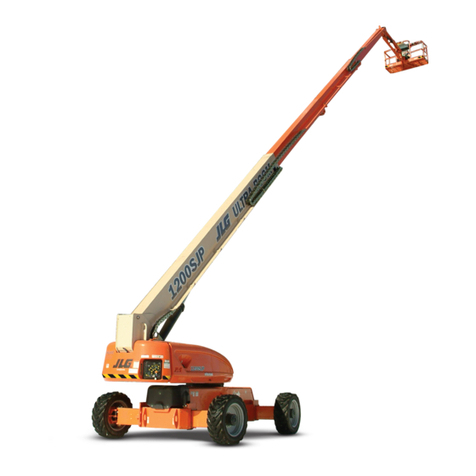
JLG 1200SJP Use and care manual

JLG

JLG 1200SJP Use and care manual

JLG G6-42A Guide

JLG

JLG G6-42A Guide

JLG X1000AJ Use and care manual

JLG

JLG X1000AJ Use and care manual

JLG 19AMI Use and care manual

JLG

JLG 19AMI Use and care manual

JLG 1930ES User manual

JLG

JLG 1930ES User manual

JLG E450A Installation and user guide

JLG

JLG E450A Installation and user guide
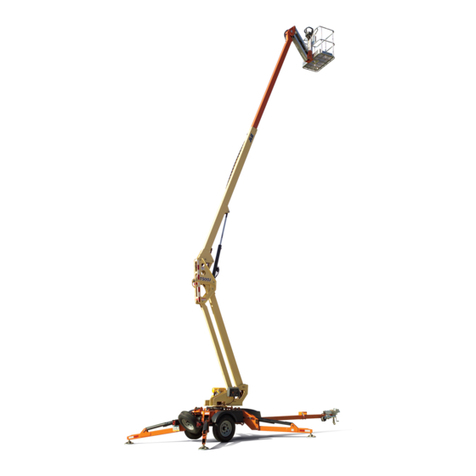
JLG T500J Installation and user guide

JLG

JLG T500J Installation and user guide

JLG LIFTLUX 210-25 Use and care manual

JLG

JLG LIFTLUX 210-25 Use and care manual

JLG 120HX Installation and user guide

JLG

JLG 120HX Installation and user guide
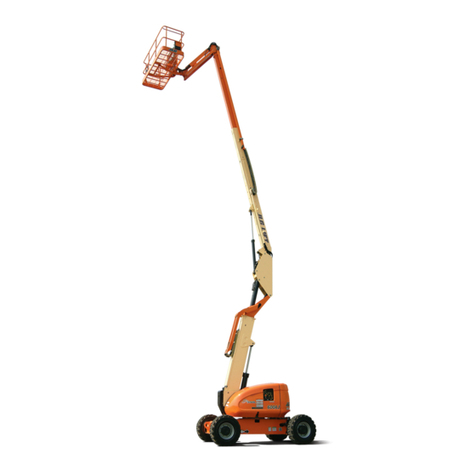
JLG 600A Use and care manual

JLG

JLG 600A Use and care manual

JLG EcoLift70 Use and care manual

JLG

JLG EcoLift70 Use and care manual
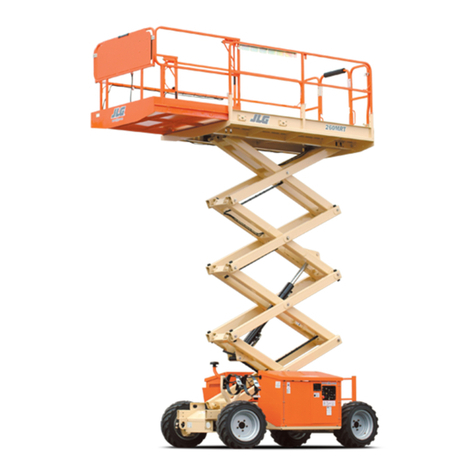
JLG 260MRT Use and care manual

JLG

JLG 260MRT Use and care manual
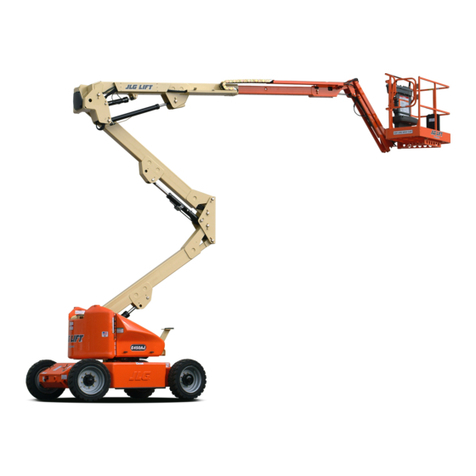
JLG E450A Use and care manual

JLG

JLG E450A Use and care manual
JLG AM Series Use and care manual

JLG

JLG AM Series Use and care manual
JLG 3507 Operating instructions

JLG

JLG 3507 Operating instructions
JLG E400A Narrow Use and care manual

JLG

JLG E400A Narrow Use and care manual

JLG 10msp Installation and user guide

JLG

JLG 10msp Installation and user guide

JLG EcoLift50 Installation and user guide

JLG

JLG EcoLift50 Installation and user guide

JLG 25RTS Installation and user guide

JLG

JLG 25RTS Installation and user guide

Popular Lifting System manuals by other brands

morse 82H-124 Operator's manual

morse

morse 82H-124 Operator's manual
Braun NL955 Series Operator's manual

Braun

Braun NL955 Series Operator's manual
haacon 1889.10 quick start guide

haacon

haacon 1889.10 quick start guide
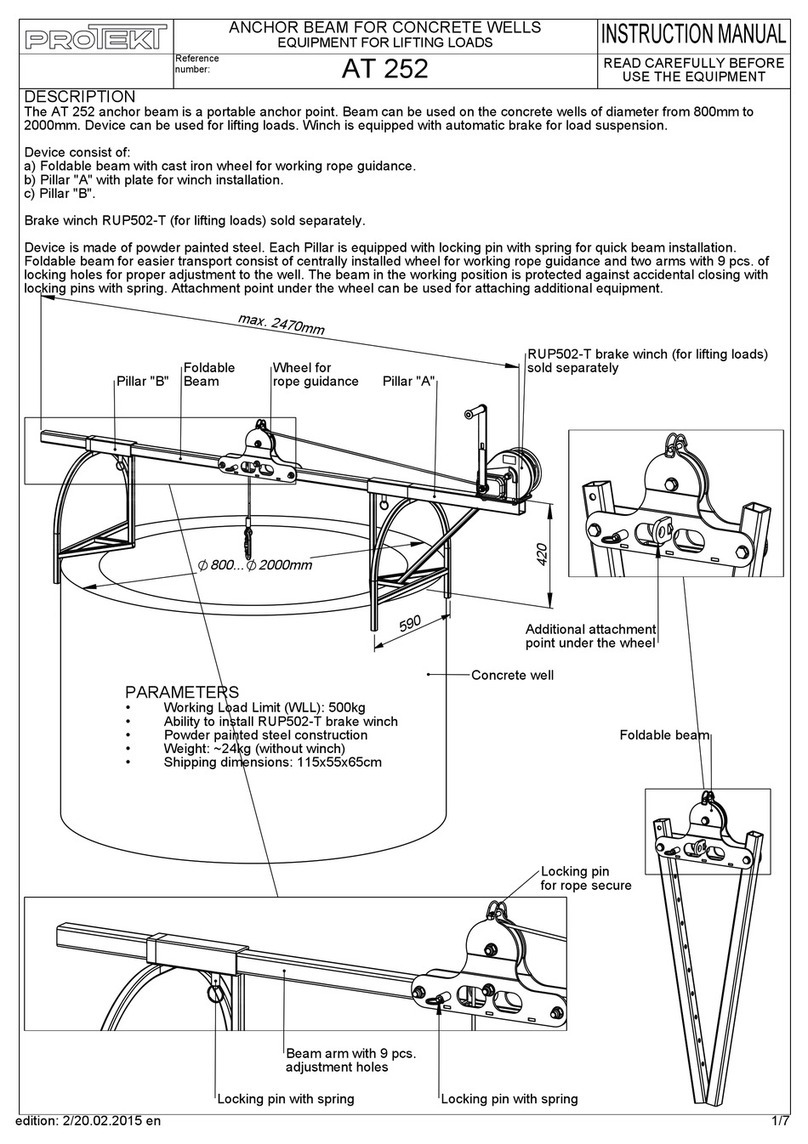
Protekt AT 252 instruction manual

Protekt

Protekt AT 252 instruction manual

R. Beck Maschinenbau HS 600 operating manual

R. Beck Maschinenbau

R. Beck Maschinenbau HS 600 operating manual

Nova Technology International, LLC NAS Series quick start guide

Nova Technology International, LLC

Nova Technology International, LLC NAS Series quick start guide
Genie Z-60/34 Operator's manual

Genie

Genie Z-60/34 Operator's manual
Screen Technics INTERFIT Vertical Up Lift instructions

Screen Technics

Screen Technics INTERFIT Vertical Up Lift instructions

Mortuary Lift ULTIMATE 1000 instructions

Mortuary Lift

Mortuary Lift ULTIMATE 1000 instructions

Custom Equipment Hy-Brid 3 Series MAINTENANCE & TROUBLESHOOTING MANUAL

Custom Equipment

Custom Equipment Hy-Brid 3 Series MAINTENANCE & TROUBLESHOOTING MANUAL

Custom Equipment Hy-Brid Lifts 2 Series Maintenance and troubleshooting manual

Custom Equipment

Custom Equipment Hy-Brid Lifts 2 Series Maintenance and troubleshooting manual

Hy-Brid Lifts HB-P3.6 MAINTENANCE & TROUBLESHOOTING MANUAL
Hy-Brid Lifts

Hy-Brid Lifts HB-P3.6 MAINTENANCE & TROUBLESHOOTING MANUAL

BERG BeNomic EasyLeaf Technical manual

BERG

BERG BeNomic EasyLeaf Technical manual

Powermate LiftGate LG-3 Installation & operation manual
Powermate

Powermate LiftGate LG-3 Installation & operation manual

Snorkel TM12 Series Operator's manual
Snorkel

Snorkel TM12 Series Operator's manual

Terberg OMNIDEKA Translation of the original instructions
Terberg

Terberg OMNIDEKA Translation of the original instructions

Harmar Mobility AL625 Installation & owner's manual
Harmar Mobility

Harmar Mobility AL625 Installation & owner's manual

Rotary SPO16 installation instructions

Rotary

Rotary SPO16 installation instructions

manuals.online logo
manuals.online logoBrands
  • About & Mission
  • Contact us
  • Privacy Policy
  • Terms and Conditions

Copyright 2025 Manuals.Online. All Rights Reserved.

1
October, 2012
260MRT,
3369LE, 4069LE
3394RT, 4394RT Scissor
Platform Control Measures
2
2.6.5 Duplicate controls: Location, accessibility, protection and selection
Duplicate controls for all powered functions that are necessary to retrieve the platform in an emergency shall be provided at the
base or ground level, and shall override control devices situated on the work platform.
Extracts from ASNZS 1418-10 2011
2.6.4 Work platform controls: Location, accessibility, protection
Control devices shall be situated on the work platform and shall be readily accessible to the operator. Platform control boxes not permanently
attached shall have their normal location and orientation clearly marked on the platform and the control box.
When released, all control devices shall automatically return to the ‘off’ or ‘neutral’ position, if used to control any movement of the MEWP.
All control devices shall be protected against activation other than that initiated by the operator.
NOTE: A separate control, which has to be continuously activated by the operator in order for any motion to take place, meets this
requirement.
Where a separate control is integral with a motion control, the control shall be mechanically protected against inadvertent actuation.
A guard shall be provided and located at least 50 mm above the highest point of the controls.
2.6.10 Overriding emergency system
Overriding of the platform emergency stop control and load-sensing system is allowed for rescuing a trapped or incapacitated operator on the
platform. Overriding is permitted only by the use of a safety device that is independent from the selection control device. The safety device shall be
operated by hold to run controls.
The overriding of the load-sensing system shall allow motion of the platform sufficient to rescue the operator. Features shall be provided to protect
against misuse of the overriding system.
Refer to the JLG operating manual for the Scissorlift .
Download operators manuals from:
www.jlg.com.au >Product Manuals>JLG > JLG Scissorlifts>
3
Control Measure
260MRT
M/3369LE
M/4069LE
3394RT
4394RT
Platform Emergency Stop switch, RED
Yes
Yes
Yes
Yes
Yes
Mechanical guarding at controls
Yes
Yes
Yes
Yes
Yes
Controls >50mm below the guard rails
Yes
Yes
Yes
Yes
Yes
Trigger switch as enable switch
Yes
Yes
Yes
Yes
Yes
Inactivity Timer on trigger switch
Yes 3 seconds
Yes 3 seconds
Yes 3 seconds
Yes 5 seconds
Yes 5 seconds
Interlock to prevent operation if joystick or
function switch activated before release of
RED emergency stop switch
Yes
Yes
Yes
Yes
Yes
Proportional lift/lower
Yes Lift/Lower No
Yes proportional
Lift/Lower No
Yes proportional
Lift/Lower No
Yes, lift & lower
proportional
Yes, lift & lower
proportional
Proportional drive
Yes
Yes
Yes
Yes
Yes
Start-up system test
Yes
Yes
Yes
Yes
Yes
Lift /drive Function selector switch,
momentary or maintained.
Momentary 3
seconds
Momentary3
seconds
Momentary 3
seconds
Momentary, 5
seconds
Momentary 5
seconds
Outdoor use Permitted
Yes, 2 person
Yes, 2 person
Yes, 2 person
Yes 6 person
Yes 6 person
Level sensor
Yes, 5 x 5 stowed
( 6 degree on special
extended outrigger
option)
Yes, 5 x 5 stowed
Yes, 5 x 5 stowed
Yes, 5 x 5 stowed
Yes, 5 x 5 stowed
Out of Level Sensor cutout
Lift and elevated
drive
Lift and elevated
drive, 3 degree side
to side at full height
Lift and elevated
drive, 3 degree side
to side at full height
Lift and elevated
drive, 3 degree
side to side at full
height
Lift and elevated
drive, 3 degree side
to side at full height
Drive at full elevation
Yes
Yes
Optional on M4069
with outriggers and
All Wheel Drive.
Yes
Yes
ASNZS1418-10 2011 post May 2011 model.
Load Sensing System installed
Yes LSS
Yes LSS
Yes LSS
Yes LSS
Yes LSS
Ground controls override the platform
controls and override LSS in emergency
Yes
Yes
Yes
Yes
Yes
Ground controls include Emergency RED
stop switch
Yes
Yes
Yes
Yes
Yes
Manual bleed down valve at base
Yes, pull cable
Yes, pull cable
Yes, pull cable
Yes, pull cable
Yes, pull cable
Outrigger interlocks, prevent outrigger
function when scissor elevated
Interlocks active
Interlocks active
Interlocks active
Interlocks active
Interlocks active
Auto level Stabiliser function
Yes
No
No
Yes
Yes
Oscillating axle interlocks, lock axle when
elevated
No Oscillating axle
Interlocks Active
Interlocks Active
Interlocks Active
Interlocks Active
Motion Alarm
Yes
Yes
Yes
Yes
Yes
Strobe light at base
Yes
Yes
Yes
Yes
Yes
4
260MRT Diesel engine Scissorlift
Mechanical protection:
Joystick controller protected by
external metal guard over the control
box.
Platform control Box mounted on front
rail.
Control System:
Red Emergency switch shuts down all
platform functions.
Drive and lift momentary selector
switch allows either drive or lift.
Operator to select.
Joystick activation without the trigger
switch will prevent movement.
Trigger switch times out after 3 second
inactivity to prevent misuse.
Joystick proportional function requires
trigger switch to be activated before
moving joystick.
5
M/3369LE & M/4069LE Hybrid scissor lift
Mechanical protection:
Joystick controller protected by
external metal guard over the control
box.
Platform control Box mounted on front
rail.
Control System:
Red Emergency switch shuts down all
platform functions.
Drive and lift momentary selector
switch allows either drive or lift.
Operator to select.
Joystick activation without the trigger
switch will prevent movement.
Trigger switch times out after 3 second
inactivity to prevent misuse.
Joystick proportional function requires
trigger switch to be activated before
moving joystick.
3369LE, M3369, 4069LE M4069
•NOTE: Travel speed will automatically be reduced to low drive when the platform is raised above the stowed position.
•For M4069 (AUS Full Drive Height Model), low drive speed is cut back to creep drive speed above 28 - 30 ft (8.5 - 9.1 m) up to
the maximum height of 40 ft (12.2 m).
•Controller (Joystick)
The Joystick controls four functions: drive, steer, lift and optional outriggers. The drive or the lift function switch must be
selected before operating the joystick. The controller is ‘ramped’ to allow variable speed
•Drive Select
When selected, the drive function will be active for 3 seconds.
The operator has 3 seconds to select the desired direction of travel.
•Lift /Lower
When selected, the lift function will be active for 3 seconds. The operator has 3 seconds to select the desired direction of
lift.
6
7
3394RT & 4394RT Diesel Scissor lift
Mechanical protection:
Joystick controller protected by
external metal guard over the control
box.
Platform control Box mounted on front
rail.
Control System:
Red Emergency switch shuts down all
platform functions.
Drive and lift momentary selector
switch allows either drive or lift.
Operator to select.
Joystick activation without the trigger
switch will prevent movement.
Trigger switch times out after 5 second
inactivity to prevent misuse.
Joystick proportional function requires
trigger switch to be activated before
moving joystick.
260MRT, 3394RT, 4394RT Auto leveling jacks
•Auto Leveling Jacks - (Optional) –
When depressed the light will illuminate on the indicator pad, enabling that function for 5 seconds. Moving the control
handle forward will lower the leveling jacks. Moving the control handle backward will raise the leveling jacks. Once the
machine is level the jacks will discontinue extending and the jack set light will turn on.
NOTE: After initial ground contact is made, the auto level function will pause 2-5 seconds and then begin to properly level
the machine. Once level, the tilt light on the platform control box will stop blinking.
•NOTE: There is an override feature on the Auto Leveling system that allows the operator to adjust (trim) the level of the
machine to the left or right when the platform is completely lowered. Use the following instructions to adjust the level of the
machine.
a. Select the leveling jack selection switch and
squeeze the trigger switch on the controller.
b. To adjust the leveling jacks to the left, activate the
switch on top of the controller to the left. To adjust
to the right, activate the switch on top of the controller
to the right. The leveling jack indicator light
or the side selected will be lit.
8