4
1. Introduction
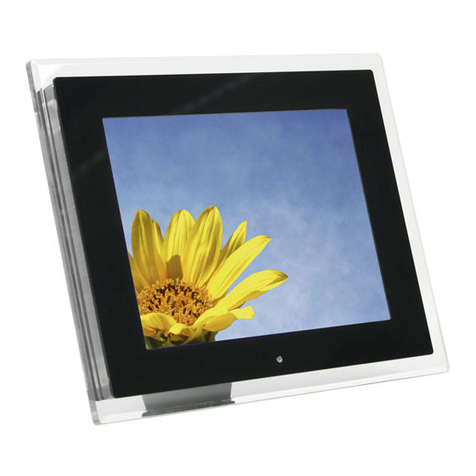
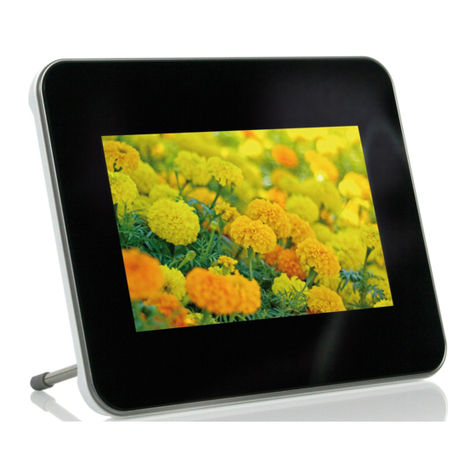
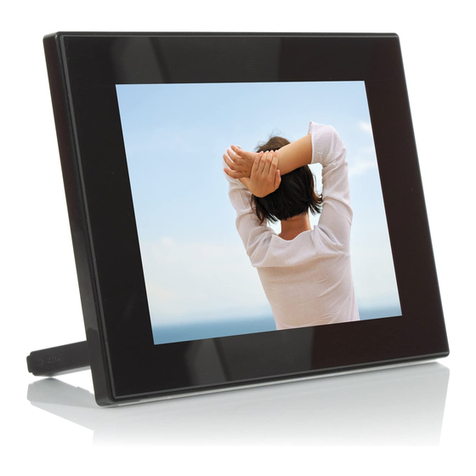
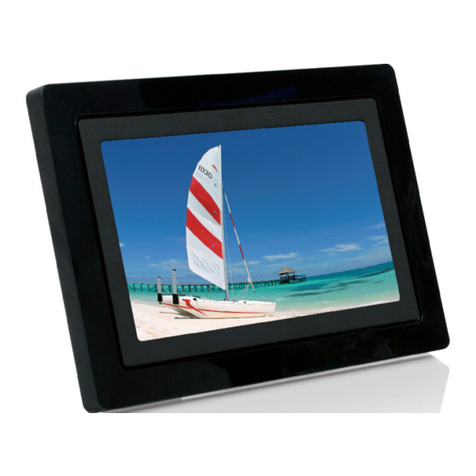
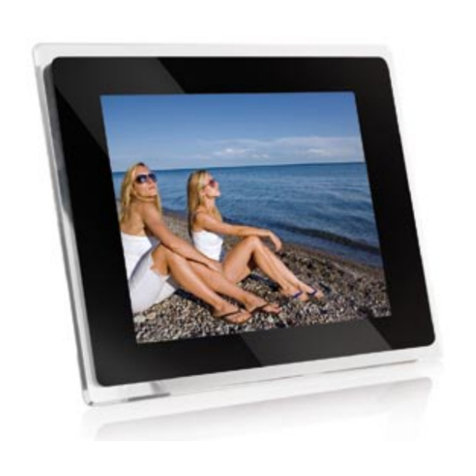
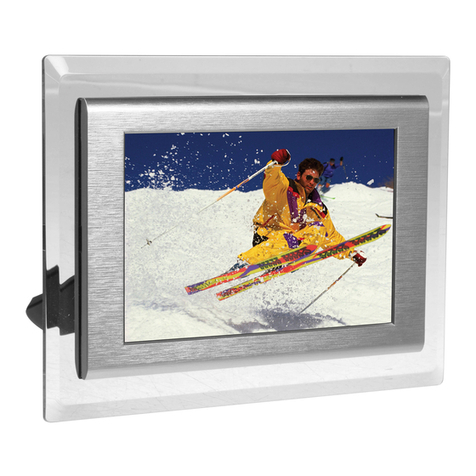
Congratulations on your purchase of the JOBO Photo Display PLANO 10! Before operating the unit,
please read this manual thoroughly and retain it for future reference. You can display your digital
photos directly from your memory card, no computer is needed! Simply insert a memory card into
the Photo Display PLANO 10 turn on the power, then all images will be shown automatically as a
slideshow.
1.1. Key features
•Display: 10 inch (26.42 cm) colour TFT LCD
•Resolution: 800 x 600 pixels
•Contrast ratio: 400:1
•Brightness: 230 cd/m²
•Aspect ratio 4:3 (original & optimized mode)
•Card slots for Secure Digital™, Multi-Media Card™, Memory Stick™, Memory Stick Pro™,
Memory Stick Duo™, Memory Stick Pro Duo™, and USB flash drives
•USB Host & USB 2.0 High Speed
•Supported file format: JPEG, BMP, PNG, GIF, TIFF
•Full screen, thumbnail, 4in1 window or slide show mode
•Slide show with adjustable transition effects and time intervals
•Rotate and zoom function
•Clock and Calendar with slide show mode
•Setup menu
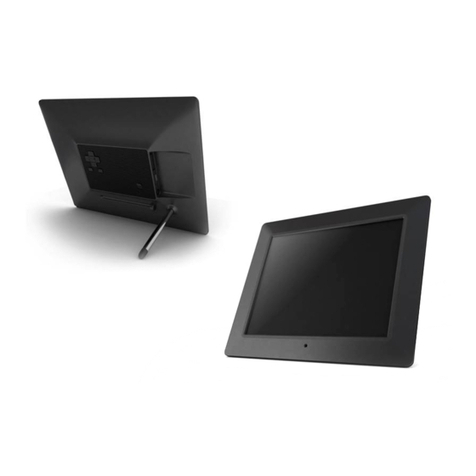
•Wall mount, foldable stand
•Dimensions: 264 x 214 x 29.5 mm
•Weight: 885 g
1.2. Package content
•JOBO Photo Display PLANO 10 (PDJ104)
•AC Power Adapter (12V ~1.5A)
•Remote control
•This manual
1.3. Getting Started
The JOBO Photo Display PLANO 10 is easy to set up. Just follow these steps:
1. Connect Photo Display PLANO 10 with the AC Power Adapter to a power supply.
2.
Insert a memory card into the memory card slot.
Note: The card will only fit in one direction; do
not force it. The card should fit snugly when properly inserted.
3. Pull out adjustable Stand to adjust the viewing angle.
4. Press the Power ON button on the back of the JOBO Photo Display PLANO 10 . The frame will
automatically start a slide show of the photos on the card.