5
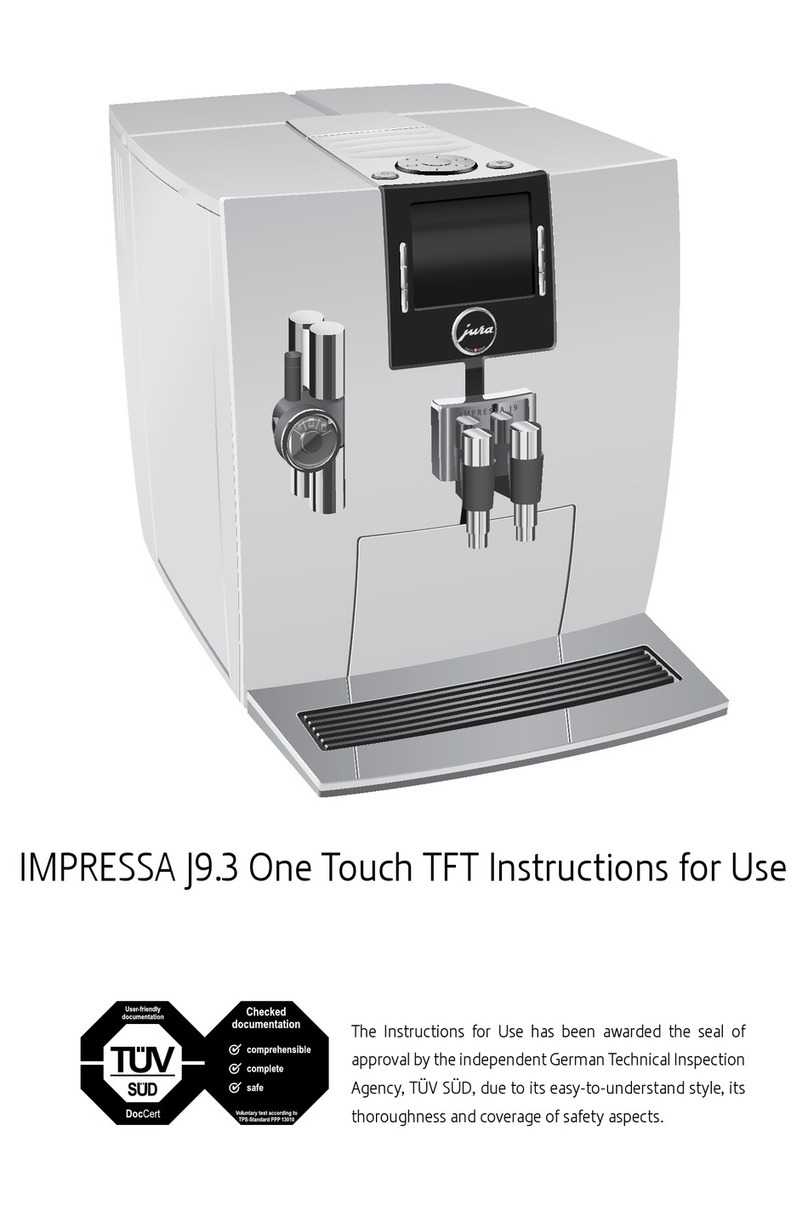
IMPRESSA C9 – Quick Reference Guide
Precondition:READY /CLEAN isdisplayed and the maintenance
button clights up.
c T Press the maintenance button.
EMPTY TRAY
TEmpty the drip tray and coffee grounds container and put
them back into the machine.
PRESS RINSE, the maintenance button clights up.
TPlace a receptacle under the coffee spout and the frother.
c T Press the maintenance button.
CLEANING, water flows from both coffee spouts.
The process is interrupted, ADD TABLET.
TOpen the cover of the filler funnel for pre-ground coffee.
TInsert a JURA cleaning tablet into the filler funnel.
TClose the cover of the filler funnel.
c T Press the maintenance button.
CLEANING, water flows from both coffee spouts several
times.
The process is interrupted – EMPTY TRAY.
TEmpty the drip tray and coffee grounds container and put
them back into the machine.
The cleaning operation is now complete. The IMPRESSA is
ready for use again.
The IMPRESSA builds up deposits of limescale over time and auto-
matically prompts you to descale it when necessary. The degree of
calcification depends on the degree of hardness of your water.
If the descaling agent comes into contact with the skin or eyes, this
can cause irritation.
TAvoid contact with the skin or eyes.
TRinsethedescalingagentoff withcleanwater.Shouldyouget
any descaling agent in your eye, see a doctor.
If the wrong descaling agent is used, the machine could be dam-
aged and/or traces of detergent could be left behind in the water.
TUse only original JURA care products.
Descale machine
CAUTION
CAUTION