manuals.online logo
Brands
  1. Home
  2. •
  3. Brands
  4. •
  5. JVC
  6. •
  7. Car Receiver
  8. •
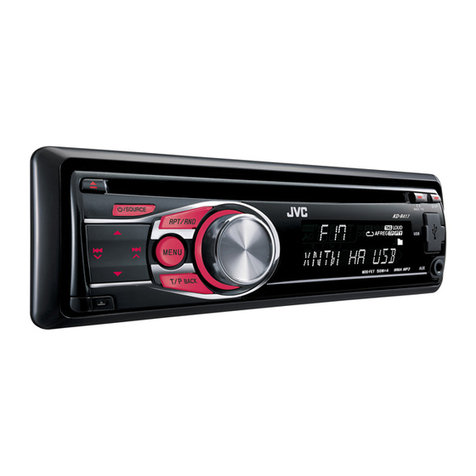
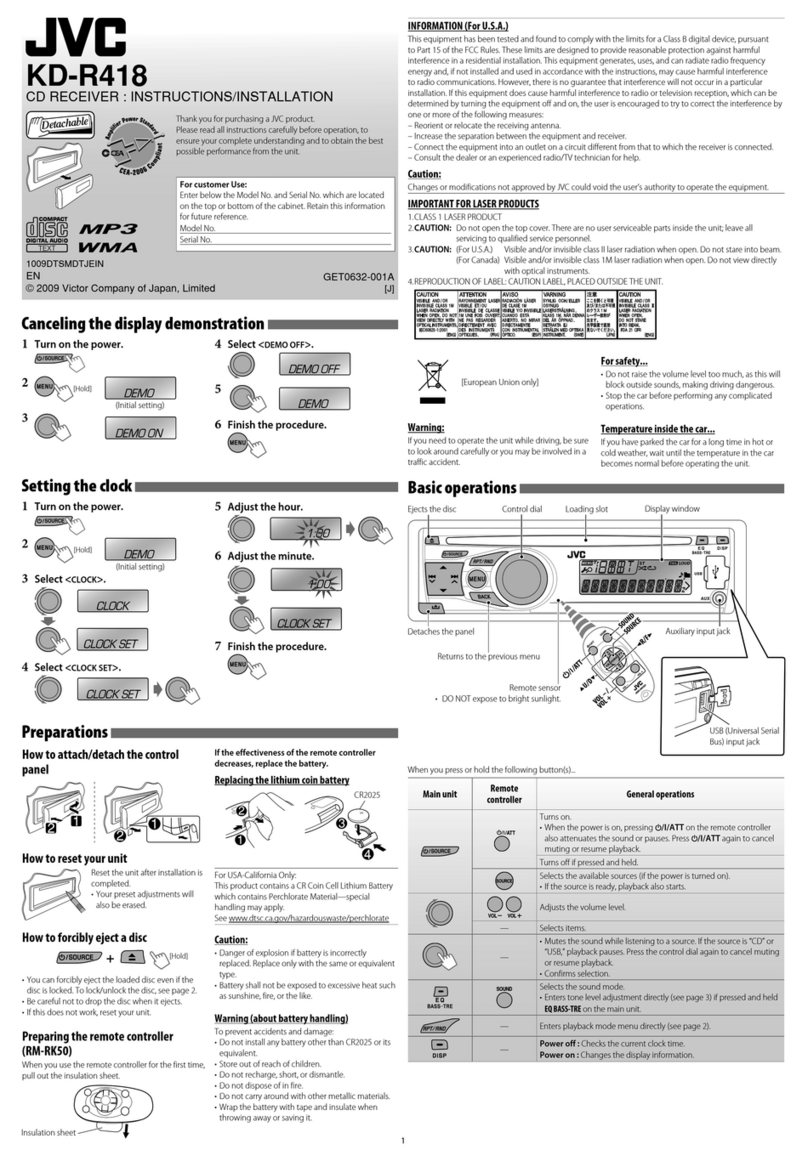
  9. JVC KD-A625 User manual

JVC KD-A625 User manual

Other JVC Car Receiver manuals

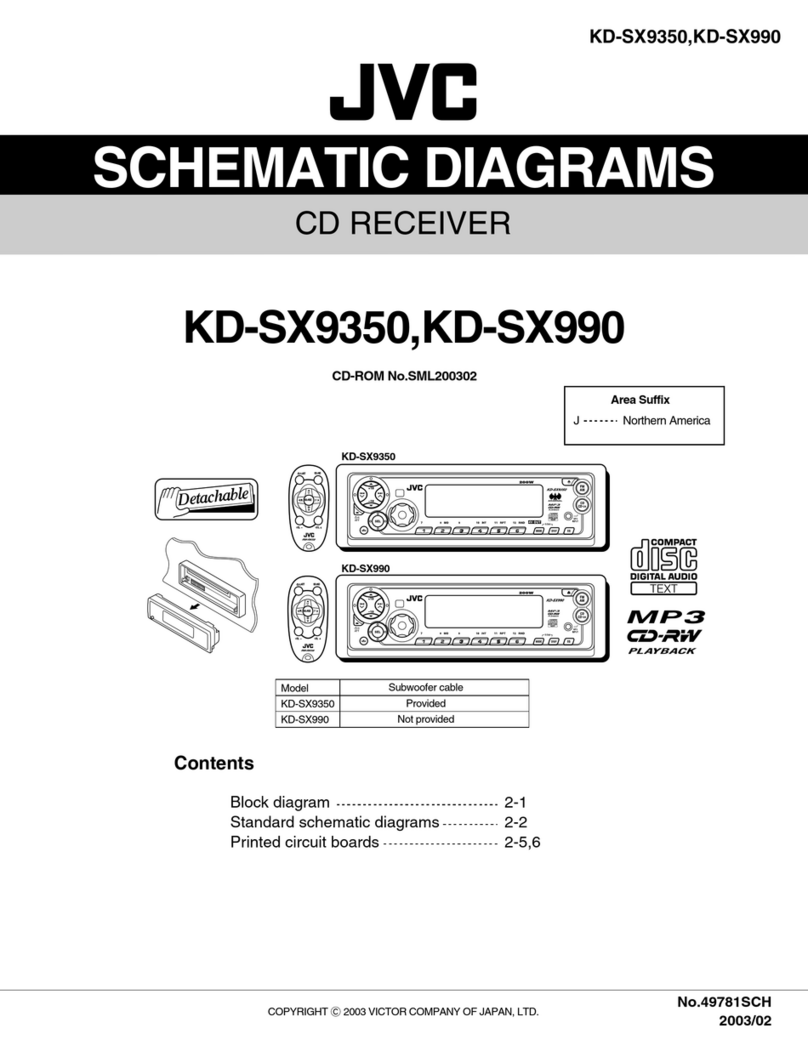
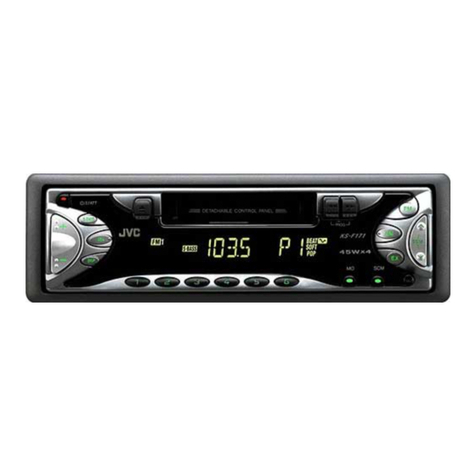
JVC KS-F315 User manual

JVC

JVC KS-F315 User manual

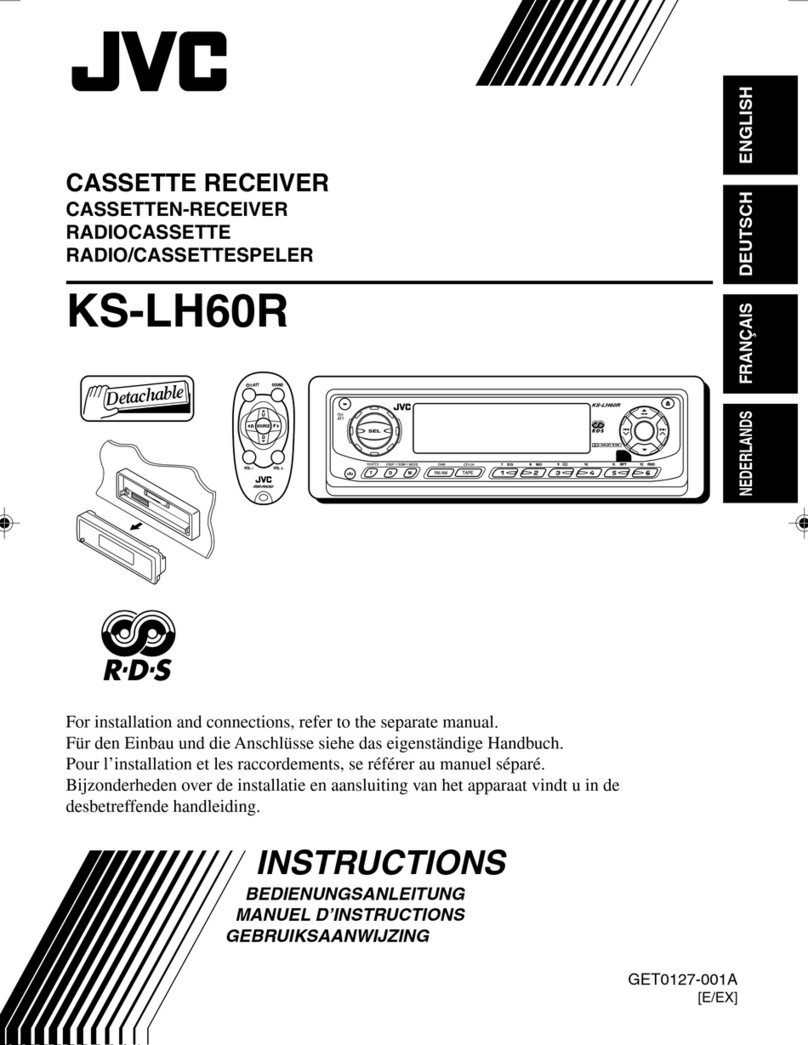
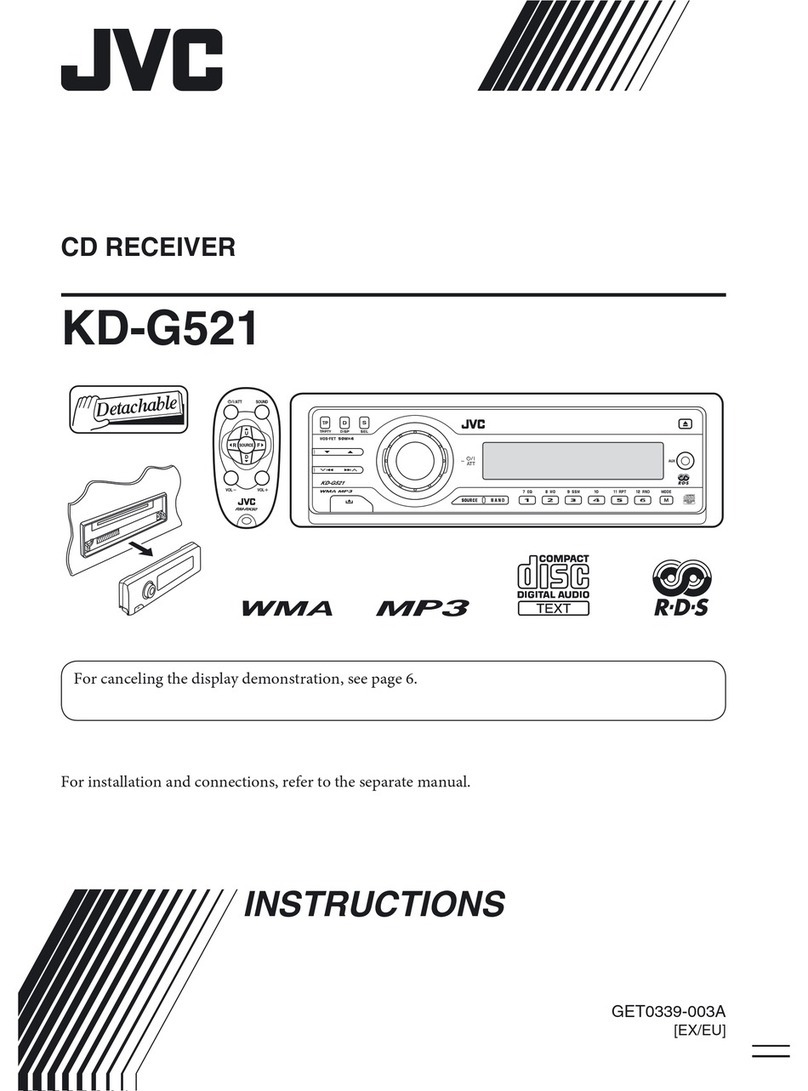
JVC KD-G401 User manual

JVC

JVC KD-G401 User manual

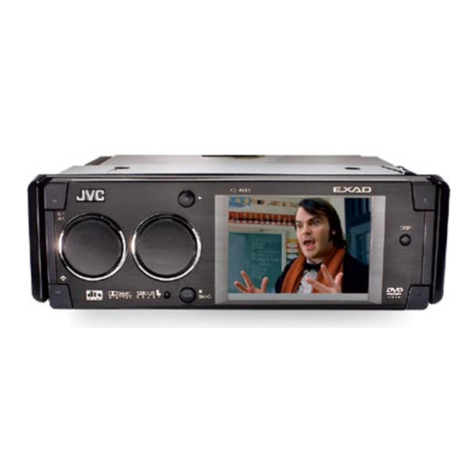
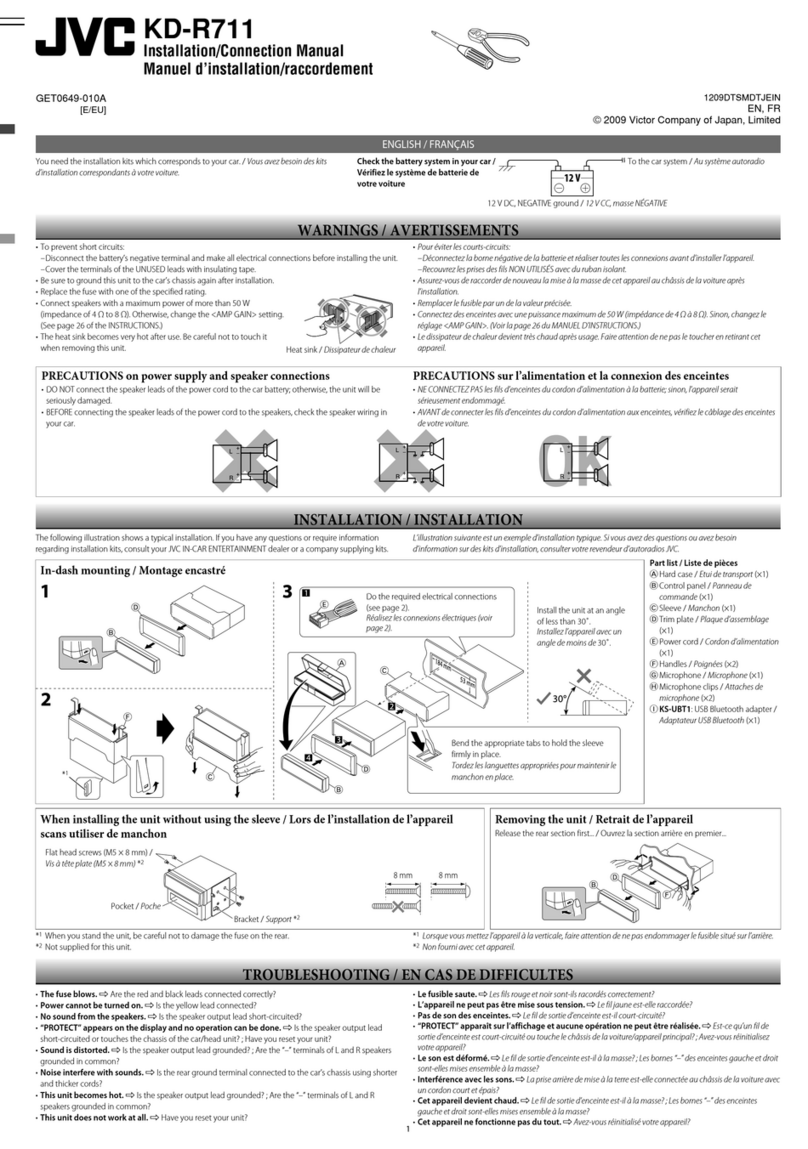
JVC KD-R720 User manual

JVC

JVC KD-R720 User manual

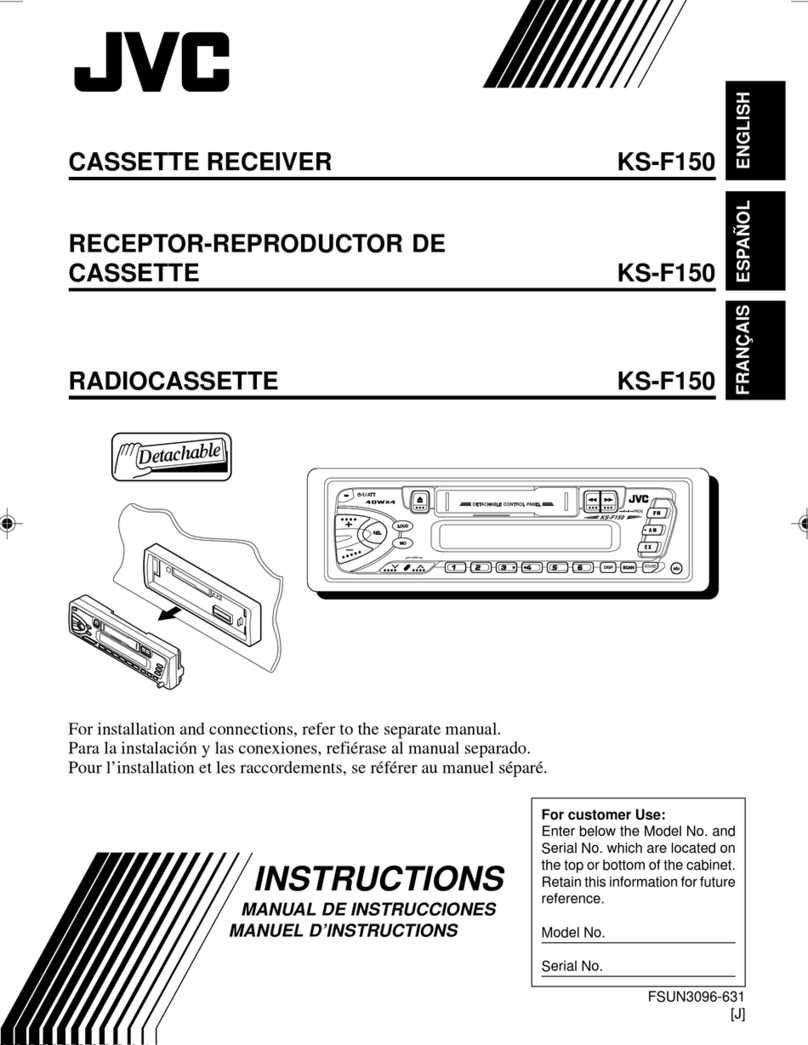
JVC KD-S6060 Guide

JVC

JVC KD-S6060 Guide

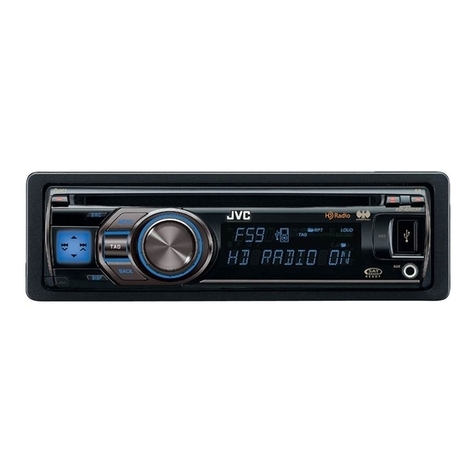
JVC KD-X50BT User manual

JVC

JVC KD-X50BT User manual

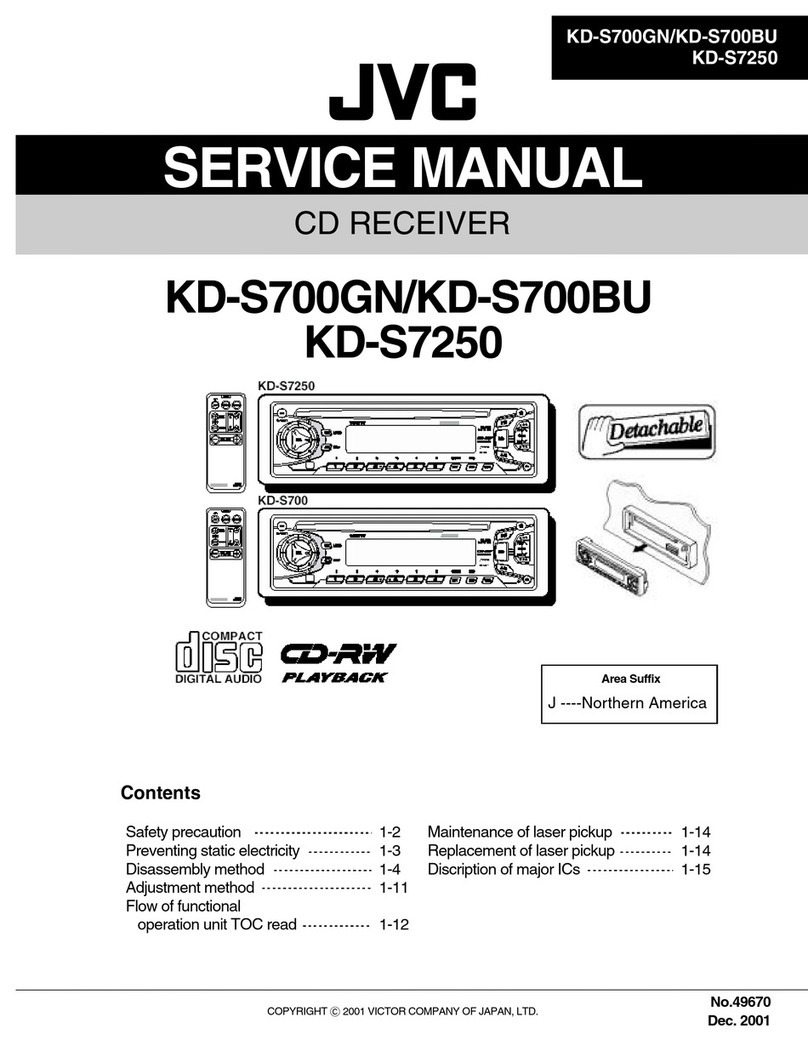
JVC 0910DTSMDTJEIN User manual

JVC

JVC 0910DTSMDTJEIN User manual

JVC KD-G317 Administrator Guide

JVC

JVC KD-G317 Administrator Guide

JVC KD-APD89 User manual

JVC

JVC KD-APD89 User manual

JVC KD-X220 User manual

JVC

JVC KD-X220 User manual

JVC KD-AR760 - Arsenal CD Receiver Guide

JVC

JVC KD-AR760 - Arsenal CD Receiver Guide

JVC KD-SV3204UI User manual

JVC

JVC KD-SV3204UI User manual

JVC KD-A315 Guide

JVC

JVC KD-A315 Guide

JVC KD-DB56 User manual

JVC

JVC KD-DB56 User manual

JVC KD-R628 User manual

JVC

JVC KD-R628 User manual

JVC KW-GX500 User manual

JVC

JVC KW-GX500 User manual

JVC KD-S675 User manual

JVC

JVC KD-S675 User manual

JVC S890 - KD Radio / CD User manual

JVC

JVC S890 - KD Radio / CD User manual

JVC KD-SX979R User manual

JVC

JVC KD-SX979R User manual

JVC KD-A805 User manual

JVC

JVC KD-A805 User manual

JVC KD-G405SU User manual

JVC

JVC KD-G405SU User manual

JVC KD-SX841R User manual

JVC

JVC KD-SX841R User manual

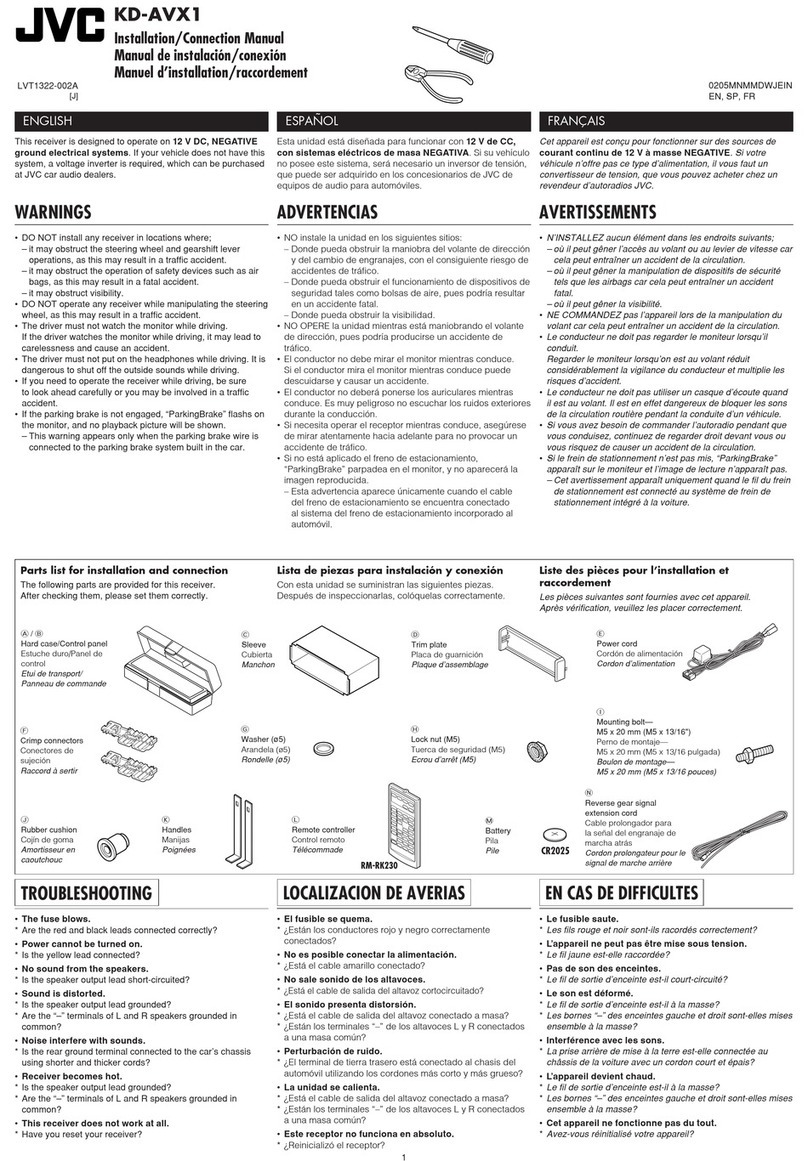
JVC KD-AVX1 Guide

JVC

JVC KD-AVX1 Guide

JVC EXAD KD-LHX552 User manual

JVC

JVC EXAD KD-LHX552 User manual

JVC KD-ADV7380J User manual

JVC

JVC KD-ADV7380J User manual

Popular Car Receiver manuals by other brands

Panasonic CQ-C3301N null

Panasonic

Panasonic CQ-C3301N null

Alpine CDE-133BT null

Alpine

Alpine CDE-133BT null

Panasonic CQ-C8803N null

Panasonic

Panasonic CQ-C8803N null

Panasonic CQ-C5302W null

Panasonic

Panasonic CQ-C5302W null

Panasonic CQ-C5355N null

Panasonic

Panasonic CQ-C5355N null

Panasonic CQ-C7703W null

Panasonic

Panasonic CQ-C7703W null

Panasonic CQ-C7703N null

Panasonic

Panasonic CQ-C7703N null

Clarion ADB365MP null

Clarion

Clarion ADB365MP null

Motorola VWA63 Service manual

Motorola

Motorola VWA63 Service manual

Nextar D3201 instruction manual

Nextar

Nextar D3201 instruction manual

Alpine CDE-163BT owner's manual

Alpine

Alpine CDE-163BT owner's manual

Pioneer DEH-P645R installation manual

Pioneer

Pioneer DEH-P645R installation manual

Axxera XDMA7600 Installation & owner's manual

Axxera

Axxera XDMA7600 Installation & owner's manual

XM OnyX quick start guide

XM

XM OnyX quick start guide

Sound Storm STM93R user manual

Sound Storm

Sound Storm STM93R user manual

Soundstream VIR-5000 owner's manual

Soundstream

Soundstream VIR-5000 owner's manual

Avson MKT Platform user manual

Avson

Avson MKT Platform user manual

Sony MEX-1HD - Audio Library System operating instructions

Sony

Sony MEX-1HD - Audio Library System operating instructions

manuals.online logo
manuals.online logoBrands
  • About & Mission
  • Contact us
  • Privacy Policy
  • Terms and Conditions

Copyright 2025 Manuals.Online. All Rights Reserved.

2011 JVC Product Tech Guide
C M Y K
KD-A625
Headunits
KD-A625
USB/CD Receiver with Dual AUX
20W x 4
RMS
MOS-FET
50W x 4
Recommended Features
The dual AUX inputs allow connection with an optional Bluetooth®adapter, while music from iPod/iPhone etc. can be enjoyed via USB.
You can listen to iPod/iPhone app sound with External Mode, and control is available from both iPod/iPhone and the headunit side.
Songs can be easily searched by a simple operation using the menu key/volume knob and the Accelerated Search. MOS-FET power
amp and 24-bit DAC provide clear, quality sound. With the Separated Variable-Color, you can customize the keys and display from
30,000 x 30,000 color combinations. Additional features include High-Pass Filter, HS-IVi tuner, and 3-band parametric iEQ.
Key Benefits
2-Way Control
for iPod/iPhone
iPod Headunit
MP3/WMA
Separated
Variable-Color
Separated
Variable-Color
External Mode
for
iPod/iPhone
iPod/iPhone
USB G3
Phone Book
Access Profile
Dual
AUX
Radio Ready
SAT
2 Phones
(Full Time)
Connects
Ready for
Bluetooth
®
Adapter
✹USB Audio for iPod/iPhone
Connect your iPod/iPhone to the unit’s USB port with
the iPod/iPhone dock connector, and enjoy music in clear,
digital sound with full-speed transfer. Your iPod/iPhone’s
battery will be charged during connection.
✹Ready for Bluetooth®Adapter (KS-BTA100)
With the optional KS-BTA100 adapter,
you can enjoy the safety and
convenience of Bluetooth®Wireless
Technology such as hands-free
calling, voice dialing, and audio
streaming. The compact all-in-one
adapter has microphone/keys/LED
functions, and can be easily
connected via the AUX.
Cell phone
KS-BTA100
(optional)
(Front+Rear+Subwoofer)
3
Pre-Output
Full Digital
Full Speed Charging
Hands-Free Calls
- Voice Dialing
- Redial Call
- Private Mode
Audio Streaming
- Noise/Echo Cancellation
Ready for
KT-HD300
2011 JVC Product Tech Guide
C M Y K
KD-A625
NTK-0786-25
KD-A625 USB/CD Receiver with Dual AUX
Maximum Power Output 50W x 4
Continuous Power Output (RMS) 20W RMS x 4 Channels at 4Ω;
*1Total Harmonic Distortion 1.0% THD*1+ N
HPF*2(Front/Rear) Off/On
LPF (Subwoofer) off / 55 / 85 / 120Hz (-12dB/oct)
Line Pre-Output Terminals 3 (Front + Rear + Subwoofer)
Subwoofer Output with
Level/Frequency Control ✔
Line Output Level 2.5V
Subwoofer Output Level 2.5V
Subwoofer Gain Control INF - 0dB*3
Load Impedance 4Ω(4 - 8Ωallowable)
Line Output Impedance ; 600Ω
*2 Set according to LPF figures *3 MUTE / -14dB / -12dB / -10dB / -8dB / -6dB / -4dB / -2dB / 0dB

Dimentions (W x H x D)
Installation Size 7 3/16” x 2 1/16” x 6 1/4” 182 x 52 x 158 mm
Panel Size 7 7/16” x 2 3/8” x 3/8” 188 x 59 x 8.5 mm
Detachable Face Plate 6 3/4” x 1 13/16” x 7/8” 170 x 46.4 x 20.5 mm
Key Specifications
*4
*5
N/A
✔USB ✔USB ✔USB
✔USB
✔USB
✔USB
✔USB
✔USB
✔USB
Quick Reference of iPod/iPhone Compatibility*1
Playback
Connection
*2*3
*6
*1 Please visit www.jvc.co.jp/english/car/ for iPod/iPhone compatibility details. *2 Same compatibility applies for the following 4th generation and earlier iPod models: iPod with dock connector, iPod mini, and iPod with color display. *3 Same compatibility

applies for iPod nano (1st generation) *4 Same compatibility applies for iPod classic (160GB (2007) only). *5 Same compatibility applies for iPod touch (1st, 2nd, and 3rd generation) *6 Same compatibility applies for iPhone, and iPhone 3G.
✔USB
✹High-Pass Filter
High-Pass Filter lets you control high-frequency sound settings by filtering out
frequencies below the cutoff level.
USB Memory
iPod
iPod
iPhone
Cell phone
Portable
Audio Players
USB
iPhone
KS-BTA100
(Optional)
AUX-IN
Front
AUX-IN
Rear
✹2-Way Control for iPod/iPhone
The 2-way control for iPod/iPhone lets you easily operate on your iPod/iPhone or
the headunit. Just hold down the BACK key to switch operation. The basic functions
can be controlled on the headunit
even during iPod/iPhone mode.
The song information is shown on
the display for both modes.
* Compatibility with 2-way control for iPod/iPhone
differs by model. Please visit
www.jvc.co.jp/english/car/ for details.
Headunit ModeiPod/iPhone Mode
•Display Song
Information
•Headunit
Direct Control
Play/Pause Skip/Forward
Switchable
Rear Panel
ConnectionsConnections
Separated
Variable-Color
Separated
Variable-Color
✹Separated Variable-Color
Select from over 30,000 colors to match your car’s illumination.
Separate colors can be set for the keys and display, providing
stylish coordination and easier operation.
Day and night memory settings are
available for auto dimmer.
X
Over 30,000
Display Zone
Over 30,000
Display Zone Over 30,000
Control Zone
Over 30,000
Control Zone
Day Night
Headlights: Off Headlights: On
Auto Dimmer
✹Dual AUX-IN
AUX inputs are available on both front and rear panels. By connecting the optional
adapter, Bluetooth®Wireless Technology will be available on the headunit.
Front Rear
iPod* Bluetooth®
Adapter
Front Rear
Music
Source*
Music
Source*
Front Rear
Style A Style B
✹3-Band Parametric iEQ
Adjusts the center frequency, bandwidth and levels at each of 3 bands. Plus 5
factory and 1 user EQ presets. With Pro mode, the EQ can customize the sound for
your ears. A separate setting for the subwoofer level is also available.
PRO EQ mode
<PRO EQ> <BASS>
<MIDDLE>
<TREBLE>
[Hold]
Control Range Bass: 60Hz, 80Hz, 100Hz, 200Hz
Mid-range
:500Hz, 1kHz, 1.5kHz, 2.5kHz
Treble: 10kHz,
12.5kHz,
15kHz, 17.5kHz
Level -6~+6dB
Q (band with) 0.75~2.0Q
✹External Mode for
iPod/iPhone
You can listen to the sound of
iPod/iPhone apps, such as games,
web radio, and YouTube, with high
current ready power supply.
* For sound only.
Turn Right on
Main Street