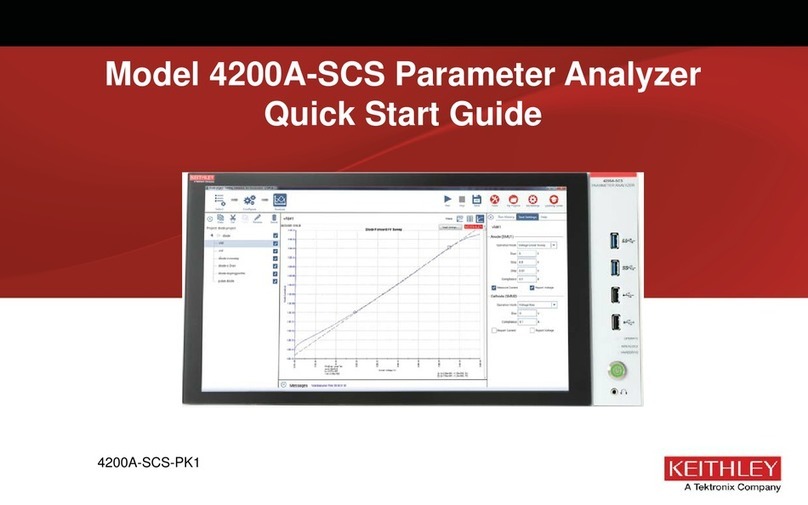
-SCS Parameter Analyzer Reference Manual Table
Set the key parameters...........................................................................................................6-14
Run a simple test ............................................................................................................... 6-15
Working with My Projects................................................................................................... 6-16
Open a project.........................................................................................................................6-16
Create a new project from My Projects ...................................................................................6-17
Export a project.......................................................................................................................6-17
Import a project.......................................................................................................................6-17
Migrate projects from 4200-SCS systems...............................................................................6-19
Duplicate a project ..................................................................................................................6-19
Delete a project.......................................................................................................................6-20
Edit project information ...........................................................................................................6-20
View My Projects.....................................................................................................................6-21
Test and terminal setting descriptions ............................................................................... 6-22
Operation Mode (SMU)...........................................................................................................6-22
SMU - all terminal parameters.................................................................................................6-36
Operation Mode (CVU) ...........................................................................................................6-47
CVU - all terminal parameters.................................................................................................6-55
Operation Mode (PMU)...........................................................................................................6-63
PMU - all terminal parameters.................................................................................................6-70
Test settings............................................................................................................................6-80
Set up a complex project.................................................................................................. 6-105
Customize tests.....................................................................................................................6-106
Link tests or actions ..............................................................................................................6-140
Add actions ...........................................................................................................................6-141
Sites......................................................................................................................................6-142
Subsites ................................................................................................................................6-142
Configure a complex test ................................................................................................. 6-143
Test and terminal settings..................................................................................................... 6-143
Step or sweep multiple device terminals in the same test.....................................................6-144
Configure actions..................................................................................................................6-146
Configure sites ......................................................................................................................6-147
Configure subsite cycling ...................................................................................................... 6-148
Run a complex test .......................................................................................................... 6-176
Run projects, subsites, devices, and tests ............................................................................6-176
Cycle a subsite......................................................................................................................6-181
Multi-site execution ...............................................................................................................6-182
Analyze data .................................................................................................................... 6-183
Spreadsheet.......................................................................................................................... 6-184
Save test results and graphs................................................................................................. 6-194
Graph.................................................................................................................................... 6-196
The Formulator................................................................................................................. 6-222
Configure Formulator calculations.........................................................................................6-222
Open the Formulator.............................................................................................................6-223
Becoming familiar with the Formulator dialog box................................................................. 6-224
Using the Formulator options................................................................................................6-226
Real-time functions, operators, and formulas........................................................................6-227
Post-test-only functions and formulas ...................................................................................6-227
Formulator function reference...............................................................................................6-228
ABS Formulator function.......................................................................................................6-228
SQRT Formulator function ....................................................................................................6-228
EXP Formulator function.......................................................................................................6-229
LOG Formulator function.......................................................................................................6-229
LN Formulator function..........................................................................................................6-230
DELTA Formulator function...................................................................................................6-230
COND Formulator function....................................................................................................6-231
Statistics................................................................................................................................6-231