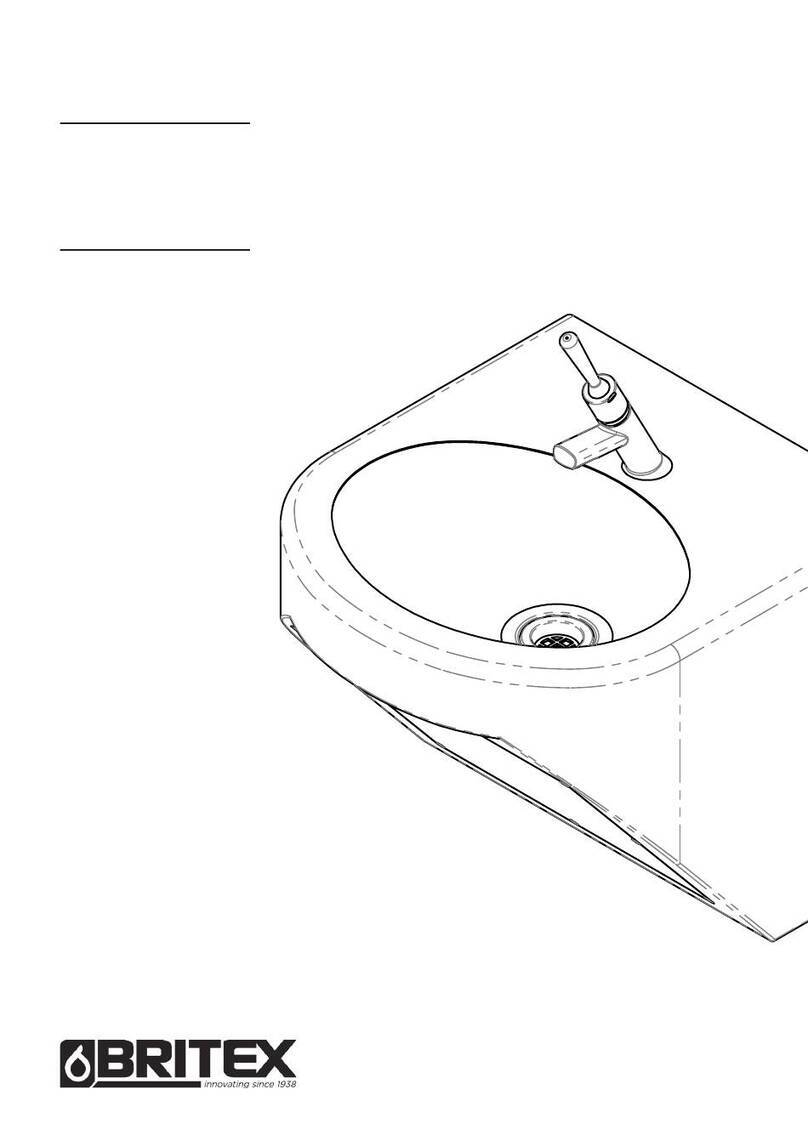
Operating instruction
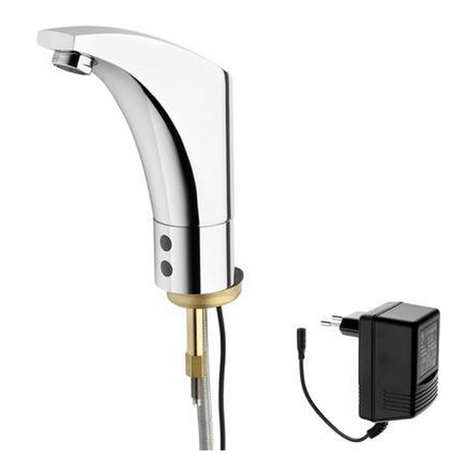
KEMPER KHS-Clean-Handy Figure 686 03 005
Changing over operating mode
The operating mode can be changed over as follows:
• Change over the operating mode with KHS-Clean-handy - or -
• change over the operating mode on the control unit
Changing over the operating mode with KHS Clean handy
Hold the clean handy against the recess in the cover plate and press the button on the clean handy
Result
• Acoustic signal sounds once: Mode 1 is activated
• Acoustic signal sounds twice: Mode 2 is activated
Factory settings
V1 (s) V2 (s) Interval (h)
Mode 1 180 180 48
Mode 2 180 180 168
The factory settings can be change by the KHS-Service-Handy.
K410068603005-00 01/09
Technical subject to change.
Gebr. Kemper GmbH + Co. KG
Metallwerke
Harkortstr. 5
D-57462 Olpe
Tel. 0 27 61 - 8 91 - 0
Fax 0 27 61 - 8 91 -1 75
www.kemper-olpe.de