9
Lo c king The De vic e
Lo c k yo ur d e vic e whe n yo u a re no t using it to p re ve nt unwa nte d a c c e ss to yo ur se c ure file s o n the
d rive . Yo u c a n ma nua lly lo c k the d e vic e o r yo u c a n se t the d e vic e to a uto ma tic a lly lo c k a fte r a
sp e c ifie d p e rio d o f ina c tivity.
C a utio n: By d e fa ult, if a file o r a p p lic a tio n is o p e n whe n the d e vic e trie s to a uto -lo c k, it will no t
fo rc e the a p p lic a tio n o r file to c lo se . Altho ug h yo u c a n c o nfig ure the a uto -lo c k se tting to fo rc e the
d e vic e to lo c k, d o ing so c a n re sult in lo ss o f d a ta to a ny o p e n a nd unsa ve d file s.
If yo ur file s ha ve b e c o me c o rrup t fro m a fo rc e d lo c k p ro c e d ure o r fro m unp lug g ing the d e vic e
b e fo re lo c king , yo u mig ht b e a b le to re c o ve r the file s b y running C HKDSK a nd using d a ta re c o ve ry
so ftwa re (Wind o ws o nly).
To ma nua lly lo c k the d e vic e :
1.
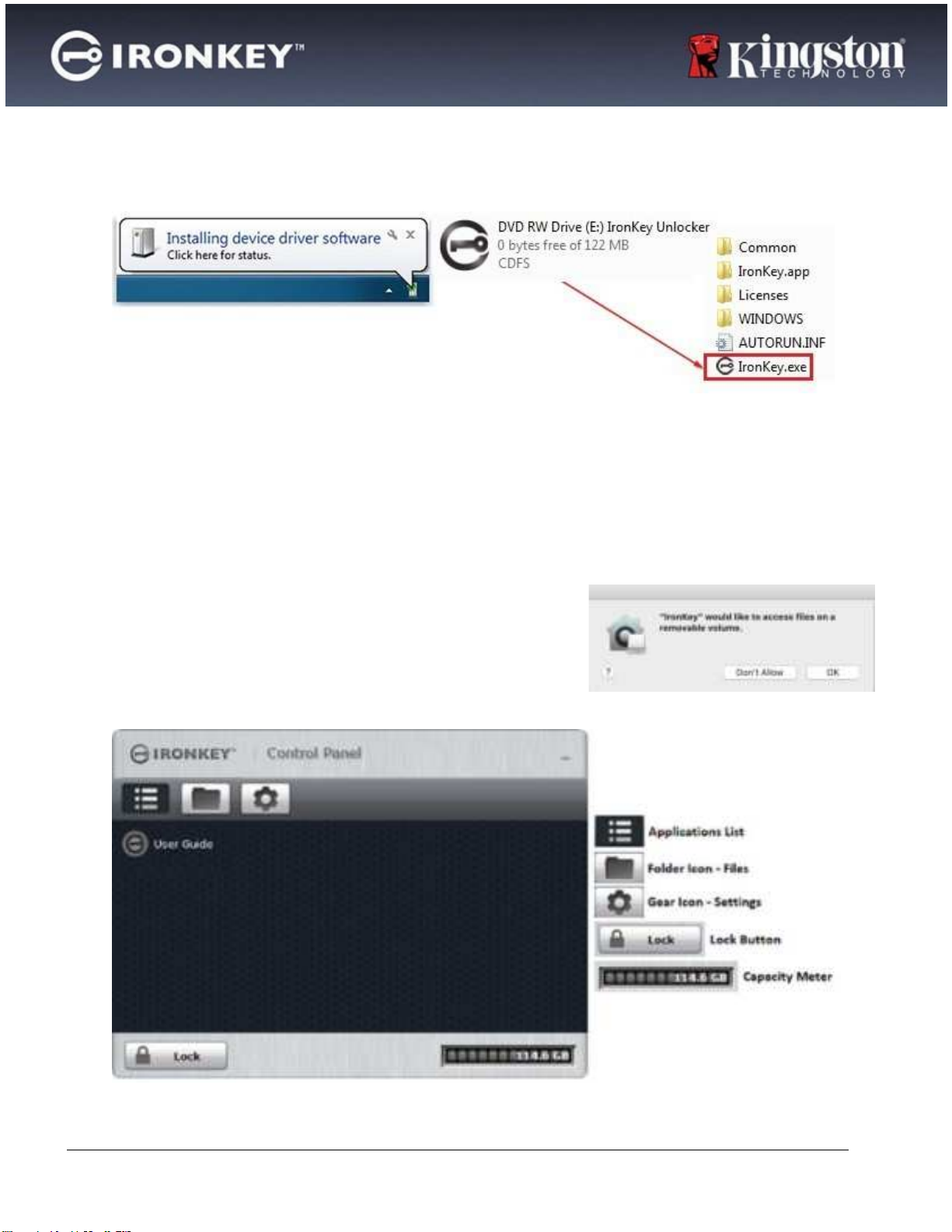
C lic k Lo c k in the b o tto m le ft-ha nd c o rne r o f the Iro nKe y C o ntro l Pa ne l to sa fe ly lo c k yo ur
d e vic e .
•
Yo u c a n a lso use the ke yb o a rd sho rtc ut: C TRL + L (Wind o ws o nly), o r rig ht-c lic k the
Iro nKe y Ic o n in the syste m tra y a nd c lic k Lo c k De vic e .
To se t a d e vic e to a uto ma tic a lly lo c k:
1.
Unlo c k yo ur d e vic e a nd c lic k Se tting s o n the me nu b a rin the Iro nKe y C o ntro l Pa ne l.
2.
C lic k Pre fe re nc e s in the le ft sid e b a r.
3.
C lic k the C he c kb o x fo ra uto -lo c king the d e vic e a nd se t the time -o ut to o ne o f the fo llo wing
time inte rva ls: 5, 15, 30, 60, 120, o r180 minute s.
To run C HKDSK (Wind o ws o nly):
1.
Unlo c k the d e vic e .
2.
Pre ss the WINDO WS LO G O KEY + R to o p e n the Run p ro mp t:
3.
Typ e C MD a nd p re ss ENTER.
4.
Fro m the c o mma nd p ro mp t, typ e CHKDSK, the IRO NKEYSECUREFILES USB d rive le tte r, the n
“ / F / R” . Fo r e xa mp le , if the IRONKEY SECURE FILES USB d rive le tte r is G , yo u wo uld typ e :
C HKDSKG : / F / R
5.
Use d a ta re c o ve ry so ftwa re if ne c e ssa ry in o rd e rto re c o ve ryo urfile s.
Typing Pa sswo rds With The Virtua l Ke yb o a rd (Wind o ws O nly)
If yo u a re unlo c king yo ur d e vic e o n a n unfa milia r c o mp ute r a nd a re c o nc e rne d a b o ut ke ylo g g ing
a nd sc re e n lo g g ing sp ywa re , use the Virtua l Ke yb o a rd . It he lp s p ro te c t yo ur d e vic e p a sswo rd b y
le tting yo u c lic k o ut le tte rs a nd numb e rs using yo ur m o use a nd the virtua l ke yb o a rd . The
und e rlying te c hniq ue s in the Virtua l Ke yb o a rd will b yp a ss ma ny tro ja ns, ke ylo g g e rs, a nd sc re e n
lo g g e rs.
No te : This fe a ture use s a sta nd a rd Q WERTY ke y se t. It is a va ila b le o n Wind o ws o nly a nd the la ng ua g e
p re fe re nc e fo rthe d e vic e must b e se t to Eng lish.
To typ e a p a sswo rd using the Virtua l Ke yb o a rd (Wind o ws o nly):
1.
O p e n the Virtua lKe yb o a rd b y d o ing o ne o f the fo llo wing a c tio ns: