manuals.online logo
Brands
  1. Home
  2. •
  3. Brands
  4. •
  5. Kogan
  6. •
  7. Vacuum Cleaner
  8. •
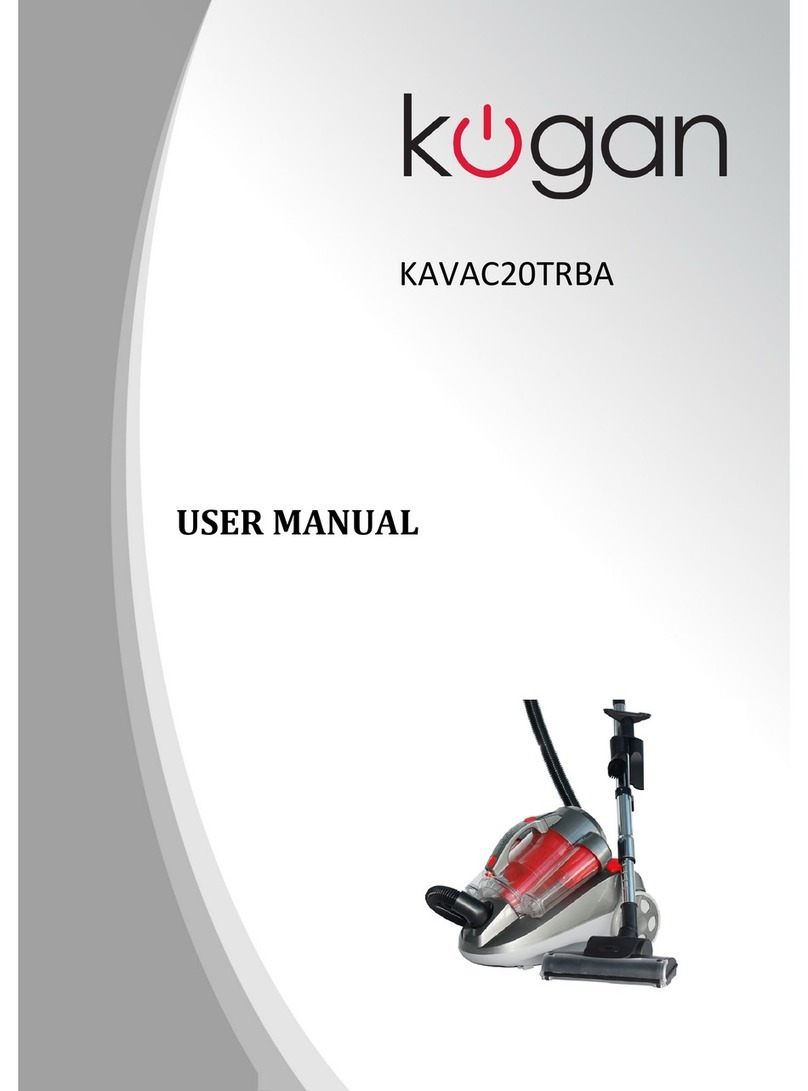
  9. Kogan KA22CYTBVCA User manual

Kogan KA22CYTBVCA User manual

Other manuals for KA22CYTBVCA

1

Other Kogan Vacuum Cleaner manuals

Kogan MX9 User manual

Kogan

Kogan MX9 User manual

Kogan SMARTERHOME LX12 User manual

Kogan

Kogan SMARTERHOME LX12 User manual

Kogan KAVACRBL16A User manual

Kogan

Kogan KAVACRBL16A User manual

Kogan KA22CYTBVCA User manual

Kogan

Kogan KA22CYTBVCA User manual

Kogan C10 Pro KAVACSTC10A User manual

Kogan

Kogan C10 Pro KAVACSTC10A User manual

Kogan KAVACSTM08X User manual

Kogan

Kogan KAVACSTM08X User manual

Kogan KAVACSTC07P User manual

Kogan

Kogan KAVACSTC07P User manual

Kogan SMARTERHOME LX8 User manual

Kogan

Kogan SMARTERHOME LX8 User manual

Kogan KAVACROBVWA User manual

Kogan

Kogan KAVACROBVWA User manual

Kogan T10 Pro User manual

Kogan

Kogan T10 Pro User manual

Kogan MX12 User manual

Kogan

Kogan MX12 User manual

Kogan KAVACSTV11A User manual

Kogan

Kogan KAVACSTV11A User manual

Kogan MX10 PRO User manual

Kogan

Kogan MX10 PRO User manual

Kogan KAVACST296A User manual

Kogan

Kogan KAVACST296A User manual

Kogan V10 User manual

Kogan

Kogan V10 User manual

Kogan M8 PRO CORDLESS 22.2V STICK VACUUM CLEANER AND... User manual

Kogan

Kogan M8 PRO CORDLESS 22.2V STICK VACUUM CLEANER AND... User manual

Kogan KAHHCOVAWCA User manual

Kogan

Kogan KAHHCOVAWCA User manual

Kogan SMARTERHOME G70 User manual

Kogan

Kogan SMARTERHOME G70 User manual

Kogan V10 PRO User manual

Kogan

Kogan V10 PRO User manual

Kogan KAVACSTT10B User manual

Kogan

Kogan KAVACSTT10B User manual

Kogan SMARTERHOME G40 User manual

Kogan

Kogan SMARTERHOME G40 User manual

Kogan KAVACSTC11A User manual

Kogan

Kogan KAVACSTC11A User manual

Kogan KAVACCYC2WA User manual

Kogan

Kogan KAVACCYC2WA User manual

Kogan SMARTERHOME LX18 PRO User manual

Kogan

Kogan SMARTERHOME LX18 PRO User manual

Popular Vacuum Cleaner manuals by other brands

Shark KD400WM owner's guide

Shark

Shark KD400WM owner's guide

Shark CORDLESS SV780_N 14 user manual

Shark CORDLESS

Shark CORDLESS SV780_N 14 user manual

Philips FC9176/08 manual

Philips

Philips FC9176/08 manual

Kenmore KW3030 user manual

Kenmore

Kenmore KW3030 user manual

AMiO YF-101 user manual

AMiO

AMiO YF-101 user manual

Beko VRT 94929 VI user manual

Beko

Beko VRT 94929 VI user manual

Shark CORDLESS SV780 Series quick start guide

Shark CORDLESS

Shark CORDLESS SV780 Series quick start guide

Lumme LU-3203 instruction manual

Lumme

Lumme LU-3203 instruction manual

Melissa 640-040/051 instruction manual

Melissa

Melissa 640-040/051 instruction manual

Makita DVC152L instruction manual

Makita

Makita DVC152L instruction manual

Bosch BSN1 instruction manual

Bosch

Bosch BSN1 instruction manual

King Canada 8560LST Service manual & parts list

King Canada

King Canada 8560LST Service manual & parts list

EUFY RoboVac 11c+ owner's manual

EUFY

EUFY RoboVac 11c+ owner's manual

Panasonic MC-E4101 Service manual

Panasonic

Panasonic MC-E4101 Service manual

Panasonic MC-V9658 operating instructions

Panasonic

Panasonic MC-V9658 operating instructions

Bosch BGB 2 Series instruction manual

Bosch

Bosch BGB 2 Series instruction manual

Hoover dog & cat TURBO manual

Hoover

Hoover dog & cat TURBO manual

FGE Far Tools NET UP 20 manual

FGE

FGE Far Tools NET UP 20 manual

manuals.online logo
manuals.online logoBrands
  • About & Mission
  • Contact us
  • Privacy Policy
  • Terms and Conditions

Copyright 2025 Manuals.Online. All Rights Reserved.

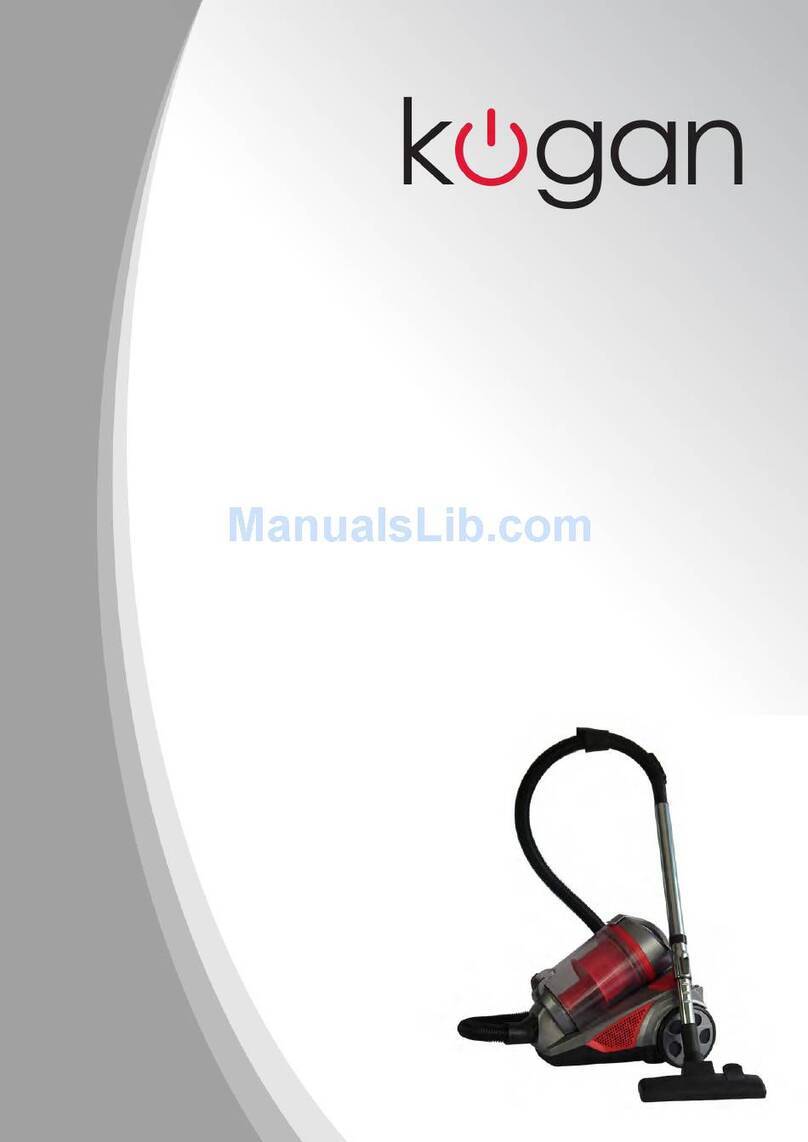
Kogan Mighty 2000W Cyclonic
Vacuum Cleaner With Turbo Brush
KA22CYTBVCA
Table of Contents
Safety & Warnings.......................................................................................................................................................... 1
Product Overview........................................................................................................................................................... 1
Operation.......................................................................................................................................................................... 2
Cleaning & Care.............................................................................................................................................................. 3
Troubles ooting............................................................................................................................................................. 4
Safety & Warnings
• Read all instructions before using t e appliance and retain for reference.
• Ensure t e dust compartment is properly installed.
• C ange t e HEPA/dust filter assembly immediately if it becomes damaged.
• Don’t vacuum any flammable or combustible materials (lig ter fluid, petrol, kerosene etc.) or
use t e in an area wit explosive vapours or liquid.
• Don’t vacuum ot coals, cigarette butts, matc es or smoking ot burning items or use in an
area w ere t ere may be armful fluids (c lorine, bleac , and ammonia drain cleaner).
• Don’t attempt to remove blockages wit s arp objects, as t is may cause damage to your
vacuum cleaner.
• If any abnormal noise, smell, smoke or any ot er failure or breakage, including any issue wit
t e power cord, is found during operation, cease use immediately and contact Kogan Support.
• T is appliance is not intended for use by persons (including c ildren) wit reduced p ysical,
sensory or mental capabilities, or lack of experience and knowledge, unless t ey ave been given
supervision or instruction concerning use of t e appliance by a person responsible for t eir
safety.
• C ildren s ould be supervised to ensure t ey do not play wit t e appliance.
Product Overview
1 Release button 6 Rubber for big w eel 11 Brus tool
2 Handle 7 Big w eel 12 Extending metal tube
3 Cord rewind button 8 Dust cup 13 Two in one brus
4 Speed rotate button 9 Hose connector
5 Power button 10 Hose
1

Operation
Preparing for use
1. Insert t e ose connector into t e front of t e vacuum cleaner and into t e
inlet ole. (Fig. 1) To disassemble, press t e release button and pull it out.
2. Connect t e ose to t e metal extension. (Fig. 2)
3. Connect to t e brus and rotate to fasten. (Fig. 3)
4. Extend t e power cord: yellow indicates w en to stop. Do not pull out top t e
red mark. Press t e cord return button to retract w en cleaning is complete.
(Fig. 4)
5. Plug into a power outlet and press t e power button. (Fig. 5)
Fig. 1 Fig 2. Fig .
Fig. 4 Fig. 5
2
Cleaning dust compartment
1. Hold t e dust compartment and andle and pus t e release button. (Fig. 6)
2. Remove from t e mac ine. (Fig. 7)
3. Hold over a rubbis bin and pus t e release button to open t e bottom and empty.
(Fig. 8)
4. Close after emptying. (Fig. 9)
Fig. 4 Fig. 7 Fig. 8 Fig. 9
Attachments
1. T e two in one brus is useful for corners and crevices. (Fig. 10)
2. T e ot er side wit bristles is useful for sofas, curtains and dusting. (Fig. 11)
3. T e pedal of t e brus tool lets bristles out for floor cleaning. (Fig. 12)
4. Stepping again will retract t e bristles for carpet cleaning. (Fig. 13)
Fig. 10 Fig. 11 Fig. 12 Fig. 1
Cleaning & Care
• T e filter s ould be cleaned twice a year or w enever any buildup or loss or suction is
apparent.
• T e filter must be fixed properly before running t e vacuum cleaner.
• DO NOT was in a was ing mac ine or dry wit a blow dryer.
• Using a wet filter will reduce performance and product lifespan.
1. Press to open t e filter compartment. (Fig. 14)
2. Remove filter. (Fig. 15)
3. Rotate HEPA cover to separate from dust compartment cover. (Fig. 16)
4. Remove HEPA cover. (Fig. 17)
⬅
⬇
⬇
5. Remove filter out and tap to remove dust. Rinse under water. (Fig. 18)
6. Was t e HEPA cover, t e HEPA assembly, t e outlet sponge and t e dust c amber in
water wit out detergent and allow to fully dry before use. Don’t use any tools or
implements to brus t e HEPA filter paper, or it may be damaged.
7. Replace t e HEPA assembly on t e c amber cover and make ensure t e t ree cubes
are aligned wit t e grooves of t e dust c amber.
8. Rotate t e HEPA assembly in t e direction indicated on t e c amber cover.
9. Reassemble t e c amber cover assembly and dust c amber as indicated.
10. Replace t e dust c amber assembly in t e mac ine. Ensure t e c amber is aligned
correctly and press t e andle: a click will be eard.
Fig. 14 Fig. 15
Fig. 16 Fig. 17 Fig. 18
Troubleshooting
IMPORTANT: If you are experiencing any issue wit t e appliance w atsoever, first
inspect t e filters and all parts of t e brus ead carefully and ensure t ere is no
buildup of dust or dirt.
T is is t e most common cause of vacuum cleaner faults and problems, including
powering on and suction strengt .
If you experience any issues, contact Kogan Support.
User manual is subject to c ange wit out notice. For t e latest version of your user manual, please visit
ttps://www.kogan.com/usermanuals/
4