manuals.online logo
Brands
  1. Home
  2. •
  3. Brands
  4. •
  5. Konica Minolta
  6. •
  7. Indoor Furnishing
  8. •
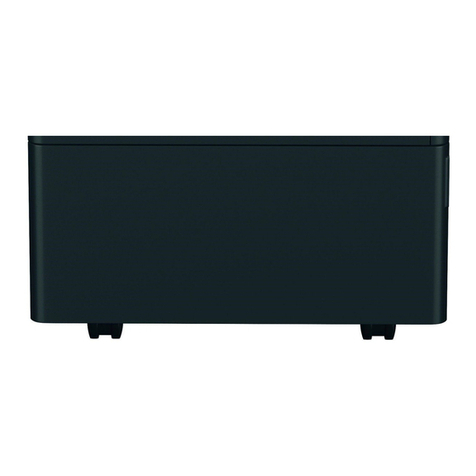
  9. Konica Minolta DK-501 User manual

Konica Minolta DK-501 User manual

Other Konica Minolta Indoor Furnishing manuals

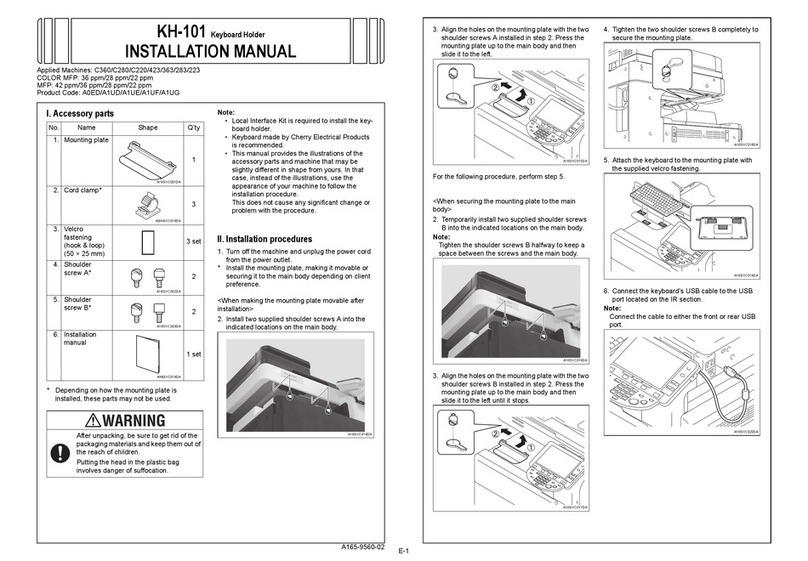
Konica Minolta KH-101 User manual

Konica Minolta

Konica Minolta KH-101 User manual

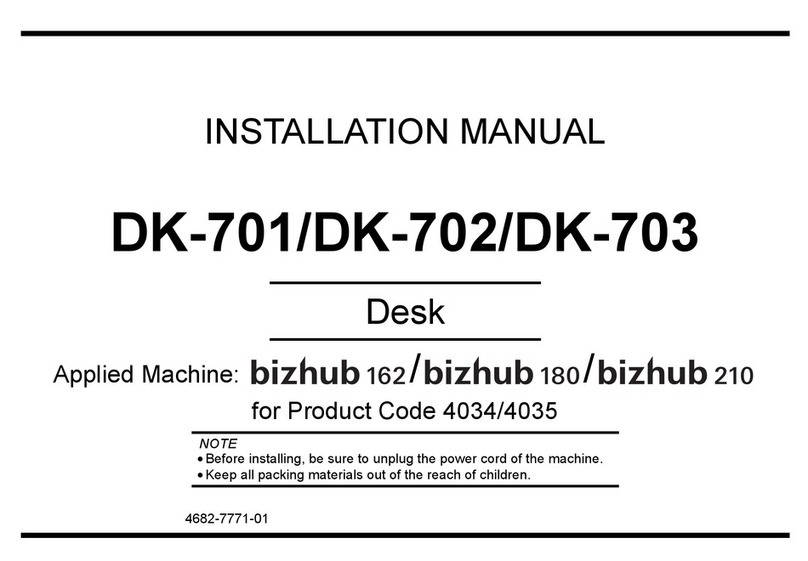
Konica Minolta DK-701 User manual

Konica Minolta

Konica Minolta DK-701 User manual

Konica Minolta DK-514 User manual

Konica Minolta

Konica Minolta DK-514 User manual

Popular Indoor Furnishing manuals by other brands

Regency LWMS3015 Assembly instructions

Regency

Regency LWMS3015 Assembly instructions

Furniture of America CM7751C Assembly instructions

Furniture of America

Furniture of America CM7751C Assembly instructions

Safavieh Furniture Estella CNS5731 manual

Safavieh Furniture

Safavieh Furniture Estella CNS5731 manual

PLACES OF STYLE Ovalfuss Assembly instruction

PLACES OF STYLE

PLACES OF STYLE Ovalfuss Assembly instruction

Trasman 1138 Bo1 Assembly manual

Trasman

Trasman 1138 Bo1 Assembly manual

Costway JV10856 manual

Costway

Costway JV10856 manual

moss DESIGN Caisson Credenza Assembly instructions

moss DESIGN

moss DESIGN Caisson Credenza Assembly instructions

Aquaglide FULL DECK 15.0 owner's manual

Aquaglide

Aquaglide FULL DECK 15.0 owner's manual

AREBOS AR-HE-SW30 user manual

AREBOS

AREBOS AR-HE-SW30 user manual

Till-Hilft Fulda 87005.330 Assembly instructions

Till-Hilft

Till-Hilft Fulda 87005.330 Assembly instructions

Twoey Outside 2010 quick start guide

Twoey Outside

Twoey Outside 2010 quick start guide

Hettich Easys 200 operating instructions

Hettich

Hettich Easys 200 operating instructions

The bedboss RELAX 404 Series owner's manual

The bedboss

The bedboss RELAX 404 Series owner's manual

Oeseder Möbelindustrie Bern 991 720 Assembly instructions

Oeseder Möbelindustrie

Oeseder Möbelindustrie Bern 991 720 Assembly instructions

Costway HW68469 user manual

Costway

Costway HW68469 user manual

Next ALIX A27743 Assembly instructions

Next

Next ALIX A27743 Assembly instructions

BROSA Hans Assembly guide

BROSA

BROSA Hans Assembly guide

Prodigg MINIKA PBA015T-FUR installation manual

Prodigg

Prodigg MINIKA PBA015T-FUR installation manual

manuals.online logo
manuals.online logoBrands
  • About & Mission
  • Contact us
  • Privacy Policy
  • Terms and Conditions

Copyright 2025 Manuals.Online. All Rights Reserved.

4348-7784-03 Printed in Japan
INSTALLATION MANUAL
DK-501
for Product Code 4036
Desk
NOTES
•Before installing, be sure to unplug the power cord of the machine.
•Keep all packing materials out of the reach of children.
DK-501
– 1 –
■Outline of Installation Procedures for 4036 System
When installing the machine and associated options as a system, follow the order shown
on the left.
NOTE
For the detailed installation procedures for each option, follow the instructions given
in the corresponding Installation Manual and perform the procedures correctly.
✱ Electron System Options
PC-101 PC-201 DK-501
DF-601
AD-501
JS-601
FS-501
WT-501
FS-601
OC-501
PK-501/PK-4/
PK-131
Copier/Printer Machine
HD-501
EM-301
PC-401
Dehumidifier Heater 1C
EK-501 VI-501
D-103DT-105
Electron System Options
4348U112AA
DK-501
– 2 –
■Unpacking the Desk
NOTE
When removing the Desk from its shipping carton, do not hold onto the
reinforcement bracket (indicated by the arrow in the illustration below) (as a personal
injury or a deformed frame could result).
1. Check that the following accessories are available in the box.
2. Remove protective tape and protective material from the Desk.
4348U125AB
1 Fixing Leg...............................................................................................4
2 Fixing Leg Cover ....................................................................................4
3 Fixing Bracket ........................................................................................4
4 Shoulder Screw......................................................................................4
5 Screw (9646-0408)...............................................................................12
6 Installation Manual (this manual) ...........................................................1
4348U020AB
3
4
5
4658U021AA 4658U022AA
9646040813
4348U099AB
1 2
6
4348U120AA 4348U104AA
DK-501
– 3 –
■Attaching the machine to the Desk
■Installing the Ornamental Cover
1. Holding onto the transportation handles at
the front and rear of the machine, place the
machine onto the Desk. When placing the
machine, use the positioning pin in the rear
of the Desk to align the machine correctly
with the Desk.
* Fit the rear side first.
4348U117AA
2. Remove the Drawer Rear Cover from the
machine (four screws).
4348U121AA
3. Using the Fixing Brackets and Shoulder
Screws furnished with the Desk, secure the
machine to the Desk (at two places in the
rear).
4348U114AA
4. Reinstall the Drawer Rear Cover which has
been removed in step 2 (four screws).
4348U116AB
5. Slide out the drawer from the Desk. Then,
using the Fixing Brackets and Shoulder
Screws furnished with the Desk, secure the
machine to the Desk.
4348U021AA
6. Move the machine and Desk to the
installation site. Then, adjust the two
adjusters at the front to let the Desk sit on the
floor.
4348U115AA
1. Slide out the drawer from the Desk and
install the Ornamental Cover attached to the
machine (two screws).
4348U050AA

DK-501
– 4 –
■Installing the Fixing Leg and Fixing Leg covers
4348U103AA 4348U102AB
1. Install the Fixing Legs at two locations in the
front shown in the illustration
(six screws furnished with the Desk).
2. Install the Fixing Leg Covers at two locations
in the front shown in the illustration
(2 Pieces).
NOTES
•Insert the Fixing Leg Covers in the direc-
tion shown by arrow until they click into
position.
•Insert the Protruded Portions of the cover
shown by the arrows into the Fixing Leg.
4348U098AA
✍
①
③
①
✍
③
3. Install the Fixing Legs at two locations in the
rear shown in the illustration.
(six screws furnished with the Desk)
4. Install the Fixing Leg Covers at two locations
in the rear shown in the illustration
(2 Pieces).
NOTES
•Insert the Fixing Leg Covers in the direc-
tion shown by arrow until they click into
position.
•Insert the Protruded Portions of the cover
shown by the arrows into the Fixing Leg.
4348U024AD
✍
①
③
①
✍
③
4348U101AC 4348U102AB