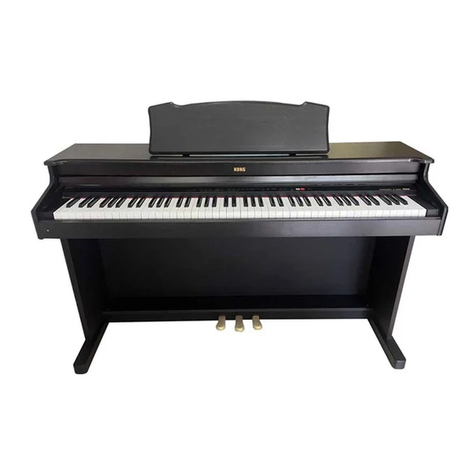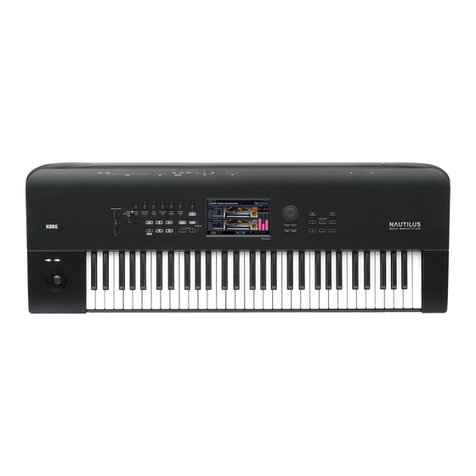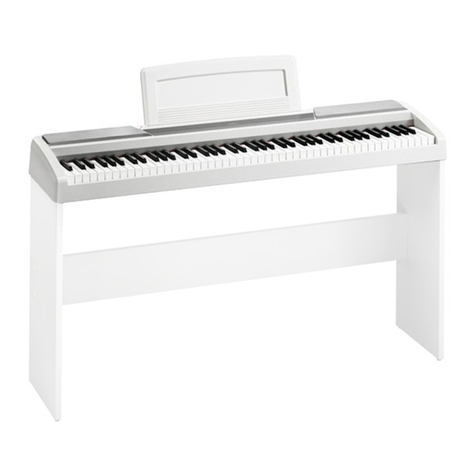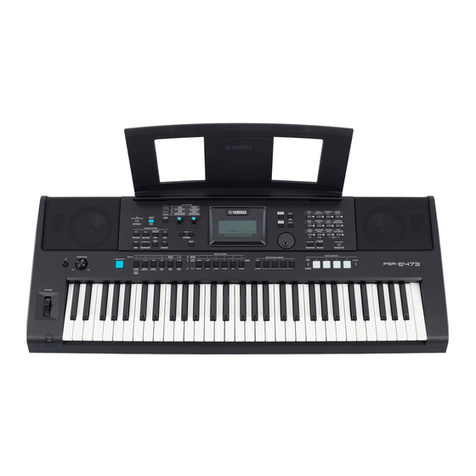
XE20/XE20SP Owner’s Manual
2
Table of Contents
Main Features .........................................................................3
Part Names..............................................................................4
Front panel.................................................................................. 4
Rear panel ................................................................................... 4
Underside.................................................................................... 4
Control panel.............................................................................. 5
Display......................................................................................... 6
Preparing to Play ....................................................................7
Using the AC adapter ................................................................ 7
Turning the power on/o.......................................................... 7
Adjusting the volume................................................................ 7
Using music stand...................................................................... 7
Using headphones ..................................................................... 7
Using a pedal .............................................................................. 8
Preparing to Play: What is Auto-Accompaniment?..............9
What is auto-accompaniment?................................................. 9
Basic operations ...................................................................12
About modes ............................................................................ 12
Other functions......................................................................... 12
Selecting sounds and changing values.................................. 12
Playing the XE20 (style mode).............................................13
Selecting a grand piano........................................................... 13
Selecting sounds in the style set............................................. 13
Muting parts and changing sounds....................................... 13
Selecting a set list ..................................................................... 14
Changing the sounds on the le and right (split)................ 14
Playing in time with the metronome..................................... 15
Seing the key and octave ...................................................... 16
Adding eects and embellishments to your playing .......... 16
Auto-accompaniment (style mode) ....................................18
Playing along with auto-accompaniment............................. 18
Making changes to the auto-accompaniment ...................... 19
Choosing a music style and playing...................................... 20
Saving the set list (WRITE) ..................................................... 21
Recording your performance.................................................. 21
Song mode ............................................................................22
Listening to the demo songs................................................... 22
Playing along with a song....................................................... 22
Playing back using dierent methods................................... 22
Editing a song........................................................................... 23
SETTING functions................................................................25
Basic methods of use................................................................ 25
Main SETTING functions........................................................ 25
List of SETTING functions...................................................... 26
MEDIA functions ...................................................................28
Connecting and removing USB ash drives ........................ 28
Basic method of use ................................................................. 28
List of MEDIA functions ......................................................... 29
Connecting to an external device .......................................30
Connecting an audio player.................................................... 30
Connecting powered monitor speakers................................ 30
Connecting to a computer....................................................... 31
Appendix...............................................................................32
Checking the soware version ............................................... 32
Restoring the XE20 to factory default seings ..................... 32
Calibrating an expression pedal............................................. 32
Troubleshooting ....................................................................... 32
List of chords recognized ........................................................ 34
Specications........................................................................35
MIDI Implementation Chart.................................................36