Printing
You need to use two printing methods to print all parts:
1. Solid parts (fuse and accessories - all blue parts). Use dense infill.
This is common way of printing objects and these parts should be
printable on every printer.
2. Shell parts (wings - all orange parts). Use 0% infill and
no horizontal surfaces (thickness of the shell is one
layer). Only this way you can achieve required weight of
the plane.
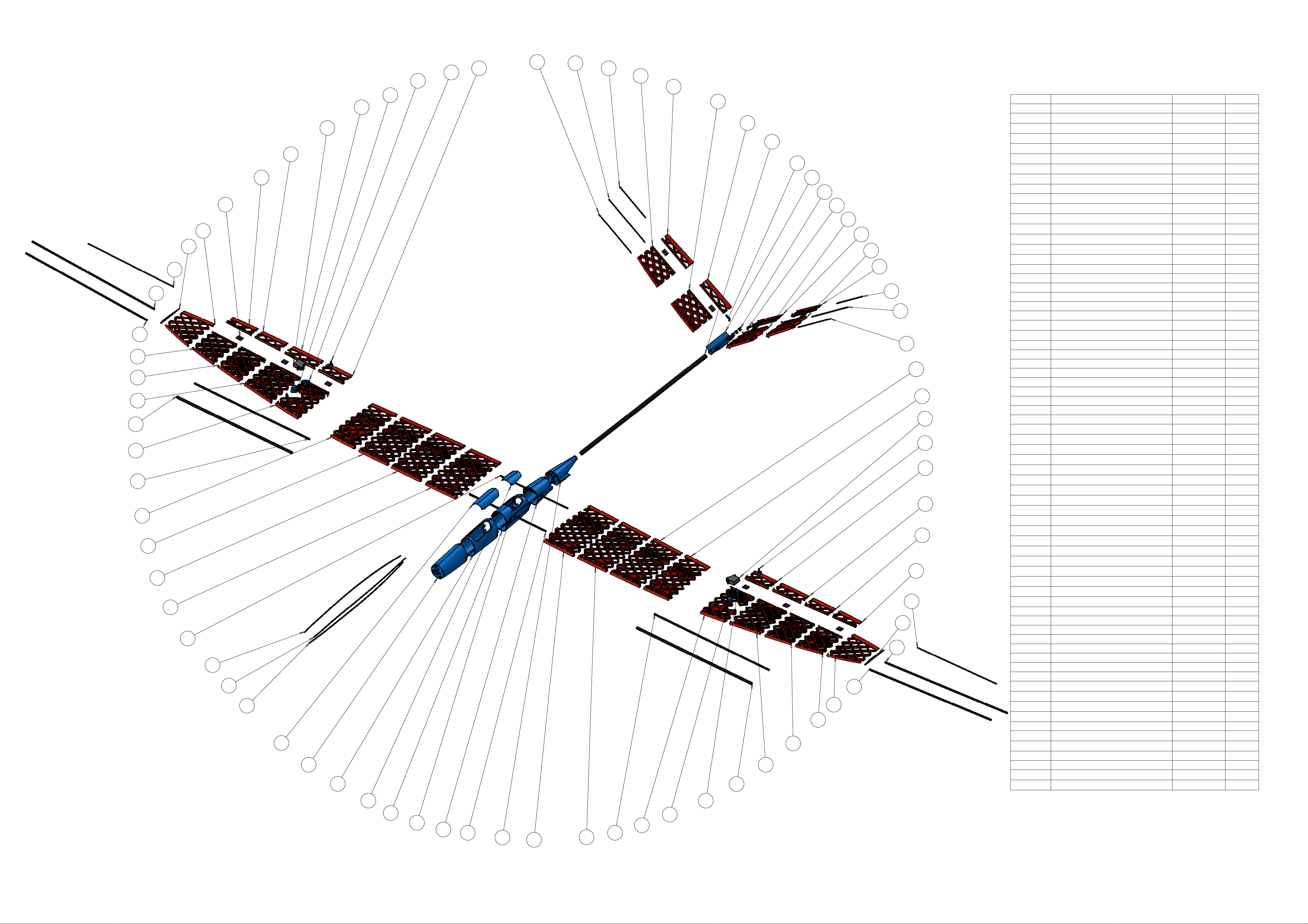
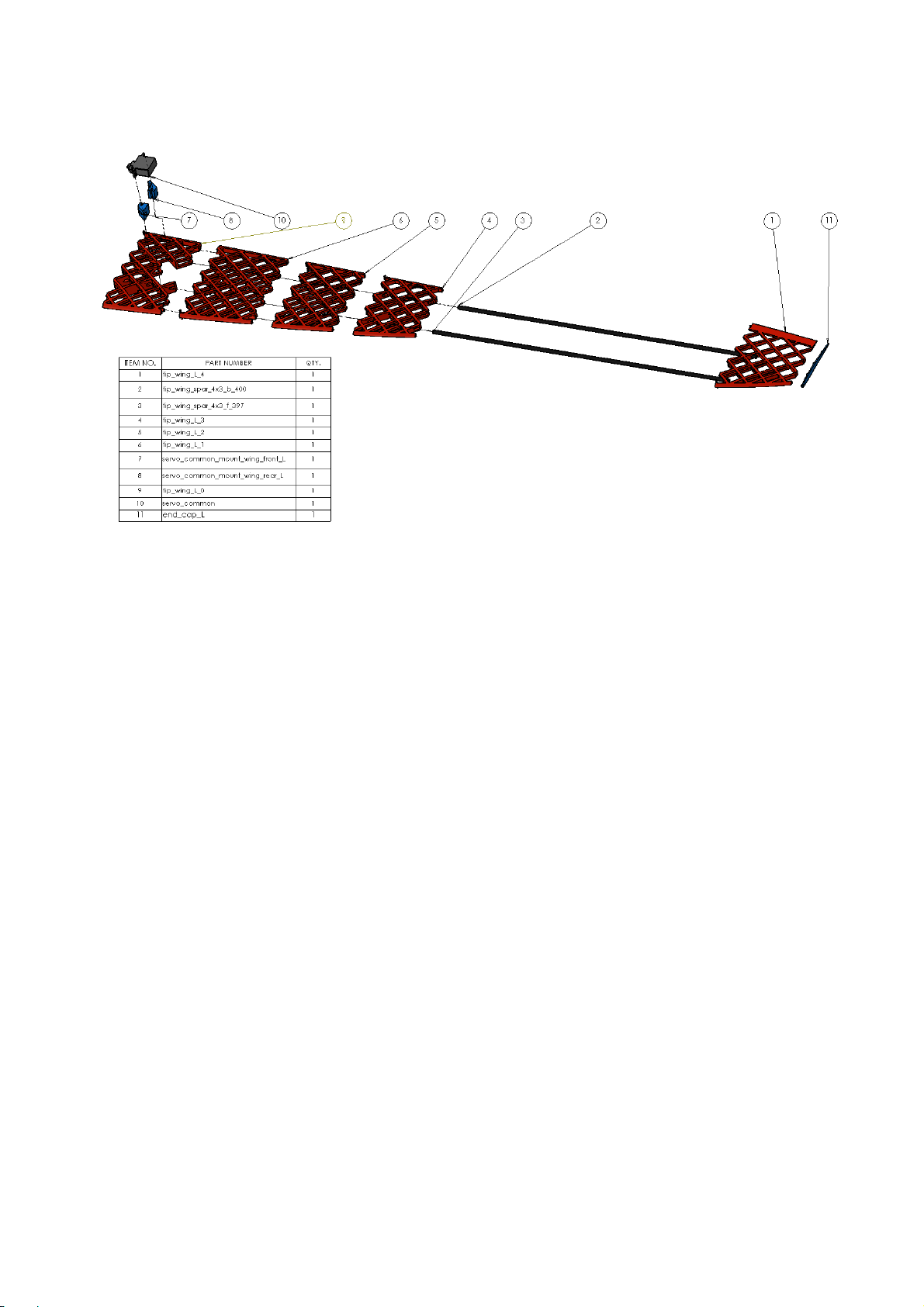
You can check what method to use on what part in bill of materials table.
Nozzle size: 0.4mm
Layer thickness: 0.19mm
Rafts: yes
You can use any material you like, only limitation is high temperature from ironing when covering
assembled parts. Heat from the iron can deform the parts. Although I was not able to damage any
part and I tried to cover many materials (ABS, PLA ...), please test film covering on your testing
part.
One of the goals when designing KRAGA models was to use minimal or no support during printing.
Removing support after printing is big pain and you can easily destroy your part. That is the reason
why you should use default orientation of all parts during printing. There are only two parts from
whole plane which require support, these are from plane fuselage and are printed as solid. The rest
of the plane should be support-free.
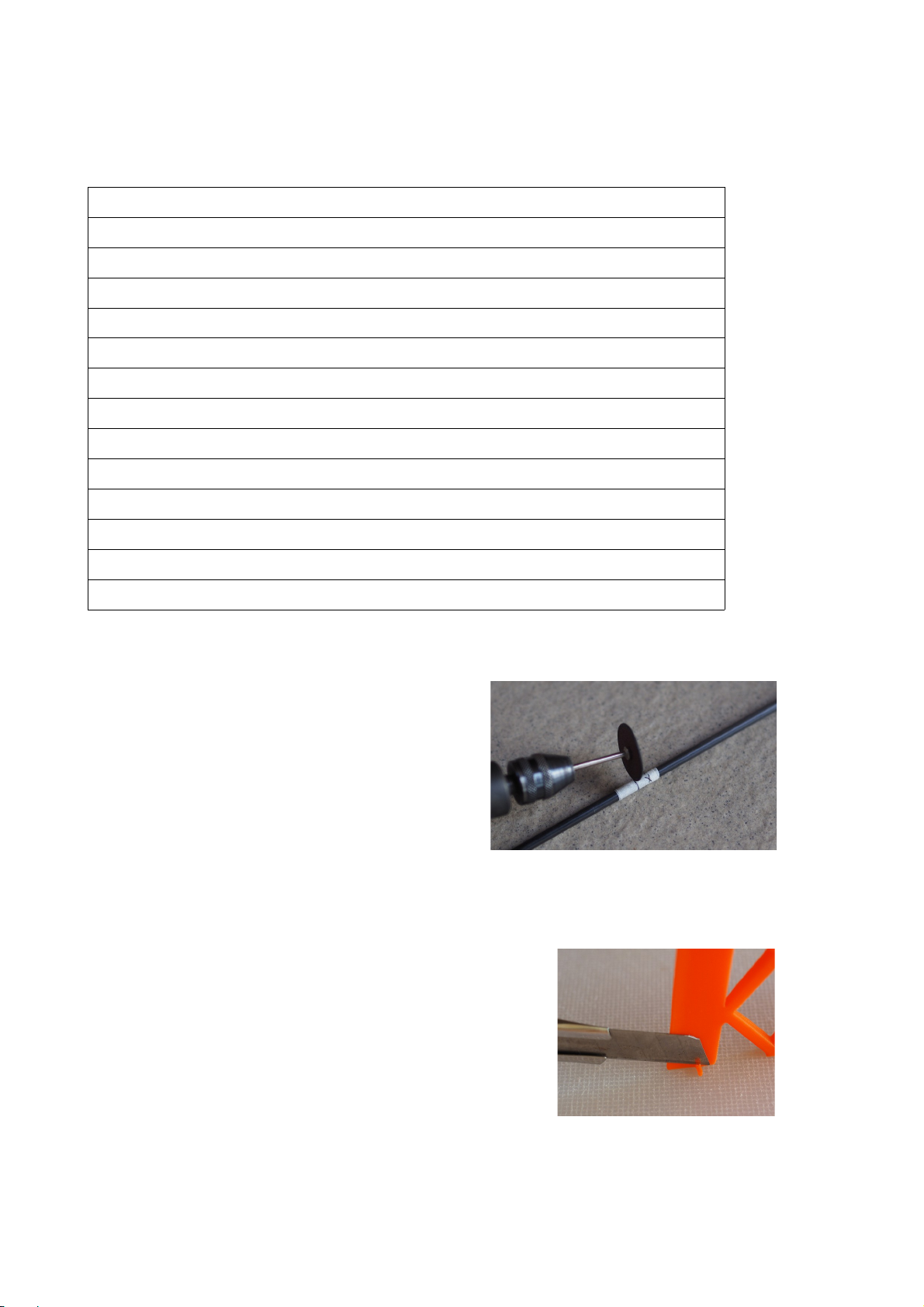
I strongly recommend to mark every printed part with it's name (I'm using masking tape for that).
There are many parts in this plane and from each part there is also mirror side which can easily
cause confusion during assembly.
I also recommend to print parts in bulks, especially smaller parts like ailerons or moving parts on
the plane tail. Otherwise there is not enough time for material cooling in each layer and you might
end up with rough layers, ugly edges or print fail.
support@kragamodels.com