manuals.online logo
Brands
  1. Home
  2. •
  3. Brands
  4. •
  5. La Crosse
  6. •
  7. Clock
  8. •
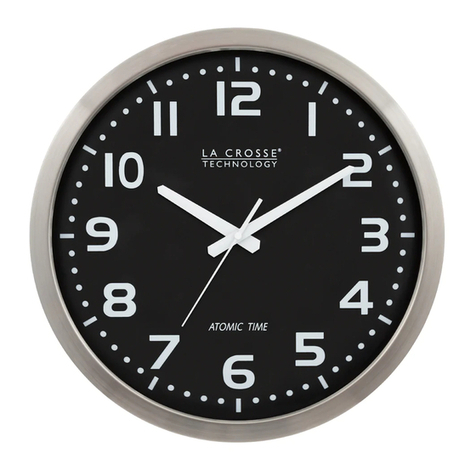
  9. La Crosse 404-4525 User manual

La Crosse 404-4525 User manual

Other La Crosse Clock manuals
La Crosse 404-4070 User manual

La Crosse

La Crosse 404-4070 User manual

La Crosse 616-1908v2 User manual

La Crosse

La Crosse 616-1908v2 User manual

La Crosse BBB86095 Operating and maintenance manual
La Crosse

La Crosse BBB86095 Operating and maintenance manual

La Crosse WT-8005U User manual

La Crosse

La Crosse WT-8005U User manual

La Crosse 513-1417H-AL User manual

La Crosse

La Crosse 513-1417H-AL User manual

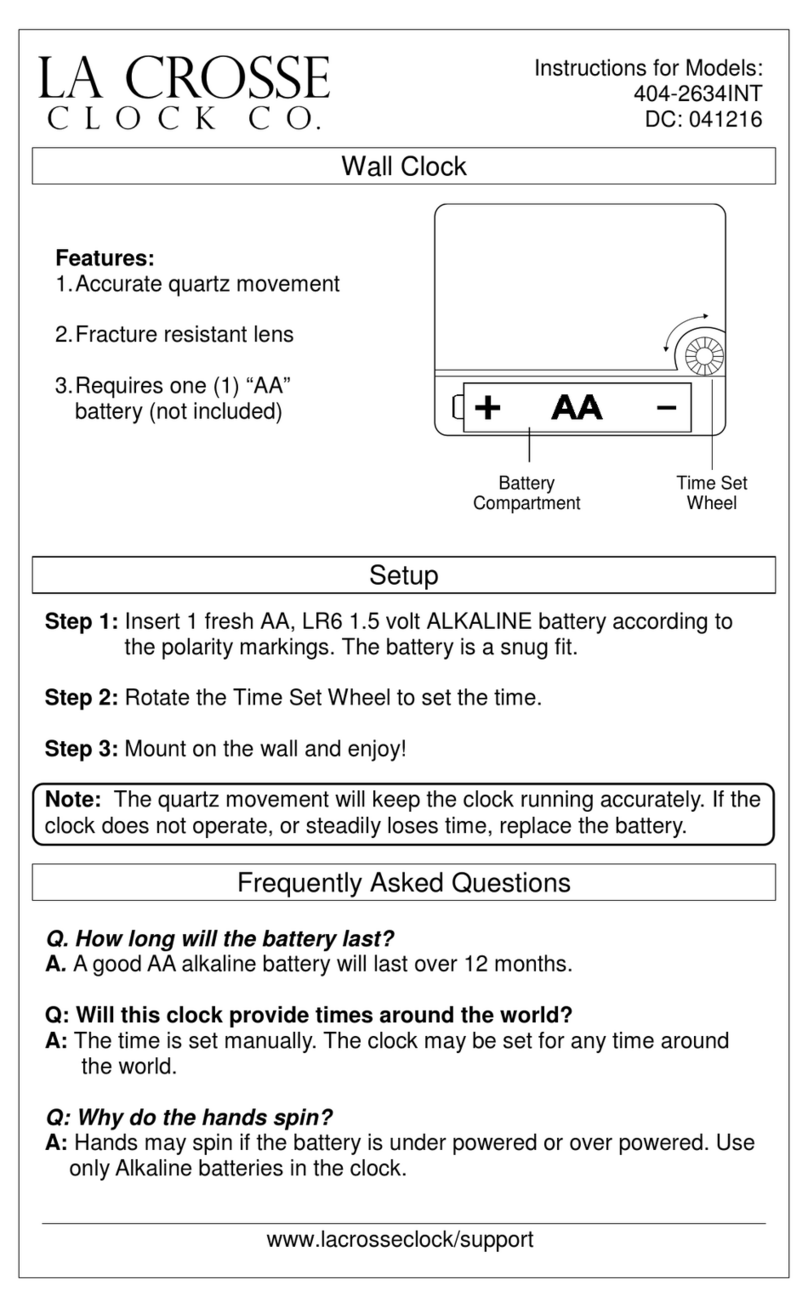
La Crosse 404-2634INT User manual

La Crosse

La Crosse 404-2634INT User manual

La Crosse 404-3430W User manual

La Crosse

La Crosse 404-3430W User manual

La Crosse 404-4040 User manual

La Crosse

La Crosse 404-4040 User manual

La Crosse PCR156 User manual

La Crosse

La Crosse PCR156 User manual

La Crosse illuminations BBB87283 User manual

La Crosse

La Crosse illuminations BBB87283 User manual

La Crosse Analog Clock Owner's manual

La Crosse

La Crosse Analog Clock Owner's manual

La Crosse WT-3181PL User manual

La Crosse

La Crosse WT-3181PL User manual

La Crosse WT-8112U User manual

La Crosse

La Crosse WT-8112U User manual

La Crosse 616-1410 User manual

La Crosse

La Crosse 616-1410 User manual

La Crosse M78786 User manual

La Crosse

La Crosse M78786 User manual
La Crosse Equity 46021 User manual

La Crosse

La Crosse Equity 46021 User manual

La Crosse 616-146Av2 User manual

La Crosse

La Crosse 616-146Av2 User manual

La Crosse 404-3015 User manual

La Crosse

La Crosse 404-3015 User manual

La Crosse WS-6118 User manual

La Crosse

La Crosse WS-6118 User manual

La Crosse 404-3033 User manual

La Crosse

La Crosse 404-3033 User manual
La Crosse 515-1316 User manual

La Crosse

La Crosse 515-1316 User manual

La Crosse 519-1416 User manual

La Crosse

La Crosse 519-1416 User manual

La Crosse 404-4256 User manual

La Crosse

La Crosse 404-4256 User manual

La Crosse BBB81403 User manual

La Crosse

La Crosse BBB81403 User manual

Popular Clock manuals by other brands

Sapling NTP 7000 Series installation manual

Sapling

Sapling NTP 7000 Series installation manual

Amano MTX-30F Installation & operation guide

Amano

Amano MTX-30F Installation & operation guide

La Crosse Technology BBB86118v3 Setup guide

La Crosse Technology

La Crosse Technology BBB86118v3 Setup guide

BEARWARE 304474 manual

BEARWARE

BEARWARE 304474 manual

LS & S RTC103U instruction manual

LS & S

LS & S RTC103U instruction manual

BitGen Technologies LED Walk/Don't Walk Clock user manual

BitGen Technologies

BitGen Technologies LED Walk/Don't Walk Clock user manual

Heathkit GC-1005 Assembly manual

Heathkit

Heathkit GC-1005 Assembly manual

Oregon Scientific PRYSMA RMR221P manual

Oregon Scientific

Oregon Scientific PRYSMA RMR221P manual

Andrew O'Malley DOTKLOK Assembly instructions

Andrew O'Malley

Andrew O'Malley DOTKLOK Assembly instructions

Nixie Clock Divergence Meter user manual

Nixie Clock

Nixie Clock Divergence Meter user manual

La Crosse Technology WS-8256-AL user manual

La Crosse Technology

La Crosse Technology WS-8256-AL user manual

Mini Gadgets MCPro user manual

Mini Gadgets

Mini Gadgets MCPro user manual

Casio TMR-200 user guide

Casio

Casio TMR-200 user guide

Progetti KALIMERO Directions

Progetti

Progetti KALIMERO Directions

Progetti ILTEMPOSTRINGE Directions

Progetti

Progetti ILTEMPOSTRINGE Directions

La Crosse Technology WT-3141b Quick setup instructions

La Crosse Technology

La Crosse Technology WT-3141b Quick setup instructions

IKEA ROTBLÖTA manual

IKEA

IKEA ROTBLÖTA manual

U-Line Н-2811 instructions

U-Line

U-Line Н-2811 instructions

manuals.online logo
manuals.online logoBrands
  • About & Mission
  • Contact us
  • Privacy Policy
  • Terms and Conditions

Copyright 2025 Manuals.Online. All Rights Reserved.

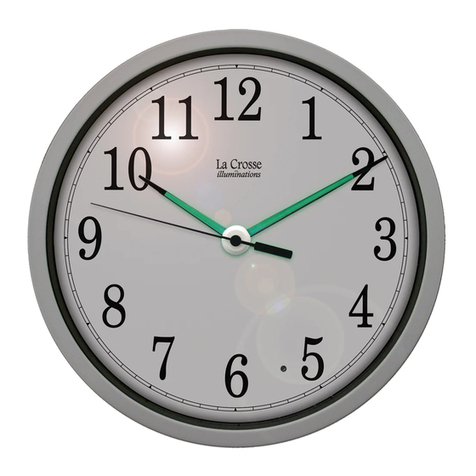
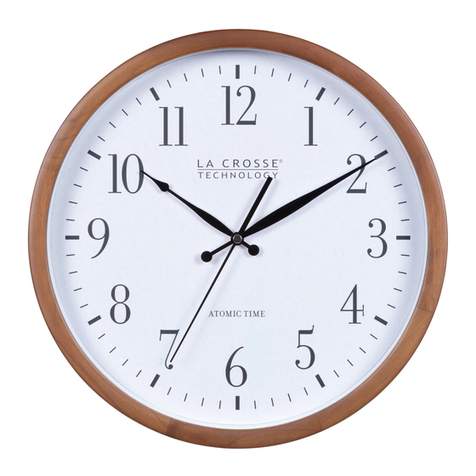
10-Inch Night Vision
Wall Clock
Model: 404-4525
DC: 072119
This product is warranted to be free from defects in material
and workmanship under normal use and service for a period
of 1 year from the date of sale to the customer. Warranty
will not apply to defects resulting from abuse, accidents, or
misuse. If a defect that is covered by this warranty arises
during the warranty period, promptly return the clock
(postage prepaid) with proof of purchase showing the date
the clock was purchased to the following address and such
defects will be repaired, or the products will be replaced at
La Crosse Clock Company option without charge.
La Crosse Clock Company
Warranty Department
2830 South 26th Street.
La Crosse, WI 54601
www.lacrossetechnology.com/support
Warranty & Support
Made in China - Printed in China
WARNING: This product can expose you to chemicals including
styrene, which is known in the State of California to cause cancer.
For more information go to: https://www.p65warnings.ca.gov/
• Always purchase the correct size and grade of batteries most
suitable for intended use.
•Do not mix old and new batteries.
•Do not mix Alkaline, Lithium, standard, or rechargeable
batteries.
• Clean the battery contacts and also those of your clock
prior to battery installation.
• Ensure the battery is installed with correct polarity (+ and -).
• Remove battery from equipment when it is not used for an
extended period of time.
• Promptly remove an expired battery.
• The specs of this wall clock may change without prior notice.
• Improper use or unauthorized opening of housing voids the
warranty.
Care & Maintenance
• Battery Requirements: 1 AA (IEC LR6) required in the
Movement (Alkaline recommended)
3 AA (IEC LR6) required for the Light Sensor
• Battery Life: 12 months
Specifications
Power Up
1. Insert 1 fresh AA, LR6 1.5 volt alkaline battery into the
Movement, according to the polarity markings.
2. Insert 3 fresh AA, LR6 1.5 volt alkaline batteries into Night
Vision Compartment, according to polarity.
IMPORTANT: Be sure all batteries are of the same voltage
level.
3. Rotate the Time Set Wheel to set the time.
4. Mount on your wall and enjoy!
Time Set
Wheel
Movement
Night Vision
Compartment
Light Sensor
ON/OFF Switch
Light Sensor
There is a Light Sensor on the front of the clock.
Light Sensor Switch ON: Your clock will light up in the dark
providing the Night Vision.
Light Sensor Switch OFF: Your clock will not light up at night
to conserve batteries.
Note: The quartz movement will keep the clock running
accurately. If the clock does not operate, or steadily loses
time, replace the battery.