manuals.online logo
Brands
  1. Home
  2. •
  3. Brands
  4. •
  5. LAKS
  6. •
  7. Payment Terminal
  8. •
  9. LAKS Key2Pay MINI User manual

LAKS Key2Pay MINI User manual

This manual suits for next models

8

Popular Payment Terminal manuals by other brands

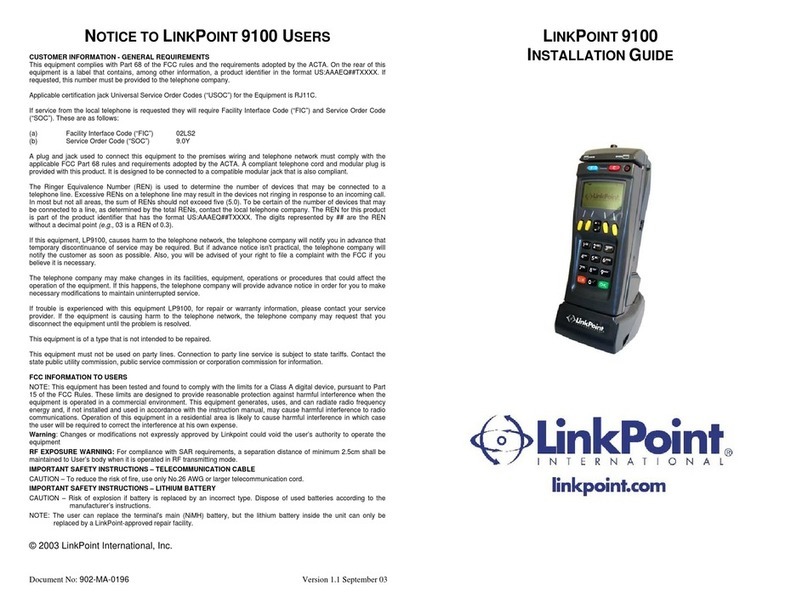
LinkPoint 9100 Installation guides

LinkPoint

LinkPoint 9100 Installation guides

PAX D180SRF manual

PAX

PAX D180SRF manual

LinkPoint AIO Reference manual

LinkPoint

LinkPoint AIO Reference manual

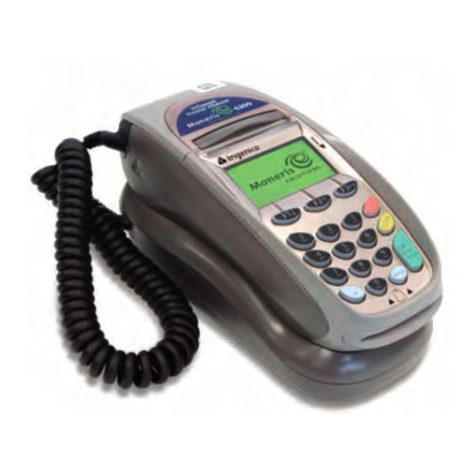
Moneris hispeed 6200 operating manual

Moneris

Moneris hispeed 6200 operating manual

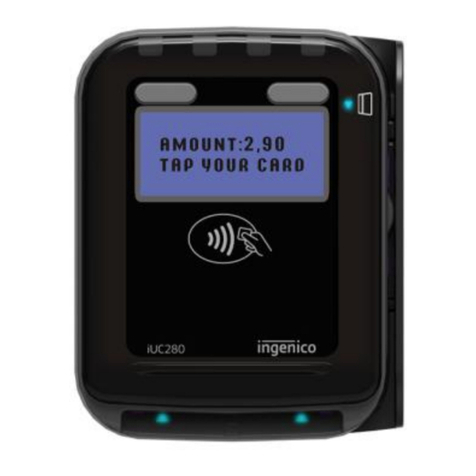
Ingenico iUC280 owner's manual

Ingenico

Ingenico iUC280 owner's manual

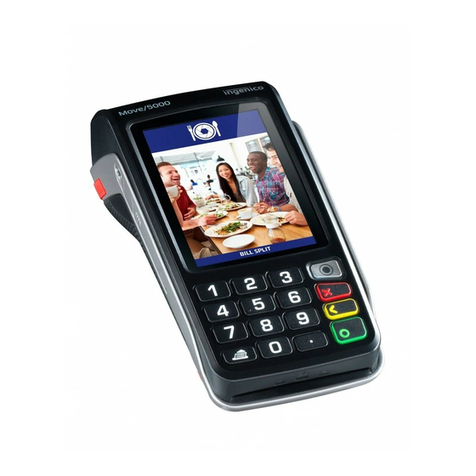
Ingenico Tetra Move/5000 user guide

Ingenico

Ingenico Tetra Move/5000 user guide

Ingenico iWL250B Quick reference guide

Ingenico

Ingenico iWL250B Quick reference guide

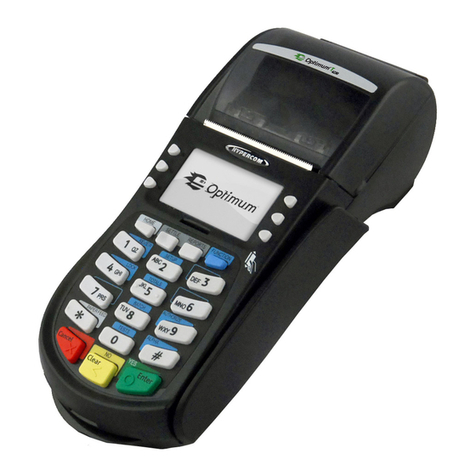
Optimum M4230 installation guide

Optimum

Optimum M4230 installation guide

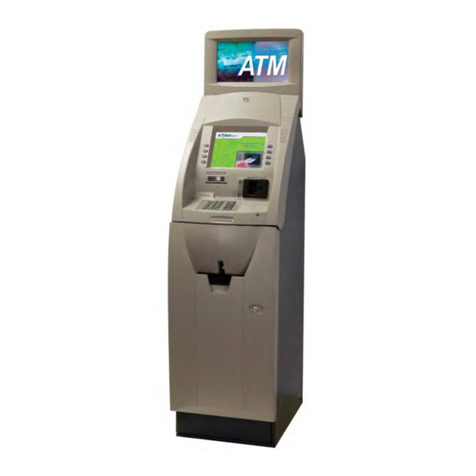
Triton RL5000 Service manual

Triton

Triton RL5000 Service manual

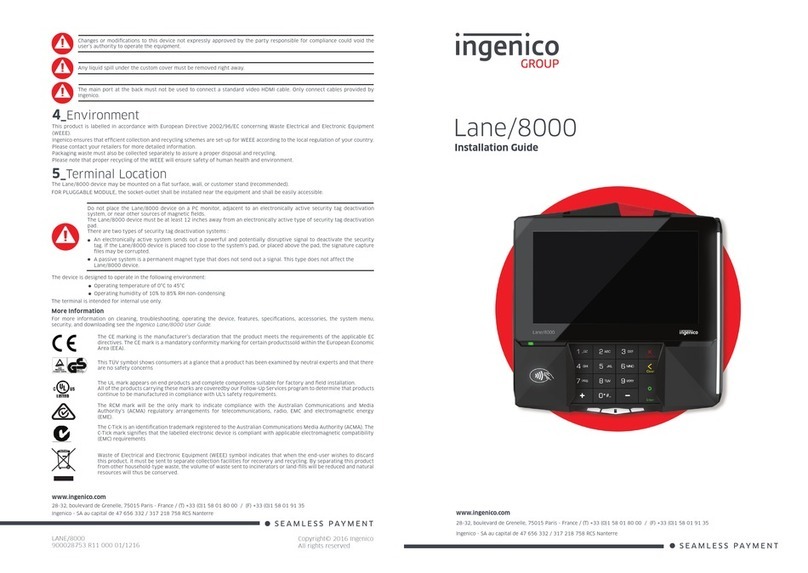
Ingenico group Lane/8000 installation guide

Ingenico group

Ingenico group Lane/8000 installation guide

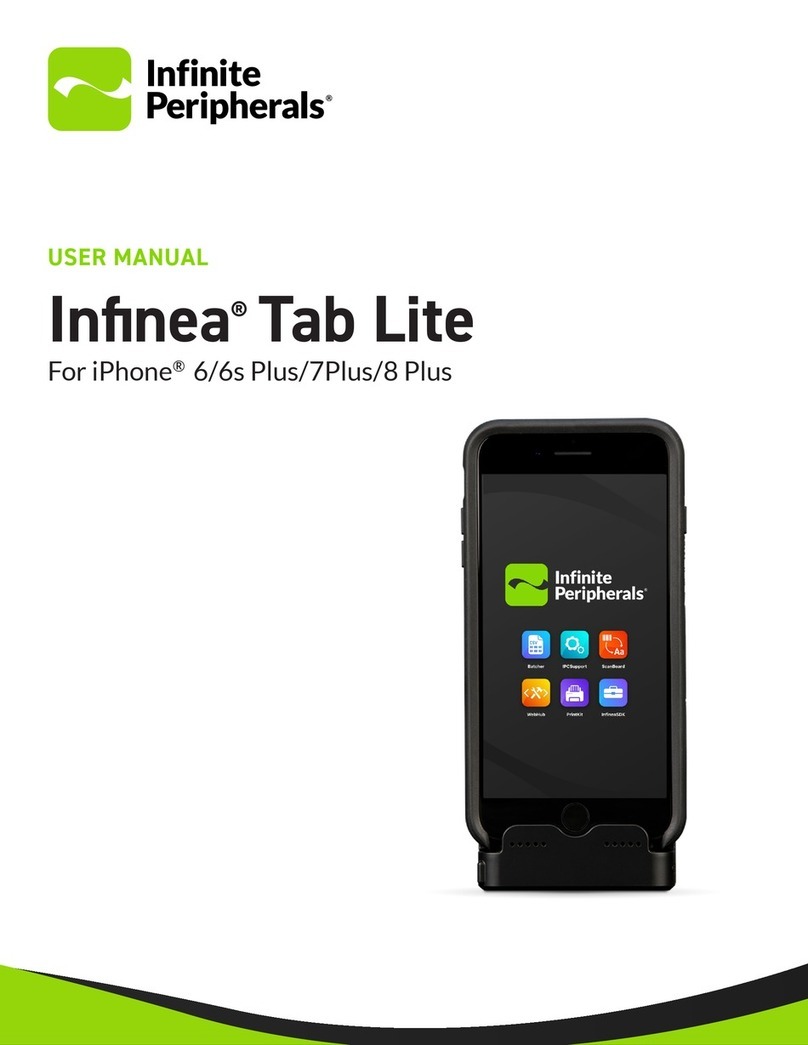
Infinite Peripherals Infinea Tab Lite user manual

Infinite Peripherals

Infinite Peripherals Infinea Tab Lite user manual

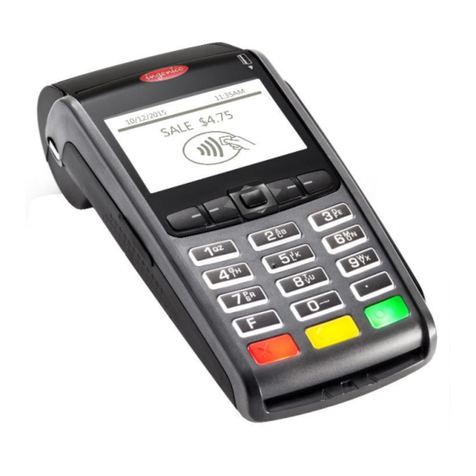
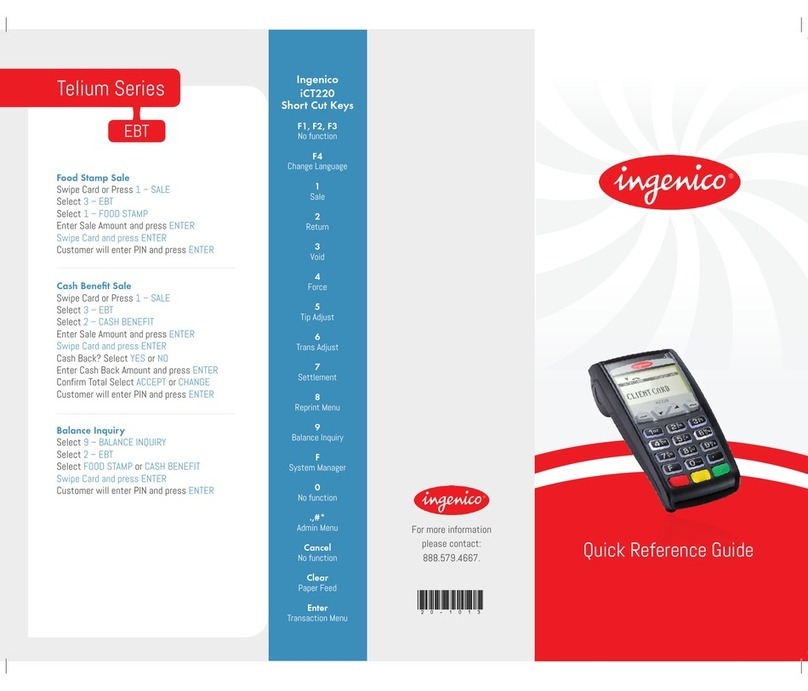
Ingenico iCT220, iCT250 Quick reference guide

Ingenico

Ingenico iCT220, iCT250 Quick reference guide

VeriFone VX 520 Series user manual

VeriFone

VeriFone VX 520 Series user manual

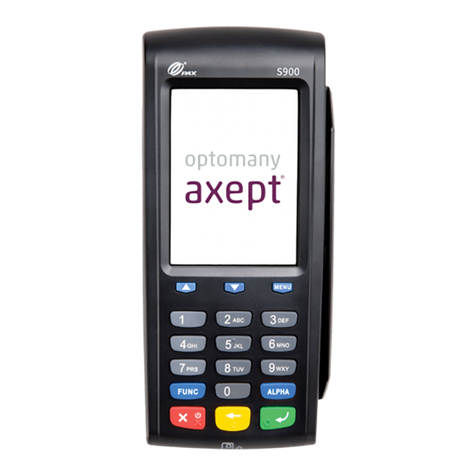
Optomany axept S900 user guide

Optomany

Optomany axept S900 user guide

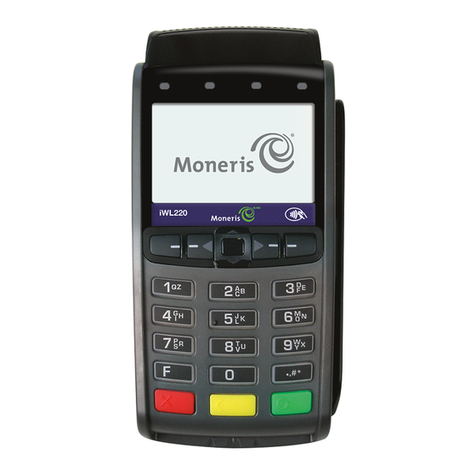
Moneris iWL220 reference guide

Moneris

Moneris iWL220 reference guide

PAX S920 Quick reference guide

PAX

PAX S920 Quick reference guide

Moneris iWL220 reference guide

Moneris

Moneris iWL220 reference guide

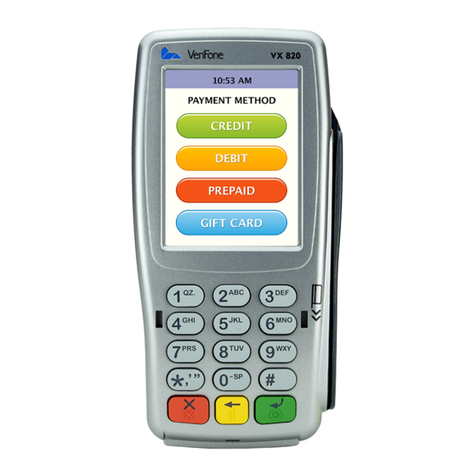
VeriFone HICAPS VX820 user guide

VeriFone

VeriFone HICAPS VX820 user guide

manuals.online logo
manuals.online logoBrands
  • About & Mission
  • Contact us
  • Privacy Policy
  • Terms and Conditions

Copyright 2025 Manuals.Online. All Rights Reserved.

User manual
FAQ
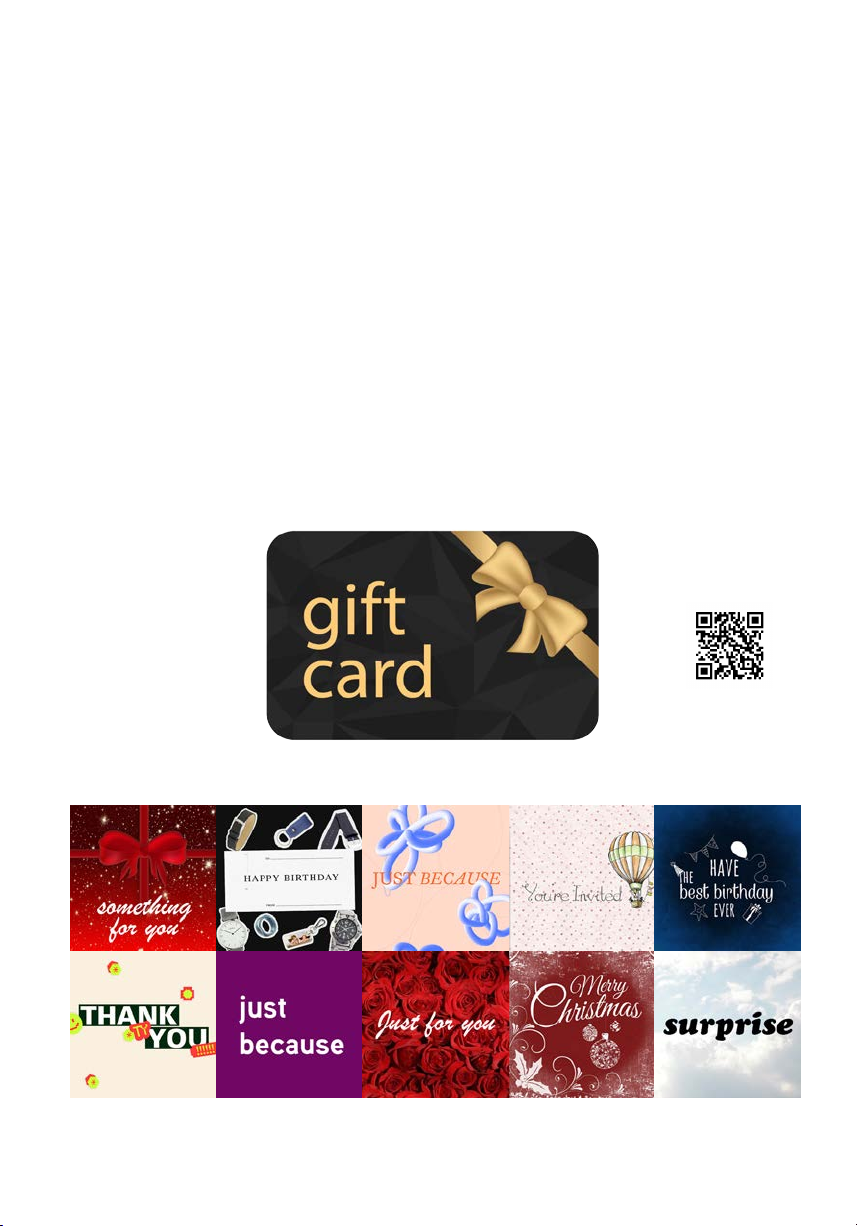
Gift Card
LAKS.com
The LAKS Pay E-Gift card is the perfect gift
for your family and friends.
If you want to make people happy with a meaningful gift,
you are exactly right with a LAKS wearable
for contactless payment.
More than 250 different LAKS wearables
are available and guarantee the perfect surprise.
...for choosing LAKS Pay!
Enjoy using your wearable wishes you your,
Please activate your Wearable upon receipt.
Your LAKS Wearable is ready to pay after activation.
Thank you...
Lucas Alexander Karl Scheybal
ceo
LAKS.com
Watch2Pay, Key2Pay, Ring2Pay, Strap2Pay, Stick2Pay, Sports2Pay, Ski2Pay, Arts2Pay, Black2Pay, Wood2Pay, Cap2Pay, Shirt2Pay, Body2Pay, Fashion2Pay, Heart2Pay, Kids2Pay
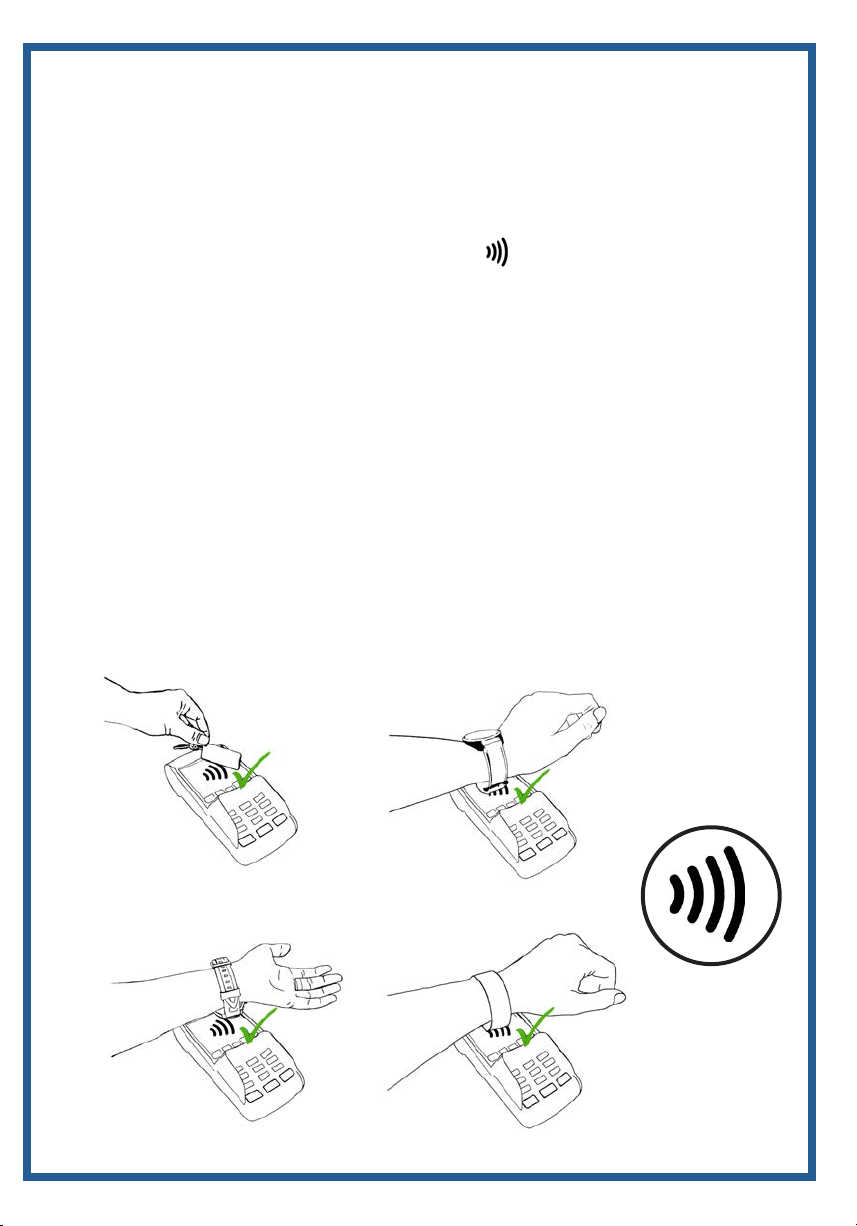
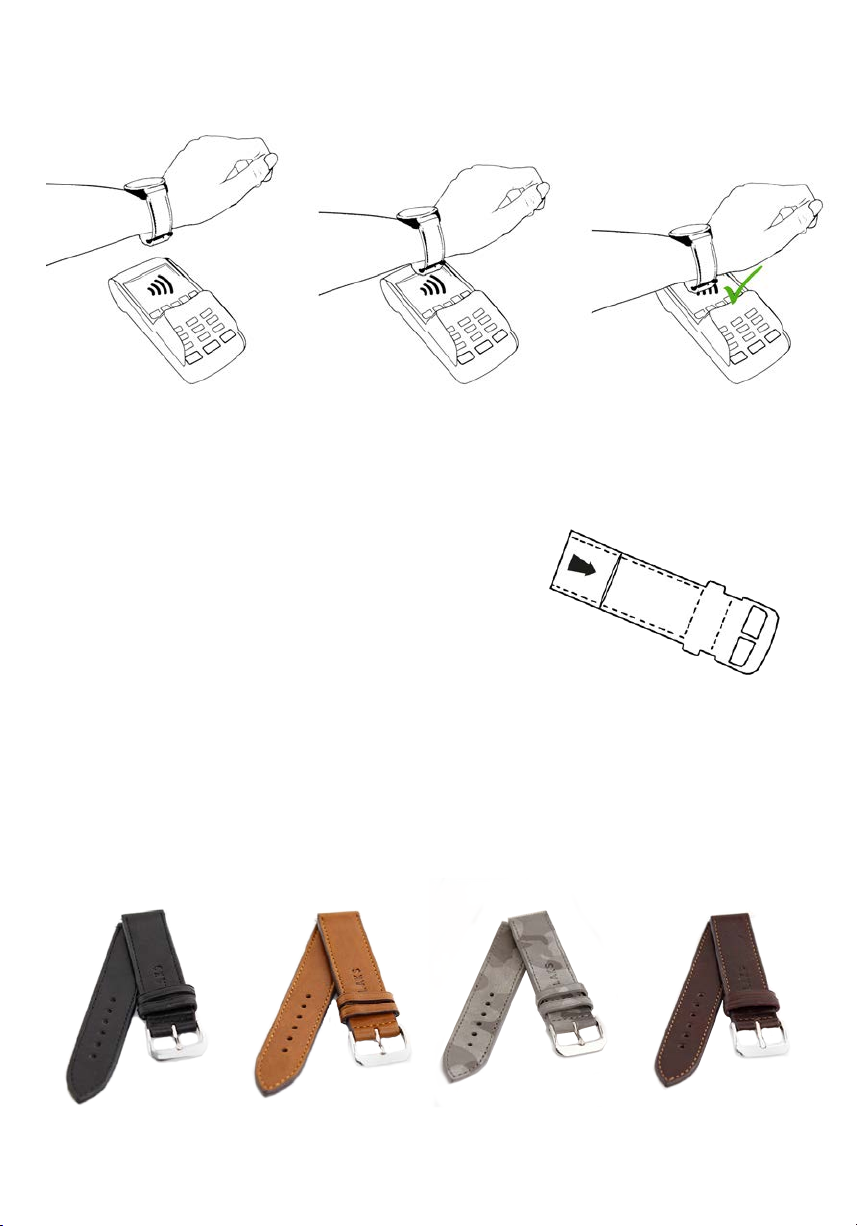
How to pay with your LAKS Wearable
1. place the payment chip of your wearable against the active
part of the terminal which is usually indicated by
the contactless acceptance mark
2. don‘t move your wearable away from the terminal until you
see the green light or hear the beep to noting a
successful transaction
3. some terminals are less sensitive than others, so you may
have to move your wearable around until you find the most
receptive point on the surface
4. if a terminal has a particularily low sensitivity and does not
detect your wearable easily, simply remove it and hold it flat
against the surface
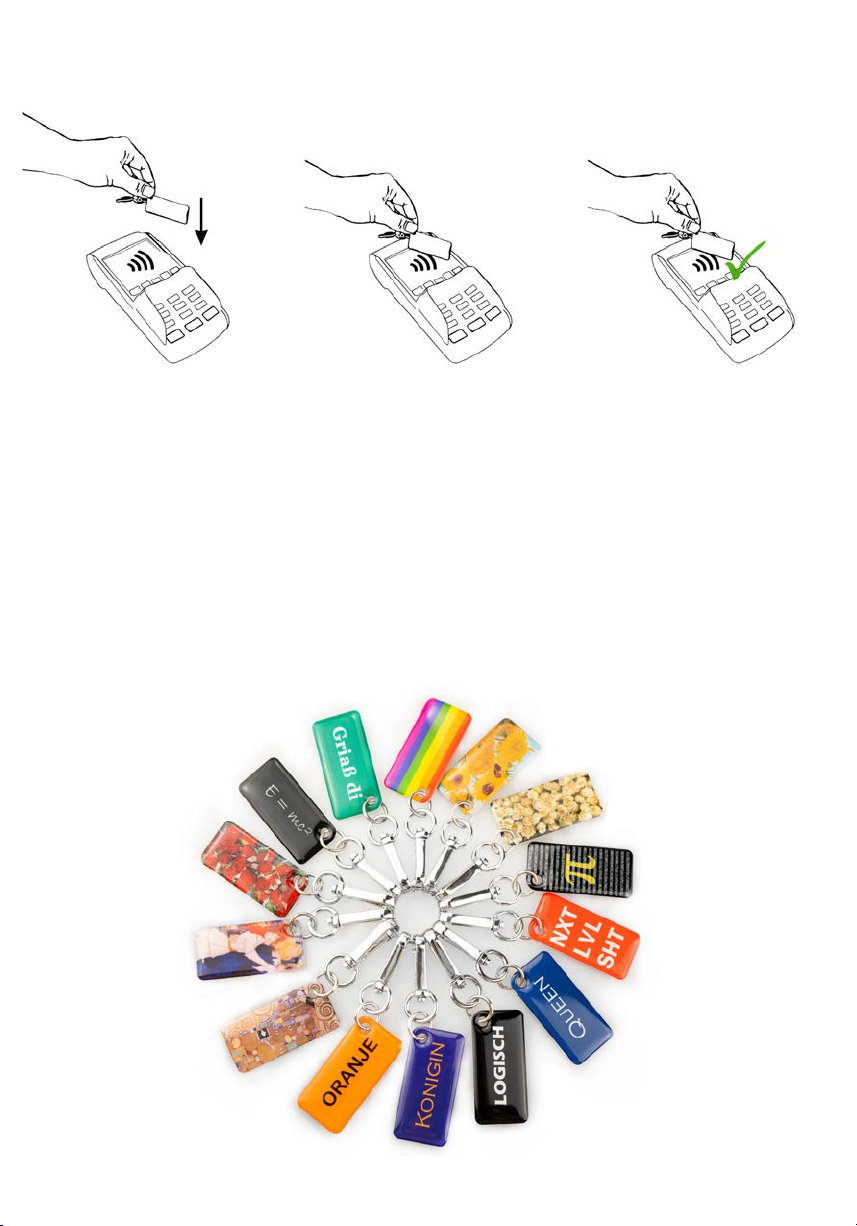
Hold Key2Pay against the payment terminal until
the payment process is completed.
Please make sure that the chip is placed on the terminal.
Key2Pay MINI
-Keyfob with a SIM-sized payment chip (replaceable)
- Please activate your Key2Pay MINI upon receipt.
- Break out the payment card and put it into your MINI
- Your LAKS Wearable is ready to pay after activation.
- For more information please visite our FAQ.
Hold Key2Pay MINI against the payment terminal until
the payment process is completed.
Please make sure that the chip is placed on the terminal.
Designed by LAKS - stylish and simple - handmade in Germany - Italian leather
Wood2Pay
is comming
soon..

Key2Pay
Hold Key2Pay against the payment terminal until
the payment process is completed.
Please make sure that the chip is placed on the terminal.
Keyfob with integrated payment chip
- Please activate your Key2Pay upon receipt.
- Your LAKS Wearable is ready to pay after activation.
- For more information please visite our FAQ.
Designed by LAKS in Vienna more than 80 different small artworks
Designed by LAKS - stylish and simple - handmade in Germany - Italian leather
Key2Pay
„The Original“
→
-Sticker with integrated payment chip
- Please activate your sticker immediately upon receipt.
- Your sticker is ready to pay after activation.
- Information for Android-Smartphones: Please deactivate the
NFC function on your smartphone. Otherwise it will disturb the
NFC function of your Stick2pay.
- For more information please visite our FAQ.
Hold the sticker against the payment terminal until
the payment process is completed.
Stick2Pay
If you want to have your own design, please contact us.
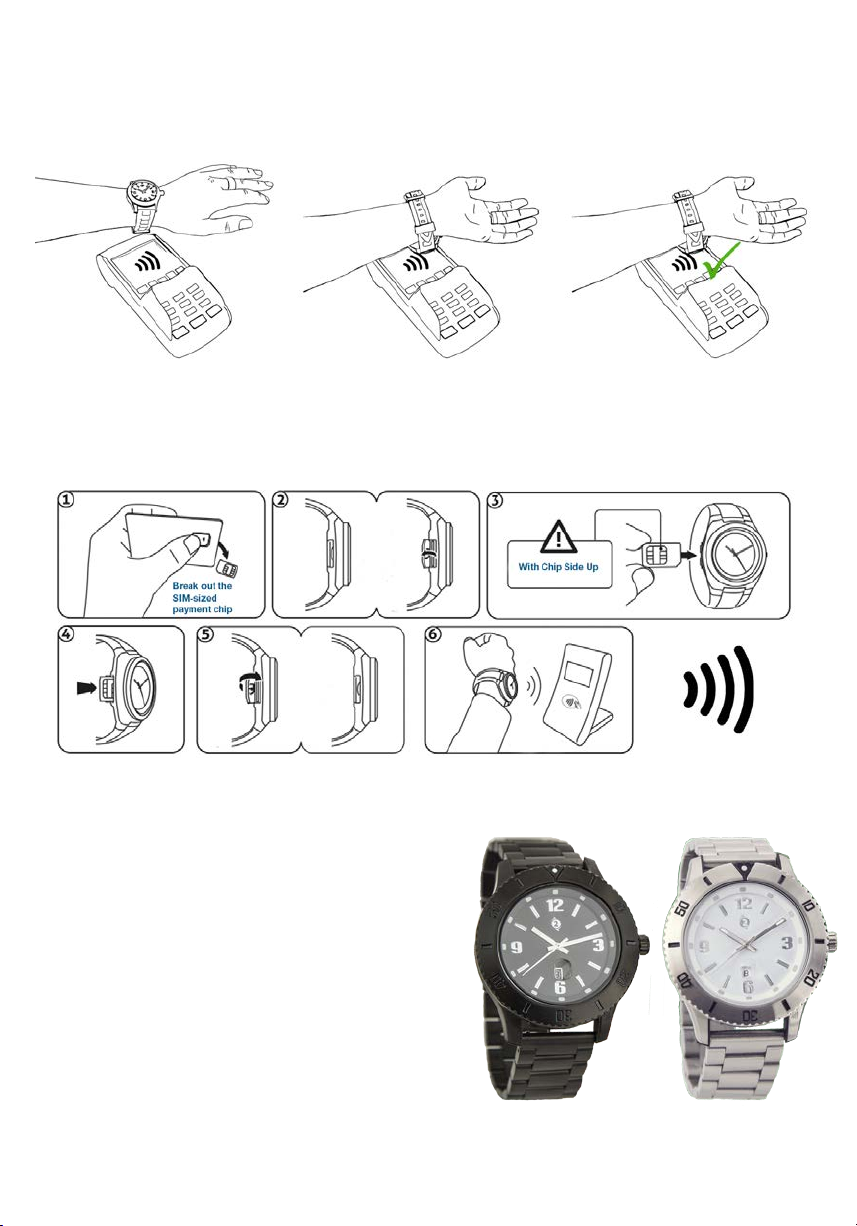
Watch2Pay ONE
Hold Watch2Pay against the payment terminal until the payment
process is completed. Please make sure that the watch is placed on the terminal.
-Watch with a SIM-sized payment chip (replaceable)
- Please activate your LAKS Wearable
upon receipt.
- Break out the payment card and
put it into your Watch2Pay
- Your LAKS Wearable is
ready to pay after activation.
Exhibited at the British Museum in London!
The world‘s first mastercard certified wristwatch in 2006.
Strap2Pay
Payment chip is located
next to the buckle.
Watch strap with a flexible payment chip (replaceable)
- Please activate your LAKS Wearable upon receipt.
- Your LAKS Wearable is ready to pay after activation.
- For more information please visite our FAQ.
Hold your Strap2Pay against the payment terminal until
the payment process is completed.
Please make sure that the chip is placed on the terminal.
Watch2Pay TWO
watch strap handmade in Germany from Italian leather
stainless steel buckle - replaceable chip
The world‘s thinnest payment watch size 36 and 40 mm
watch strap handmade in Germany from Italian leather - Chip is replaceable