manuals.online logo
Brands
  1. Home
  2. •
  3. Brands
  4. •
  5. LANYA ELECTRONIC
  6. •
  7. Headset
  8. •
  9. LANYA ELECTRONIC BH803 Quick setup guide

LANYA ELECTRONIC BH803 Quick setup guide

Other LANYA ELECTRONIC Headset manuals

LANYA ELECTRONIC BH703 Quick setup guide

LANYA ELECTRONIC

LANYA ELECTRONIC BH703 Quick setup guide

LANYA ELECTRONIC BSH560 Operating manual

LANYA ELECTRONIC

LANYA ELECTRONIC BSH560 Operating manual

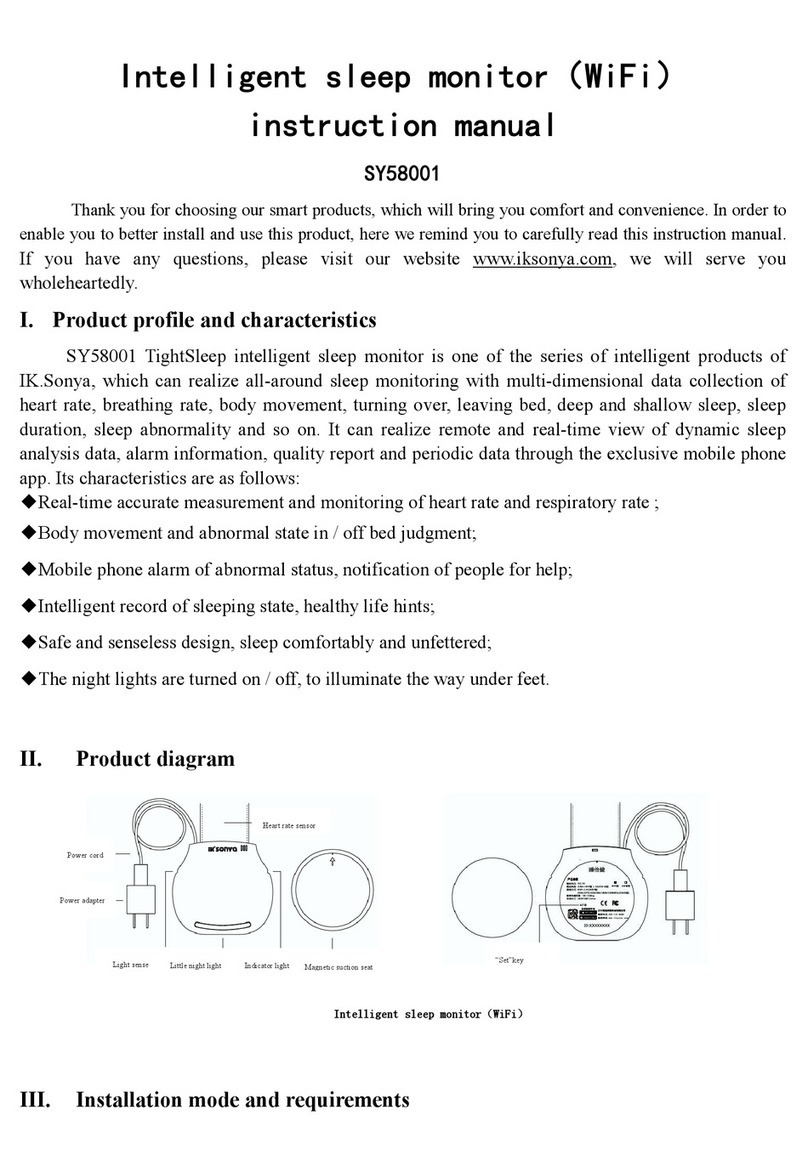
LANYA ELECTRONIC SY58001 User manual

LANYA ELECTRONIC

LANYA ELECTRONIC SY58001 User manual

LANYA ELECTRONIC BSH23 User manual

LANYA ELECTRONIC

LANYA ELECTRONIC BSH23 User manual

Popular Headset manuals by other brands

Sony WI-SP510 Help guide

Sony

Sony WI-SP510 Help guide

LYSAR INDUSTRIES EQ1 manual

LYSAR INDUSTRIES

LYSAR INDUSTRIES EQ1 manual

Nacon RIG 500 PRO Series user guide

Nacon

Nacon RIG 500 PRO Series user guide

HUHD HW-933M instruction manual

HUHD

HUHD HW-933M instruction manual

H2O Audio Natalie Coughlin Signature Series iSH2-5A1 user guide

H2O Audio

H2O Audio Natalie Coughlin Signature Series iSH2-5A1 user guide

Bose IN-EAR HEADPHONES owner's guide

Bose

Bose IN-EAR HEADPHONES owner's guide

Intaride S-3 manual

Intaride

Intaride S-3 manual

Jabra Elite 7 Pro How do

Jabra

Jabra Elite 7 Pro How do

Sena SMH10 quick start guide

Sena

Sena SMH10 quick start guide

IASUS Stealth  IA-NT4-BASIC-BT manual

IASUS

IASUS Stealth IA-NT4-BASIC-BT manual

Sennheiser EPOS ADAPT 230 user guide

Sennheiser

Sennheiser EPOS ADAPT 230 user guide

Anycom PAROS-10 user manual

Anycom

Anycom PAROS-10 user manual

GE 98971 datasheet

GE

GE 98971 datasheet

Jabra PRO 9460 - PRO 9460-DUO user manual

Jabra

Jabra PRO 9460 - PRO 9460-DUO user manual

Hama 00184070 quick start guide

Hama

Hama 00184070 quick start guide

Plantronics Blackwire 3200 Series user guide

Plantronics

Plantronics Blackwire 3200 Series user guide

Blue Tiger Advantage PLUS user manual

Blue Tiger

Blue Tiger Advantage PLUS user manual

Jabra FR 20 user guide

Jabra

Jabra FR 20 user guide

manuals.online logo
manuals.online logoBrands
  • About & Mission
  • Contact us
  • Privacy Policy
  • Terms and Conditions

Copyright 2025 Manuals.Online. All Rights Reserved.

Use Manual
Model:BH803
Appearance
earhook
power on/off
led light
1.power on:press and hold multifunction key for 3s,the blue light
start to flash 3 times and headset beeps.
2.power off:press and hold the multifunction key for 3s until headset
beeps and the red light flash 3 times.
3.pair headset:make sure headset is turn off.put the multifunction
key 7s until headset beeps ,blue and red light start alternate flashing.
open your mobile phone bluetooth to search and connect.
4.NFC pair:standby mode,put headset NFC site touch with mo
-bile phone NFC site the bluetooth will automatic connect.
(note:mobile phone need have NFC function)
5.answer calls:press the multifunction key to answer calls,the blue
light flash 2 times every 2s.
6.end calls:press the multifunction key to end calls.
7.refuse calls:press the multifunction key 3s refuse the call and headset
beeps.
8.volume+:press volume+ button to increase the volume.
(max voice headset beeps)
9.volume-:press volume- button to reduce the volume.
(min voice headest beeps)
10.switch the call between phone and headset:
during a conversation,press and hold the multifunction key 3s until
the headset beeps,the call will be transferred to you phone.
if you want transfer the call to the headset use the same way.
Bluetooth wireless connect
microphone
loudspeaker
volume-/last
volume+/next
micro-usb port
1.charging voltage:5V 2.charging current:75-80Ma
3.charging time:15.-2h 4.full charge current voltage:4.1-4.2v
LANYA ELECTRONIC Co., Ltd.
Bluetooth Headset
Bluetooth V4.0
Caution: Any changes or modifications to this device not explicitly
approved by manufacturer could void your authority to operate this
equipment.
This device complies with part 15 of the FCC Rules. Operation is subject
to the following two conditions: (1) This device may not cause harmful
interference, and (2) this device must accept any interference received,
including interference that may cause undesired operation.