Press and hold the B/S button for 5 seconds. [01] is shown on the
display and the ding-dong sound is ringing. Each time you push the
B/S button the number increases and the melody sound is changed.
Each time you push the D/T button, the number decreases.
- setup of the number of bell rings
Now you can select the number of bell rings by pushing the
button. Again [01] is shown on the display. Select the number
of bell rings by using the buttons and . Complete the
registering process with the R/E button.
b) setting up the display duration: 1- 99 seconds (preset: 10 sec)
Press and hold the D/T button for 5 seconds. [01] is shown on the
display. Select the display duration by using the buttons , ,
and . Afterwards, press the D/T button again to save the desired
display duration.
c) setting up the transmitter numbers (a total of 400 numbers including
100 English expressions can be stored )
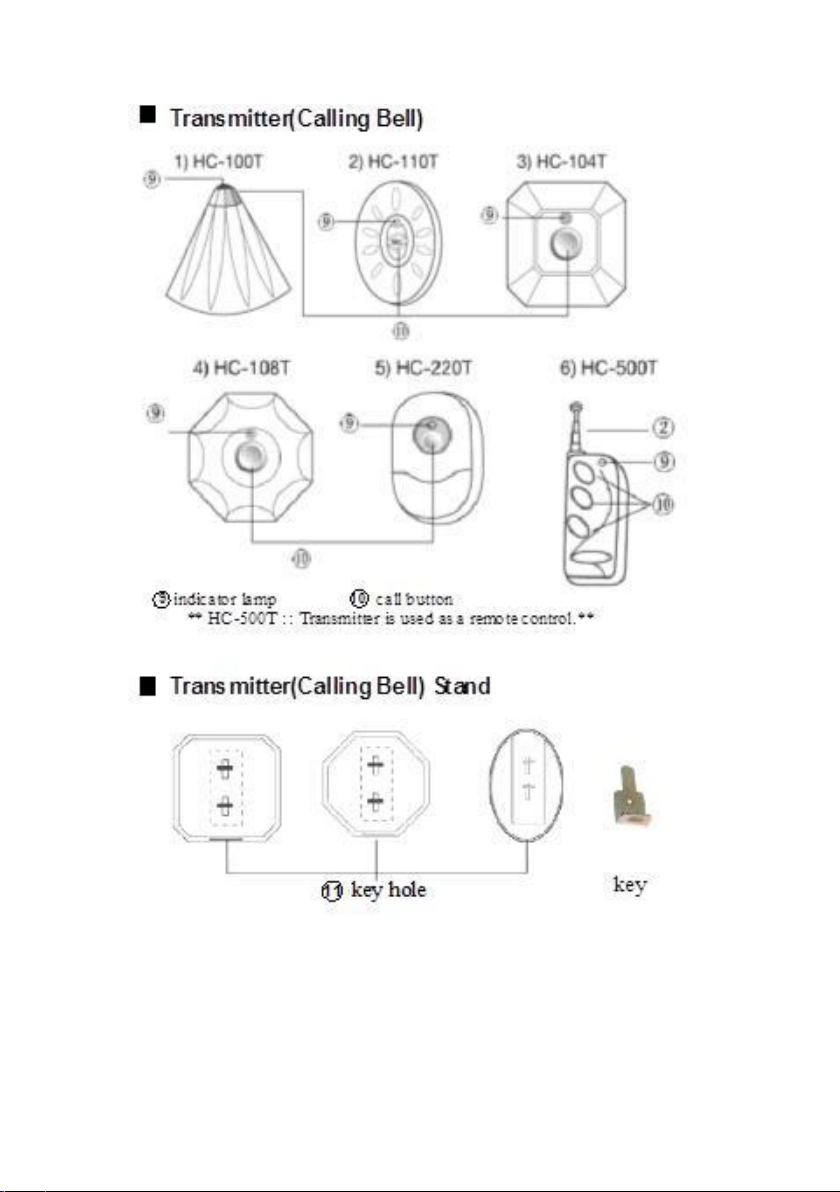
1. Press and hold the Mbutton for 5 seconds. [01] is shown on the
display. Use the buttons ,and in order to select the
desired number (now one of the two parts of the display flickers).
After having chosen the desired number, press the R/Ebutton
(now both parts of the display flicker). Afterwards push the button
on the transmitter. The registered transmitter number is displayed
while the bell sound is ringing.
2. If you want to continue to enter further numbers, repeat the above
procedure (c.)1.). If you want to use the same number for several
transmitters, repeat the above-mentioned procedure, until you have
selected the desired number. Now press the button and the button
of one of the transmitters, then again the button and the button of
another transmitter etc. To complete the process, press the button.