manuals.online logo
Brands
  1. Home
  2. •
  3. Brands
  4. •
  5. Lejonklou
  6. •
  7. Amplifier
  8. •
  9. Lejonklou Tundra Mono Series User manual

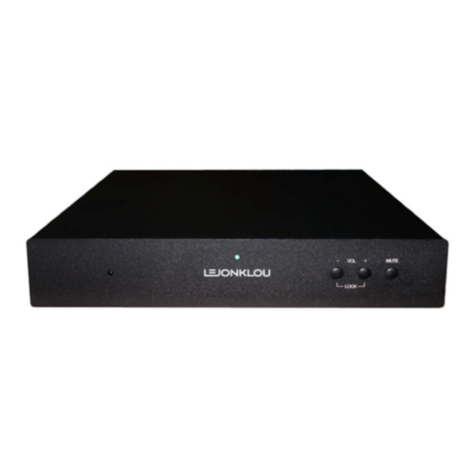
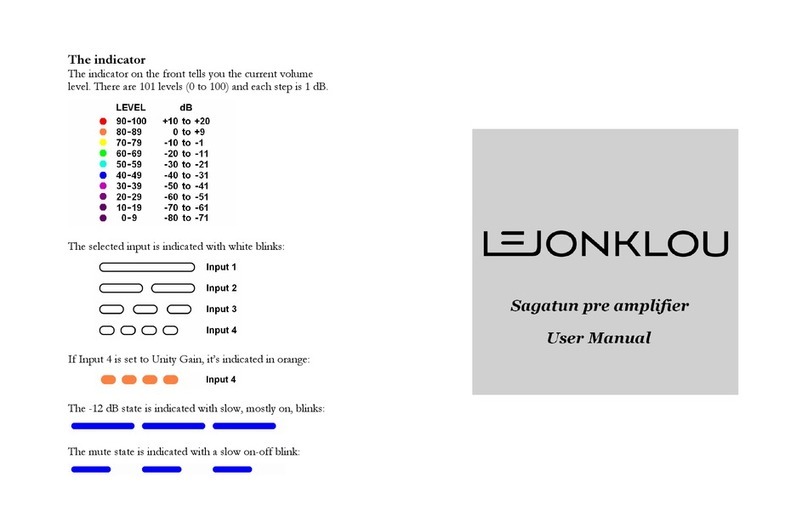
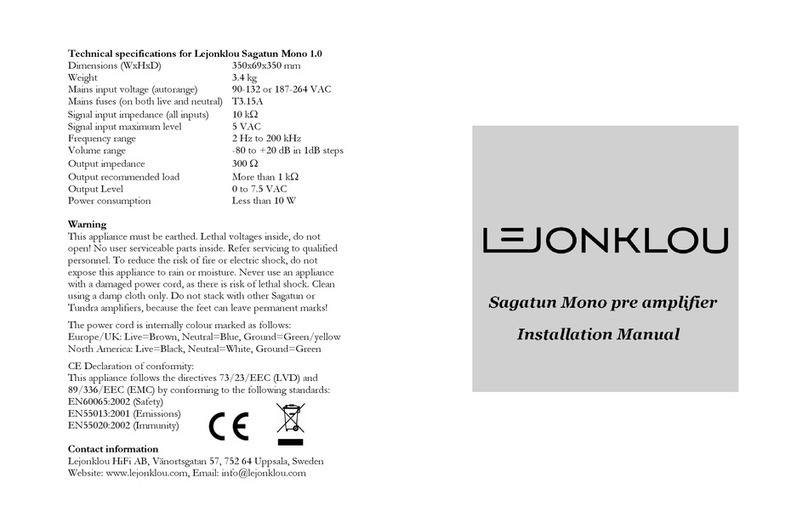
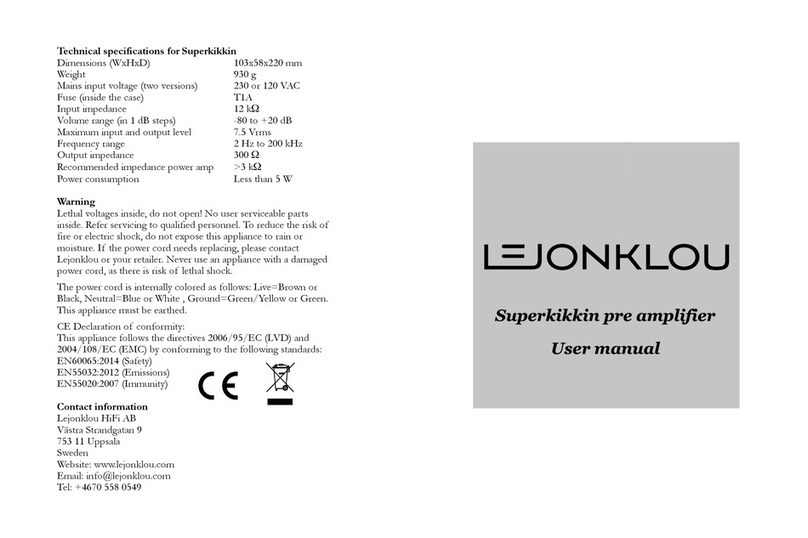
Lejonklou Tundra Mono Series User manual

This manual suits for next models

1

Other Lejonklou Amplifier manuals

Lejonklou Boazu 1.1 User manual

Lejonklou

Lejonklou Boazu 1.1 User manual

Lejonklou Slipsik 7 User manual

Lejonklou

Lejonklou Slipsik 7 User manual

Lejonklou Tundra Mono User manual

Lejonklou

Lejonklou Tundra Mono User manual

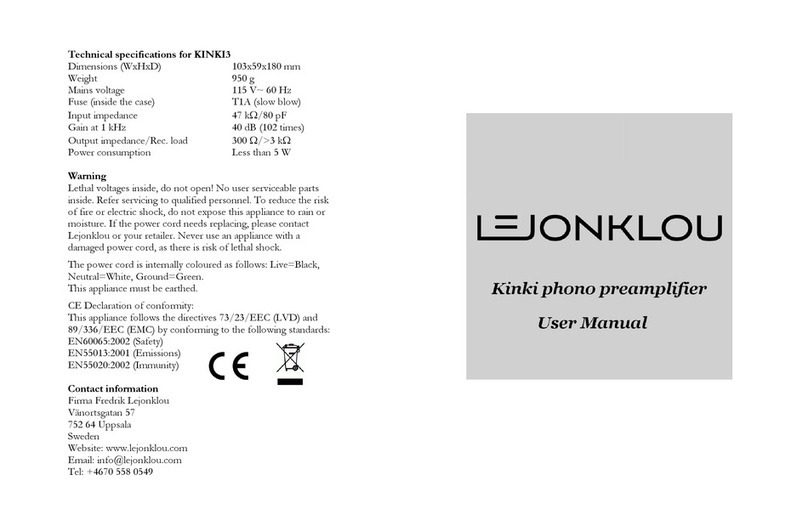
Lejonklou KINKI3 User manual

Lejonklou

Lejonklou KINKI3 User manual

Lejonklou KINKI3 User manual

Lejonklou

Lejonklou KINKI3 User manual

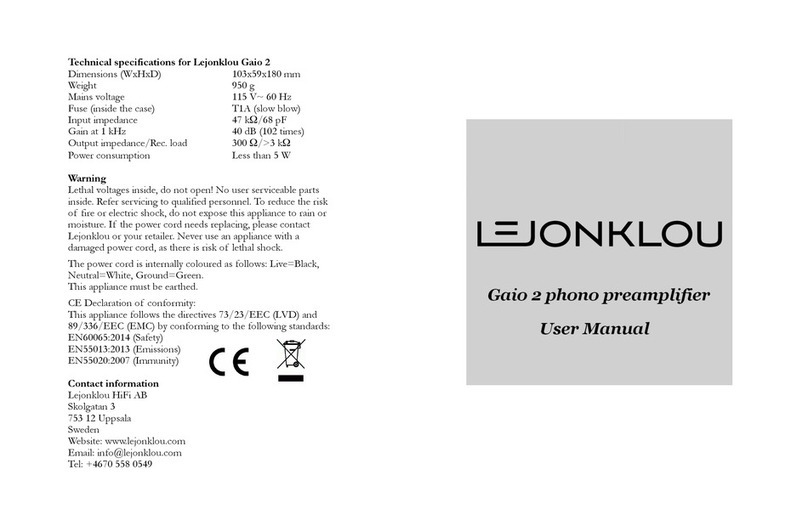
Lejonklou Gaio 2 User manual

Lejonklou

Lejonklou Gaio 2 User manual

Lejonklou Entity User manual

Lejonklou

Lejonklou Entity User manual

Lejonklou Sagatun Mono 1.4 User manual

Lejonklou

Lejonklou Sagatun Mono 1.4 User manual

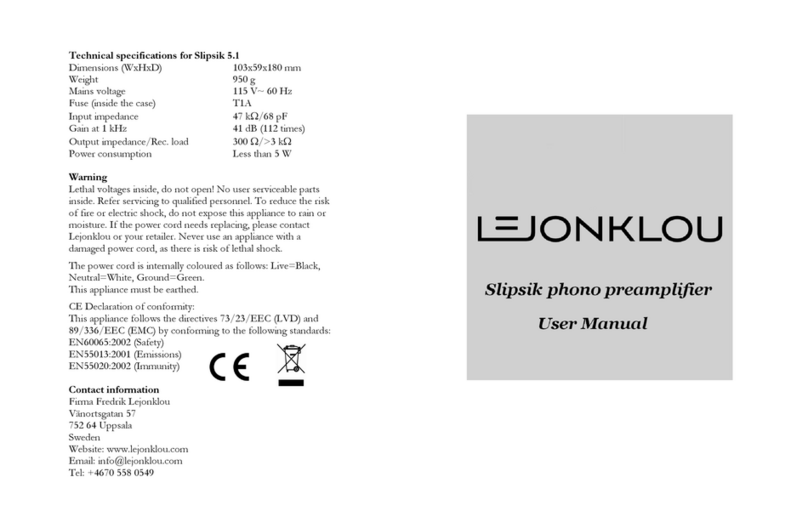
Lejonklou Slipsik 5 User manual

Lejonklou

Lejonklou Slipsik 5 User manual

Lejonklou Tundra 1.1 User manual

Lejonklou

Lejonklou Tundra 1.1 User manual

Lejonklou KINKI3 User manual

Lejonklou

Lejonklou KINKI3 User manual

Lejonklou Sagatun User manual

Lejonklou

Lejonklou Sagatun User manual

Lejonklou Sagatun Mono 1.0 User manual

Lejonklou

Lejonklou Sagatun Mono 1.0 User manual

Lejonklou Superkikkin User manual

Lejonklou

Lejonklou Superkikkin User manual

Lejonklou Tundra Mono 2 User manual

Lejonklou

Lejonklou Tundra Mono 2 User manual

Lejonklou Gaio User manual

Lejonklou

Lejonklou Gaio User manual

Lejonklou GIELLA User manual

Lejonklou

Lejonklou GIELLA User manual

Popular Amplifier manuals by other brands

Magnat Audio EDITION FOUR Owner's manual/warranty document

Magnat Audio

Magnat Audio EDITION FOUR Owner's manual/warranty document

Inter-m PA-2000A Operation manual

Inter-m

Inter-m PA-2000A Operation manual

Yamaha TX6n owner's manual

Yamaha

Yamaha TX6n owner's manual

Peavey TNT 150 user guide

Peavey

Peavey TNT 150 user guide

Bosch LBB 1903/10 Installation and user instructions

Bosch

Bosch LBB 1903/10 Installation and user instructions

Avocent Emerge DA1200D Installer/user guide

Avocent

Avocent Emerge DA1200D Installer/user guide

Redgum RGi35 operating instructions

Redgum

Redgum RGi35 operating instructions

Cambridge Audio AXA25 user manual

Cambridge Audio

Cambridge Audio AXA25 user manual

Alpine MRP-M200 owner's manual

Alpine

Alpine MRP-M200 owner's manual

Technical Pro H1502UrBT user manual

Technical Pro

Technical Pro H1502UrBT user manual

FMS EMGZ307 operating manual

FMS

FMS EMGZ307 operating manual

Racal Instruments 5601 user manual

Racal Instruments

Racal Instruments 5601 user manual

Valcom V-1094A Technical specifications

Valcom

Valcom V-1094A Technical specifications

Cambridge Audio 851D user manual

Cambridge Audio

Cambridge Audio 851D user manual

QSC 3800 Specifications

QSC

QSC 3800 Specifications

NAD C300 owner's manual

NAD

NAD C300 owner's manual

Rotel RMB-1077 owner's manual

Rotel

Rotel RMB-1077 owner's manual

Peavey Monitor 300 Series operating guide

Peavey

Peavey Monitor 300 Series operating guide

manuals.online logo
manuals.online logoBrands
  • About & Mission
  • Contact us
  • Privacy Policy
  • Terms and Conditions

Copyright 2025 Manuals.Online. All Rights Reserved.

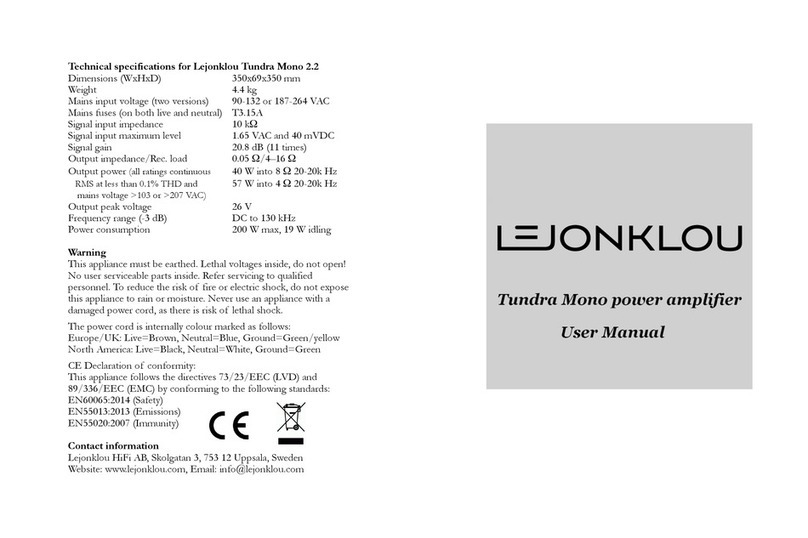
Technical specifications for Lejonklou Tundra Mono 2.0
Dimensions (WxHxD) 350x69x350 mm
Weight 3.6 kg
Mains input voltage (two versions) 90 132 or 187 264 VAC
Mains fuses (on both live and neutral) T3.15A
Signal input impedance 10 kΩ
Signal input maximum level 1.65 VAC and 40 mVDC
Signal gain 20.8 dB (11 times)
Output impedance/Rec. load 0.05 Ω/4–16 Ω
Output power
(all ratings continuous
40 W into 8 Ω 20 20k Hz
RMS at less than 0.1% THD and
57 W into 4 Ω 20 20k Hz
mains voltage >103 or >207 VAC)
Output peak voltage 26 V
Frequency range ( 3 dB) DC to 130 kHz
Power consumption 200 W max, 19 W idling
Warning
This appliance must be earthed. Lethal voltages inside, do not
open! No user serviceable parts inside. Refer servicing to qualified
personnel. To reduce the risk of fire or electric shock, do not
expose this appliance to rain or moisture. Never use an appliance
with a damaged power cord, as there is risk of lethal shock.
The power cord is internally colour marked as follows:
Europe/UK: Live=Brown, Neutral=Blue, Ground=Green/yellow
North America: Live=Black, Neutral=White, Ground=Green
CE Declaration of conformity:
This appliance follows the directives 73/23/EEC (LVD) and
89/336/EEC (EMC) by conforming to the following standards:
EN60065:2002 (Safety)
EN55013:2001 (Emissions)
EN55020:2002 (Immunity)
Contact information
Lejonklou HiFi AB, Vänortsgatan 57, 752 64 Uppsala, Sweden
Website: www.lejonklou.com, Email: info@lejonklou.com
PLEA E READ THI MANUAL CAREFULLY!
Positioning your Tundra Mono
Position Tundra Mono on a flat, rigid surface with plenty of
space around it, so that air can circulate. The best sounding
support we know is Harmonihyllan. If placing Tundra Mono on a
Harmonihyllan shelf, make sure the four rubber feet of Tundra
Mono are centrally positioned on the shelf. The feet may appear
simple in construction, but are in fact carefully chosen for
optimal performance. Tighten the feet using your fingers only.
Connecting your Tundra (always done when switched off!)
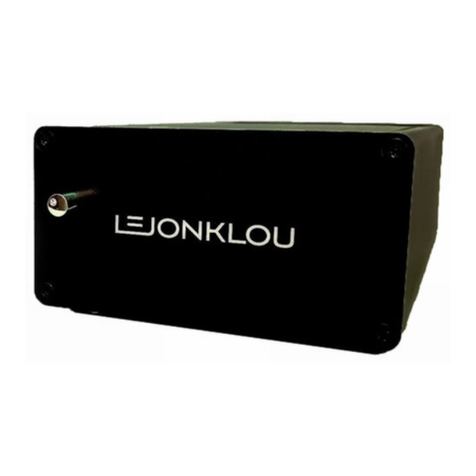
Connect your pre amplifier to the top (white) phono socket,
labelled LINE IN. As Tundra Mono is DC coupled, you can only
use preamplifiers that have zero DC voltage on its output.
The input signal can be daisy chained to more power amplifiers by
using the LINE OUT phono socket (red). Please note that the
colours white and red do not correspond to left and right. These
connectors were chosen for best sound quality and the
manufacturer refused to make them in black.
Connect your loudspeaker to the speaker output, using a cable
terminated with Lejonklou 4 mm safety connectors. Warning:
Although individual banana connectors are possible to fit, they
are illegal to use in the EU for safety reasons. Use only Lejonklou
4 mm safety connectors! For optimal sound quality, we
recommend single wire loudspeaker cable. Lejonklou offers
optimal loudspeaker cables in custom lengths, using the best
parts we’re able to find. Please contact us if you need a pair.
When all signal connections have been made, you can connect
the power cord and switch Tundra Mono on. A sudden “thud” in
the loudspeaker is normal. Tundra Mono will reach an optimal
temperature after about 60 minutes of operation. We recommend
it to be switched off if not in use for a longer period. The mains
switch is located at the back, above the power cord entry.
The blue lights on the front can be turned off using the switch
labelled LIGHTS OFF. This switch affects the front lights only.
Protection – important!
Two circuits protect Tundra Mono against internal overheating:
1: If the internal heat sink reaches 70°C, the output stage will
mute, to prevent further heating. Normal operation will return
once the heat sink has cooled down sufficiently.

2: If the power supplies are heated above 50°C, they will gradually
derate their output in order not to become overheated.
Tundra Mono is also protected against continuous over current.
Tundra can, however, easily be damaged by improper use:
One way is to short the speaker output terminals while the
amplifier is in operation. Protecting Tundra Mono against a
sudden short circuit was not possible without loss of sound
quality. Therefore such protection was intentionally omitted. In
addition, no such protection circuitry is 100% effective.
Therefore: Never short the speaker outputs!
A second way to damage Tundra is to increase the input signal far
above the maximum of 1.65 VAC. Higher input levels can result in
the output stage oscillating and destroying itself.
Please note that high input levels can damage your Tundra
regardless of whether loudspeakers are connected or not!
If using a Lejonklou Sagatun or similar preamp, the maximum
level when listening to a digital source is 78 on the volume scale.
That is where Tundra starts clipping. Do not go higher that this!
Not paying attention to the above two precautions can
damage both your Tundra and the connected loudspeaker!
Lejonklou will not be held responsible for any speaker damage due
to a Tundra being short circuited or driven beyond its capabilities.
We hope you will enjoy your Tundra Mono!
If you have any questions, suggestions or encounter a problem
with it, please contact your retailer or Lejonklou directly.