EnglishDeutsch
 logo
Brands
  1. Home
  2. •
  3. Brands
  4. •
  5. Lenovo
  6. •
  7. Cell Phone
  8. •
  9. Lenovo motorola DROID TURBO User manual

Lenovo motorola DROID TURBO User manual

This manual suits for next models

1

Other Lenovo Cell Phone manuals

Lenovo AK47 User manual

Lenovo

Lenovo AK47 User manual

Lenovo A6 Note User manual

Lenovo

Lenovo A6 Note User manual

Lenovo P700i User manual

Lenovo

Lenovo P700i User manual
Lenovo IDEAPHONE S890 User manual

Lenovo

Lenovo IDEAPHONE S890 User manual

Lenovo A316 User manual

Lenovo

Lenovo A316 User manual

Lenovo VIBE P1m SERIES User manual

Lenovo

Lenovo VIBE P1m SERIES User manual
Lenovo A859 User manual

Lenovo

Lenovo A859 User manual
Lenovo A PLUS A1010A20 User manual

Lenovo

Lenovo A PLUS A1010A20 User manual

Lenovo A859 User manual

Lenovo

Lenovo A859 User manual
Lenovo A328 User manual

Lenovo

Lenovo A328 User manual

Lenovo S560 User manual

Lenovo

Lenovo S560 User manual

Lenovo VIBE C2 User manual

Lenovo

Lenovo VIBE C2 User manual

Lenovo S750 User manual

Lenovo

Lenovo S750 User manual
Lenovo A7000-a User manual

Lenovo

Lenovo A7000-a User manual
Lenovo A2010 User manual

Lenovo

Lenovo A2010 User manual

Lenovo K6 User manual

Lenovo

Lenovo K6 User manual
Lenovo Vibe Shot Z90a40 User manual

Lenovo

Lenovo Vibe Shot Z90a40 User manual
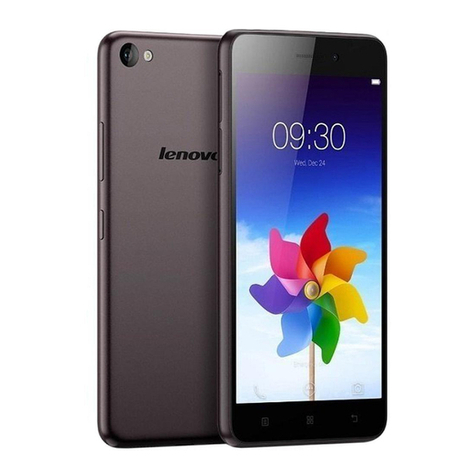
Lenovo S60-a User manual

Lenovo

Lenovo S60-a User manual
Lenovo TAB A8-50 User manual

Lenovo

Lenovo TAB A8-50 User manual

Lenovo A680 User manual

Lenovo

Lenovo A680 User manual

Lenovo P90 User manual

Lenovo

Lenovo P90 User manual

Lenovo Moto X 4th Generation User manual

Lenovo

Lenovo Moto X 4th Generation User manual

Lenovo A6000 User manual

Lenovo

Lenovo A6000 User manual

Lenovo VIBE Z2 Pro User manual

Lenovo

Lenovo VIBE Z2 Pro User manual

Popular Cell Phone manuals by other brands

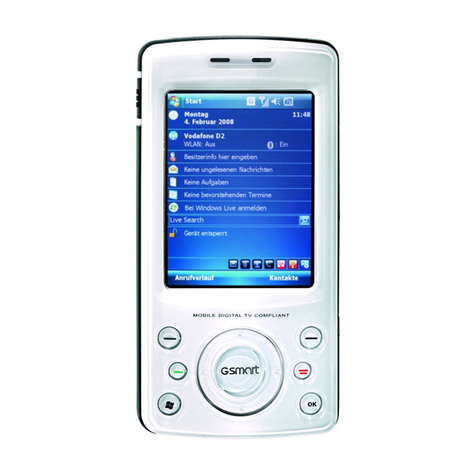
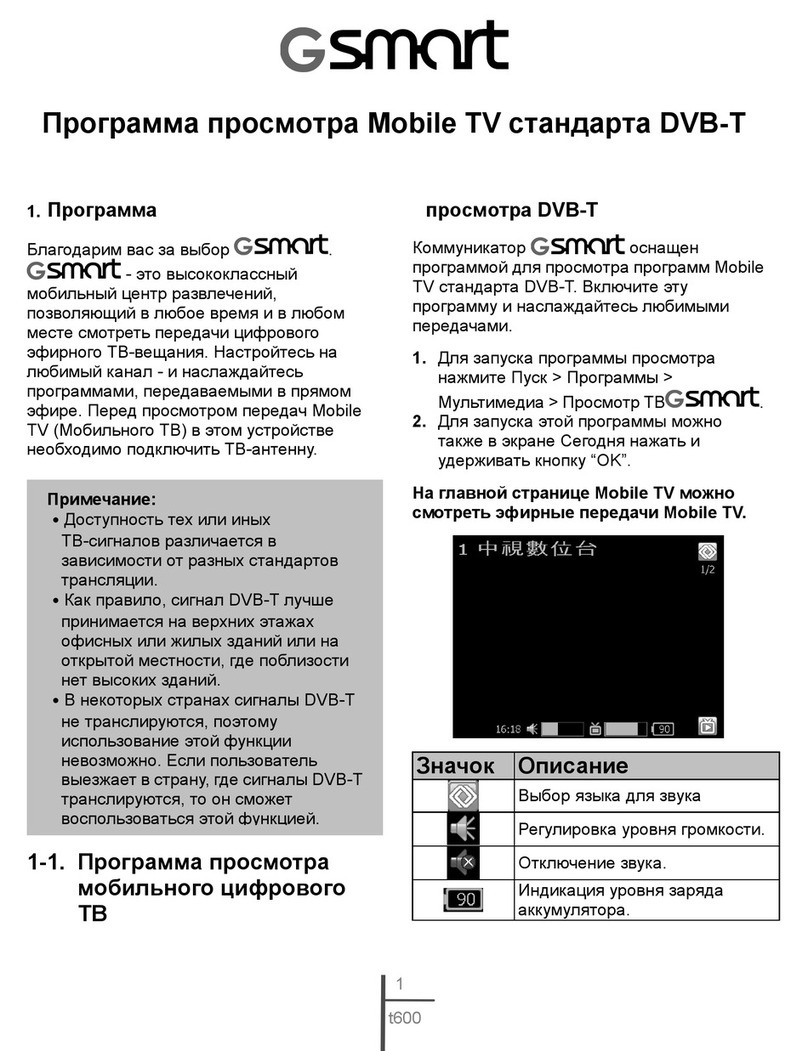
Gigabyte GSmart t600 null

Gigabyte

Gigabyte GSmart t600 null

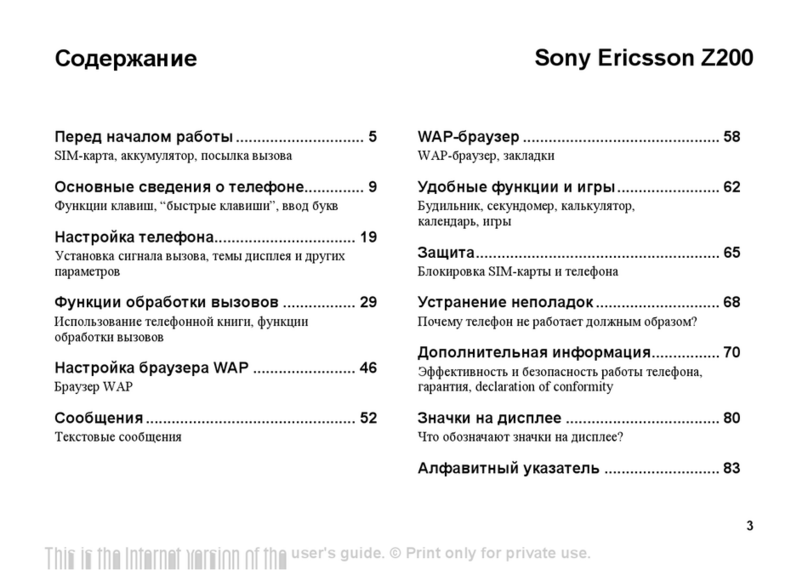
Sony Ericsson Z200 null

Sony Ericsson

Sony Ericsson Z200 null

Gigabyte GSmart t600 null

Gigabyte

Gigabyte GSmart t600 null

Gigabyte GSmart t600 null

Gigabyte

Gigabyte GSmart t600 null

Sony Ericsson K700i null

Sony Ericsson

Sony Ericsson K700i null

Zte BLADE A520 quick start guide

Zte

Zte BLADE A520 quick start guide

Nokia Lumia 620 user guide

Nokia

Nokia Lumia 620 user guide

Blackbe;rry KEYone Safety and product information

Blackbe;rry

Blackbe;rry KEYone Safety and product information

Bea-fon X5 Premium quick guide

Bea-fon

Bea-fon X5 Premium quick guide

Blackbe;rry 8707 Series user guide

Blackbe;rry

Blackbe;rry 8707 Series user guide

Blackbe;rry Storm Troubleshooting

Blackbe;rry

Blackbe;rry Storm Troubleshooting

LG LM-X420QN user guide

LG

LG LM-X420QN user guide

LifeWatch V user guide

LifeWatch

LifeWatch V user guide

Bea-fon SILVER LINE SL860 user guide

Bea-fon

Bea-fon SILVER LINE SL860 user guide

IKI Mobile KF4.5i user manual

IKI Mobile

IKI Mobile KF4.5i user manual

Hitech HT-850 user guide

Hitech

Hitech HT-850 user guide

Yezz Fashion F10 user manual

Yezz

Yezz Fashion F10 user manual

Point Mobile PM60 user manual

Point Mobile

Point Mobile PM60 user manual

https://manuals.online logo
https://manuals.online logoBrands
  • About & Mission
  • Contact us
  • Privacy Policy
  • Terms and Conditions

Copyright 2026 Manuals.Online. All Rights Reserved.

1
10/21/2014
Initial Release
2
01/02/2015
Revised the Earpiece Speaker Press Tool part number.
Updated the cover page header according to current Motorola/Lenovo brand
standards.
Corrected the body page header title.
Deleted orphaned step number from Rear Housing Assembly on p. 136.
3
03/20/2015
Added notes regarding Top Battery Spacer adhesion to the Rear Housing in Rear
Housing Removal step 5 and Top Battery Spacer Removal.
Added note regarding the Headset Jack Adhesive remaining adhered to the
Headset Jack.
Added Press part number (19501980) to the Tools Required for Assembly list and
in the applicable press steps.
Added N∙m torque value to Top Carrier and Bottom Carrier Assembly.
Revised Rear-Facing Imager Lens Removal photos.
Added Rear-Facing Imager Lens assembly photo in Top Carrier Preparation.
M
O
T
O
R
O
L
A
M
O
B
I
L
I
T
Y
C
O
N
F
I
D
E
N
T
I
A
L
R
E
S
T
R
I
C
T
E
D
M
O
T
O
R
O
L
A
M
O
B
I
L
I
T
Y
C
O
N
F
I
D
E
N
T
I
A
L
R
E
S
T
R
I
C
T
E
D
M
O
T
O
R
O
L
A
M
O
B
I
L
I
T
Y
C
O
N
F
I
D
E
N
T
I
A
L
R
E
S
T
R
I
C
T
E
D
M
O
T
O
R
O
L
A
M
O
B
I
L
I
T
Y
C
O
N
F
I
D
E
N
T
I
A
L
R
E
S
T
R
I
C
T
E
D
Q
u
a
r
k
Q
u
a
r
k
Q
u
a
r
k
Q
u
a
r
k
Q
u
a
r
k
Q
u
a
r
k
Q
u
a
r
k
The phone components may be damaged by electrostatic discharge (ESD). Always use an ESD mat and ground strap
when working with internal components.
Handle Battery with care. Ensure Battery edges and surfaces are not dented or deformed. If the Battery Pack is dropped
to the floor, it may be internally damaged and must be scrapped.
Ensure all surfaces, fixtures, and phone components contacting the Battery are smooth and clean.
Ensure Battery and its insulation are not damaged (e.g. scratched, dented, punctured) prior to and throughout
assembly.
Prior to assembly, ensure Battery edges and surfaces are not dented or deformed, and that fixtures and parts that
will contact the Battery are free of foreign material.
Ensure screws and screwdrivers do not contact the Battery.
Failure to adhere to Safety Critical Note(s) may increase risk of rupture, burning, or failure to function safely when
used by the customer.
M
O
T
O
R
O
L
A
M
O
B
I
L
I
T
Y
C
O
N
F
I
D
E
N
T
I
A
L
R
E
S
T
R
I
C
T
E
D
M
O
T
O
R
O
L
A
M
O
B
I
L
I
T
Y
C
O
N
F
I
D
E
N
T
I
A
L
R
E
S
T
R
I
C
T
E
D
M
O
T
O
R
O
L
A
M
O
B
I
L
I
T
Y
C
O
N
F
I
D
E
N
T
I
A
L
R
E
S
T
R
I
C
T
E
D
M
O
T
O
R
O
L
A
M
O
B
I
L
I
T
Y
C
O
N
F
I
D
E
N
T
I
A
L
R
E
S
T
R
I
C
T
E
D
Q
u
a
r
k
Q
u
a
r
k
Q
u
a
r
k
Q
u
a
r
k
Q
u
a
r
k
Q
u
a
r
k
Q
u
a
r
k
1
Earpiece
2
Front-Facing Imager
3
Main Display Lens
4a
Power Key
4b
Volume Key/SIM Card Tray
5
Rear-Facing Imager Lens
6
Rear-Facing Imager
7a, 7b
LED Flash
8
Motorola Medallion
9
Main Microphone
10
Front Housing
11
Rear Housing
12
Headset Jack
13
USB Port
M
O
T
O
R
O
L
A
M
O
B
I
L
I
T
Y
C
O
N
F
I
D
E
N
T
I
A
L
R
E
S
T
R
I
C
T
E
D
M
O
T
O
R
O
L
A
M
O
B
I
L
I
T
Y
C
O
N
F
I
D
E
N
T
I
A
L
R
E
S
T
R
I
C
T
E
D
M
O
T
O
R
O
L
A
M
O
B
I
L
I
T
Y
C
O
N
F
I
D
E
N
T
I
A
L
R
E
S
T
R
I
C
T
E
D
M
O
T
O
R
O
L
A
M
O
B
I
L
I
T
Y
C
O
N
F
I
D
E
N
T
I
A
L
R
E
S
T
R
I
C
T
E
D
Q
u
a
r
k
Q
u
a
r
k
Q
u
a
r
k
Q
u
a
r
k
Q
u
a
r
k
Q
u
a
r
k
Q
u
a
r
k
All dimensions are in millimeters (mm). The following gaps are considered maximum allowable without further approval
from a supervisor. Measure gaps at an angle perpendicular to the surface/area being measured. Feeler Gauges must
not be used at an angle as they will give false-positive results.
M
O
T
O
R
O
L
A
M
O
B
I
L
I
T
Y
C
O
N
F
I
D
E
N
T
I
A
L
R
E
S
T
R
I
C
T
E
D
M
O
T
O
R
O
L
A
M
O
B
I
L
I
T
Y
C
O
N
F
I
D
E
N
T
I
A
L
R
E
S
T
R
I
C
T
E
D
M
O
T
O
R
O
L
A
M
O
B
I
L
I
T
Y
C
O
N
F
I
D
E
N
T
I
A
L
R
E
S
T
R
I
C
T
E
D
M
O
T
O
R
O
L
A
M
O
B
I
L
I
T
Y
C
O
N
F
I
D
E
N
T
I
A
L
R
E
S
T
R
I
C
T
E
D
Q
u
a
r
k
Q
u
a
r
k
Q
u
a
r
k
Q
u
a
r
k
Q
u
a
r
k
Q
u
a
r
k
Q
u
a
r
k
M
O
T
O
R
O
L
A
M
O
B
I
L
I
T
Y
C
O
N
F
I
D
E
N
T
I
A
L
R
E
S
T
R
I
C
T
E
D
M
O
T
O
R
O
L
A
M
O
B
I
L
I
T
Y
C
O
N
F
I
D
E
N
T
I
A
L
R
E
S
T
R
I
C
T
E
D
M
O
T
O
R
O
L
A
M
O
B
I
L
I
T
Y
C
O
N
F
I
D
E
N
T
I
A
L
R
E
S
T
R
I
C
T
E
D
M
O
T
O
R
O
L
A
M
O
B
I
L
I
T
Y
C
O
N
F
I
D
E
N
T
I
A
L
R
E
S
T
R
I
C
T
E
D
Q
u
a
r
k
Q
u
a
r
k
Q
u
a
r
k
Q
u
a
r
k
Q
u
a
r
k
Q
u
a
r
k
Q
u
a
r
k