Supported printers
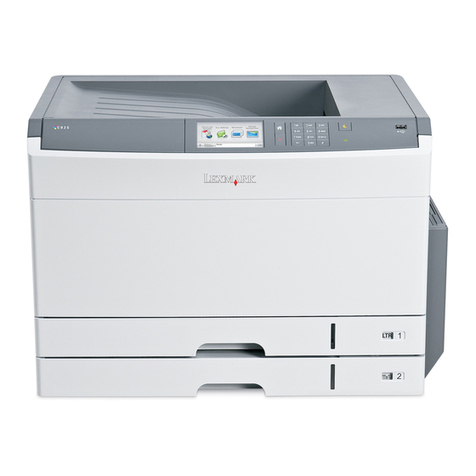
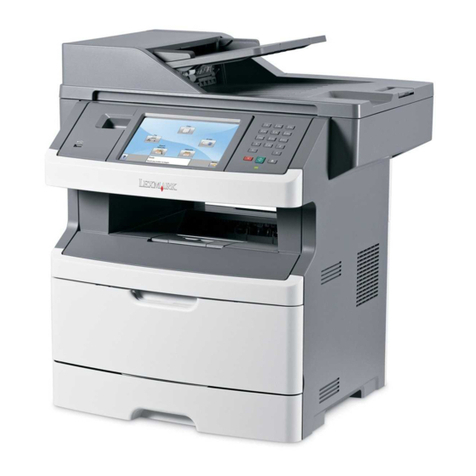
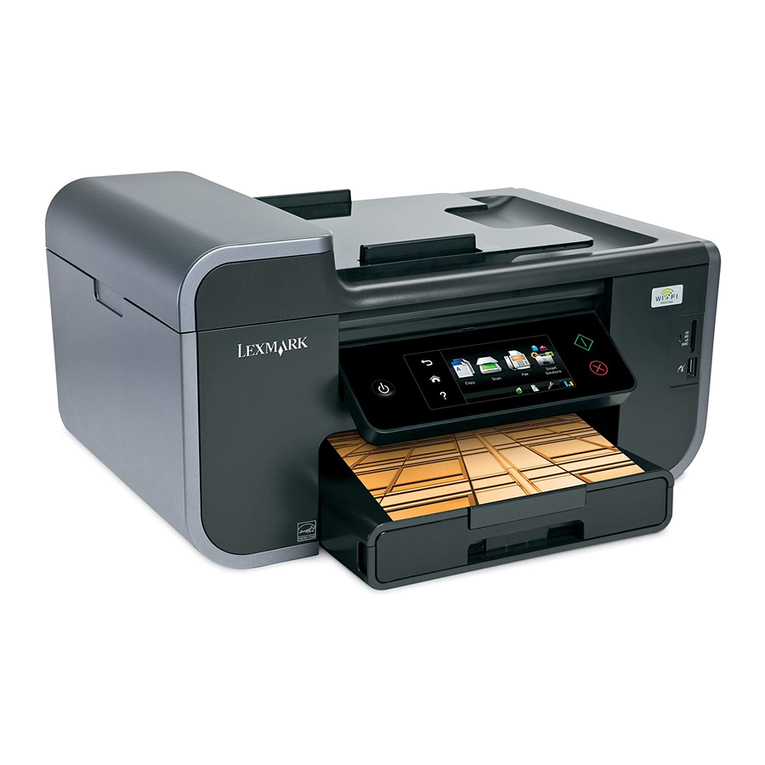
LexPrint enables your mobile device to communicate with Lexmark printers found on the same network.
•For select printer models that support Direct Image and Zeroconf or Bonjour, you can print directly from your mobile
device to the printer without using LexPrint Listener. To check if your printer model supports these features, visit
www.lexmark.com/lexprint.
•For other Lexmark printers, your mobile device can send print jobs to your printer as long as the printer software
and LexPrint Listener are installed on the computer where the printer is connected.
Note: The application referred to as Rendezvous in Mac OS X version 10.2 is now called Bonjour by Apple Inc.
Installing LexPrint
Before installing LexPrint, make sure:
•Your mobile device meets the minimum system requirements.
•You have an active Internet connection.
Using your mobile device
1Open the App Store on your mobile device.
2From the App Store home screen, tap
Search
.
3In the Search field, type LexPrint, and then tap Search.
4From the search results, tap LexPrint > Free.
5Tap Install App or Install.
6You may need to provide your iTunes account information to continue with the installation.
Using a computer
1Connect your mobile device to the computer.
2From the computer, open iTunes, and then click iTunes Store.
3In the Search field, type LexPrint, and then press Return or Enter.
4In the Application section, find LexPrint, and then click GET APP.
5You may need to provide your iTunes account information to continue with the installation.
6Wait for the download to complete.
7From the left pane of the iTunes application, select your mobile device.
8Click the Applications tab, and then select Sync Applications.
9Select LexPrint from the list, and then click Apply.
Note: An error appears if your mobile device is not synchronized with the computer. To resolve the problem, follow
the instructions on the computer screen or see the iTunes documentation. For more information, see the Apple support
page at www.apple.com/support.
Getting started with LexPrint
8