logo
Brands
  1. Home
  2. •
  3. Brands
  4. •
  5. LG
  6. •
  7. Air Conditioner
  8. •
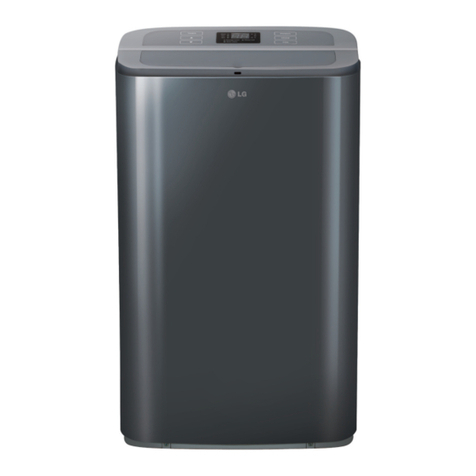
  9. LG JBNQ18GB2A1 User manual

LG JBNQ18GB2A1 User manual

Other LG Air Conditioner manuals

LG LS-C142UBD0 User manual

LG

LG LS-C142UBD0 User manual

LG ARUB076BT2 User manual

LG

LG ARUB076BT2 User manual

LG ICE18FB-N User manual

LG

LG ICE18FB-N User manual

LG ARUN115DT2 Instruction Manual

LG

LG ARUN115DT2 Instruction Manual

LG VR092CS User manual

LG

LG VR092CS User manual

LG LS-C0924DA0 User manual

LG

LG LS-C0924DA0 User manual

LG MFL67870417 User manual

LG

LG MFL67870417 User manual

LG ES-H0964DM1 User manual

LG

LG ES-H0964DM1 User manual

LG LSU181HSV User manual

LG

LG LSU181HSV User manual

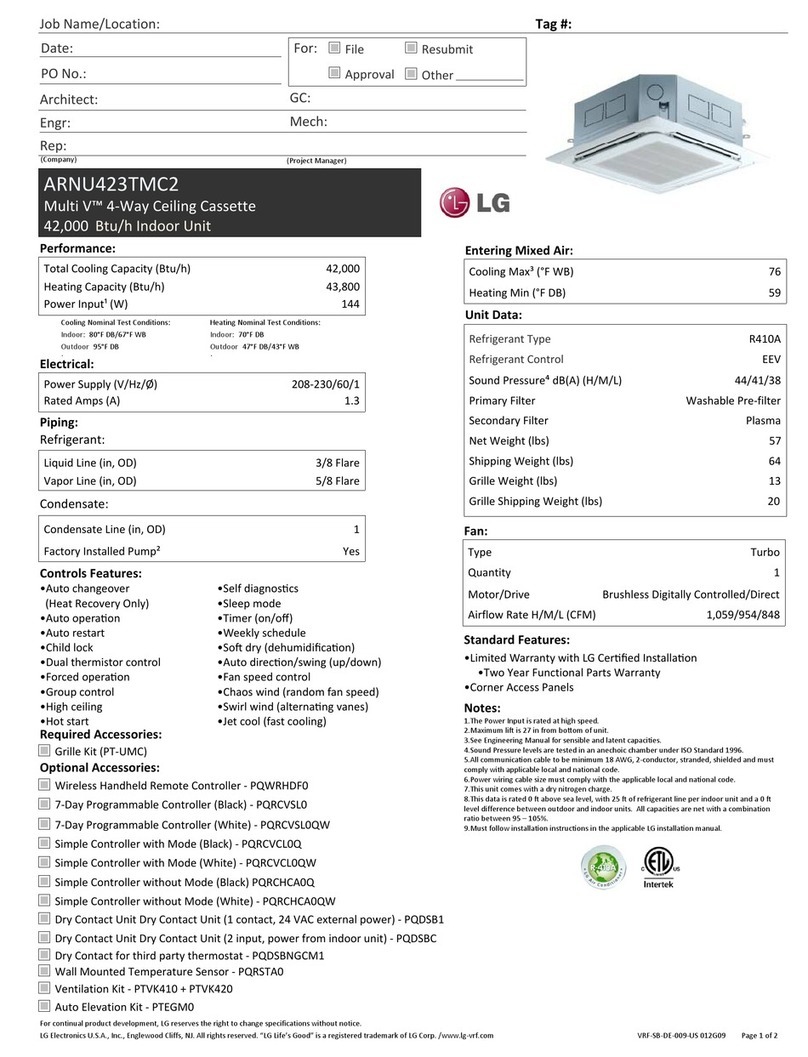
LG ARNU423TMC2 User manual

LG

LG ARNU423TMC2 User manual

LG SQ User manual

LG

LG SQ User manual

LG AS-W243DGY9(LSN240HSV2) User manual

LG

LG AS-W243DGY9(LSN240HSV2) User manual

LG DELUXE HIGH WALL MINI SPLIT User manual

LG

LG DELUXE HIGH WALL MINI SPLIT User manual

LG VW151CE SL0 User manual

LG

LG VW151CE SL0 User manual

LG MULTI V ARNU18GTSC4 User manual

LG

LG MULTI V ARNU18GTSC4 User manual

LG ATUW60GYLP0 User manual

LG

LG ATUW60GYLP0 User manual

LG LSN-HSV2 User manual

LG

LG LSN-HSV2 User manual

LG LW1816HR User manual

LG

LG LW1816HR User manual

LG SN12INV User manual

LG

LG SN12INV User manual

LG LP1213GXR/00 User manual

LG

LG LP1213GXR/00 User manual

LG LW2413HR User manual

LG

LG LW2413HR User manual

LG LSC091PMA User manual

LG

LG LSC091PMA User manual

LG PRDSBM User manual

LG

LG PRDSBM User manual

LG R-LT1037HNR User manual

LG

LG R-LT1037HNR User manual

Popular Air Conditioner manuals by other brands

Panasonic CS-E12HKEW operating instructions

Panasonic

Panasonic CS-E12HKEW operating instructions

Mitsubishi Electric MSZ-GE60VA null

Mitsubishi Electric

Mitsubishi Electric MSZ-GE60VA null

Samsung AVMFC052EA0(4) null

Samsung

Samsung AVMFC052EA0(4) null

Haier HSU-09H03/R null

Haier

Haier HSU-09H03/R null

Haier HSU-24C03 null

Haier

Haier HSU-24C03 null

Mitsubishi Electric MSZ-GE22VA null

Mitsubishi Electric

Mitsubishi Electric MSZ-GE22VA null

Samsung AVMCH052CA1 null

Samsung

Samsung AVMCH052CA1 null

nedis ACMB1WT7 quick start guide

nedis

nedis ACMB1WT7 quick start guide

Daikin FCFV50A Operation manual

Daikin

Daikin FCFV50A Operation manual

Fujitsu Inverter ASBA30JFC operating manual

Fujitsu

Fujitsu Inverter ASBA30JFC operating manual

Toshiba RAS-M10SMUV-E installation manual

Toshiba

Toshiba RAS-M10SMUV-E installation manual

Daikin FXLQ20MAVE Operation manual

Daikin

Daikin FXLQ20MAVE Operation manual

CIAT Magister 2 Series Installation, Operation, Commissioning, Maintenance

CIAT

CIAT Magister 2 Series Installation, Operation, Commissioning, Maintenance

Bestron AAC6000 instruction manual

Bestron

Bestron AAC6000 instruction manual

Frigidaire FFRE0533S1E0 Use & care guide

Frigidaire

Frigidaire FFRE0533S1E0 Use & care guide

Samsung AS09HM3N user manual

Samsung

Samsung AS09HM3N user manual

Frigidaire CRA073PU11 use & care

Frigidaire

Frigidaire CRA073PU11 use & care

Soleus Air GB-PAC-08E4 operating instructions

Soleus Air

Soleus Air GB-PAC-08E4 operating instructions

https://manuals.online logo
https://manuals.online logoBrands
  • About & Mission
  • Contact us
  • Privacy Policy
  • Terms and Conditions

Copyright 2026 Manuals.Online. All Rights Reserved.

P/No. : MFL62760204_v1
MFL62760204
TYPE : LO-STATIC CEILING DUCT TYPE AIR CONDITIONER
Please read this manual carefully before operating
your set and retain it for future reference.
For Single LO-Static duct models
1800-180-3575 (Toll Free)
(9:00 AM – 9:00 PM)
www.lg.com/in/support
cac.service@lgepartner.com
CALL CLICK
Regd. Office : LG Electronics India Pvt. Ltd., A Wing (3rd Floor), D-3, District Center, Saket, New Delhi - 110017
To know more about LG, visit www.lg.com
For Corporate/Instutional enquiries,
please write to [email protected]om
CUSTOMER CARE
12 x 7
AIR
CONDITIONER
F or Your Records
R
ead This Manual
CAUTION
Low Static Hide Away Type Air Conditioner Owner's Manual
TABLE OF CONTENTS
Write the model and serial numbers here:
Model #
Serial #
You can find them on a label on the side of each unit.
Dealer's Name
Date Purchased
Inside you will find many helpful hints on how to use
and maintain your air conditioner properly. Just a little
preventive care on your part can save you a great
deal of time and money over the life of your air
conditioner.
You'll find many answers to common problems in the
chart of troubleshooting tips. If you review our chart of
Troubleshooting Tips first, you may not need to call
for service at all.
• Contact the authorized service technician for repair
or maintenance of this unit.
• Contact the installer for installation of this unit.
• The air conditioner is not intended for use by young
children or invalids without supervision.
• Young children should be supervised to ensure that
they do not play with the air conditioner.
• When the power cord is to be replaced, replacement
work shall be performed by authorized personnel
only.
• Installation work must be performed in accordance
with the national wiring standards by authorized
personnel only.
2
Page no.
1. Safety Precautions
2. Operating Instructions
3. Care and Maintenance
4.
Before you call for service
3
5
14
19
WARNING
WARNING
WARNING
CAUTION
Never Do This
Always Do This
WARNING
WARNING
Precautions
Safety
Precautions
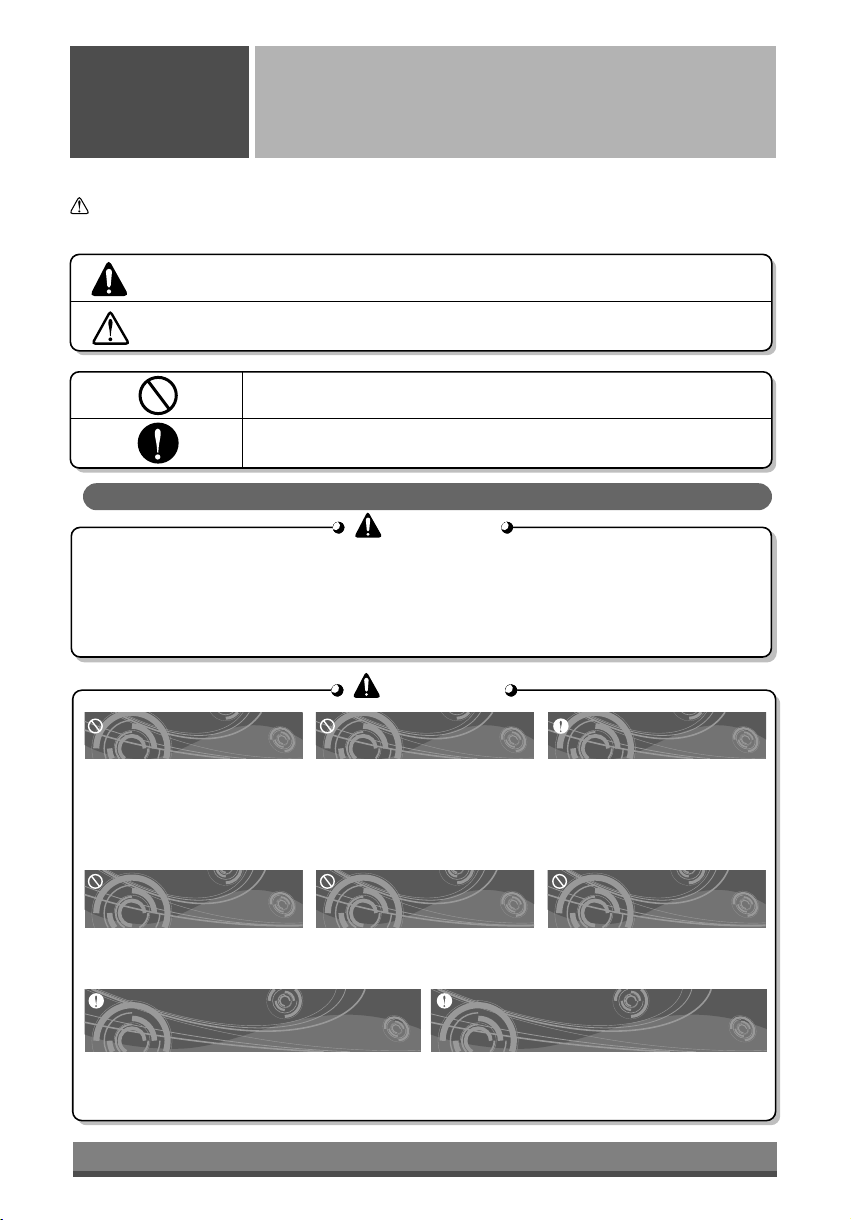
To prevent injury and property damage, follow these instructions.
Incorrect operation due to ignoring instructions will cause harm or damage, the seriousness of which is
indicated by the following symbols.
n
Do not install, remove and reinstall the unit by yourself.
• Improper installation will cause water leakage, electrical shock, or fire. Please consult
authorized dealer or specialist for the installation work. Please note fault caused by improper
installation is not covered by warranty.
• Unit must be installed in an easily accessible area. Any additional cost required to hire a
special equipment to service the unit will be the responsibility of the customer.
Do not damage or use an
unspecified power cord.
•
It will cause electrical shock or fire.
• If the supply cord is damaged, it must be
replaced by the manufacturer or its
service agent or a similarly qualified
person in order to avoid a hazard.
Do not operate switches
with wet hands.
• It may cause electrical shock.
Plug in the power plug
properly.
• Otherwise, it will cause
electrical shock or fire due to
heat generation.
Do not operate or stop the
unit by inserting or pulling
out the power plug.
• It will cause electrical shock or
fire due to heat generation.
Do not insert your finger or
stick, etc. into the air inlet/air
outlet.
• Since the fan rotates at high
speed, this may cause an injury
or damage the unit.
Do not expose the skin to
cool air directly for a long
time.
• This could damage your health.
When an abnormality (smell of burning, etc)
occurs, stop the air conditioner, and
turn off the breaker.
• If the unit continues to be operated in an abnormal
condition, it may cause a fire, trouble, etc. In this
case, consult your dealer.
Repair or relocation should not be done by the
customer.
• If this is done in correctly, it may cause a fire,
electric shock, injury by dropping of the unit, water
leakage, etc. Consult your dealer.
This symbol shows the possibility of death or serious injury.
This symbol indicates the possibility of injury or damage to property.
Installation precautions
3
CAUTION
CAUTION
CAUTION
CAUTION
Do not clean the air
conditioner with water.
l Water may enter the unit and
degrade the insulation. It may
cause an electric shock.
Ventilate well when used
together with a stove, etc.
l An oxygen shortage may occur.
When the unit is to be
cleaned, switch off, and turn
off the breaker.
l Since the fan rotates at high
speed during operation, it may
cause an injury.
Do not put a stove, etc.
where is exposed to direct
air flow.
l It may cause imperfect
combustion.
When the unit is not going to
be used for a long time, turn
off the breaker.
l It may cause an injury.
Do not step on the outdoor
unit and do not put anything
on it.
l It may cause an injury through
dropping or falling down.
Do not operate for a long
time in high humidity, e.g.
leaving a door or window
open.
l In the cooling mode, if it is
operated in a room with high
humidity (80%r.h. or more) for a
long time, water condensed in
the air conditioner may drop and
may wet and spoil furniture, etc.
Do not step onto an unstable
bench when
attaching/detaching the
panel.
l It may case an injury, etc. by
falling down.
Do not use for special
purposes.
l Do not use this air conditioner to
preserve precision devices, food,
animal, plants and art objects.
It may cause deterioration of
quality, etc.
If the supply cord is damaged, it
must be replaced by a special cord
or assembly available from the
manufacturer of its service agent.
l If will cause electrical shock or
fire.
When the air filter is to be
removed, do not touch the
metal parts of the indoor unit.
l It may cause an injury.
• Contact the authorized Service technician for repair or maintenance of this unit.
• Contact the installer for installation of this unit.
• The air conditioner is not intended for use by young children or infirm persons without
supervision.
• Young children should be supervised to ensure that they do not play with the air conditioner.
Do not press the screen
using powerful pressure
or select two buttons.
lIt will cause product breakdown
or malfunction.
Do not touch or pull the lead
wire with wet hands.
lIt will cause product breakdown
or electric shock.
4

2. Operating Instructions
A) Indoor Unit, Outdoor Unit
Wired Remote
Controller (Optional) Wireless Remote Receiver & Controller
(Standard)
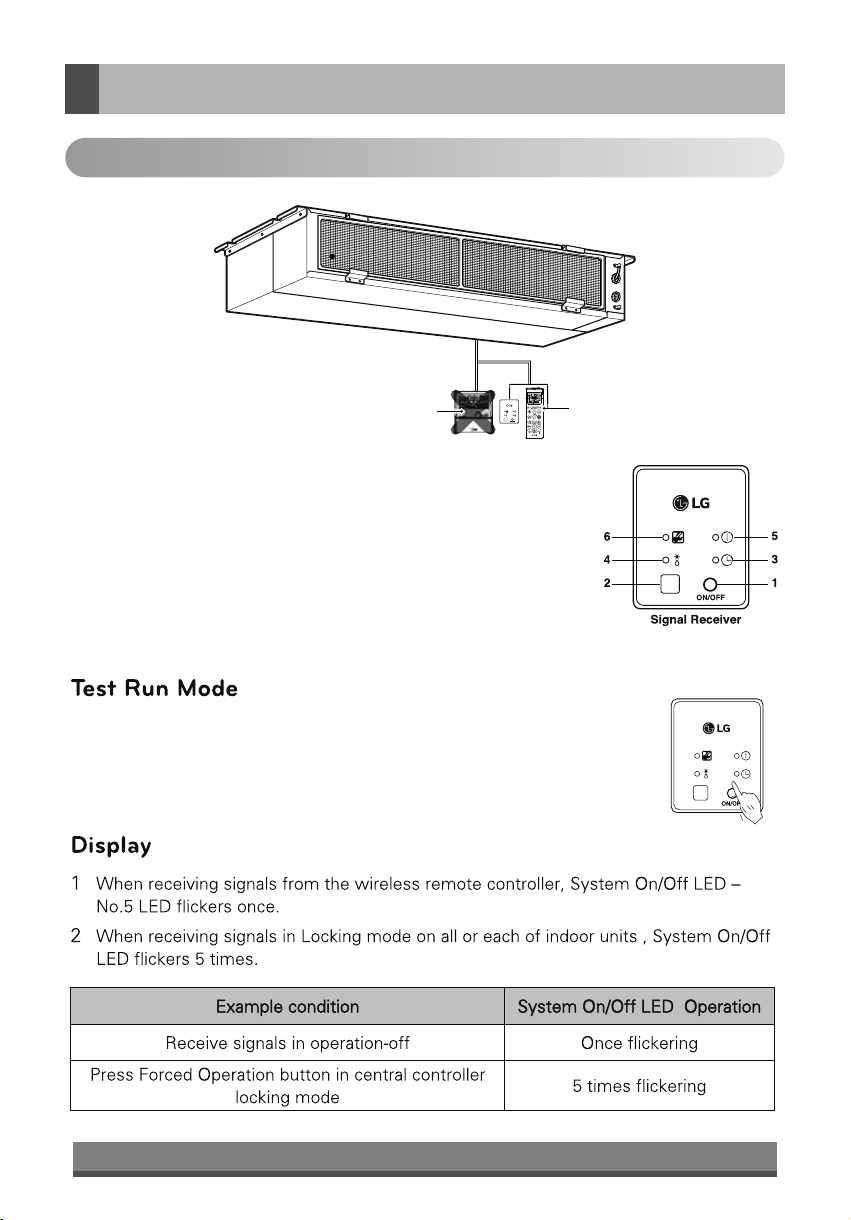
After installing the product, you must run a Test Run mode. Press
the Emergency Operation button for 5 seconds, until the LED
flickers. Then the indoor unit, duct runs cooling mode for 18
minutes, where the desired temperature is 18 °C and the
Wind strength is high.
1 Emergency Operation button :Turns the indoor unit on or off even when
remote control is not working.
2 Signal Detector : Receives the signal from remote control
3 Timer lamp (Green) : Lights up during the timer operation.
4 Hotstart lamp (Orange) : Available only for the heat pump models, not
cooling only models.
5 System On/Off lamp (Red) : Lights up during system controller operation.
6 Filter Sign lamp (Green) : Lights up after 2,400 hours from the time of
first power on operation.
Operation of Indication Lamps
5
B) Remote Control Preparation
Outdoor Unit
Air Intake
(side, rear) Connecting Wire
Power Wire
Connection Tube
Air Outlet
Vents
Cooling model: Low static Type Air Conditioner for cooling
6
C) Remote Control Operations
*
*
*
*
*
* Function not applicable for Lo-Static Duct Model.
INDOOR FAN SPEED SELECTION Button
Used to select fan speed in three steps low,
medium and high.
7
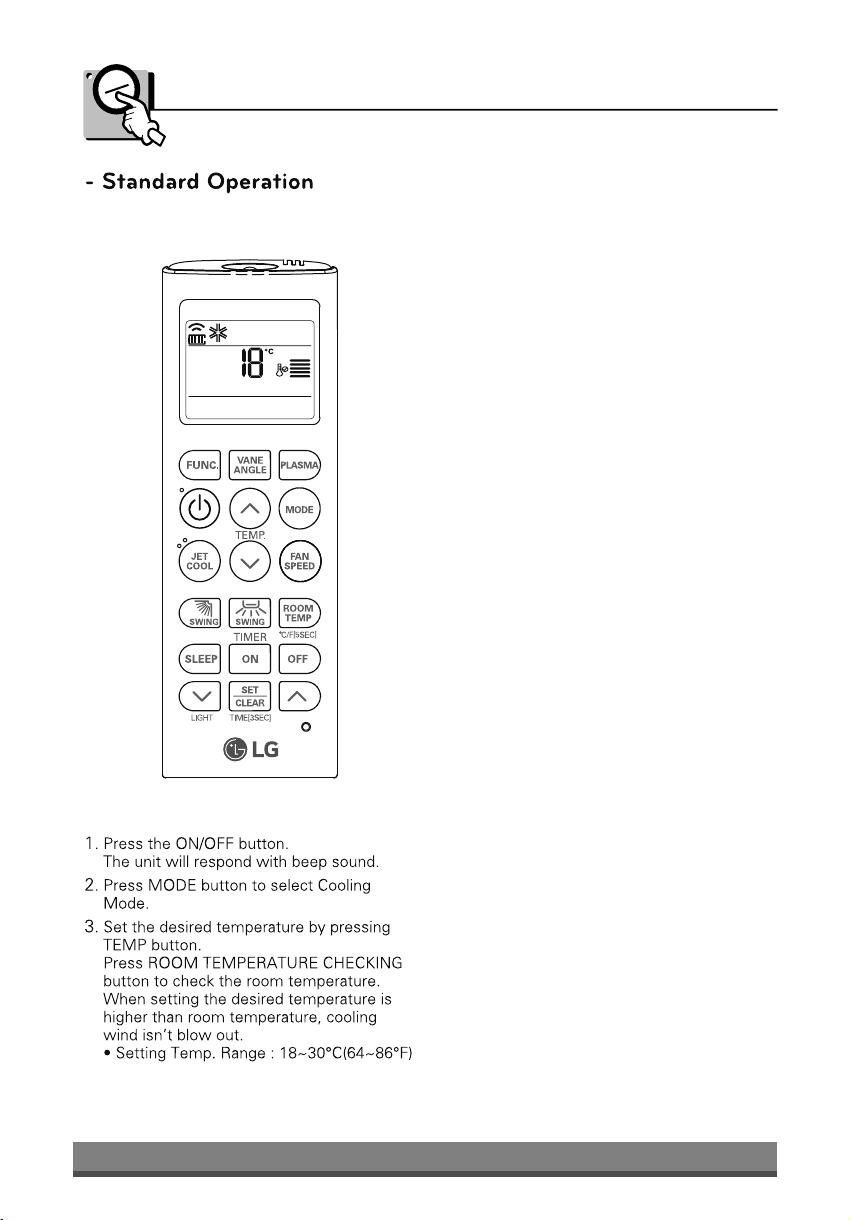
Cooling Mode
8
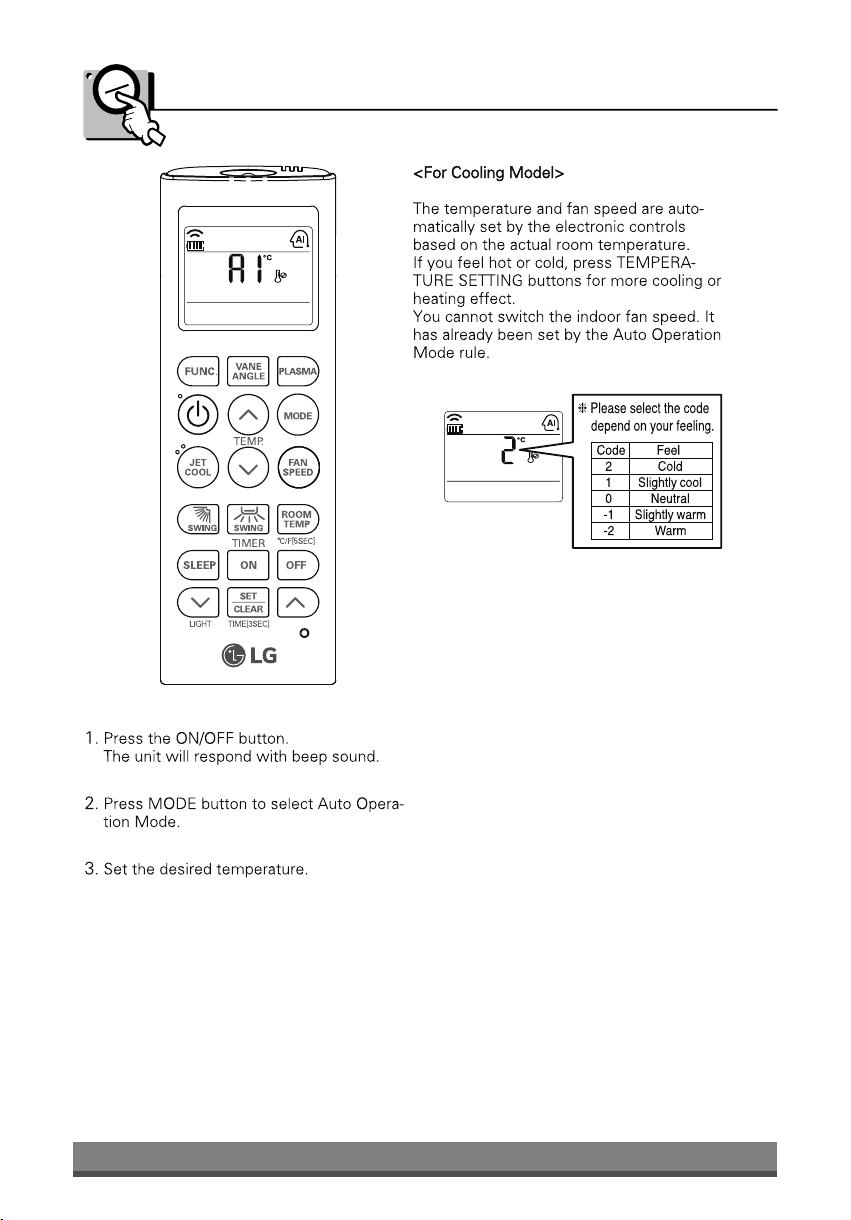
Auto Operation Mode
9
Dehumidification Mode
10