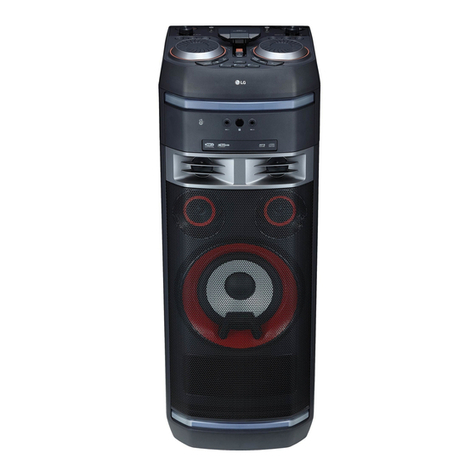
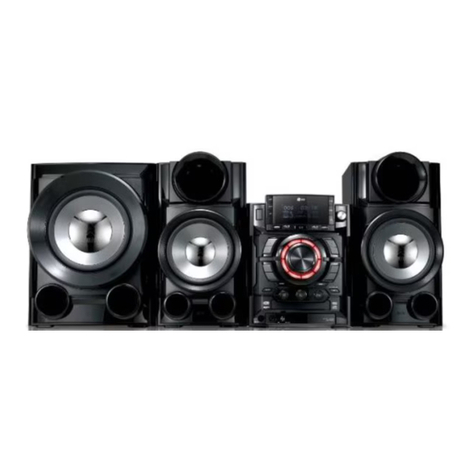
LG DM5360 Specification sheet
*MFL69597710* www.lg.com
To view the instructions of advanced features,
visit http://www.lg.com and then download Owner’s Manual.
Some of the content in this manual may differ from your unit.
MODEL
DM5360
SIMPLE MANUAL
DVD MINI
HI-FI SYSTEM
ENGLISH
Additional Information
Specifications
Power Requirements Refer to the main label on
the unit.
Power Consumption Refer to the main label on
the unit.
Dimensions (W x H x D) Approx. 204.5 mm x
278 mm x 285.5 mm
Net Weight Approx. 2.7 kg
Bus Power Supply (USB) 5 V 0500 mA
Amplier
(Total RMS output power) 230 W
Design and specications are subject to change without
notice.
Replacement of battery
POWER: This unit operates on a mains supply of
200 - 240 V ~, 50 / 60 Hz.
Wiring: This unit is supplied with a BS 1363 approved
main plug. When replacing the fuse, always use of the
same rating approved to BS 1362. Never use this plug
with the fuse cover omitted. To obtain a replacement fuse
cover contact your dealer. If the type of plug supplied is
not suitable for the mains sockets in your home, then the
plug should be removed and a suitable type tted. Please
refer to the wiring instructions below:
Warning: A mains plug removed from the mains lead
of this unit must be destroyed. A mains plug with bared
wires is hazardous if inserted in a mains socket. Do not
connect either wire to the earth pin, marked with the
letter E or with the earth symbol 6or coloured green
or green and yellow. If any other plug is tted, use same
rating of fuse in the plug.
Important: The wires in this mains lead are coloured in
accordance with the following codes:
- BLUE: NEUTRAL, BROWN: LIVE - As the colours of the
wires in the mains lead of this unit may not correspond
with the coloured marking identifying the terminals in
your plug, proceed as follows: The wire which is coloured
blue must be connected to the terminal which is marked
with the letter N or coloured black. The wire which is
coloured brown must be connected to the terminal which
is marked with the letter L or coloured red.
DM5360-FB_AKENHLK_SIM_ENG_7710.indd 2 2017-03-27 10:26:20

For more information, download the online owner’s manual. http://www.lg.com
Rear Panel
aPOWER IN
bVIDEO OUT
Connects to TV.
cANTENNA (FM)
dAUX IN (L/R)
Connects an auxiliary device.
eHDMI
Connects to TV.
fSPEAKERS Terminal
Speaker Connection
TV Connection1
Connect with the unit and TV using HDMI.
aConnect the unit to the TV using HDMI cable.
bSet the input selector to HDMI on the TV.
cFollow the instructions on the TV screen using
remote control.
Home menu appears on the TV screen. Enjoy various
functions on the unit.
Home Menu2
Front Panel
aDisplay window
b1/!(Standby/On)
Turns the power on or off.
cU(Skip/Search)
- Skips to the next track/le/chapter.
- Tunes in the desired radio station.
dB. BLAST (Bass Blast)
Press to select BASS effect directly.
eY(Skip/Search)
- Skips to the previous track/le/chapter.
- Tunes in the desired radio station.
fMIC VOLUME (Microphone Volume)
Adjusts Mic volume.
gDisc tray
hUSB Port
You can play sound les by connecting the USB device.
i FUNCTION
Selects the function and input source.
jz(Play/Pause)
- Starts or pauses playback.
- Selects Stereo/Mono.
k REGION EQ
Chooses region equalizer.
l R(Open/Close)
Opens and closes the disc tray.
mMIC (Microphone) jack
Connects a microphone.
nMASTER VOLUME
Adjusts speaker volume.
AUXIN
Red
Black
TV
DM5360-FB_AKENHLK_SIM_ENG_7710.indd 3-4 2017-03-27 10:26:21
Other LG Stereo System manuals