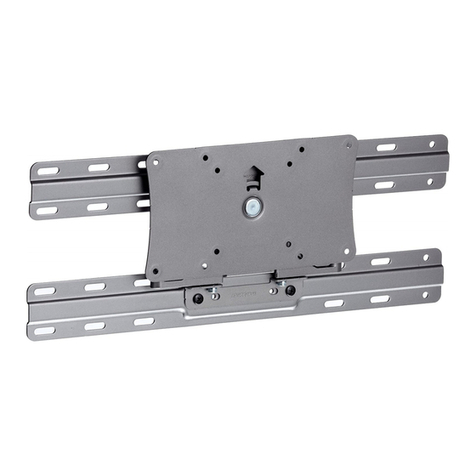
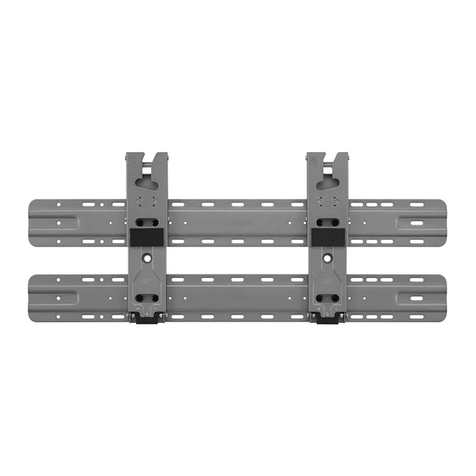
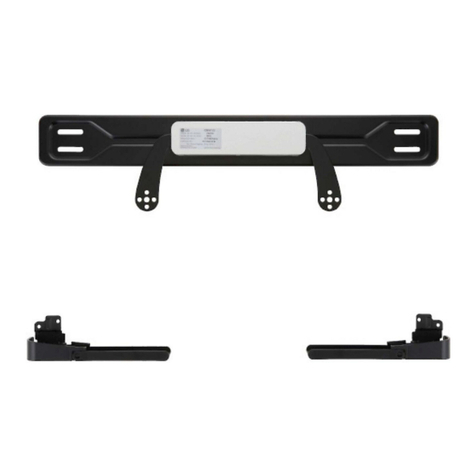
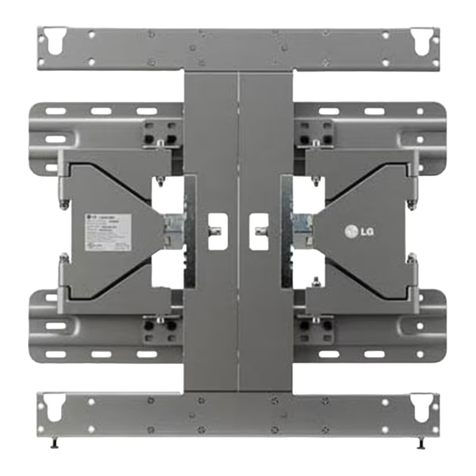
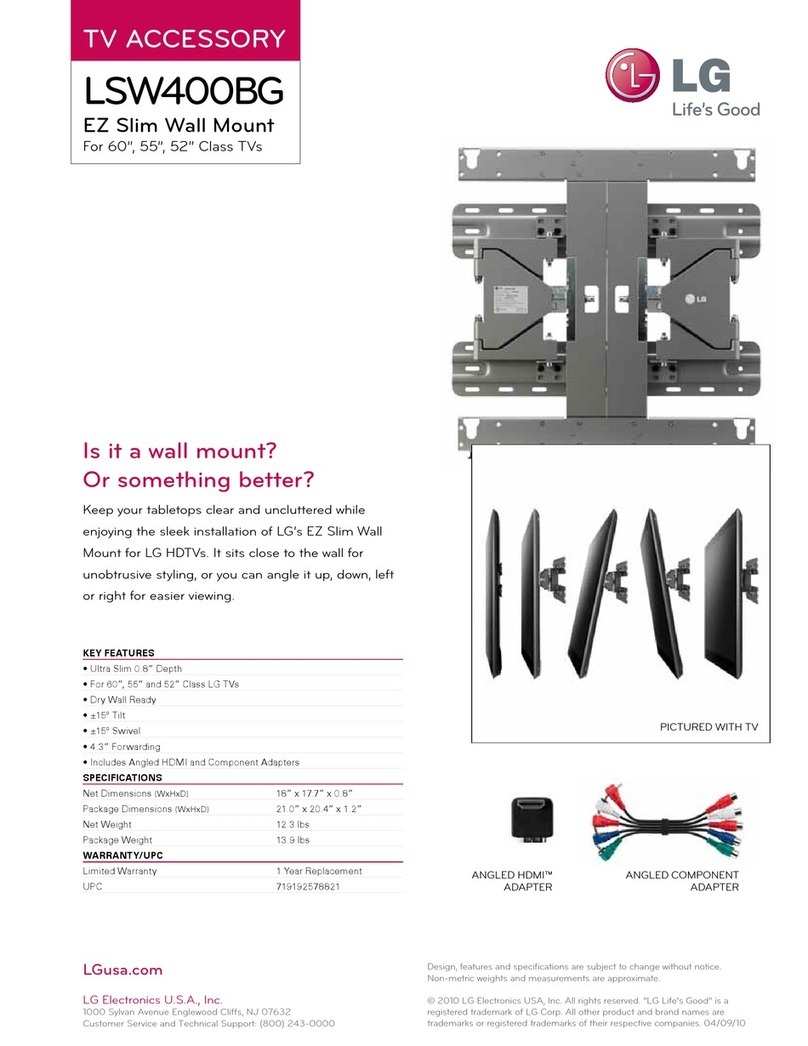
LG LSW440B User manual

OWNER’S MANUAL
Wall Mounting Bracket
Please read this manual carefully before operating
your set and retain it for future reference.
www.lg.com
LSW440B
P/NO : MFL63640550 (1707-REV02)

w
2
IMPORTANT SAFETY INSTRUCTIONS
This wall mount should be installed by a trained and
experienced installer designated by the retailer.
Having the product installed by a non-specialized installer is
very dangerous and can cause damage or injury.
Do not install the product where the weight cannot
be supported.
If the strength of the location where the wall mount is installed
is not strong enough, it can fall off and cause an injury.
Use a trained and experienced installer to move or
replace the wall mount, if needed.
Installation requires special techniques and moving or installing
the product on your own can cause serious safety issues.
When installing the wall mount, never hang the
power or signal cable on the rear side the TV.
The cord can be damaged and cause a fire, an electric
shock or damage to the product.
After installing the wall mount, do not hang on the
product or apply severe impact to the product.
The product can fall off and cause injury.
- If you are a professional installer, please read this manual carefully before installing the
product.
- If you are a professional installer, please give this manual to the user after installing the
product and ensure that the user also reads the manual carefully and retains it for future
reference.
After reading the manual, please keep it handy for future reference.
Warning
COMPONENT
Wall mount anchor
6 units
Wall mount screw
10 units
User manual Set protection cushion
4 units
Safety clip
2 units
Safety clip screw 2 units
(M4 X 12 mm)
Guide spacer 4 units Guide space screw 4 units
(M6 X 45 mm)

ENGLISH
3
w
Do not wipe the product with a wet towel and do
not use any heater or humidifier below where the
product is installed.
If water flows into the product or if moisture and heat are applied to the
product, it can cause a fire, an electric shock or problem to the product.
Unplug the power cord from the power outlet
before installing the product.
If you install the product with the power cord plugged, it can
cause an electric shock or a fire.
Do not install the product near any object that
may cause vibration.
Do not install the product near any high
voltage power cable or power source.
Do not install the product with bare hands.
Always wear proper work gloves.
It can cause an injury.
Do not allow the video connectors connected to
the display to press against the wall. Use the
included right-angle adapters if needed.
Only use attachments/accessories specified by
the manufacturer.
Install the product according to the directions in
the user manual.
If the product is not installed based on the directions in the
user manual, it can cause a serious injury or damage to the
product.
When drilling holes in the wall, always use a drill bit
and drill of designated diameter. Also follow the
designated directions for the depth of the hole.
If the product is installed without following the designated
method, the product may be unstable and cause a safety
issue.
When installing the product or adjusting the
height of the product after installing, always do
so with 2 people.
Working alone can cause the product to fall off and result in
injury or damage to the product.
During the installation, check the type of wall
material and use the sealed anchor and screw
if the conditions comply.
If you do not use the designated anchor or screw, the
mount may not be able to withstand the weight of
the product and cause a safety issue.
Caution
BEFORE INSTALLATION
* Do not use the product for purposes other than mounting a display on the wall.
* When installing/using the wall mount, be cautious of product damage and avoid accidents.
* If you have not fully read and understood the installation manual, do not install the product and contact the
dealer to have a specialized installer install the product for you.
* Even if you are not a specialized installer, it is advantageous to have experience in mechanical or construction
field in completely understanding this manual and installing the product.
* This product is designed to be mounted to walls that use standard intervals between the studs.
* When installing the wall mount on a concrete wall or on any other wall capable of holding the strength specified
in the manual, you can detach the standard gap bracket for stud wall mounting and then follow the instructions
for attaching the wall mount to make the installation easier.
* Install the screw to attach the wall mount so that it can be assembled at the center from both ends of the studs.
Use of stud finder, a separate device, is recommended.
* Install the product only on a vertical wall.
The manufacturer is not responsible for issue from installing the product on severely wall or on the ceiling.
* Check that the accessories provided with the product are all included before installing. LG Electronics is not
liable for any damage or loss of accessories after the package has been opened.
* Keep the included accessories out of reach of babies or children as it can cause safety issues including
suffocation from swallowing the parts.
* Make sure screws are tight against the wall, but do not overtighten.
* Be careful not to install a TV that exceeds the weight restrictions of the wall mount.
* Be careful with the tools used during installation to prevent accidents or damage.

4
INSTALLATION METHOD
1Fixating the mounting bracket on the TV
- If the screw will not fully tighten when using a guide spacer, recheck the assembly depth of the screw and
refer to the technical service manual.
- The actual product may differ from the picture.
<Work procedure>
1. Check to see if the display has
screws installed into the mounting
holes. If so, remove those.
2. Assemble the guide spacer and the
guide spacer screw in order as
shown in the picture.
- Assemble the guide spacer to the
set by tightening the screw.
- Tighten the screw until the set,
guide spacer and the screw are
fully pressing against one another.
- Use the "+" driver (Manual or
motorized) when tightening the
screw.
3How to install the wall mount
<When installing on a masonry wall>
→When you separate the 8 screws on the wall mount connected to the wall bracket for use with a wooden wall, it is much
easier to install the product.
→When installing the product on a masonry wall, turn the
8 screws on the A part counterclockwise to separate the
screw and bracket.
→After aligning the wall bracket to the location to install,
mark the part to screw on the wall and then remove the
wall bracket.
→Use a level to check whether the wall mount is level.
Separate the wall mount screw.
2How to attach to masonry walls
- Use the Ø 8 mm drill bit for concrete and hammer (Impact) drill.
Please follow the below direction.
a. Use a drill bit Ø 8 mm to drill a hole for the anchor location within a depth of 80 mm to 100 mm
b. Clean the drilled hole.
c. Insert the sealed anchor to the hole. (When inserting the anchor, use a hammer.)
d. Set the wall mount on the wall by aligning to the location of the hole. and, set the angle adjusting part to face upward.
e. Align the wall mount bolt to the hole and tighten it. Then, fasten the bolts at torque of 45 kgf/cm to 60 kgf/cm.
- Tools you will need - Phillips head + driver (manual or motorized) / 8 mm socket wrench / Level / Stud finder / Drill.
You may also need an Ø 4 mm drill bit for wood (or steel) or an Ø 8 mm drill bit for concrete.
Wall mount screwAnchor
abde
c
Guide spacer screw
Guide spacer Wall mount screw
(TV Accessories)
Guide spacer
Guide spacer screw
* Assemble the wall mount screws provided with the TV, the guide
spacers, and the guide spacer screws provided with the wall
mount in the order shown in the drawing.
* Insert the wall mount screws into only the two holes near the top
of the TV. Tighten the screws.
42LB55/56*/58*/65* Model
A
A
- Check the material and thickness of the wall.
- Use the anchors for wall material of concrete, light concrete, strong natural stone, soft natural stone masonry brick and hallow
block that do not crack.
- When installing the product on a wooden wall, refer to page 5.
- When installing the product on wall material not designated, install the product so that each fixated location can withstand a pull
out load of 70 kgf (686 N) and shear load of 100 kgf (980 N) or above.

5
ENGLISH
→If the screw cannot be assembled in the designated location
inevitably, it can be assembled by rearranging to the closest
location. But, do not change 2 or more locations from the
designated spot.
→Assemble the wall mount screw on 2 left and 2 right location
on the top part and 1 left and 1 right location on the bottom
part.
→At this time, use a "+" driver (Manual or motorized) or 8 mm
wrench to tighten the screw so that the wall, wall bracket and
screw are completely pressed against one another.
Wall mount screw
<When mounting to wooden studs>
a. Locate and mark the centers of the wall studs using a stud finder.
b. After aligning the wall bracket on the wall where the center of the wood stud is marked, mark the location of the screws and
then remove the wall bracket.
c. Use a level to make sure your screw marks are level.
d. Use the Ø 4 mm drill bit for wood to drill holes with the depth of 76 mm or above where the wall mount screw location is
marked on the wall.
e. Clean the drilled hole.
f. Tighten the wall mount screws for the wall bracket on the drilled hole.
→At this time, tighten the screw so that the wall, wall bracket and the wall mount screw are pressed against one another.
(Drywall can be damaged when tightened with excessive force, please be careful.)
→ When tightening the screw use the "+" driver (Manual or motorized) or 8 mm wrench.
406 mm
drywall
76 mm drywall
wood stud
1. Set the display with the guide spacer assembled on the wall
mount bracket on the wall in arrow direction. At this time, align
the bottom assembly part and lift the set up lightly to align the
top part.
2. When adjusting the location, assemble the provide safety clip as
shown in the picture to prevent the product from moving.
Tighten the safety clip screw completely. If the safety clip is not
tightened as shown in the picture, the product can fall off.
→Pull on the bottom of the set to make sure the display is secure.
→When fixing the product with the speaker to the wall, hold and
lift up the product, not the speaker.
→When installing a display rotated, only rotate the display 90
degrees (portrait mode).
→Make sure to keep a certain level of distance from the wall so
that excessive force is not applied on the cable or accessory.
→When you push the product with excessive force, the product
can be damaged.
4How to assemble the wall mount support and display
- Always install the display with 2 or more people.
* Assemble the wall
mount support, product
and safety clip.
Safety clip Safety clip screw
* Caution : Prevent the power
cord from being pinched
between the wall mounting
bracket and the set when
installing the set.
(A pinched power cord may
cause an electrical short.)

6
5How to level the Display
- After installing the display, check to make sure it is level.
(The wall mount has two screws that make minor adjustments to the level.)
6Cable arrangement and set protection cushion
- Arrange the cables as shown in the picture. Use some type of cable banding device to hold all the cables together.
- Attach the set protection cushion to mitigate the impact between the wall and the set when adjusting the angle. Attach the
set protection cushion as shown in the picture.
PRODUCT SPECIFICATION
<With the bracket removed.> <With the bracket attached.>
± 10 mm (Leveling)
Avoid crushing the power cord and the cables between the wall mount and the wall.
Model Name LSW440B
Width (mm) 440
Height (mm) 450
Depth (mm) 14
Weight (kg) 3.5
Weight with packing (kg) 4.7
Wall Mount VESA Specification 400 X 400
Max.UL Load Capacity (kg) 50
Model Name LSW440B
Width (mm) 460
Height (mm) 450
Depth (mm) 20
Weight (kg) 5.2
Weight with packing (kg) 6.4
Wall Mount VESA Specification 400 X 400
Max.UL Load Capacity (kg) 50

7
ENGLISH
238.5
211
450
400
143
440
460
400
20
47.5
31
31
31
31
107.3 24
35
118.3
240
162.5
82.5
177.6
200
200
166 234
107.3 24
35
118.3
240
162.5
82.5
177.6
200
200
166 234
12 ± 2° 15 ± 2°
232.5
205
450
400
233
205
440
400
198
148
14
41.5
[ Unit : mm ]
[ Unit : mm ]
MAX. MIN.
<With the bracket removed.>
<With the bracket attached.>
MAX. MIN.

The model and serial number of the product is located
on the back or one side of the product. Record it below
should you ever need service.
MODEL
SERIAL
Supported Displays
(Please contact the retailers or refer to the TV owner’s
manual for applicable models.)
Table of contents
Other LG TV Mount manuals
Popular TV Mount manuals by other brands

Stell
Stell SHO 4600 manual

DIMASA
DIMASA Motorised tilt table floor stand installation manual

cabstone
cabstone CAB EASYFIX U-Slim XL user manual

SIIG
SIIG Large Full-Motion TV Wall Mount installation guide

sanus accents
sanus accents A401 instruction manual

MantelMount
MantelMount MM700 installation instructions