manuals.online logo
Brands
  1. Home
  2. •
  3. Brands
  4. •
  5. LifeSafety Power
  6. •
  7. IP Access Controllers
  8. •
  9. LifeSafety Power ADC-AC-X1100-2PSE User manual

LifeSafety Power ADC-AC-X1100-2PSE User manual

Other LifeSafety Power IP Access Controllers manuals

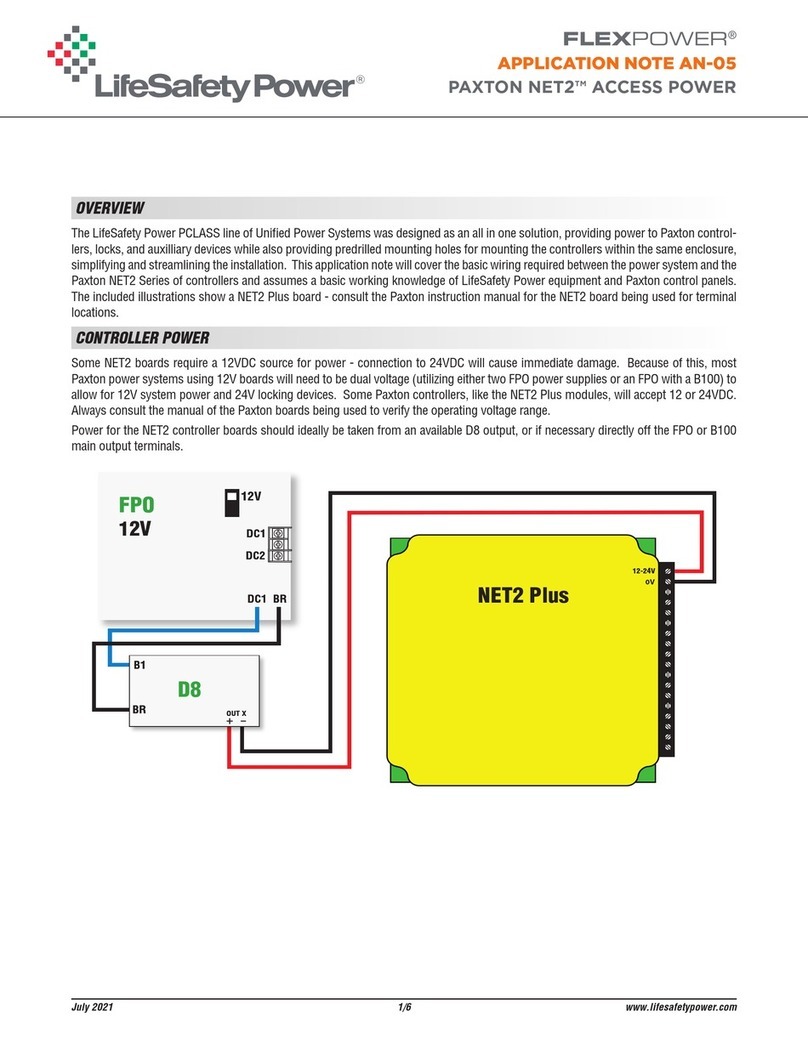
LifeSafety Power FLEXPOWER PAXTON NET2 User manual

LifeSafety Power

LifeSafety Power FLEXPOWER PAXTON NET2 User manual

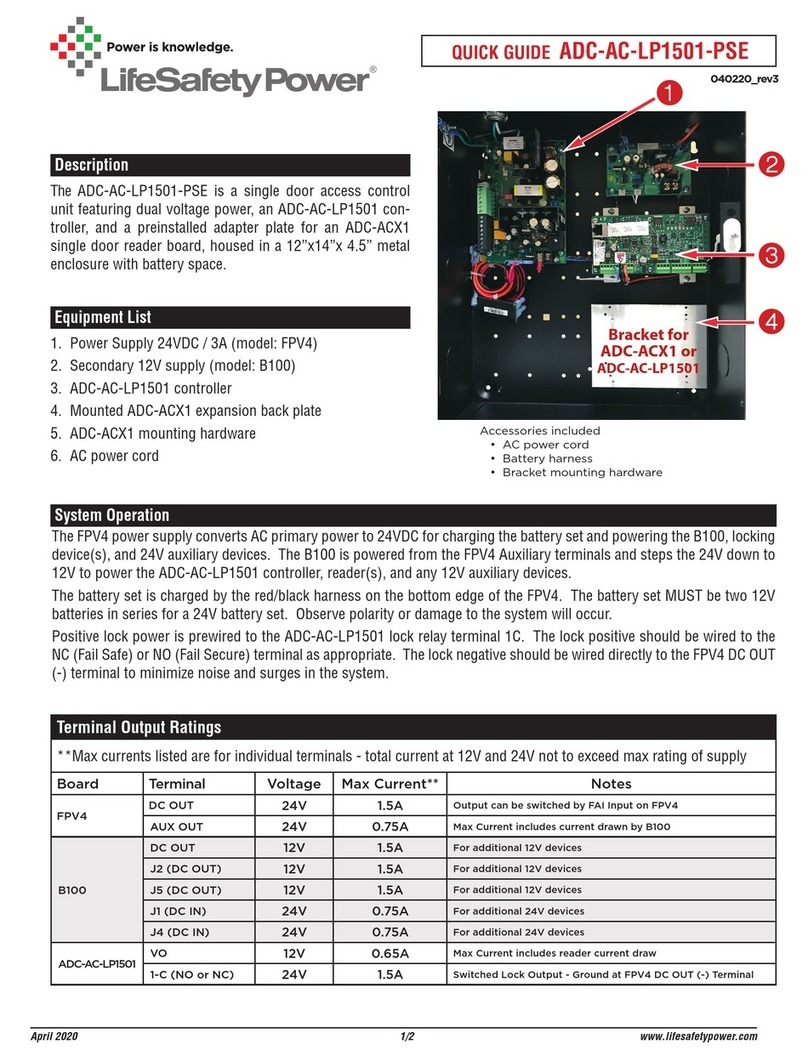
LifeSafety Power ADC-AC-LP1501-PSE User manual

LifeSafety Power

LifeSafety Power ADC-AC-LP1501-PSE User manual

LifeSafety Power ADC-AC-X1100-2PSE User manual

LifeSafety Power

LifeSafety Power ADC-AC-X1100-2PSE User manual

Popular IP Access Controllers manuals by other brands

Ava bqt miPASS BT510 installation guide

Ava

Ava bqt miPASS BT510 installation guide

ZKTeco SpeedFace-V5L user manual

ZKTeco

ZKTeco SpeedFace-V5L user manual

2N Access Unit Configuration manual

2N

2N Access Unit Configuration manual

Kedacom KSCA120 Series quick start guide

Kedacom

Kedacom KSCA120 Series quick start guide

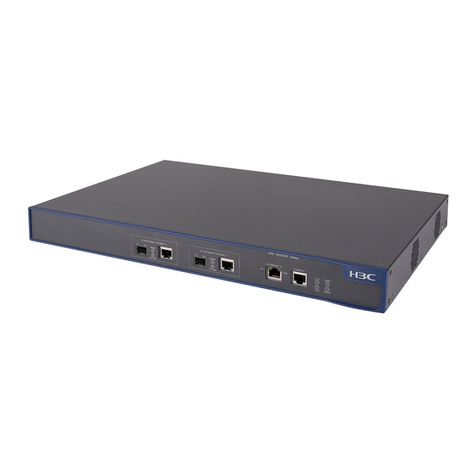
H3C WX2880X installation guide

H3C

H3C WX2880X installation guide

G4S S870-EX Installation and user instructions

G4S

G4S S870-EX Installation and user instructions

PRASTEL M2000PE manual

PRASTEL

PRASTEL M2000PE manual

Allegion interflex IF-281 Cylinder manual

Allegion

Allegion interflex IF-281 Cylinder manual

TECOM TS1067E manual

TECOM

TECOM TS1067E manual

Fermax Memokey 100C Installer manual

Fermax

Fermax Memokey 100C Installer manual

Fermax CITYLINE MEMOKEY User& installer's manual

Fermax

Fermax CITYLINE MEMOKEY User& installer's manual

Civintec CV9601T-T-1F installation manual

Civintec

Civintec CV9601T-T-1F installation manual

BioMax N-X90W user manual

BioMax

BioMax N-X90W user manual

ZKTeco OP-200 quick start guide

ZKTeco

ZKTeco OP-200 quick start guide

FingerTec s-Kadex user guide

FingerTec

FingerTec s-Kadex user guide

H3C WX5002ACCESSCONTROLLER installation manual

H3C

H3C WX5002ACCESSCONTROLLER installation manual

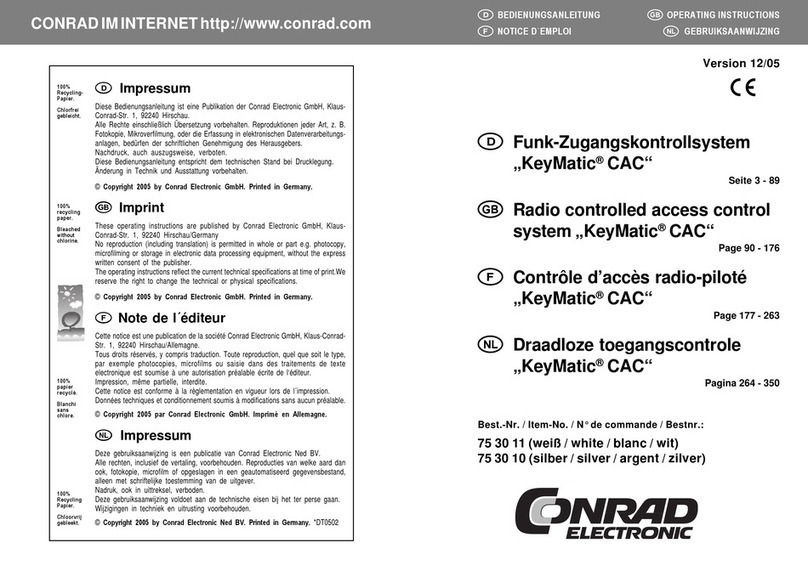
Conrad Electronic KeyMatic CAC operating instructions

Conrad Electronic

Conrad Electronic KeyMatic CAC operating instructions

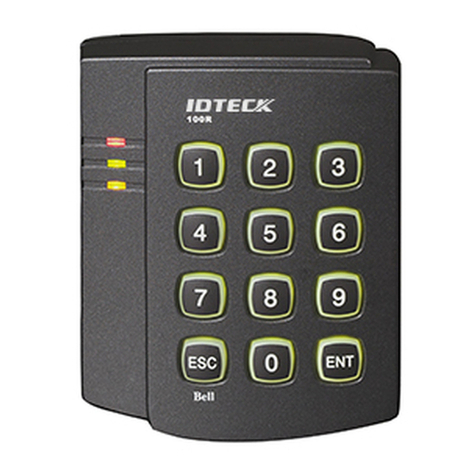
IDTECK Star 100R manual

IDTECK

IDTECK Star 100R manual

manuals.online logo
manuals.online logoBrands
  • About & Mission
  • Contact us
  • Privacy Policy
  • Terms and Conditions

Copyright 2025 Manuals.Online. All Rights Reserved.

Description
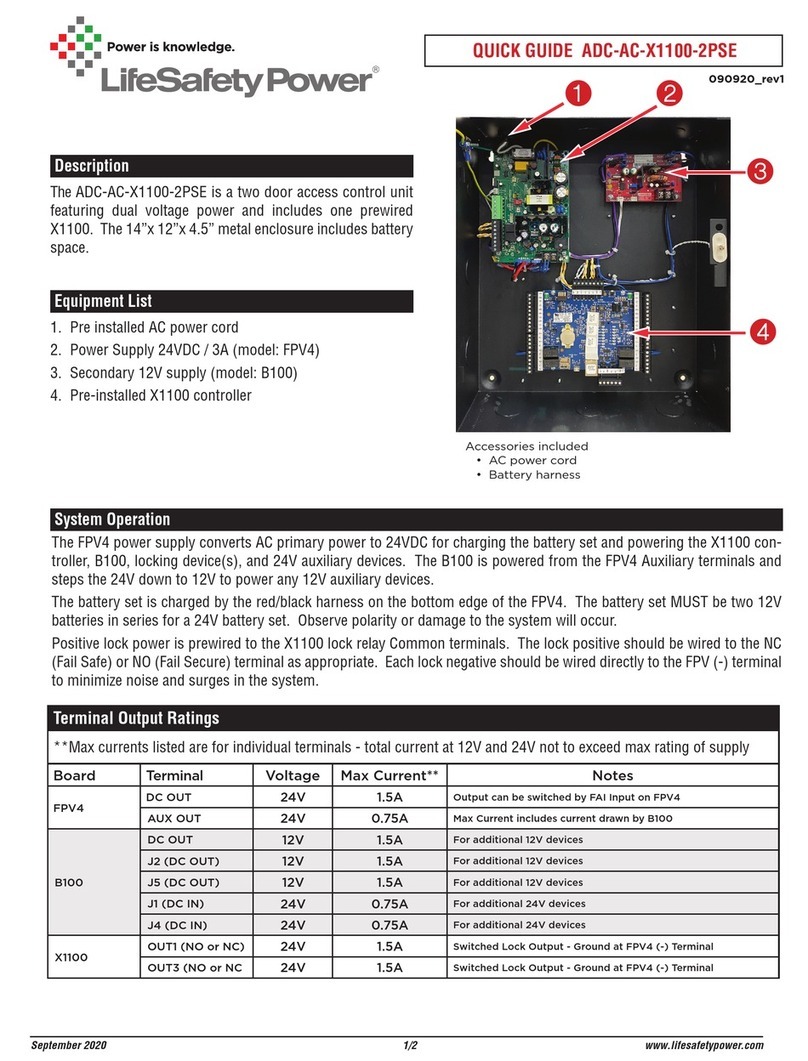
The ADC-AC-X1100-2PSE is a two door access control unit
featuring dual voltage power and includes one prewired
X1100. The 14”x 12”x 4.5” metal enclosure includes battery
space.
Equipment List
1. Pre installed AC power cord
2. Power Supply 24VDC / 3A (model: FPV4)
3. Secondary 12V supply (model: B100)
4. Pre-installed X1100 controller
Accessories included
• AC power cord
• Battery harness



QUICK GUIDE ADC-AC-X1100-2PSE
1/2
System Operation
The FPV4 power supply converts AC primary power to 24VDC for charging the battery set and powering the X1100 con-
troller, B100, locking device(s), and 24V auxiliary devices. The B100 is powered from the FPV4 Auxiliary terminals and
steps the 24V down to 12V to power any 12V auxiliary devices.
The battery set is charged by the red/black harness on the bottom edge of the FPV4. The battery set MUST be two 12V
batteries in series for a 24V battery set. Observe polarity or damage to the system will occur.
Positive lock power is prewired to the X1100 lock relay Common terminals. The lock positive should be wired to the NC
(Fail Safe) or NO (Fail Secure) terminal as appropriate. Each lock negative should be wired directly to the FPV (-) terminal
to minimize noise and surges in the system.
September 2020
Terminal Output Ratings
**Max currents listed are for individual terminals - total current at 12V and 24V not to exceed max rating of supply
Board Terminal Voltage Max Current** Notes
FPV4 DC OUT 24V 1.5A Output can be switched by FAI Input on FPV4
AUX OUT 24V 0.75A Max Current includes current drawn by B100
B100
DC OUT 12V 1.5A For additional 12V devices
J2 (DC OUT) 12V 1.5A For additional 12V devices
J5 (DC OUT) 12V 1.5A For additional 12V devices
J1 (DC IN) 24V 0.75A For additional 24V devices
J4 (DC IN) 24V 0.75A For additional 24V devices
X1100 OUT1 (NO or NC) 24V 1.5A Switched Lock Output - Ground at FPV4 (-) Terminal
OUT3 (NO or NC 24V 1.5A Switched Lock Output - Ground at FPV4 (-) Terminal
090920_rev1

ADC-AC-X1100-2PSE QUICK GUIDE 2
September 2020 2/2
DC OUT
BR BR
DC IN
DC OUT
DC IN
FAULT
DC IN
DC OUT
+
–
B100
24 to 12V converter
12V
Battery
- +
12V
Battery
- +
DC OUT Terminals
may be used for
24V Aux Power
Cabinet
Tamper
Switch
Tamp+
Tamp-
ACF+
ACF-
Bat+
Bat-
Ground
+12-24VDC
Reader Power
Ground
Data0/Data
Data1/Clock
Ground
Green LED
Red LED
Beeper
Reader Power
Ground
Data0/Data
Data1/Clock
Ground
Green LED
Red LED
Beeper
Ground
In1+
In1-
In2+
In2-
NO
C
NC
NO
C
NC
Out1
Out2
Ground
In3+
In3-
In4+
In4-
NO
C
NC
NO
C
NC
Out3
Out4
Micro USB
Ethernet
X1100
TR+
TR-
Ground
TR+
TR-
Ground
Port 1 Port 2
IO Modules
Locking
Device 1
+
-
Connect Locks to either
NO or NC based on type
of lock and system requirements
Locking
Device 2
+
-
Attach AC Line cord to
FPV4 AC Input Terminals
12VDC
24VDC 24VDC
B100 Screw Terminals
May be used for
12V Aux Power
i
Power Supply voltage
factory pre-set for 24V
NO NOT CHANGE!
L L V- I- I+ V+ NC NC
NO NOC C _+
BATTERY
24VDC
FPV4
24V
+
+
24V PS/Charger
L N
AC ON
FAI
MAIN
DC
AUX
SYS FLT AC FLT
FAI INPUT
Wiring Diagram